DEK INFINITY USER MANUAL.pdf.pdf - 第156页
INFINITY +267 &2008 1,&$ 7,21 6 +267 &2006 3.6 User Manual Software Version 7 HOST COMM S The machine provides the user with access to certain Host C omms options without accessing the maintenance function.…

INFINITY
+267&20081,&$7,216
,3$''5(66&21),*85$7,21
Software Version 7 User Manual 3.5
Start This statement automatically enables the port when the printer starts up.
Device 0: This defines the printer as device 0.
Device ID 0x109 This allocates an ID to Device 0 (the printer). it is specified as a hexadecimal
number. The default is 0x109 (265 decimal).
Port 0 This defines the port that device 0 uses. In this case Port 0. This refers to the
configuration data previously defined for port 0 above.
Start This statement automatically enables the device when the printer starts up.
INFINITY
+267&20081,&$7,216
+267&2006
3.6 User Manual Software Version 7
HOST COMMS The machine provides the user with access to certain Host Comms options
without accessing the maintenance function. The user is able to send and receive
messages to and from the host computer via the Terminal Services option,
upload product data files to the host computer, download product data files from
the host computer and alter the equipment control level.
WARNING
HOST COMMUNICATIONS. BE AWARE THAT IF THE MACHINE SAFETY LOCKS
ARE DEFEATED WHILST HOST COMMUNICATIONS ARE ACTIVE, A DANGER
EXISTS WHEREBY MACHINE PARTS MAY MOVE UNEXPECTEDLY.
Terminal Services
Message From GEM
Host
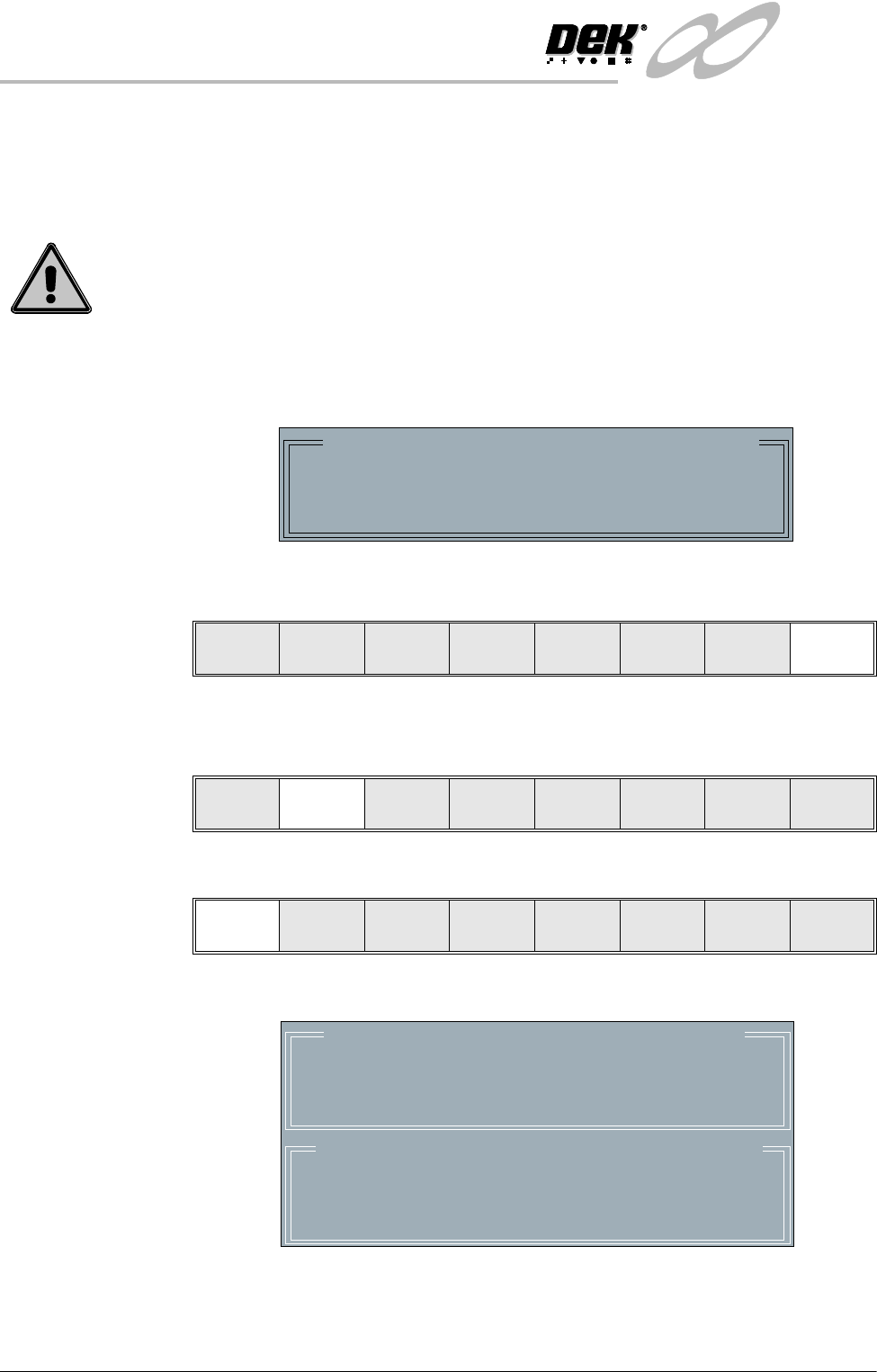
When a message is sent to the machine from the Host, the following window is
displayed:
Select Ack Message to acknowledge the message and close the message win-
dow.
Accessing Terminal
Services
To send and view messages to and from the Host proceed as follows:
1. Select Host Comms.
2. Select Terminal Services.
The terminal services message windows are displayed as follows:
The most recent message from the Host is displayed in the upper window.
Message From GEM Host
Testing host message passing
Message Time: 12:27:56
Ack
Message
Log
On
Host
Comms
Clear
Batch
Batch
Limit
Perform
DIsplay
Event
Display
System
Disable
Exit
Terminal
Services
Transfer
To Host
Transfer
To Equip
On-Line Off-Line
Local/
Remote
Exit
Message From GEM Host
Message Time: 12:27:56
Message to GEM Host Message Time: 12:27:56
_
INFINITY
+267&20081,&$7,216
+267&2006
Software Version 7 User Manual 3.7
If a new message arrives while the window is open, the upper window
displays the new message and the Ack Message key is visible. Select Ack
Message to acknowledge to the Host that the message has been received.
3. To send a message to the Host, type the message using the keyboard, the
message appears in the lower window.
4. Select Send Message to send the message in the lower window to the Host.
5. Select Exit.
Upload a Product
Data File
To upload a product data file from the Host proceed as follows:
1. Select Host Comms.
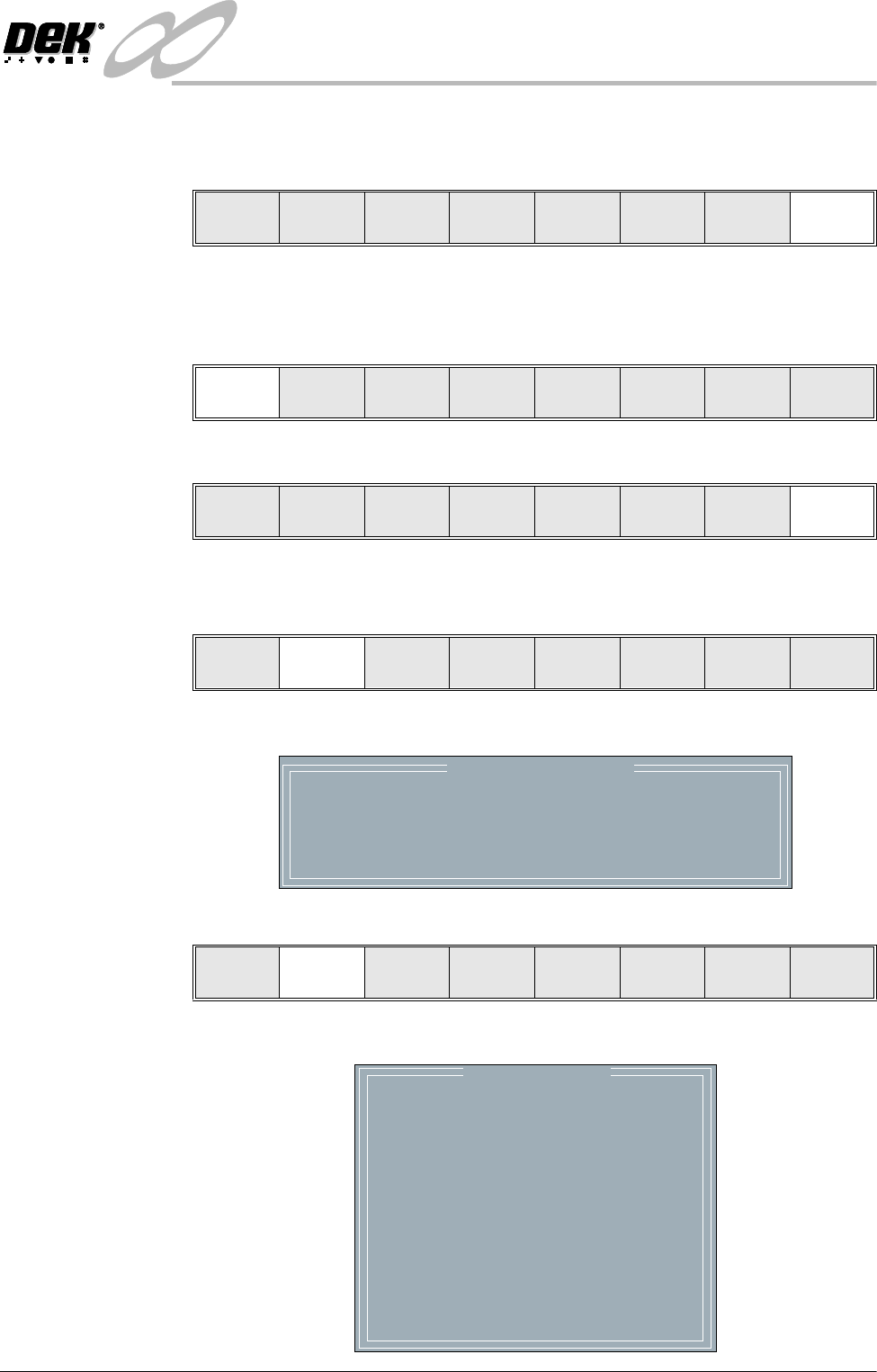
The Host Communications window is displayed as follows:
2. Select Transfer To Host.
The Upload Data File window is displayed as follows:
Ack
Message
Send
Message
Exit
Exit
Log
On
Host
Comms
Clear
Batch
Batch
Limit
Perform
Display
Event
Display
System
Disable
Exit
Host Communications
Communications Protocol
Communications:
Equipment Control
On-Line Control
GEM
Enabled-Communications
On-Line
Remote
Term inal
Services
Transfer
To Host
Transfer
To Equip
On-Line Off-Line
Local/
Remote
Exit
Upload Data File
CALIBRA
CIRCLE
CROSS
DEFAULT
DEK04
HASH
NEWFILE
NEWFILE2
ODDFILE
SQUARE
TEST
TEST2
TEST3
TRIANGL