DEK INFINITY USER MANUAL.pdf.pdf - 第175页
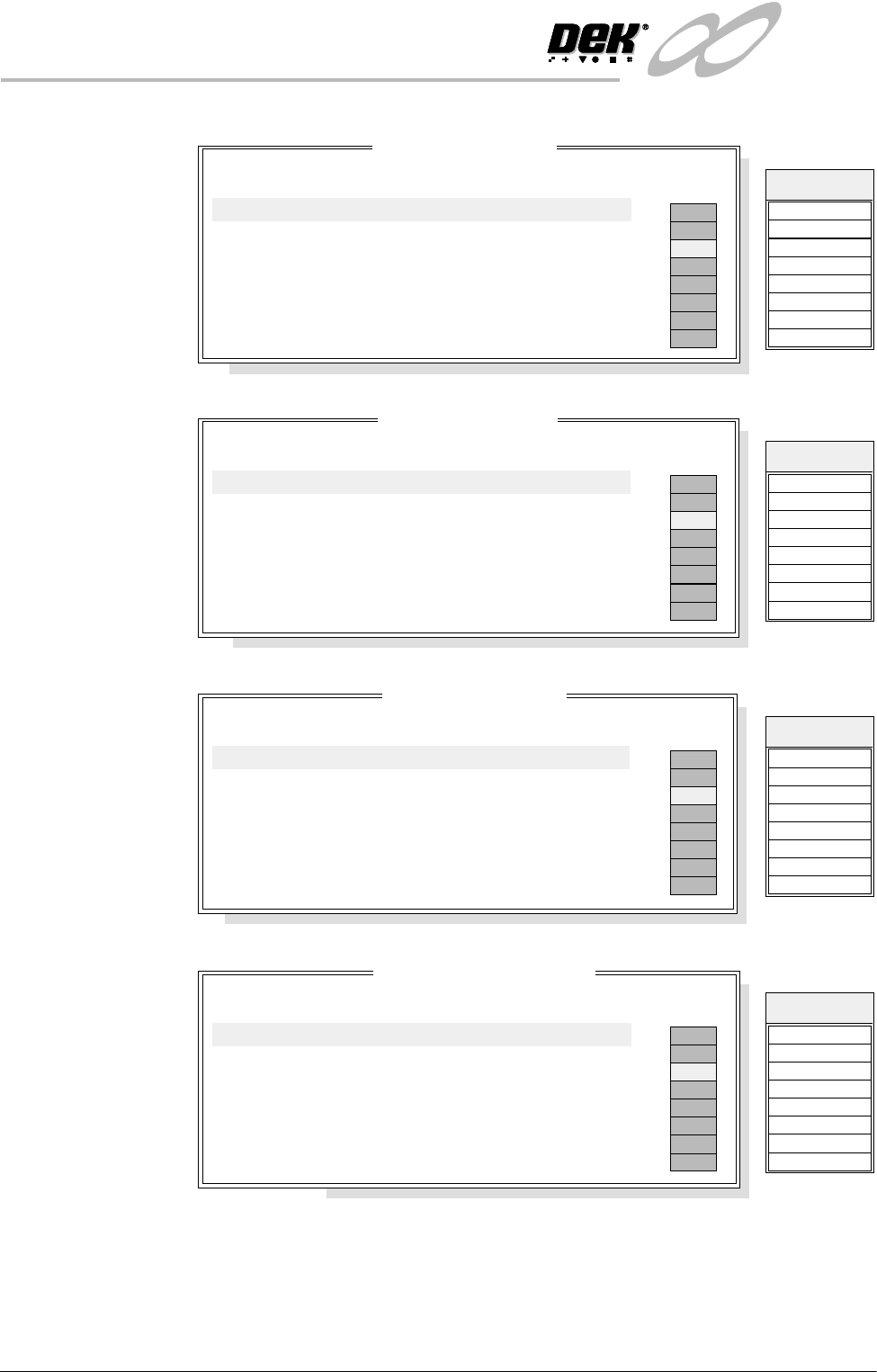
INFINITY ',$*12 67, &6 6<67( 0 Soft ware Ver sion 7 User Manual 5.7 MMOV3 Group 1 (X1 1) MMOV3 Group 2 (X1 1) MMOV3 Group 3 (X1 1) Display All Analogue Inputs Selecting this diagnostic function opens the foll…
INFINITY
',$*1267,&6
6<67(0
5.6 User Manual Software Version 7
MMOV2 Group 1
(X12)
MMOV2 Group 2
(X12)
MMOV2 Group 3
(X12)
MMOV3 Group 0
(X11)
MMOV 2 Group 1
Point Description
---------------------
---------
-------
-----------
------
Bit No
Sense
Direction
State
Not Used
Not Used
ProFlow Reg Fitted
Not Used
Not Used
Not Used
Not Used
Not Used
0
1
2
3
4
5
6
7
Positive
Positive
Positive
Positive
Positive
Positive
Positive
Positive
Input
Input
Input
Input
Input
Input
Input
Input
OFF
ON
OFF
OFF
OFF
OFF
OFF
OFF
IN 8
IN 9
IN A
IN B
IN C
IN D
IN E
IN F
Signal
MMOV 2 Group 2
Point Description
---------------------
---------
-------
-----------
------
Bit No
Sense
Direction
State
Front Belt Forward
Front Belt Reverse
Rear Belt Forward
Rear Belt Reverse
Tilt Cartridge Away
Tilt Cartridge Home
Solvent Pinch Valve
Cleaner Paper Feed
0
1
2
3
4
5
6
7
Positive
Positive
Positive
Positive
Positive
Positive
Positive
Positive
Output
Output
Output
Output
Output
Output
Output
Output
OFF
ON
OFF
OFF
OFF
OFF
OFF
OFF
Totem 0
Totem 1
Totem 2
Totem 3
Totem 4
Totem 5
Totem 6
Totem 7
Signal
MMOV 2 Group 3
Point Description
---------------------
---------
-------
-----------
------
Bit No
Sense
Direction
State
Release Table Brake
Cleaner Vacuum
Vacuum Valve
ProFlow Reg Control
Tooling Pressure
Lid Bolt
Dispense Paste
Solvent Tank Press
0
1
2
3
4
5
6
7
Positive
Positive
Positive
Positive
Positive
Positive
Positive
Positive
Output
Output
Output
Output
Output
Output
Output
Output
OFF
ON
OFF
OFF
OFF
OFF
OFF
OFF
Source 0
Source 1
Source 2
Source 3
Source 4
Source 5
Source 6
Source 7
Signal
MMOV 3 Group 0
Point Description
---------------------
---------
-------
-----------
------
Bit No
Sense
Direction
State
Head Prop Stowed
Printhead Down
Printhead Up
Drive Coupling Out
Screen At Rear
Screen At Centre
Screen At Front
Screen Safety Front
0
1
2
3
4
5
6
7
Negative
Positive
Positive
Positive
Positive
Positive
Positive
Negative
Input
Input
Input
Input
Input
Input
Input
Input
OFF
ON
OFF
OFF
OFF
OFF
OFF
OFF
IN 0
IN 1
IN 2
IN 3
IN 4
IN 5
IN 6
IN 7
Signal
INFINITY
',$*1267,&6
6<67(0
Software Version 7 User Manual 5.7
MMOV3 Group 1
(X11)
MMOV3 Group 2
(X11)
MMOV3 Group 3
(X11)
Display All
Analogue Inputs
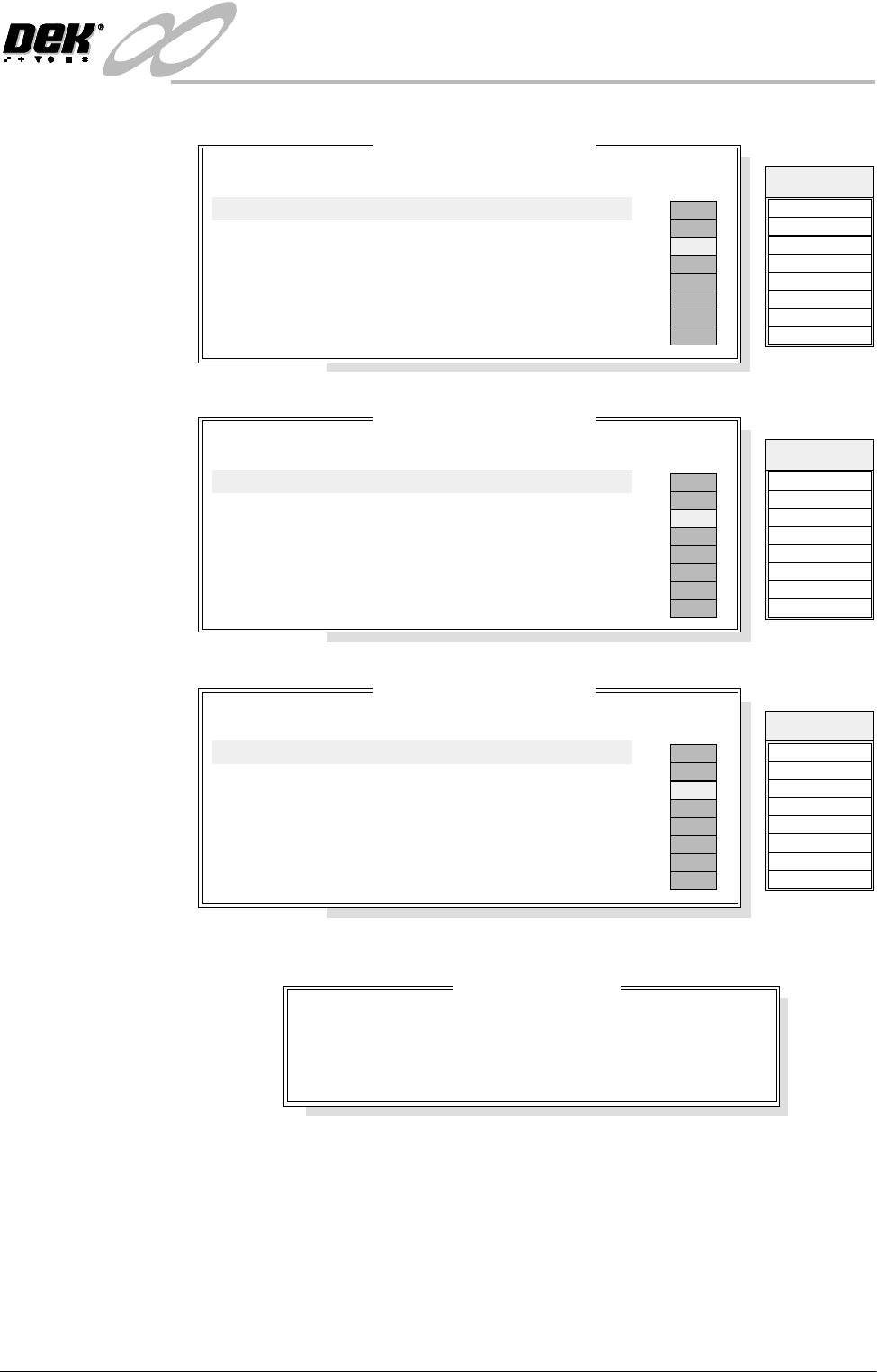
Selecting this diagnostic function opens the following window:
MMOV 3 Group 1
Point Description
---------------------
---------
-------
-----------
------
Bit No
Sense
Direction
State
Not Used
Not Used
Not Used
Not Used
Not Used
Not Used
Not Used
Not Used
0
1
2
3
4
5
6
7
Positive
Positive
Positive
Positive
Positive
Positive
Positive
Positive
Input
Input
Input
Input
Input
Input
Input
Input
OFF
ON
OFF
OFF
OFF
OFF
OFF
OFF
IN 8
IN 9
IN A
IN B
IN C
IN D
IN E
IN F
Signal
MMOV 3 Group 2
Point Description
---------------------
---------
-------
-----------
------
Bit No
Sense
Direction
State
Not Used
Not Used
Not Used
Not Used
Not Used
Not Used
Not Used
Not Used
0
1
2
3
4
5
6
7
Positive
Positive
Positive
Positive
Positive
Positive
Positive
Positive
Output
Output
Output
Output
Output
Output
Output
Output
OFF
ON
OFF
OFF
OFF
OFF
OFF
OFF
Totem 0
Totem 1
Totem 2
Totem 3
Totem 4
Totem 5
Totem 6
Totem 7
Signal
MMOV 3 Group 3
Point Description
---------------------
---------
-------
-----------
------
Bit No
Sense
Direction
State
Not Used
Not Used
Not Used
Coupling Left
Coupling Right
Screen Coupling
Head Lift Direction
Head Lift Enable
0
1
2
3
4
5
6
7
Positive
Positive
Positive
Positive
Positive
Positive
Positive
Positive
Output
Output
Output
Output
Output
Output
Output
Output
OFF
ON
OFF
OFF
OFF
OFF
OFF
OFF
Source 0
Source 1
Source 2
Source 3
Source 4
Source 5
Source 6
Source 7
Signal
Analogue I/O Values
Description
--------------
----------------
Integer Value
--------------------
Converted Value
Pressure Sensor
Temperature
Relative Humidity
2327
3644
2985
8.51 kg
24.573 C
42.386 %
o

INFINITY
',$*1267,&6
6<67(0
5.8 User Manual Software Version 7
The menu bar changes to the following:
Exit returns operation to the system diagnostics page.
Toggle Beacon Selecting any one of the three toggle beacon diagnostic functions, alternately
switches them between on and off.
Toggle Lid Bolt Selecting this function alternately extends and retracts the lid bolt.
Data Logging Selecting this diagnostic function alternately enables and disables data logging
during diagnostic operations.
Change Edit
Password
Selection of this option prompts the user to enter a new password.
Change
Diagnostics
Password
Selecting this diagnostic function either allows a password to be entered or
changes an existing password. This password protection inhibits unauthorized
entry into diagnostics.
Change Terminate
Password
Selecting this diagnostic function either allows a password to be entered or
changes an existing password. This password protection inhibits unauthorized
operation of the terminate control program.
Change Adjust
Password
Selecting this diagnostic function allows a password to be entered or changes an
existing password. This password protection inhibits unauthorized adjustments.
Change Fiducial
Set-up Password
Selecting this diagnostic function allows a password to be entered or changes an
existing password. This password protection inhibits unauthorized entry into the
fiducial setup.
Change
Maintenance
Password
Selecting this diagnostic function allows a password to be entered or changes an
existing password. This password protection inhibits unauthorized entry into the
maintenance functions.
Terminate Control
Program
Selecting this diagnostic function terminates the Infinity control program and
returns to Windows NT.
Exit