DEK INFINITY USER MANUAL.pdf.pdf - 第201页
INFINITY 021,725 ,1752'8& 7,21 Soft ware Ver sion 7 User Manual 6.1 CHAP TER 6 MONITOR INTRODUCTION The Monitor function allows for the setting of the following functions: • Log On • Host Comms • Clear Batch • B…
INFINITY
',$*1267,&6
$872)/(;722/,1*67$1'$5'
5.32 User Manual Software Version 7
Change Pin Status Selecting this diagnostic function enables different pin patterns to be exercised.
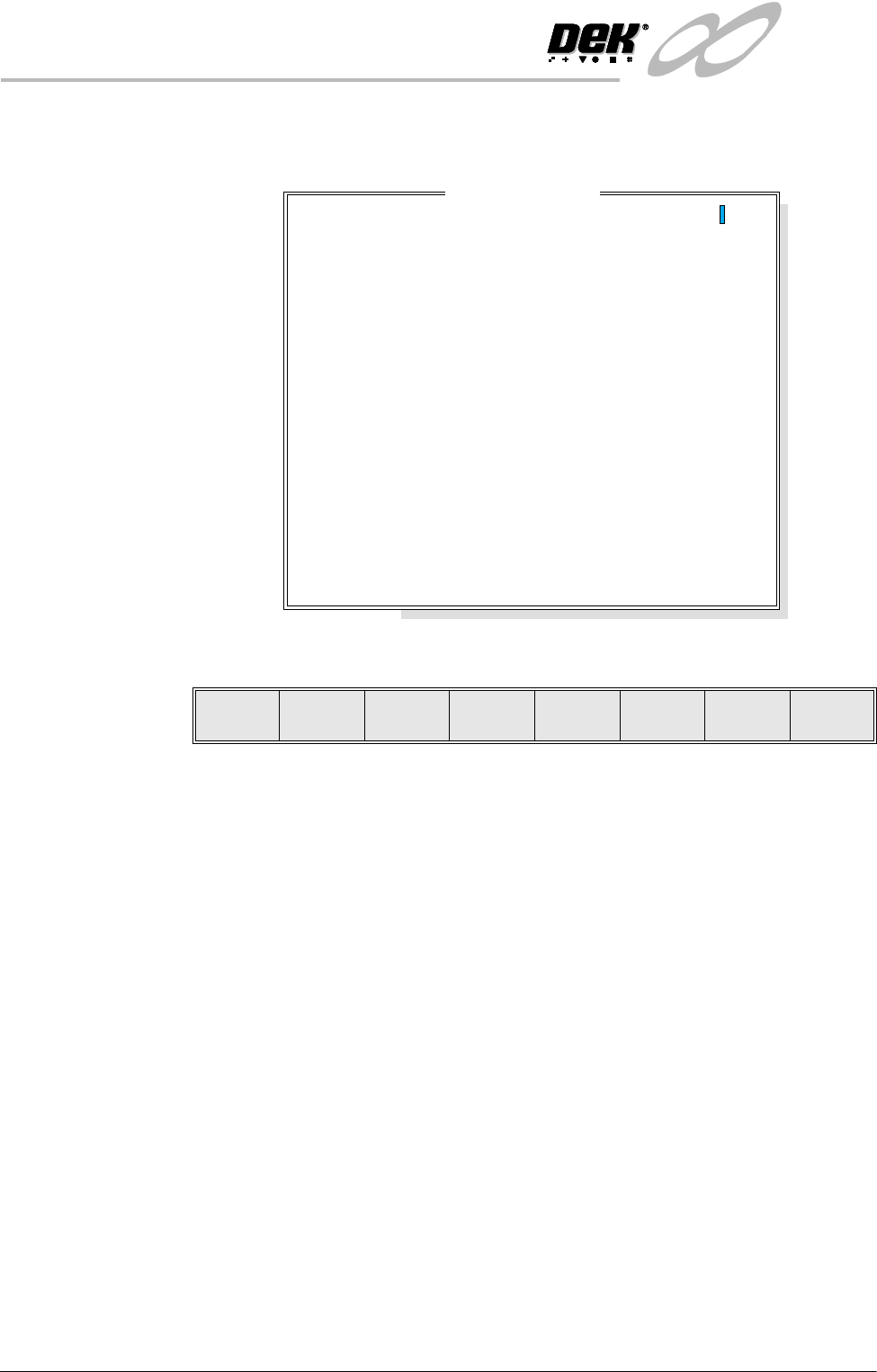
On selection the following window opens:
The menu bar changes to the following:
Left, Right, Up and Down keys move the cursor to enable individual pins to be
selected.
Lower or Raise keys enable the selected pin to be raised or lowered.
Set Status key enables the AutoFlex to set the selected pin pattern. The message
‘Setting Up AutoFlex Tooling’ is displayed in the message window.
Exit returns operation to the AutoFlex diagnostics page.
Cycle AutoFlex
Tooling
Selecting this diagnostic function cycles the AutoFlex pins in a set pattern. The
pattern is as follows:
1. All the pins are raised.
2. The pins are lowered leaving a third raised, every third pin.
3. All the pins are raised.
4. The pins are lowered leaving a second third raised.
5. All the pins are raised.
6. The pins are lowered leaving the last third raised.
7. The process repeats until the Stop key is pressed.
Autoflex Matrix
14
13
12
11
10
9
8
7
6
5
4
3
2
1
A
B
C
D
E
F
G
H
I
J
K
L
M
N
O
---------------
---------------
---------------
---------------
---------------
---------------
---------------
---------------
---------------
---------------
---------------
---------------
---------------
---------------
Lower Raise
Set
Status
Left Right Up Down Exit
INFINITY
021,725
,1752'8&7,21
Software Version 7 User Manual 6.1
CHAPTER 6 MONITOR
INTRODUCTION The Monitor function allows for the setting of the following functions:
• Log On
• Host Comms
• Clear Batch
• Batch Limit
• Perform Display
• Event Display
• System Disable
To access the monitor functions proceed as follows:
Select the Monitor button from the run menu.
The menu bar displays the following options:
Run Head
Paste
Load
Clean
Screen
Adjust Setup Monitor Maint.
Log
On
Host
Comms
Clear
Batch
Batch
Limit
Perform
Display
Event
Display
System
Disable
Exit
INFINITY
021,725
/2*212))
6.2 User Manual Software Version 7
LOG ON/OFF
Log On This function identifies the user of the machine. To log on to the machine
proceed as follows:
1. Select Log On (F1).
The Operator Log On window is displayed as follows:
2. Using the keyboard enter the operator’s name/ID and press Enter, the
operator’s name/ID appears on the status page.
3. Select Exit (F8).
Log Off To log off from the machine proceed as follows:
1. Select Log Off (F1).
2. The operator’s name/ID is removed from the status page and the menu bar
changes to the following:
Log
On
Host
Comms
Clear
Batch
Batch
Limit
Perform
Display
Event
Display
System
Disable
Exit
Operator Log On
Enter Operator ID :
Log
Off
Host
Comms
Clear
Batch
Batch
Limit
Perform
Display
Event
Display
System
Disable
Exit
Log
Off
Host
Comms
Clear
Batch
Batch
Limit
Perform
Display
Event
Display
System
Disable
Exit
Log
On
Host
Comms
Clear
Batch
Batch
Limit
Perform
Display
Event
Display
System
Disable
Exit