DEK INFINITY USER MANUAL.pdf.pdf - 第21页
INFINITY 0$&+,1 (352*5 $00,1* 67$*( (',7 $352'8&7 ),/( Soft ware Ver sion 7 User Manual 1.19 ST AGE 3 - EDIT A PRODUCT FILE 1. Select Edit Da ta (F3). The following Edit Current Process Paramet…
INFINITY
0$&+,1(352*5$00,1*
67$*(&/2$'$352'8&7),/(
1.18 User Manual Software Version 7
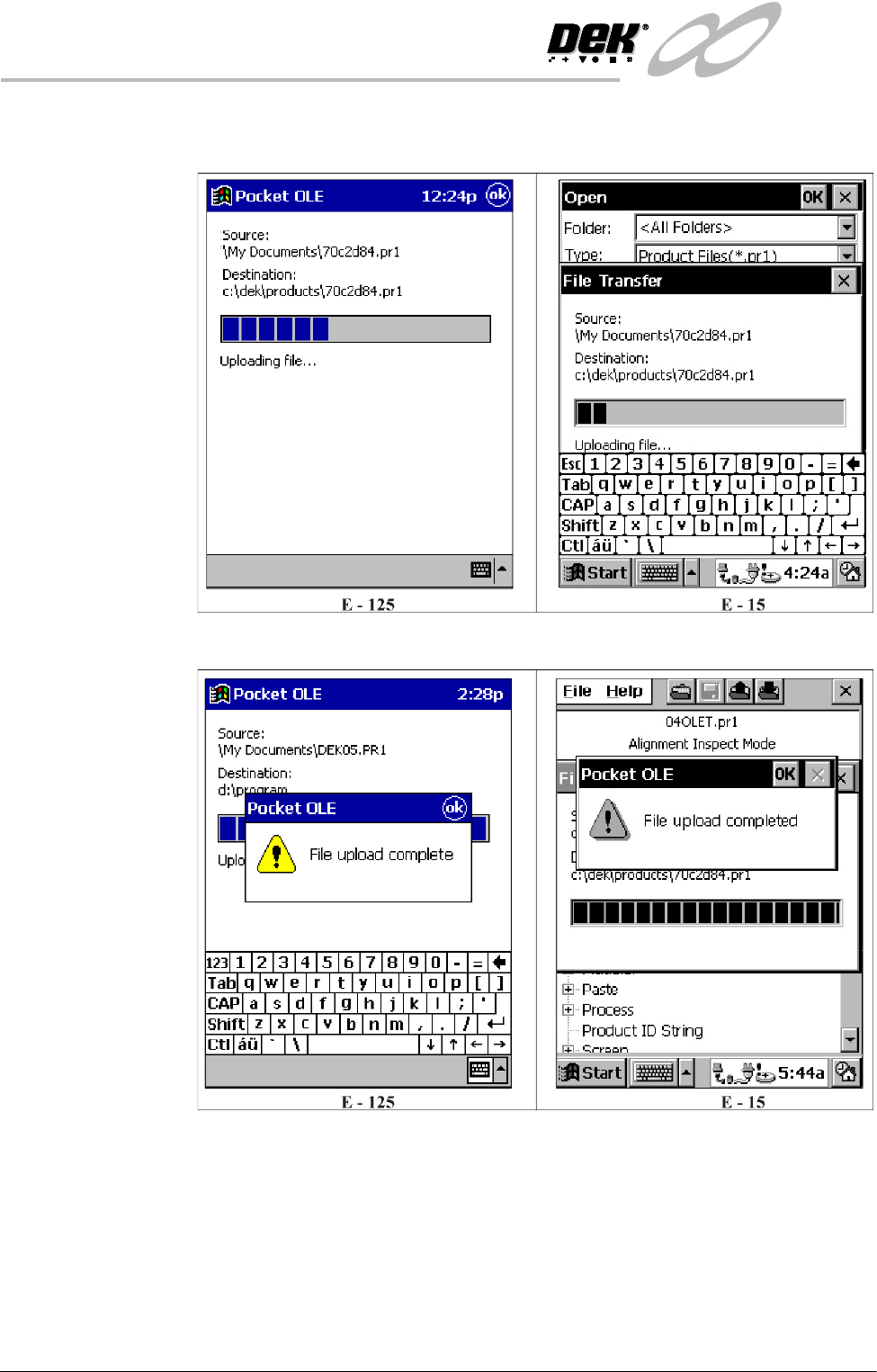
6. Once the connection is established the following window is displayed whilst
the selected product file is uploaded:
7. Once the upload is complete the following window is displayed:
8. Select OK.
9. Exit out of Pocket OLE and switch off.
10.Go to Stage 2A to load the product file onto the printer.
INFINITY
0$&+,1(352*5$00,1*
67$*((',7$352'8&7),/(
Software Version 7 User Manual 1.19
STAGE 3 - EDIT A PRODUCT FILE
1. Select Edit Data (F3).
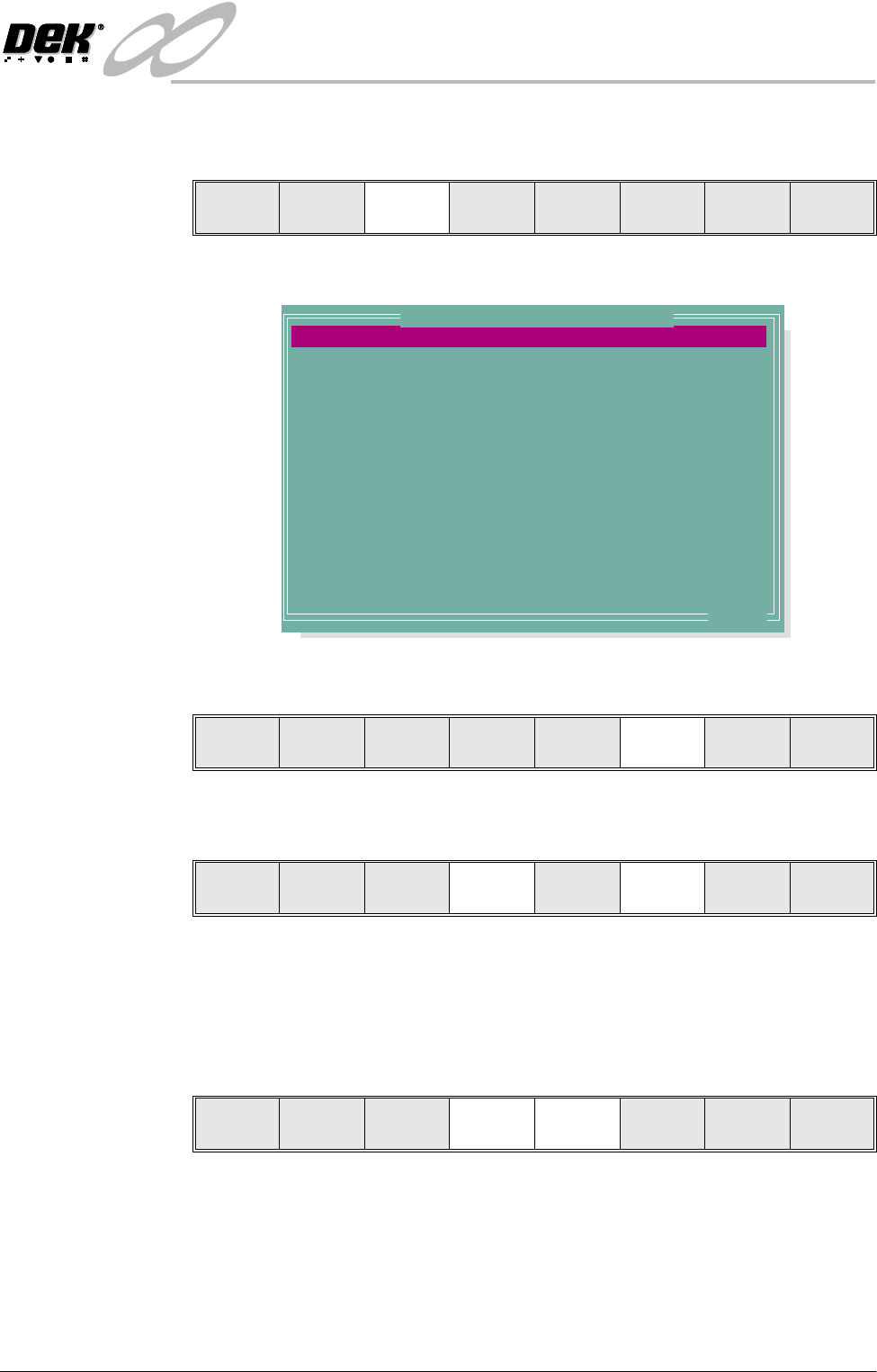
The following Edit Current Process Parameters window is displayed:
2. Select Incr. (F6). Type in the required product name and press Enter using
the keyboard.
3. Highlight Product ID using the Next key (F4). Select Incr. (F6). Type in
the required product ID and press Enter using the keyboard.
NOTE
If 2D Inspection is enabled and the product file being copied has an assigned
inspection file, the user is prompted to make a copy of the file. (See 2Di
Setup in 2Di Inspection chapter later in this manual.)
4. Use the Next and Previous keys (F4 - F5) to highlight the relevant parameter.
Mode
Load
Data
Edit
Data
Setup
Squeegee
Change
Screen
Change
Tooling
Change
Language
Exit
PRODUCT NAME
PRODUCT ID
DWELL HEIGHT
DWELL SPEED
SCREEN ADAPTOR
SCREEN IMAGE
CUSTOM SCREEN
BOARD WIDTH
BOARD LENGTH
BOARD THICKNESS
FRONT PRINT SPEED
REAR PRINT SPEED
FLOOD SPEED
PRINT FRONT LIMIT
Dek04
Dek04
30
24
NONE
EDGE
DISABLED
101.5
152.5
1.6
150
150
20
0.0
mm
mm/s
mm
mm
mm
mm/s
mm/s
mm/s
mm
.. more
Edit Current Process Parameters
Save Next Previous Incr. Decr. Exit
Save Next Previous Incr. Decr. Exit
Save Next Previous Incr. Decr. Exit
INFINITY
0$&+,1(352*5$00,1*
67$*((',7$352'8&7),/(
1.20 User Manual Software Version 7
5. Use either the Incr. and Decr. keys (F6 - F7) or the forward slash key (/) on
the keyboard to change the parameter value.
NOTE
A definition of all editable parameters is contained at the end of this chapter.
6. Select Save (F2). The message ‘Saving fiducial data - Please wait Board
data file saved’ is displayed.
7. Repeat Steps 4 - 6 for the remaining parameters.
8. Select Exit (F8).
Save Next Previous Incr. Decr. Exit
Save Next Previous Incr. Decr. Exit
Save Next Previous Incr. Decr. Exit