DEK INFINITY USER MANUAL.pdf.pdf - 第213页
INFINITY +286 (.( (3, 1* 6(77,0( Soft ware Ver sion 7 User Manual 7.3 SET T IME The Set T ime option allows the user to se t the current time on the ma chine. On selecting Set T ime the following window is displayed: T…

INFINITY
+286(.((3,1*
6(7'$7(
7.2 User Manual Software Version 7
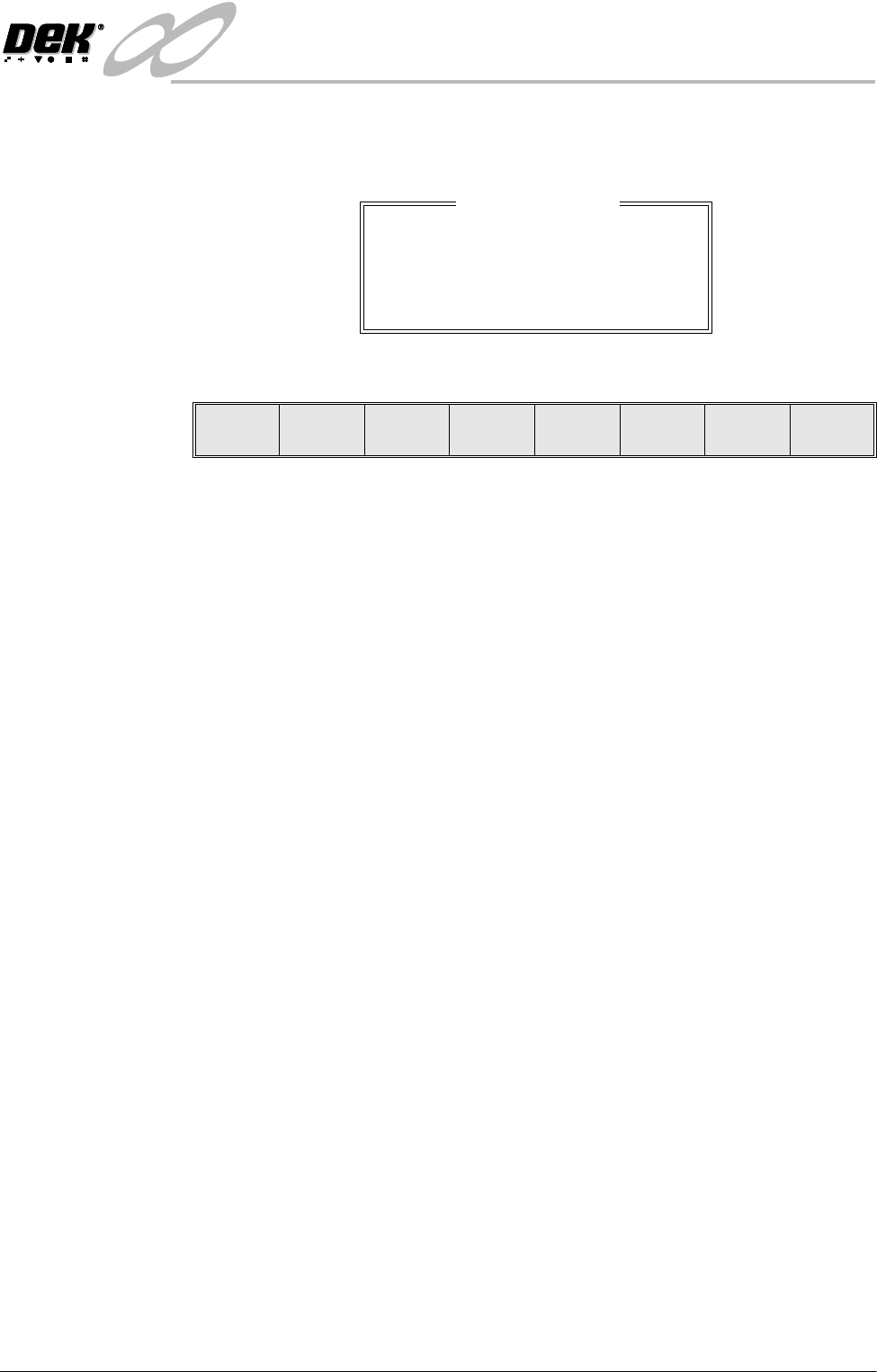
SET DATE The Set Date option allows the user to set the current date on the machine.
On selecting Set Date the following window is displayed:
The menu bar changes to the following:
The Next and Previous keys move the cursor between the three parameters.
The Incr. and Decr. keys change the value of the highlighted parameter.
The Set key sets the newly entered figure, as shown in the title window on the
status page.
The Exit key returns to the previous menu. Pressing Exit without pressing Set
returns the machine to the previous date.
Change date page
Year : 2000
Month : 03
Day : 14
Set Next Previous Incr. Decr. Exit
INFINITY
+286(.((3,1*
6(77,0(
Software Version 7 User Manual 7.3
SET TIME The Set Time option allows the user to set the current time on the machine.
On selecting Set Time the following window is displayed:
The menu bar changes to the following:
The Next and Previous keys move the cursor between the three parameters.
The Incr. and Decr. keys change the value of the highlighted parameter.
The Set key sets the newly entered figure, as shown in the title window on the
status page.
The Exit key returns to the previous menu. Pressing Exit without pressing Set
returns the machine to the previous time.
Change time page
Hour : 15
Second : 45
Minute : 25
Set Next Previous Incr. Decr. Exit
INFINITY
+286(.((3,1*
35,17'$7$
7.4 User Manual Software Version 7
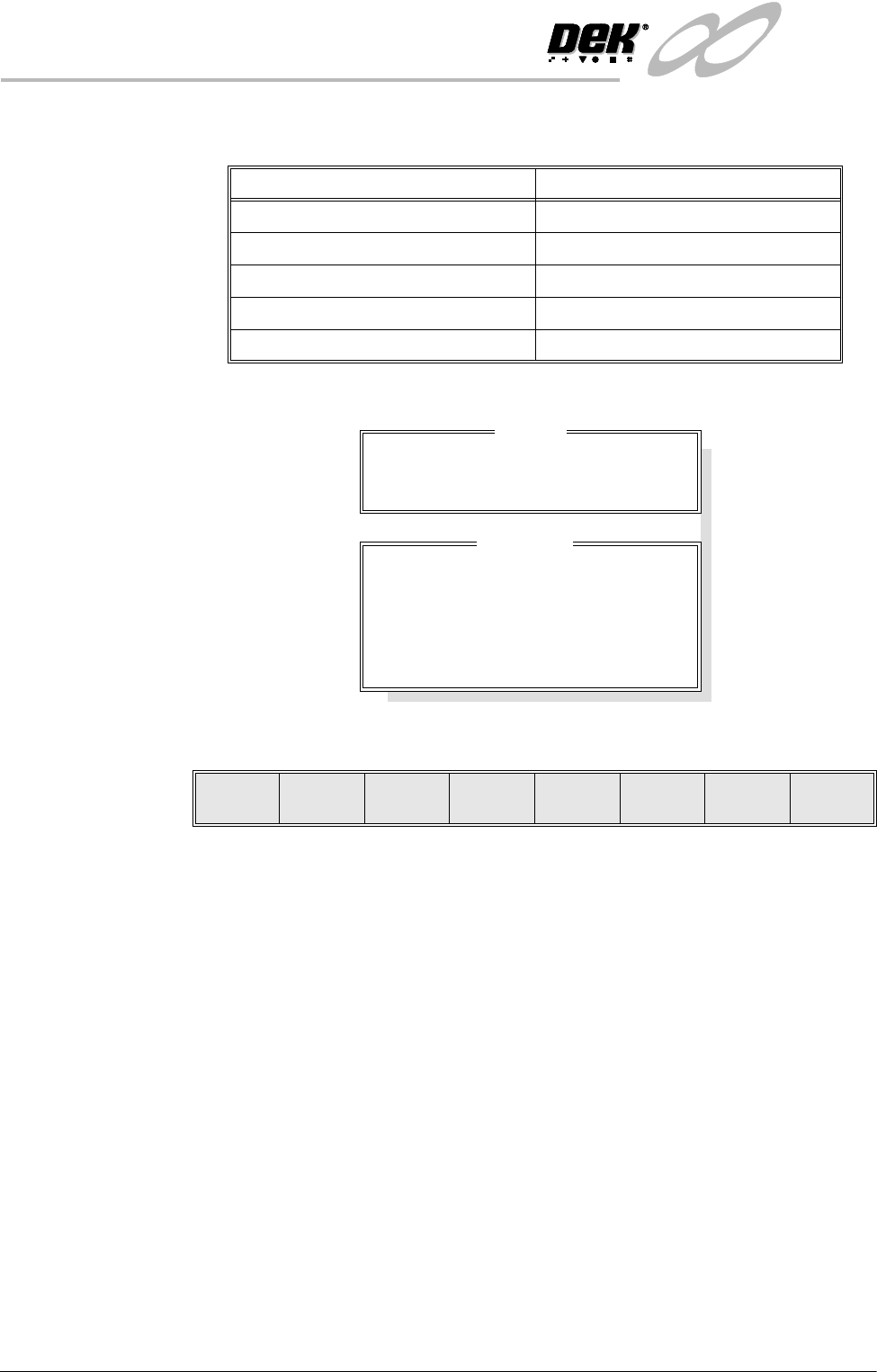
PRINT DATA The Print Data option allows the user to output the following data to the local
printer or to a disk in the machines floppy drive:
On selecting Print Data the following window is displayed:
The menu bar changes to the following:
The Print Printer key prints the chosen file to the local printer, if Product Data
is highlighted a further window and menu bar open to allow the user to select
the required product data file (see next page).
The Print File key outputs the print file to the machines floppy drive, the file
has a .PRN extension. If Product Data is highlighted a further window and menu
bar open to allow the user to select the required product data file (see next page).
The Up and Down keys move the cursor between the data file types.
The Exit key returns to the previous menu bar.
Data Option File Output (as .PRN files)
Product Data Chosen Product Data File
Event Log EVENT.DAT
Config Data CONFIG.TXT
Manage Data MANINF.DAT
SPC Data READINGS.DEK
Drive
Print From: Local Drive
Print Data
Product Data
Event Log
Config File
Management
SPC Data
Print
Printer
Print
File
Up Down Exit