DEK INFINITY USER MANUAL.pdf.pdf - 第222页
INFINITY +286(.((3,1 * '(/(7('$ 7$ 7.12 User Manual Software Versi on 7 The menu bar changes to the following: The Rebuild Lis t key updates the list of image files. This is used m ainly with host comms, wher…
INFINITY
+286(.((3,1*
'(/(7('$7$
Software Version 7 User Manual 7.11
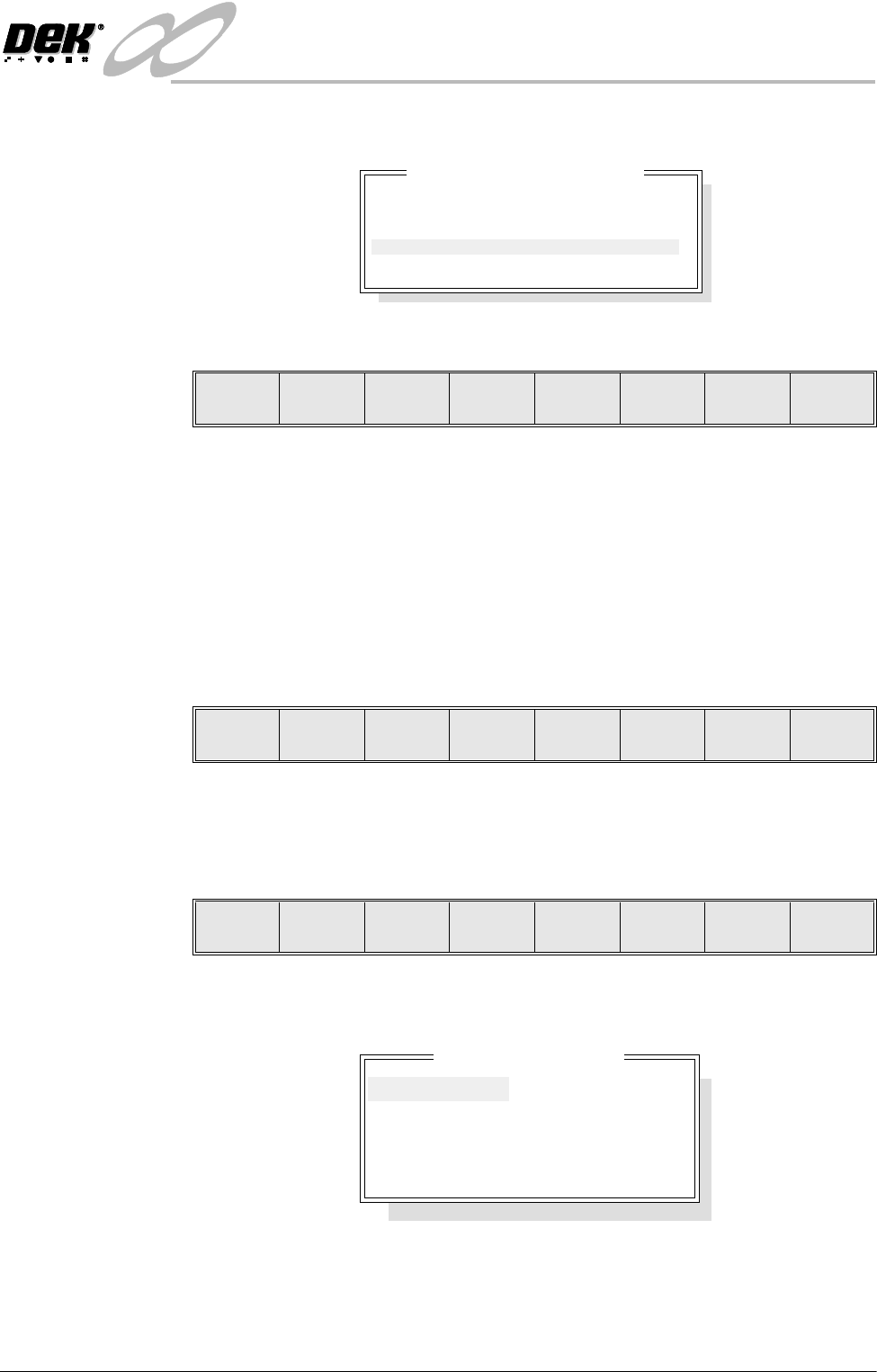
On pressing the Delete Number key the following window is displayed:
The menu bar changes to the following:
The Incr. and Decr. keys change the highlighted number.
The Delete key deletes all event files prior to the indicated number, the message
‘Deleting Events...’ is displayed in the message prompt box.
The Exit key returns to the previous menu.
Test Data If the Delete Data key is pressed when Test Data is highlighted, the message
‘Confirm deletion of Test Data’ is displayed in the message prompt box, asking
the user to confirm the deletion request, the menu bar changes displaying the
‘Yes’ and ‘No’ options.
SPC Data If the Delete Data key is pressed when SPC Data is highlighted, the message
‘Confirm deletion of SPC Data’ is displayed in the message prompt box,
asking the user to confirm the deletion request, the menu bar changes displaying
the ‘Yes’ and ‘No’ options.
Image Data If the Delete Data key is pressed when Image Data is highlighted the following
window is displayed:
Delete event by number
Delete all event records
except the most recent :
1
Delete Incr. Decr. Exit
Yes No
Yes No
Delete Data File
10000001
10000002
10000003
10000004
10000005
10000006
INFINITY
+286(.((3,1*
'(/(7('$7$
7.12 User Manual Software Version 7
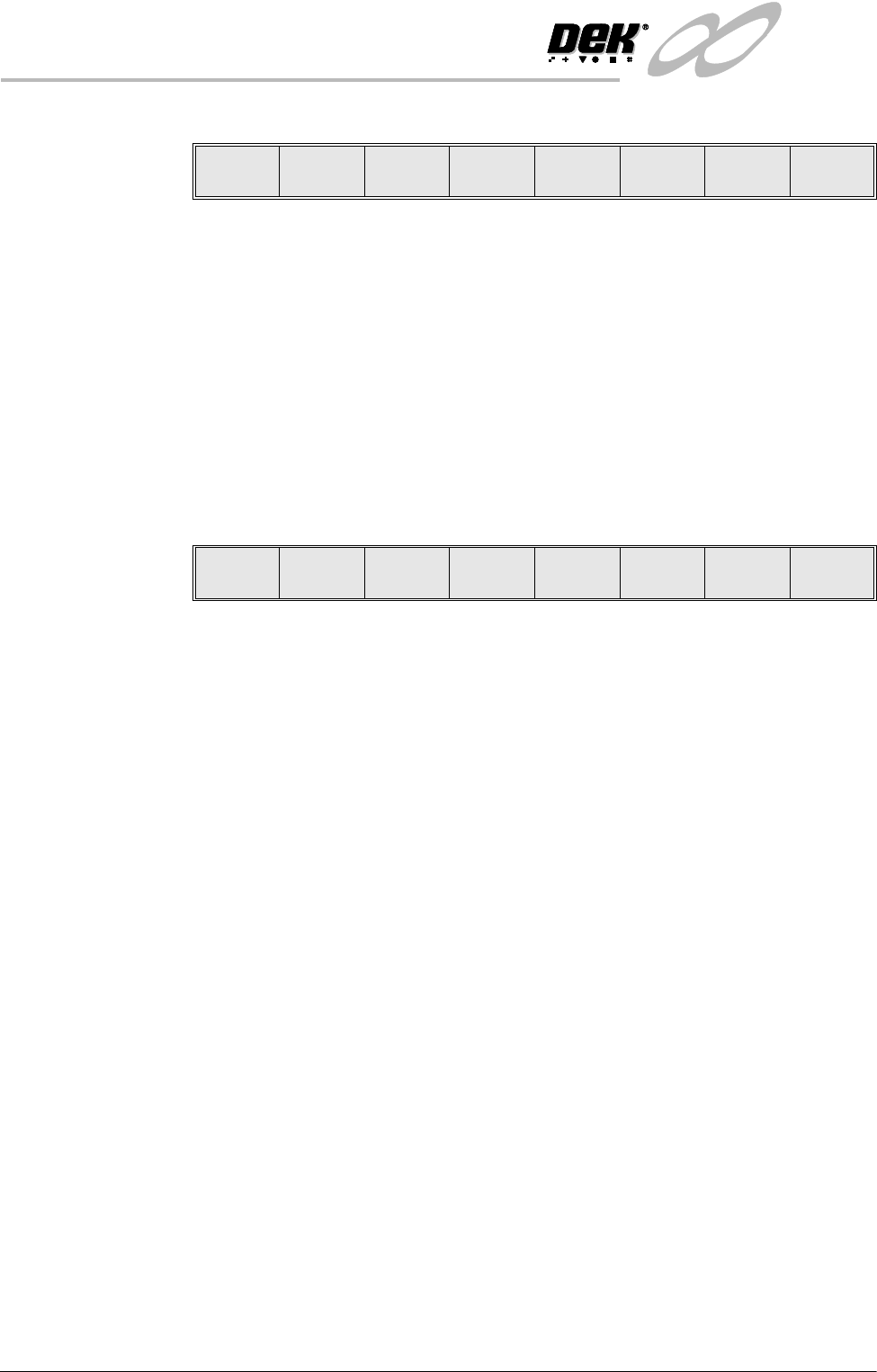
The menu bar changes to the following:
The Rebuild List key updates the list of image files. This is used mainly with
host comms, where the host computer may have a more up to date list.
The Left and Right keys move the cursor between columns (if displayed).
The Up and Down keys move the cursor between the various image files.
The Delete key deletes the highlighted image file.
The Exit key returns to the previous menu.
Deviation Data If the Delete Data key is pressed when Deviation Data is highlighted, the
message ‘Confirm deletion of Deviation Data’ is displayed in the message
prompt box, asking the user to confirm the deletion request, the menu bar
changes displaying the ‘Yes ’ and ‘No’ options.
Delete
Rebuild
List
Left Right Up Down Exit
Yes No
INFINITY
+286(.((3,1*
0$1$*(0(17,1)250$7,219,(:(5
Software Version 7 User Manual 7.13
MANAGEMENT INFORMATION VIEWER
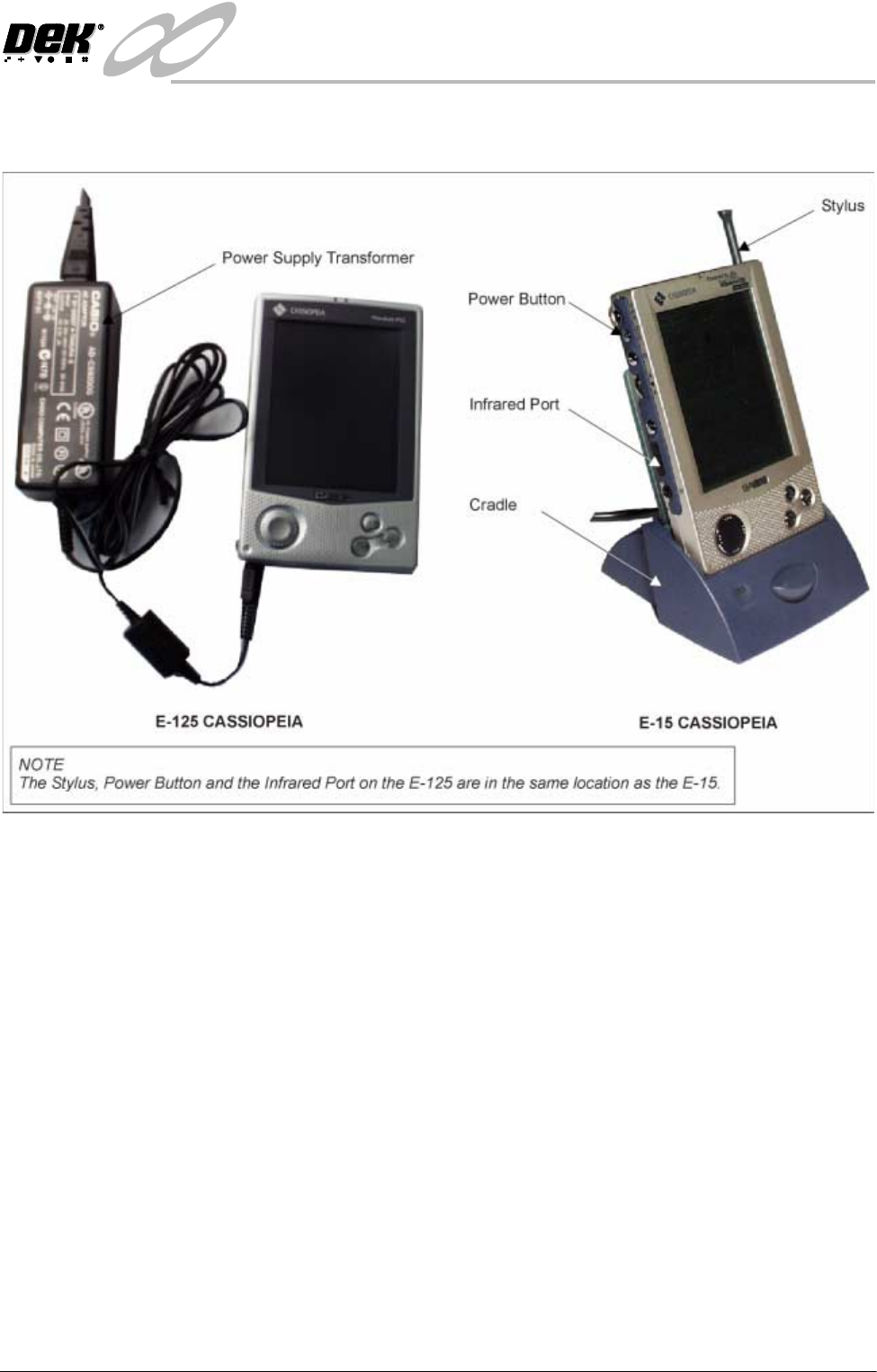
Introduction The Management Information Viewer application runs on the
CASSIOPEIA.
Two versions of the CASSIOPEIA are used, earlier machines were shipped
with the E-15 palm size PC, current machines are shipped with the E-125 pocket
PC. The viewer enables the downloading and viewing of management informa-
tion from the printing machine using the infrared link.
The Remote Data Server manages the printing machine end of the link and
performs the data analysis on the printing machine event data, according to the
SEMI Standard for the Definition and Measurement of Equipment Reliability,
SEMI E10-96.
Management information consists of reliability data similar to that reported by
the Remote Event Monitor. Once downloaded the data can be saved to file on
the palm size PC for later recall.
The data is calculated from the printing machines event log, so the event
recording setting is important. Ensure that the event recording function in set
preferences is set to Group 1, ie all events are recorded.
For information on the Pocket Off Line Editor refer to the Machine Program-
ming chapter of this manual.
For information on the other functions of the E-15 palm size PC refer to the
Getting Started with the CASSIOPEIA (Hardware Manual) and the Palm-size
PC User’s Guide, supplied with the unit.