DEK INFINITY USER MANUAL.pdf.pdf - 第282页
INFINIT Y ',163(&7,21 0(183$5$ 0(7(5 6 8.42 User Manual Software Versi on 7 Smear Alar m This parameter sets the amount of stencil smear required to initiate an alarm. Paste W arnin g This parameter sets the …
INFINITY
',163(&7,21
0(183$5$0(7(56
Software Version 7 User Manual 8.41
Paste Scaling This parameter enables adjustment of the paste scaling value for the current site,
to cause the value of paste present on the pad, currently selected in the inspection
list, to be reported as 100%. This parameter is used in conjunction with the Auto
Scale function.
Site X Coord The coordinate of a site taken from the front left corner of the board, in the X
direction.
Site Y Coord The coordinate of a site taken from the front left corner of the board, in the Y
direction.
Site Width The width of the site to be inspected.
Site Height The height of the site to be inspected
Blockage Warning This parameter sets the amount of aperture blockage required to initiate a
warning.
Blockage Alarm This parameter sets the amount of aperture blockage required to initiate an
alarm.
Smear Warning This parameter sets the amount of stencil smear required to initiate a warning.
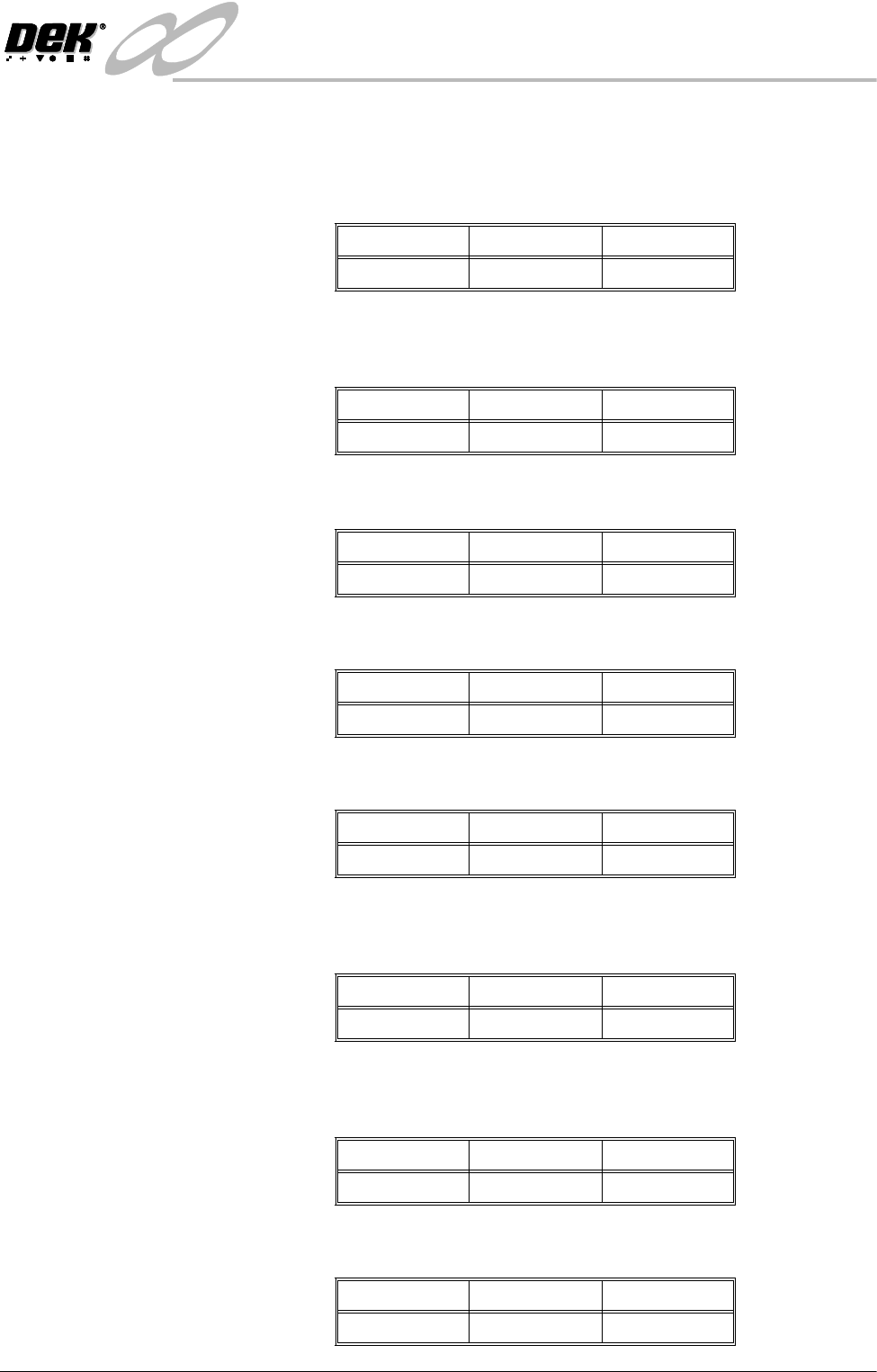
Minimum Maximum Increments
0.01 2.00 0.01
Minimum Maximum Increments
0.0mm Board Length 0.1mm
Minimum Maximum Increments
0.0mm Board Width 0.1mm
Minimum Maximum Increments
0.5mm 4.0mm 0.01mm
Minimum Maximum Increments
0.5mm 6.5mm 0.01mm
Minimum Maximum Increments
0% 100% 1%
Minimum Maximum Increments
0% 100% 1%
Minimum Maximum Increments
0.01 sq. mm 10 sq. mm 0.01 sq. mm
INFINIT
Y
',163(&7,21
0(183$5$0(7(56
8.42 User Manual Software Version 7
Smear Alarm This parameter sets the amount of stencil smear required to initiate an alarm.
Paste Warning This parameter sets the amount of paste on pad required to initiate a warning.
Paste Alarm This parameter sets the amount of paste on pad required to initiate an alarm.
Align Warning This parameter sets the amount of X or Y alignment error of the paste to initiate
a warning.
Align Alarm This parameter sets the amount of X or Y alignment error of the paste to initiate
an alarm.
Bridge Warning This parameter sets the distance between adjacent deposits of paste that if not
exceeded initiates a warning.
Bridge Alarm This parameter sets the distance between adjacent deposits of paste that if not
exceeded initiates an alarm.
Volume Warning This parameter sets the volume of paste on pad required to initiate a warning.
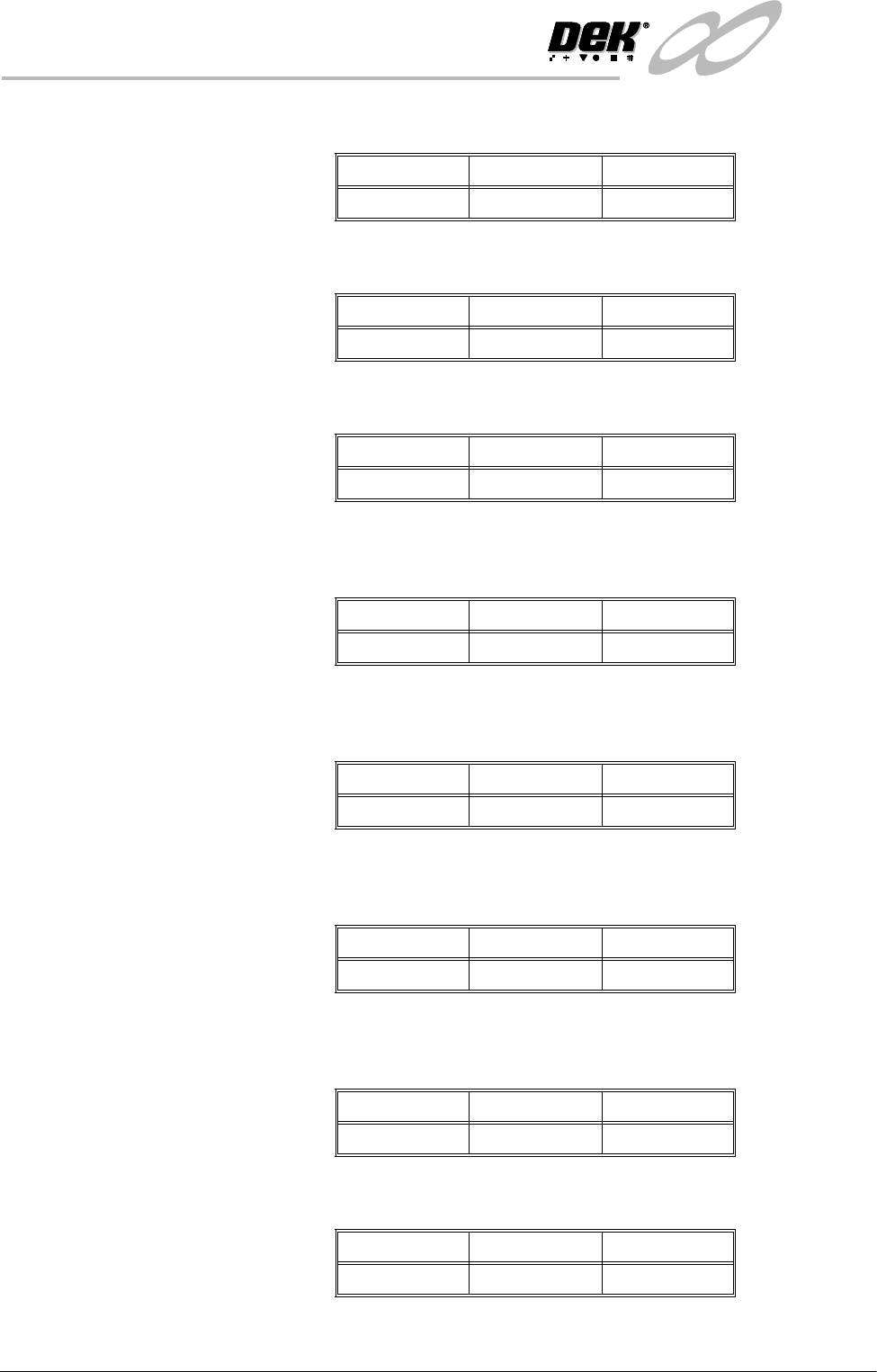
Minimum Maximum Increments
0.01 sq. mm 10 sq. mm 0.01 sq. mm
Minimum Maximum Increments
0% 100% 1%
Minimum Maximum Increments
0% 100% 1%
Minimum Maximum Increments
0.005mm 0.25mm 0.001mm
Minimum Maximum Increments
0.005mm 0.25mm 0.001mm
Minimum Maximum Increments
0.01mm 0.5mm 0.005mm
Minimum Maximum Increments
0.01mm 0.5mm 0.005mm
Minimum Maximum Increments
0% 100% 1%
INFINITY
',163(&7,21
0(183$5$0(7(56
Software Version 7 User Manual 8.43
Volume Alarm This parameter sets the volume of paste on pad required to initiate an alarm.
Screen Graphic X The position of the inspection window on the stencil side. This parameter is used
to finely adjust the inspection window in the X direction..
Screen Graphic Y The position of the inspection window on the stencil side. This parameter is used
to finely adjust the inspection window in the Y direction.
Board Graphic X The position of the inspection window on the board side. This parameter is used
to finely adjust the inspection window in the X direction.
Board Graphic Y The position of the inspection window on the board side. This parameter is used
to finely adjust the inspection window in the Y direction.
Window Left This parameter sets the position of the histogram window relative to the centre
of the image.
The Minimum and Maximum values are calculated from the vision calibration
and vary from machine to machine. Increments - 0.1mm.
Window Top This parameter sets the position of the histogram window relative to the centre
of the image.
The Minimum and Maximum values are calculated from the vision calibration
and vary from machine to machine. Increments - 0.1mm.
Window Width This parameter sets the width of the histogram window.
The Minimum and Maximum values are calculated from the vision calibration
and vary from machine to machine. Increments - 0.1mm
Window Height This parameter sets the height of the histogram window.
The Minimum and Maximum values are calculated from the vision calibration
and vary from machine to machine. Increments - 0.1mm
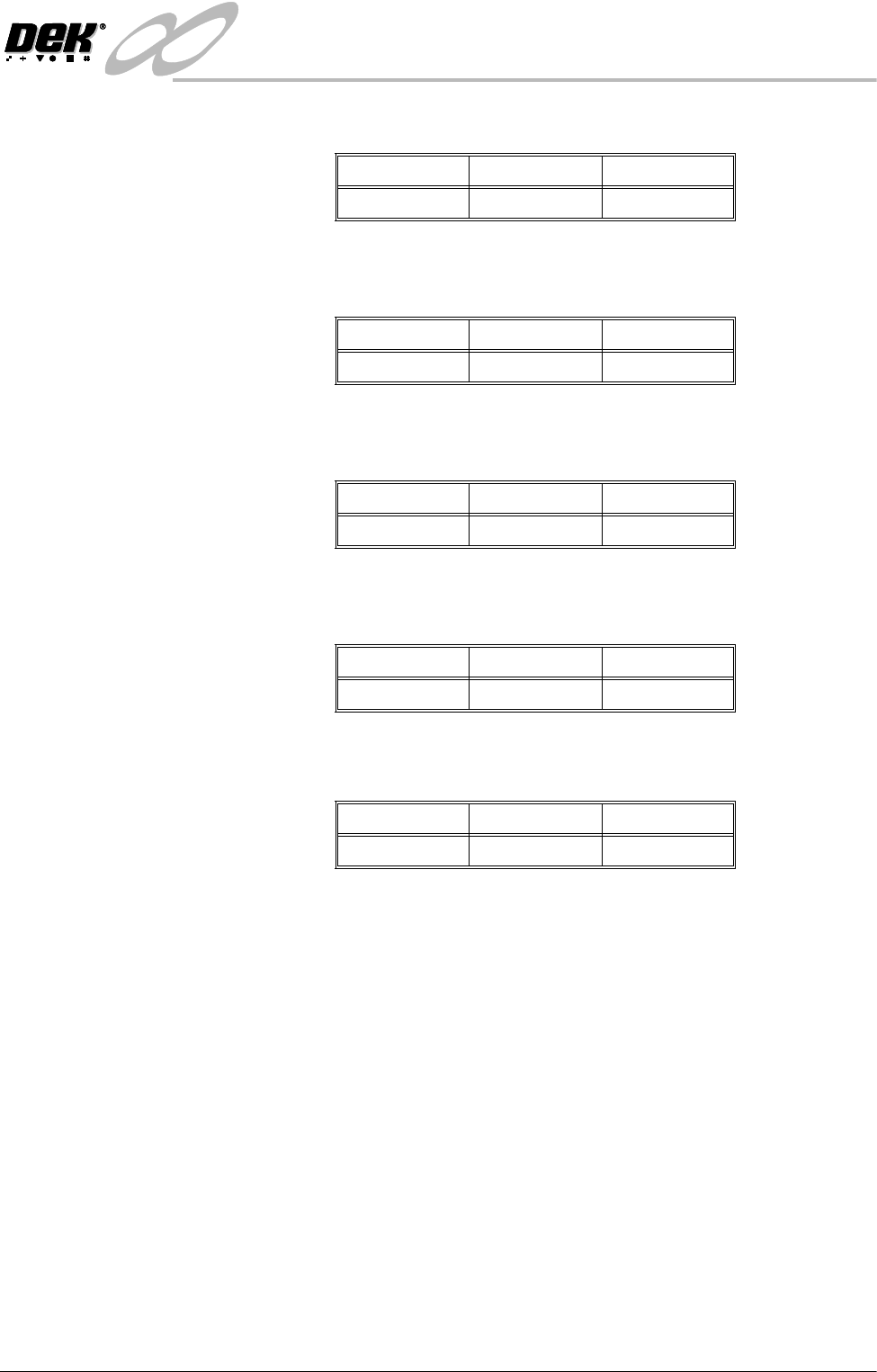
Minimum Maximum Increments
0% 100% 1%
Minimum Maximum Increments
-3.5mm 3.5mm 0.01mm
Minimum Maximum Increments
-3.5mm 3.5mm 0.01mm
Minimum Maximum Increments
-3.5mm 3.5mm 0.01mm
Minimum Maximum Increments
-3.5mm 3.5mm 0.01mm