DEK INFINITY USER MANUAL.pdf.pdf - 第284页
INFINIT Y ',163(&7,21 0(183$5$ 0(7(5 6 8.44 User Manual Software Versi on 7 Screen V ertic al This paramet er sets the level of st encil vertical light. Scr een Oblique This parameter sets the level of stenci…
INFINITY
',163(&7,21
0(183$5$0(7(56
Software Version 7 User Manual 8.43
Volume Alarm This parameter sets the volume of paste on pad required to initiate an alarm.
Screen Graphic X The position of the inspection window on the stencil side. This parameter is used
to finely adjust the inspection window in the X direction..
Screen Graphic Y The position of the inspection window on the stencil side. This parameter is used
to finely adjust the inspection window in the Y direction.
Board Graphic X The position of the inspection window on the board side. This parameter is used
to finely adjust the inspection window in the X direction.
Board Graphic Y The position of the inspection window on the board side. This parameter is used
to finely adjust the inspection window in the Y direction.
Window Left This parameter sets the position of the histogram window relative to the centre
of the image.
The Minimum and Maximum values are calculated from the vision calibration
and vary from machine to machine. Increments - 0.1mm.
Window Top This parameter sets the position of the histogram window relative to the centre
of the image.
The Minimum and Maximum values are calculated from the vision calibration
and vary from machine to machine. Increments - 0.1mm.
Window Width This parameter sets the width of the histogram window.
The Minimum and Maximum values are calculated from the vision calibration
and vary from machine to machine. Increments - 0.1mm
Window Height This parameter sets the height of the histogram window.
The Minimum and Maximum values are calculated from the vision calibration
and vary from machine to machine. Increments - 0.1mm
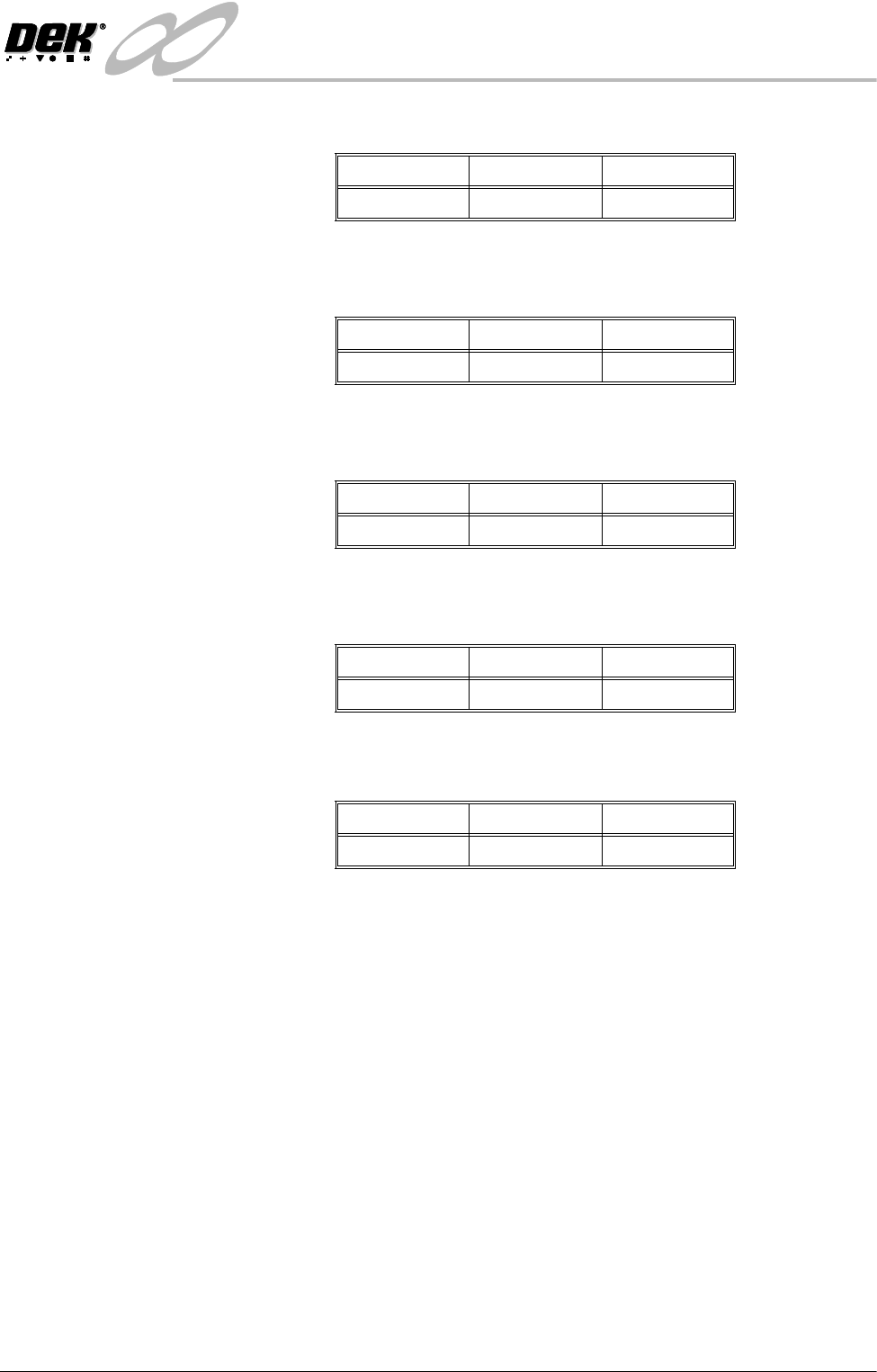
Minimum Maximum Increments
0% 100% 1%
Minimum Maximum Increments
-3.5mm 3.5mm 0.01mm
Minimum Maximum Increments
-3.5mm 3.5mm 0.01mm
Minimum Maximum Increments
-3.5mm 3.5mm 0.01mm
Minimum Maximum Increments
-3.5mm 3.5mm 0.01mm
INFINIT
Y
',163(&7,21
0(183$5$0(7(56
8.44 User Manual Software Version 7
Screen Vertical This parameter sets the level of stencil vertical light.
Screen Oblique This parameter sets the level of stencil oblique light.
Board Vertical This parameter sets the level of board vertical light.
Board Oblique This parameter sets the level of board oblique light.
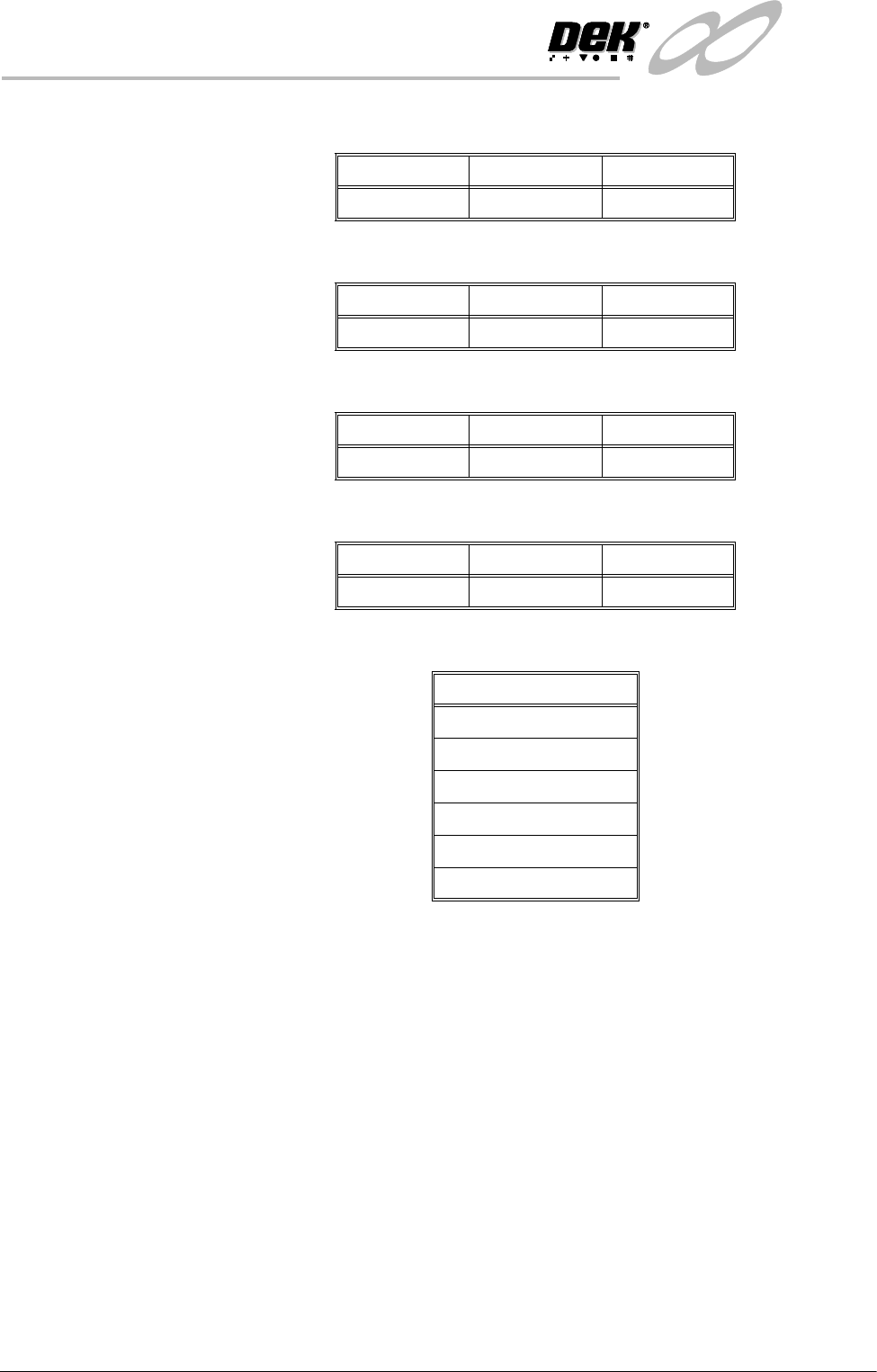
Limit Set Options This parameter enables the output of the following inspections:
Minimum Maximum Increments
0151
Minimum Maximum Increments
0151
Minimum Maximum Increments
0151
Minimum Maximum Increments
0151
Inspections
Blockage
Smear
Paste
Alignment
Bridging
Vo l um e

INFINITY
&21680$%/(5(3/(1,6+0(176
,1752'8&7,21
Software Version 7 User Manual 9.1
CHAPTER 9 CONSUMABLE REPLENISHMENTS
INTRODUCTION This chapter describes the general replenishment processes needed for machine
husbandry. It details the procedures needed to perform the following tasks:
• Solder paste replenishment
• Paper and solvent replenishment - Blue USC
• Cleaning cassette and solvent replenishment - Vortex USC
• Filter cassette replenishment - Vortex USC
• Fitment of squeegees
• ProFlow - paste cassette change
• ProFlow - paste retention system replacement
• ProFlow - transfer head recharging
Regulations The safety and environmental aspects of machine operation are described.
However, it should be noted that local or national regulations may vary for
countries outside the UK or EEC. Machine operatives should be conversant
with all regulations relating to local conditions.
Competence Level These procedures can only be performed by personnel who have been trained to
a minimum of DEK operator level.