DEK INFINITY USER MANUAL.pdf.pdf - 第298页
INFINITY &21680$ %/(5(3/ (1,6+0(1 76 3$67(/2$ ',1* 9.14 User Manual Software Versi on 7 7. Screw the end cap ont o the dispenser finger tigh t. Ensure the pneumatic fitting on the cap is facing towards the rea…
INFINITY
&21680$%/(5(3/(1,6+0(176
3$67(/2$',1*
Software Version 7 User Manual 9.13
3. Open the front printhead cover.
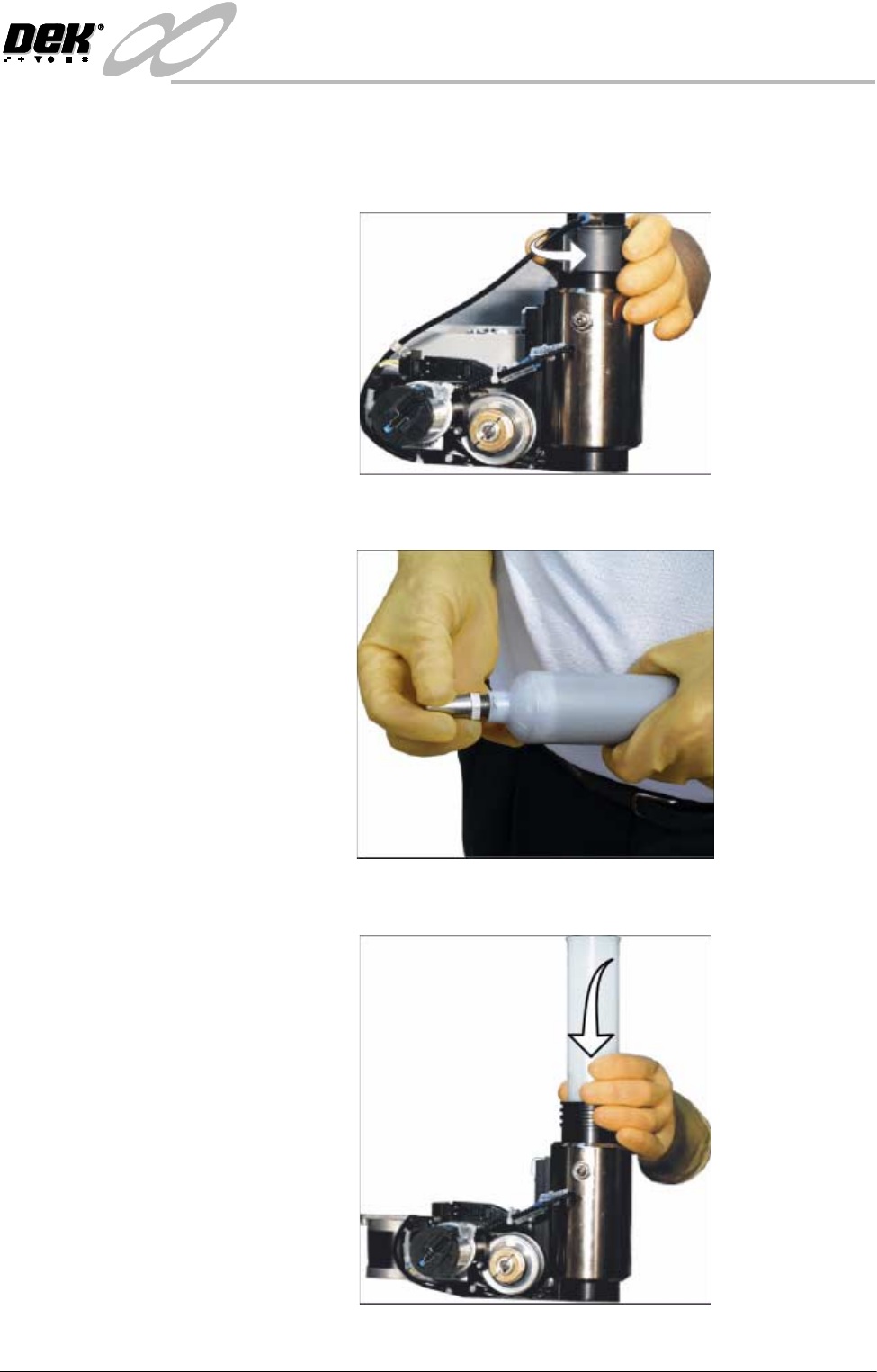
4. Remove the empty cartridge by unscrewing the cap at the rear of the paste
dispense tube to allow it to be withdrawn.
5. Unscrew the nozzle from the old cartridge and insert it into the new cartridge.
6. Fit the new cartridge into the dispenser.
INFINITY
&21680$%/(5(3/(1,6+0(176
3$67(/2$',1*
9.14 User Manual Software Version 7
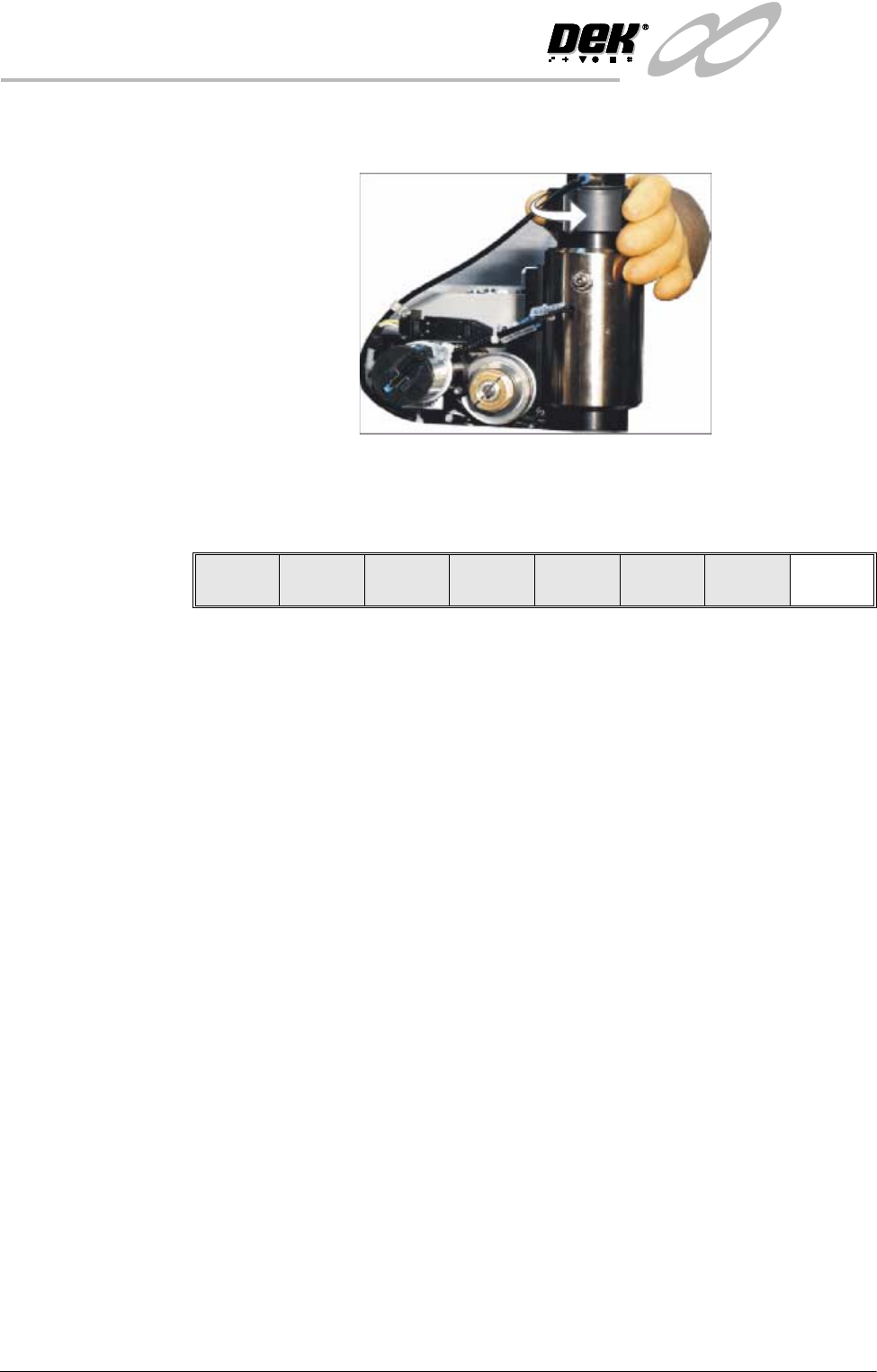
7. Screw the end cap onto the dispenser finger tight. Ensure the pneumatic
fitting on the cap is facing towards the rear of the machine.
8. Close the front printhead cover.
9. Press the System button.
10.Press Exit (F8).
Auto
Dispense
Manual
Load
Load
Cart.
Print
Directn
Exit
INFINITY
&21680$%/(5(3/(1,6+0(176
%/8(81'(56&5((1&/($1(5
Software Version 7 User Manual 9.15
BLUE UNDERSCREEN CLEANER
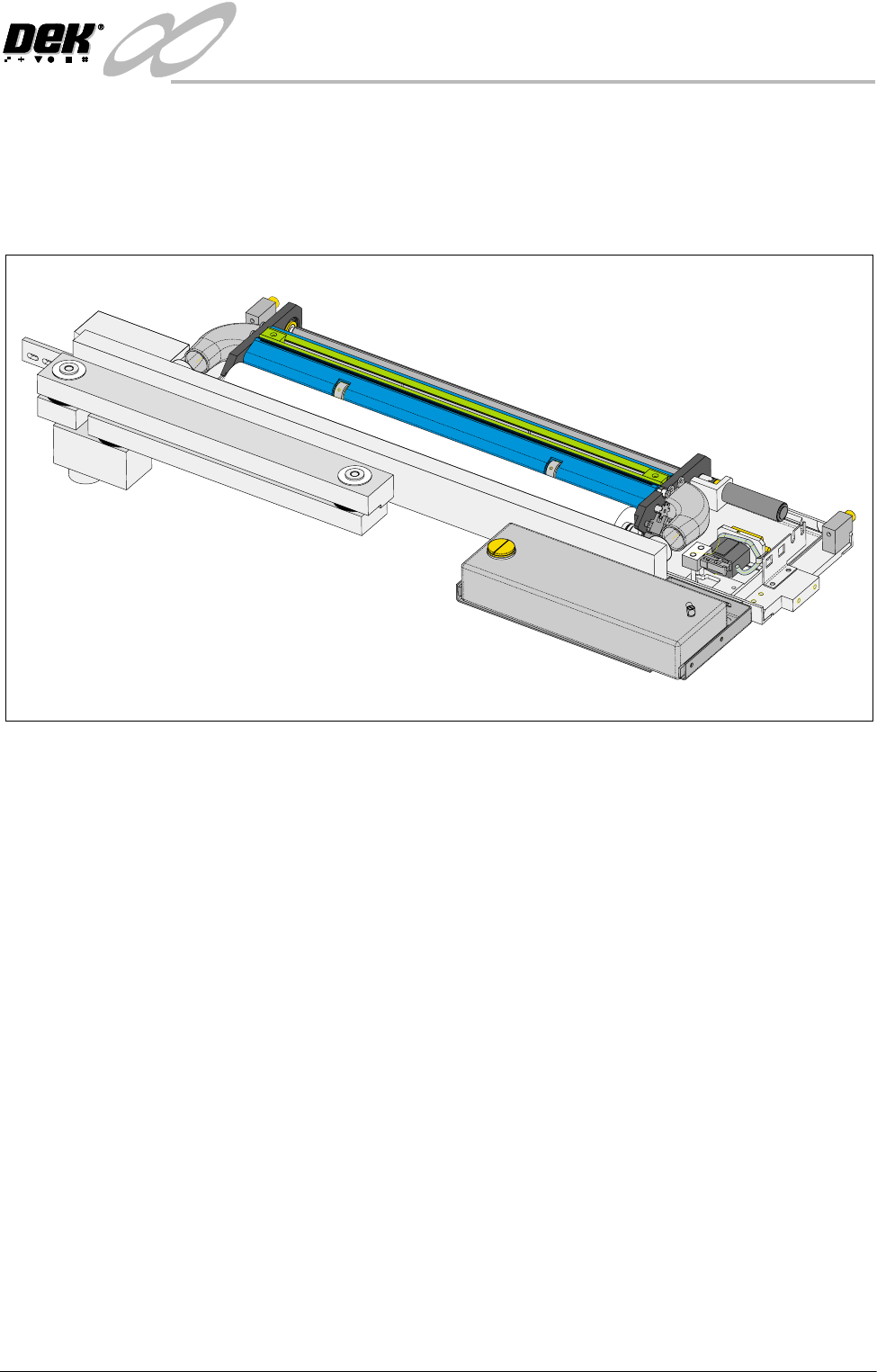
Provision is made on the printer for automatic underscreen cleaning. This is
carried out using a lint free paper roll which can be dry or wetted with an
appropriate solvent. A combination of wet and dry wipes can be programmed.
The cleaning options can be programmed into a particular product file so that
they take place at pre-programmed intervals or they can be selected, directly
from the MMI, to take place at the operators discretion.
Programming
Operation
The screen clean parameters can be setup when editing a product file, while
setting up a new product. It may be more convenient to set these after the
product has been setup and printed and screen cleaning requirements have been
decided upon.
The parameters to be edited that affect the operation of the underscreen cleaner
are:
Clean Screen Rate:
This parameter sets the number of print cycles between the cycling of the
underscreen cleaner. This can be set at any number between 0 to 200 in
increments of 1.
Clean Screen Modes:
These parameters determine the modes of operation for the screen cleaner. Each
mode can have a cleaning sequence with up to six sweeps, each of which can be
set to VAC, DRY, WET or NONE.