DEK INFINITY USER MANUAL.pdf.pdf - 第81页
INFINITY 0$&+,1 (352*5 $00,1* 67$*( 9,6 ,216<67(0 6(783 Soft ware Ver sion 7 User Manual 1.79 38. Se lect Exit (F8). Auto Board Manual Board Exit
INFINITY
0$&+,1(352*5$00,1*
67$*(9,6,216<67(06(783
1.78 User Manual Software Version 7
however be several up to a maximum of five. If the required fiducial is not
the highest scoring, ie first in the list, select Manual Setup to set it up
correctly.
31.Select Exit (F8).
32.Select Exit (F8).
33.Select Step (F1). The first screen fiducial should now be displayed on the
monitor.
NOTE
If selective print/pass through is enabled, the first board fiducial should now
be displayed on the monitor. In this case repeat Steps 27 - 33 for this fiducial.
34.Repeat Steps 27 - 32 for this fiducial.
35.Continue for other selected fiducials by selecting Step at the end of each
fiducial setup.
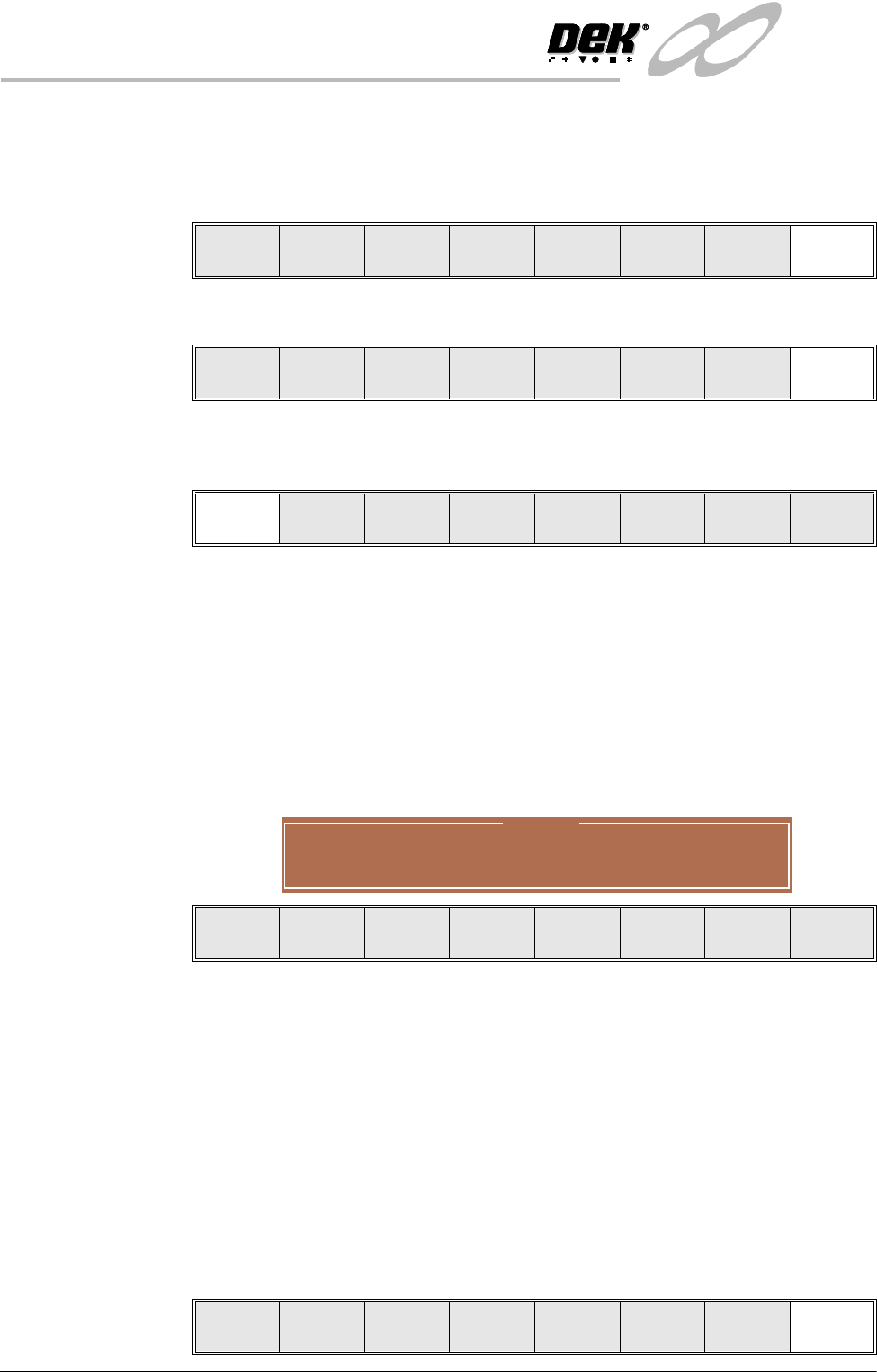
If the current product includes at least one inspection site, changing the value
of the parameter causes the following warning and menu bar to be displayed:
On selecting Apply the alterations to the fiducial positions become effective
and are applied to all inspection sites.
On selecting Abandon Changes the alterations to the fiducial positions are
discarded, the positions of the inspection sites remain unaltered and control
is returned to the initiating sequence.
On selecting Don’t Apply the alterations to the fiducial positions become
effective, but are not applied to the inspection sites.
36.After Step 35 for the second screen fiducial the message ‘Saving Fiducial
Data - Please Wait Board data file saved’ is displayed. After aligning
screen to board the camera checks all four fiducial positions.
37.Select Exit (F8).
Step Single Exit
Auto
Learn
Manual
Setup
Next Previous Incr. Decr. Exit
Step Head
Fiducial
Setup
Adjust
Search
Step
Search
Reset
Single Exit
Warning
From the changes made to fiducial positions
do you want a correction to be applied to
all inspection sites?
Apply
Abandon
Changes
Don’t
Apply
Step Single Exit

INFINITY
0$&+,1(352*5$00,1*
67$*(9,6,216<67(06(783
Software Version 7 User Manual 1.79
38.Select Exit (F8).
Auto
Board
Manual
Board
Exit
INFINITY
0$&+,1(352*5$00,1*
67$*(35,17,167(302'(
1.80 User Manual Software Version 7
STAGE 8 - PRINT IN STEP MODE
If using squeegees with paste dispenser continue with Section Auto Paste
Dispense. If using squeegees without paste dispenser go to Section Manual
Paste Load. If using ProFlow go to Section Run a Product in Step Mode.
Auto Paste
Dispense
1. Select Paste Load (F3).
2. Select Auto Dispense (F1).
3. Select Exit (F8).
4. Go to Section Run a Product in Step Mode.
Manual Paste Load
WARNING
SOLDER PASTE AND SOLVENTS. WHEN USING OR HANDLING ANY SOLDER
PASTE OR SOLVENT FORMULATION THE MANUFACTURERS’ RECOMMEND
SAFETY PRECAUTIONS MUST BE STRICTLY ADHERED TO.
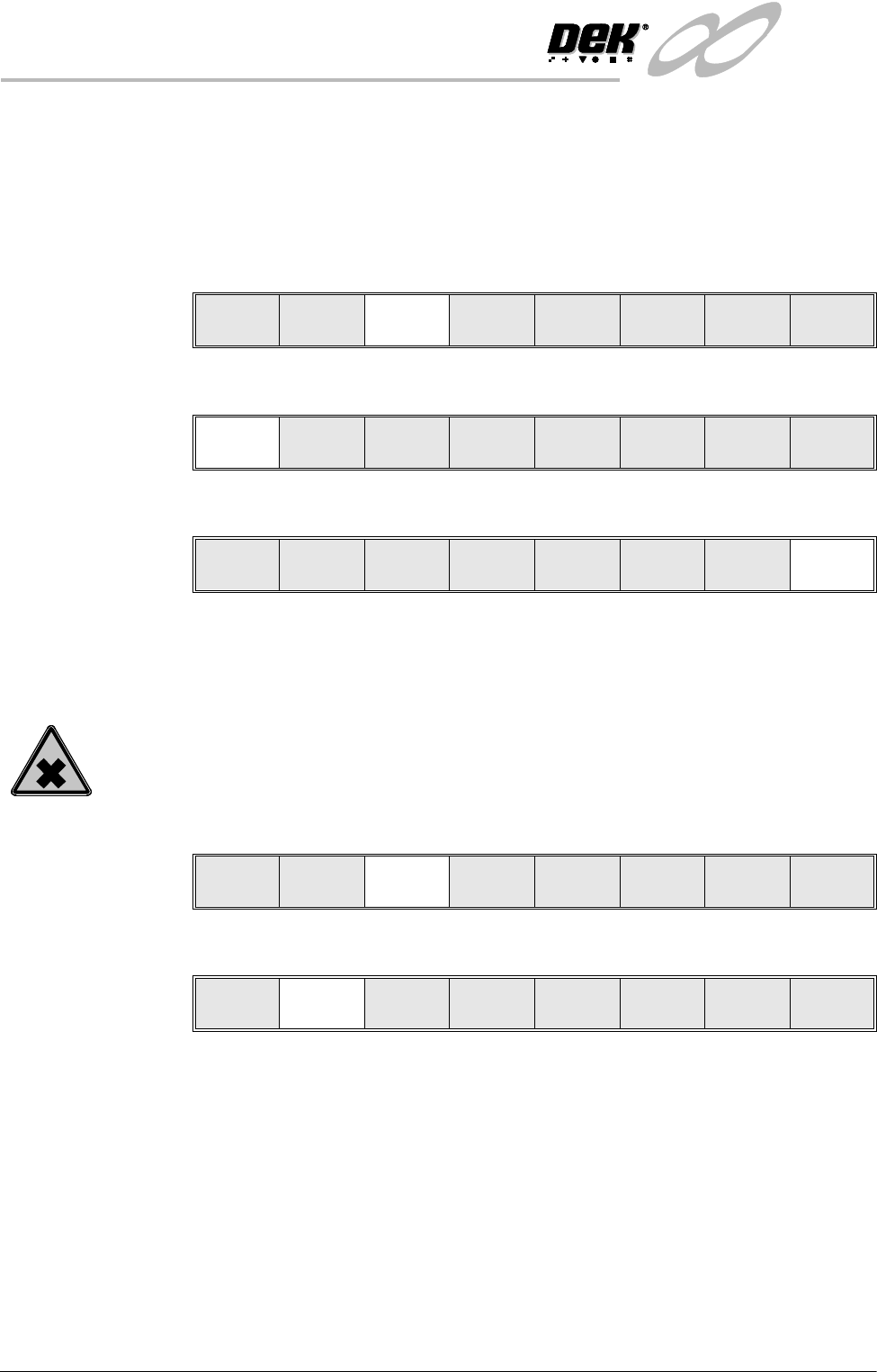
1. Select Paste Load (F3).
2. Select Manual Load (F2).
3. Open the front printhead cover.
Run Head
Paste
Load
Clean
Screen
Adjust Setup Monitor Maint.
Auto
Dispense
Manual
Load
Load
Cart.
Print
Directn
Exit
Auto
Dispense
Manual
Load
Load
Cartrdge
Print
Directn
Exit
Run Head
Paste
Load
Clean
Screen
Adjust Setup Monitor Maint.
Auto
Dispense
Manual
Load
Load
Cart.
Print
Directn
Exit