DEK INFINITY USER MANUAL.pdf.pdf - 第82页
INFINITY 0$&+,1( 352*5$ 00,1* 67$*( 35,17 ,167(30 2'( 1.80 User Manual Software Versi on 7 ST AGE 8 - PR INT IN S TEP M ODE If using squeegees with paste dispenser continue with Section Auto Paste Dispe…
INFINITY
0$&+,1(352*5$00,1*
67$*(9,6,216<67(06(783
Software Version 7 User Manual 1.79
38.Select Exit (F8).
Auto
Board
Manual
Board
Exit
INFINITY
0$&+,1(352*5$00,1*
67$*(35,17,167(302'(
1.80 User Manual Software Version 7
STAGE 8 - PRINT IN STEP MODE
If using squeegees with paste dispenser continue with Section Auto Paste
Dispense. If using squeegees without paste dispenser go to Section Manual
Paste Load. If using ProFlow go to Section Run a Product in Step Mode.
Auto Paste
Dispense
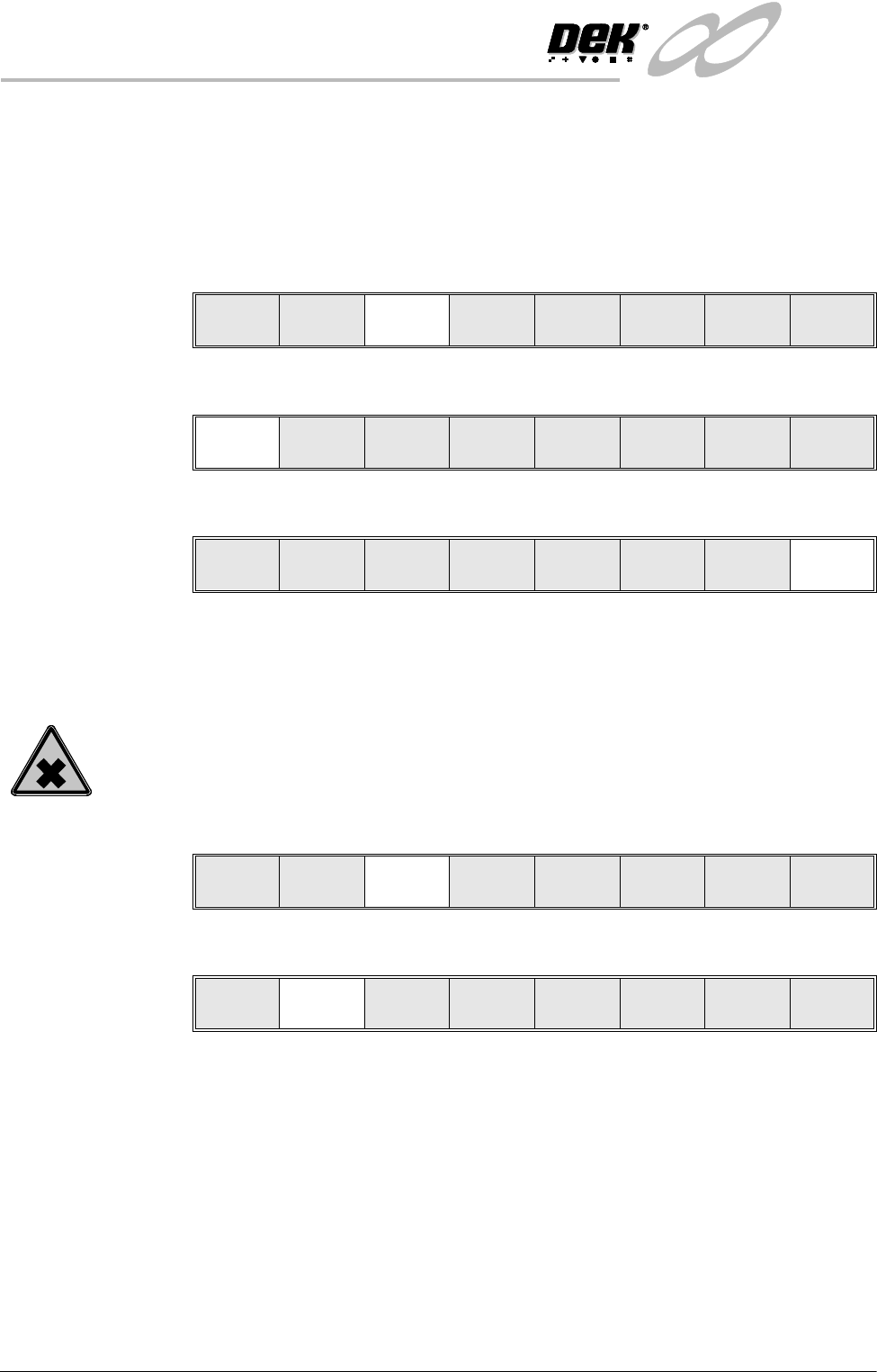
1. Select Paste Load (F3).
2. Select Auto Dispense (F1).
3. Select Exit (F8).
4. Go to Section Run a Product in Step Mode.
Manual Paste Load
WARNING
SOLDER PASTE AND SOLVENTS. WHEN USING OR HANDLING ANY SOLDER
PASTE OR SOLVENT FORMULATION THE MANUFACTURERS’ RECOMMEND
SAFETY PRECAUTIONS MUST BE STRICTLY ADHERED TO.
1. Select Paste Load (F3).
2. Select Manual Load (F2).
3. Open the front printhead cover.
Run Head
Paste
Load
Clean
Screen
Adjust Setup Monitor Maint.
Auto
Dispense
Manual
Load
Load
Cart.
Print
Directn
Exit
Auto
Dispense
Manual
Load
Load
Cartrdge
Print
Directn
Exit
Run Head
Paste
Load
Clean
Screen
Adjust Setup Monitor Maint.
Auto
Dispense
Manual
Load
Load
Cart.
Print
Directn
Exit
INFINITY
0$&+,1(352*5$00,1*
67$*(35,17,167(302'(
Software Version 7 User Manual 1.81
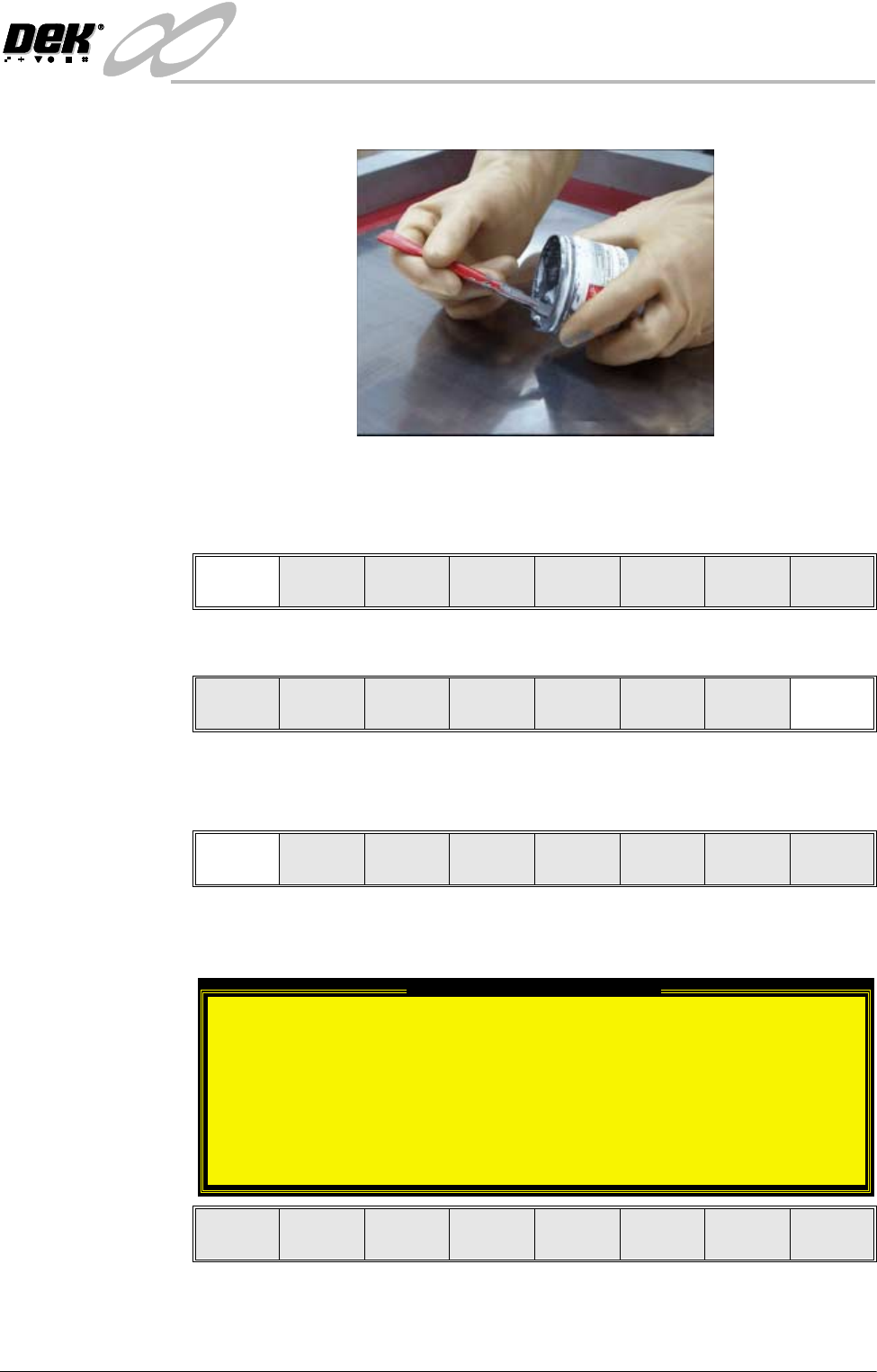
4. Load the solder paste onto the screen
5. Close the front printhead cover.
6. Press the System button.
7. Select Continue (F1).
8. Select Exit (F8)
Run a Product in
Step Mode
1. Select Run (F1).
If the Camera Idle Position in Set Preferences is set to Behind Rail, the
following window and menu bar is displayed:
Selecting Continue Run clears the warning window and the print cycle
continues.
Continue
Auto
Dispense
Manual
Load
Load
Cart.
Print
Directn
Exit
Run Head
Paste
Load
Clean
Screen
Adjust Setup Monitor Maint.
Camera Behind Rail Warning
The CAMERA HOME POSITION is set to 'Behind
Rail'
Ensure that no tooling pins or other
obstructions are on the table behind the
rear rail, as these could cause damage to
the camera.
This option will only have an effect for
boards that are less than 250mm wide.
This option can be disabled from the set
preference page.
Continue
Run
End
Run