ASM_Guide To Adhesive Dot Dispensing_Stinger_en_0321_online.pdf - 第29页
2 STINGER, A GUIDE TO ADHESIVE DOT DISPENSING 2.3 SOFTWARE INTERFACE GUIDE TO ADHESIVE DOT DISPENSING STINGER 03/2021 29 2.3.3.9 Calibration Point X/Calibration Point Y Calibration Point X/Calibration Point Y, this param…
2 STINGER, A GUIDE TO ADHESIVE DOT DISPENSING
2.3 SOFTWARE INTERFACE
28 GUIDE TO ADHESIVE DOT DISPENSING STINGER 03/2021
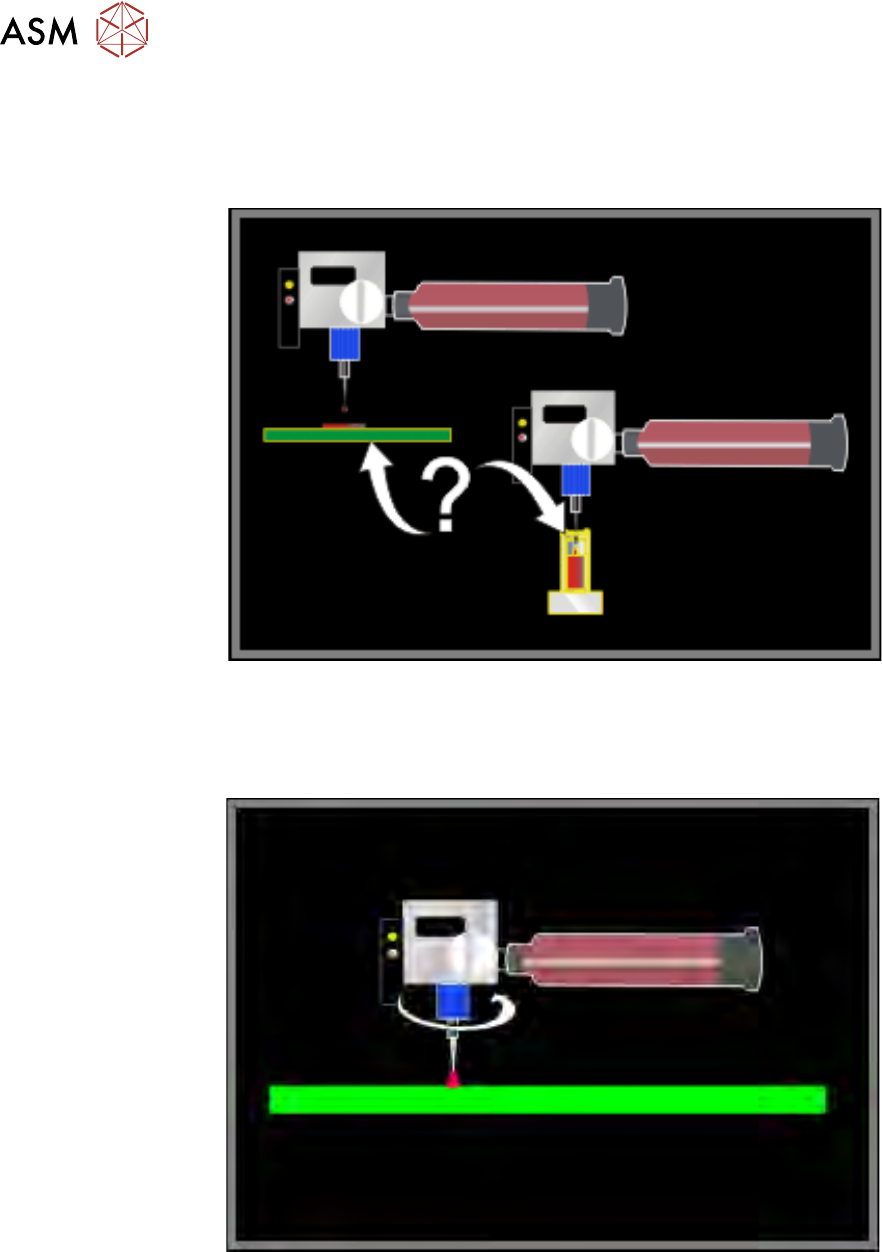
2.3.3.7 Purging Location
Purging Location controls the location where purging occurs, either on the board or at the purge
station. A location on the board should have enough free space to accommodate the purge mater-
ial. On board purging can be carried out on a non-product item.
2.3.3.8 Material Feed Speed/Material Reverse Speed
Material Feed Speed/Material Reverse Speed is used to set up the speeds of the dispense auger
rotation. Expressed as a percentage, the speed ratios can be set from 1 to100%.
Material Feed Speed is the speed as a percentage of the total motor capability. This speed can be
adjusted to meet increased cycle time or material needs. Materials with higher viscosities may
need a slower auger speed whilst an increase in speed gives better cycle times.
Material Reverse Speed sets the speed as a percentage of the total motor capability. Reversing
the direction that the auger moves draws the adhesive back up the nozzle. Drawing the material
back up the nozzle, as the dispense ends, helps to prevent conditions such as trailing or stringing
(see Error Recovery for detail).
2 STINGER, A GUIDE TO ADHESIVE DOT DISPENSING
2.3 SOFTWARE INTERFACE
GUIDE TO ADHESIVE DOT DISPENSING STINGER 03/2021 29
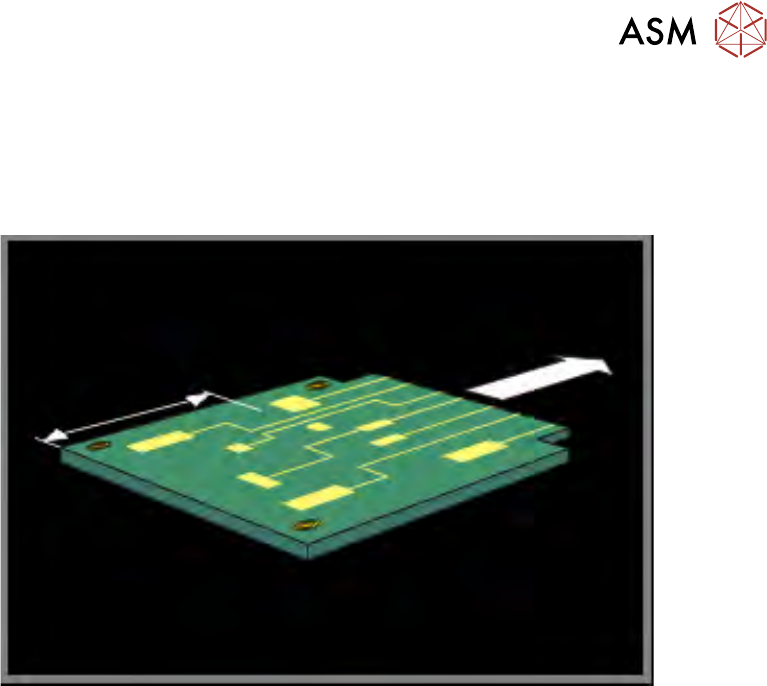
2.3.3.9 Calibration Point X/Calibration Point Y
Calibration Point X/Calibration Point Y, this parameter pair is used to set up the location where the
dispense nozzle is moved to, when calibrating the Z axis contact position. Stinger defaults to the
centre of the product or calibration board. Board warpage, for any product, must be within +/-1mm
of the calibrated contact position.
NOTE
See the section on Siting The Calibration Point, for details of where to set the calibration points for
irregularly shaped product profiles.
Calibration Point X describes the location on the product surface, in X, where Stinger calibration
is set.
Calibration Point Y describes the location on the product surface, in Y, where Stinger calibration
is set.
The calibration point chosen is critical to success, as the product upper surface may be warped;
see the Best Working Practices section of this manual for detail.
2 STINGER, A GUIDE TO ADHESIVE DOT DISPENSING
2.3 SOFTWARE INTERFACE
30 GUIDE TO ADHESIVE DOT DISPENSING STINGER 03/2021
2.3.3.10 Machine Commands Panel
In addition to the standard command button categories there are six additional commands for
Stinger.
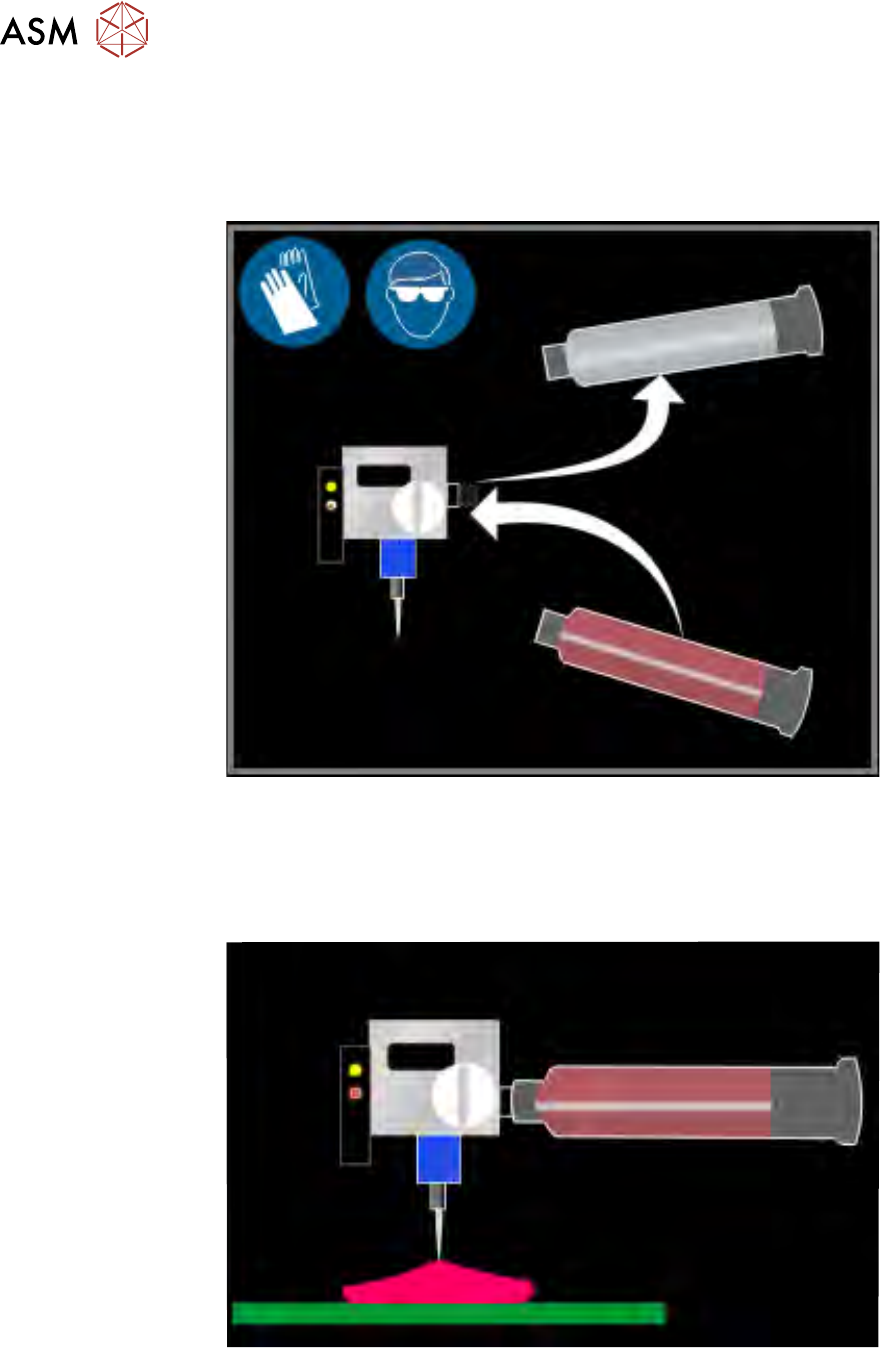
Maintain Stinger allows for the replenishment of the consumable.
Dispense Sweep provides an additional dispense, for example, to dispense on a pre-printed
product.
Purge Process is for dispensing adhesive for an indefinite amount of time, to allow for purging of
air pockets in the dispenser or to empty a dispense head of adhesive. If the purge station function-
ality is available, this functionality is not operable.