88192277-01-19 - Micron Technical Reference V9 Volume 1.pdf - 第38页
SAFETY FEATURES GENERAL 2.10 Technical Reference Manual Chapter Issue 16, Nov 19 GENERAL DEK printing machines incorporate safety features that provide a safe ope rating environment for the opera tor and the machine. All…
SAFETY FEATURES
OVERVIEW
Chapter Issue 16, Nov 19 Technical Reference Manual 2.9
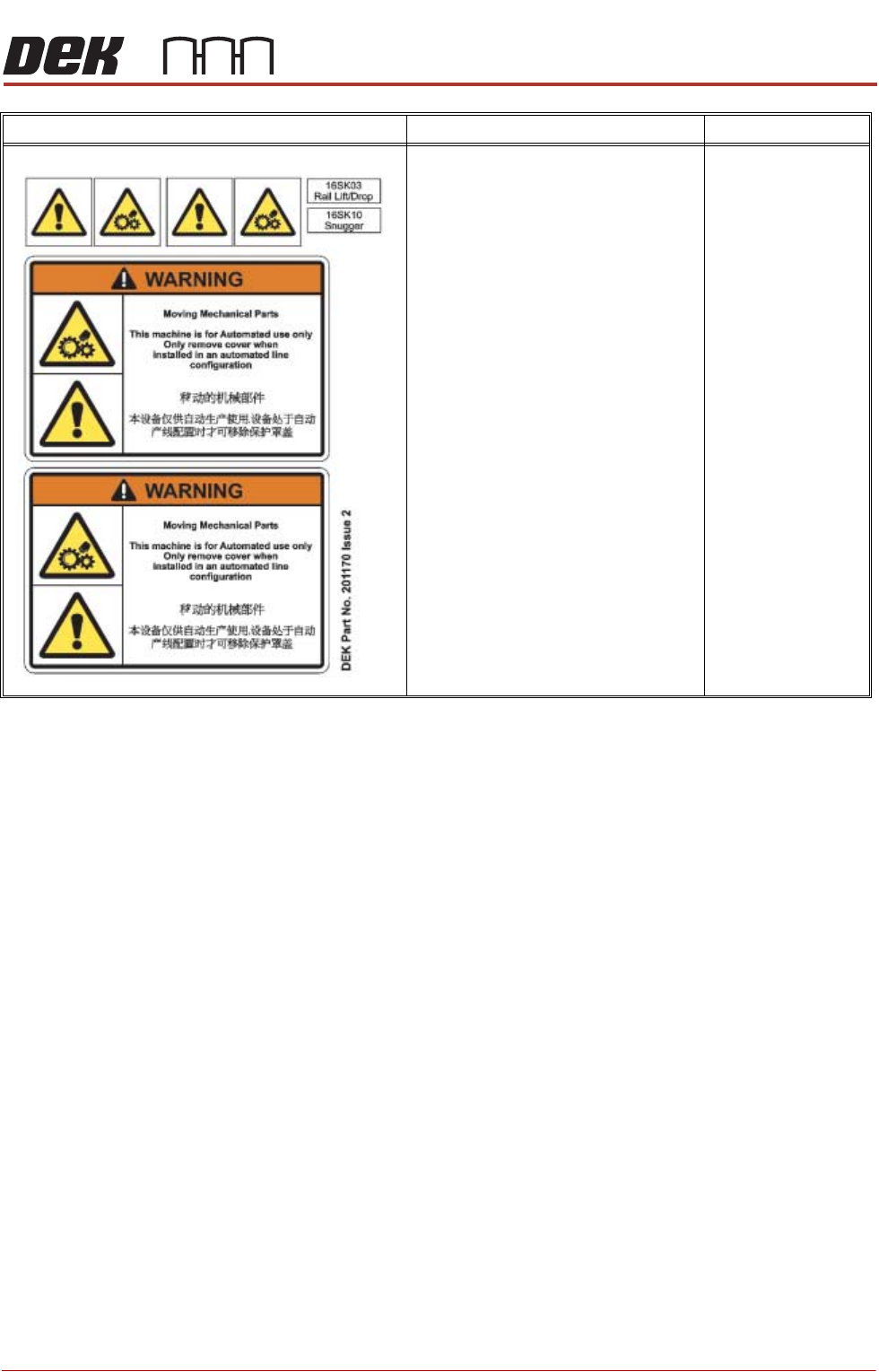
ELECTRO MECHANICAL HAZ-
ARDS REMOVING THIS COVER
EXPOSES ELECTROMECHANICAL
PARTS THAT HAVE THE POTENTIAL
TO CAUSE SERIOUS INJURY. DIS-
CONNECT AND LOCK OUT THE SYS-
TEM POWER BEFORE REMOVING
THIS COVER. REFER TO THE LOCK-
OUT PROCEDURE AT THE END OF
THIS CHAPTER.
GENERAL WARNING
REFER TO THE OPERATOR MANUAL
OR THE FRONT OF THIS CHAPTER
FOR A LIST OF ALL WARNINGS AND
THEIR DEFINITIONS.
SAFETY COVERS
WARNING DEFINITION LOCATION
SAFETY FEATURES
GENERAL
2.10 Technical Reference Manual Chapter Issue 16, Nov 19
GENERAL
DEK printing machines incorporate safety features that provide a safe operating
environment for the operator and the machine.
All safety circuits have been designed to meet the safety requirements as
outlined in the machines’ CE Declaration of Conformity. The circuits check for
welded contacts before resetting. Additional safety is achieved by duplication of
the power contactors to provide redundancy.
There are five machine cover designs:
• Type 1
• Type 2
• Type 3
• Type 4
• Type 5
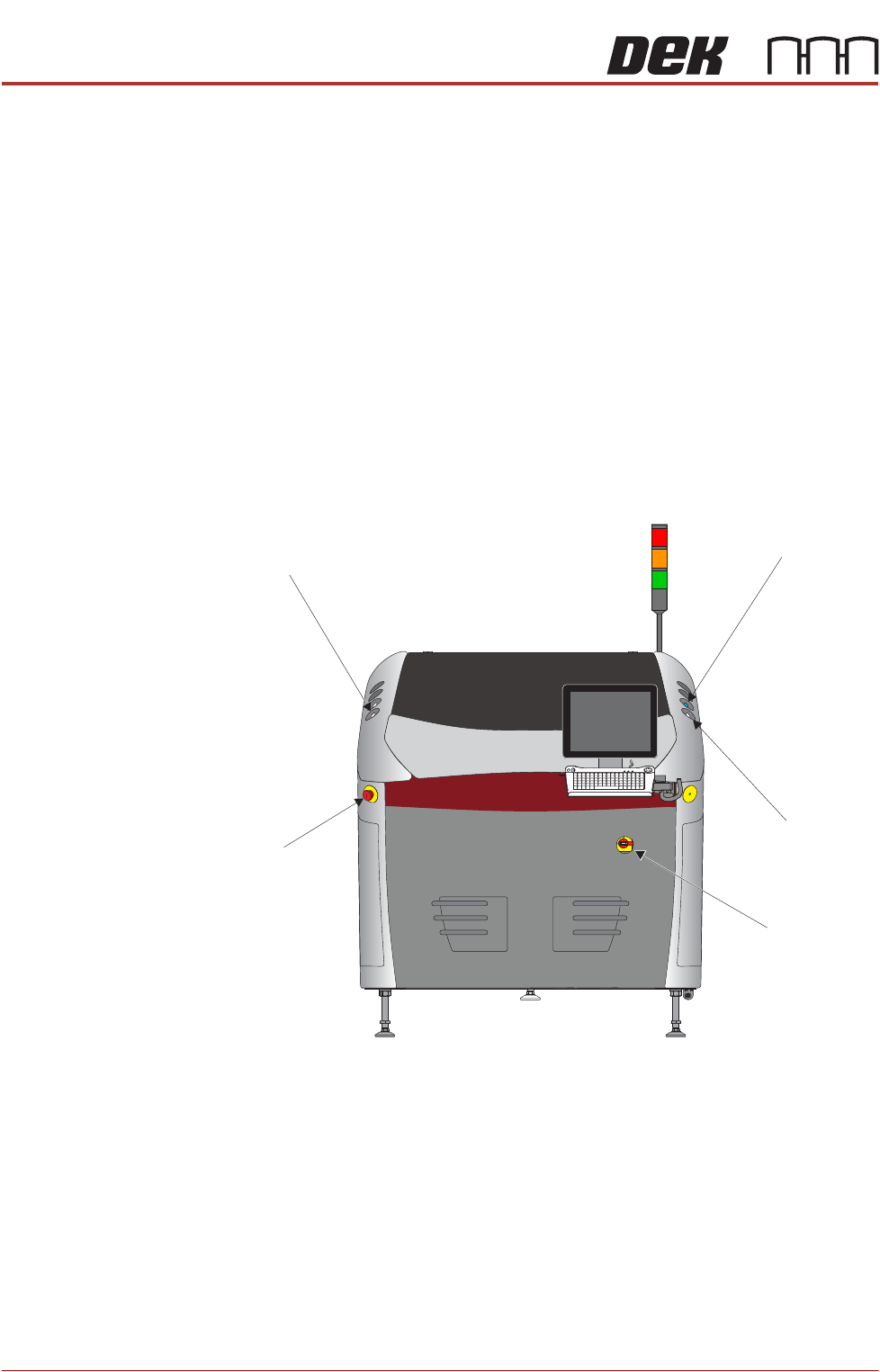
Figure 2-1 Type 1
Left Jog Button
System Button
Right Jog Button
View on Front of Machine
Mains Isolator
E Stop
SAFETY FEATURES
GENERAL
Chapter Issue 16, Nov 19 Technical Reference Manual 2.11
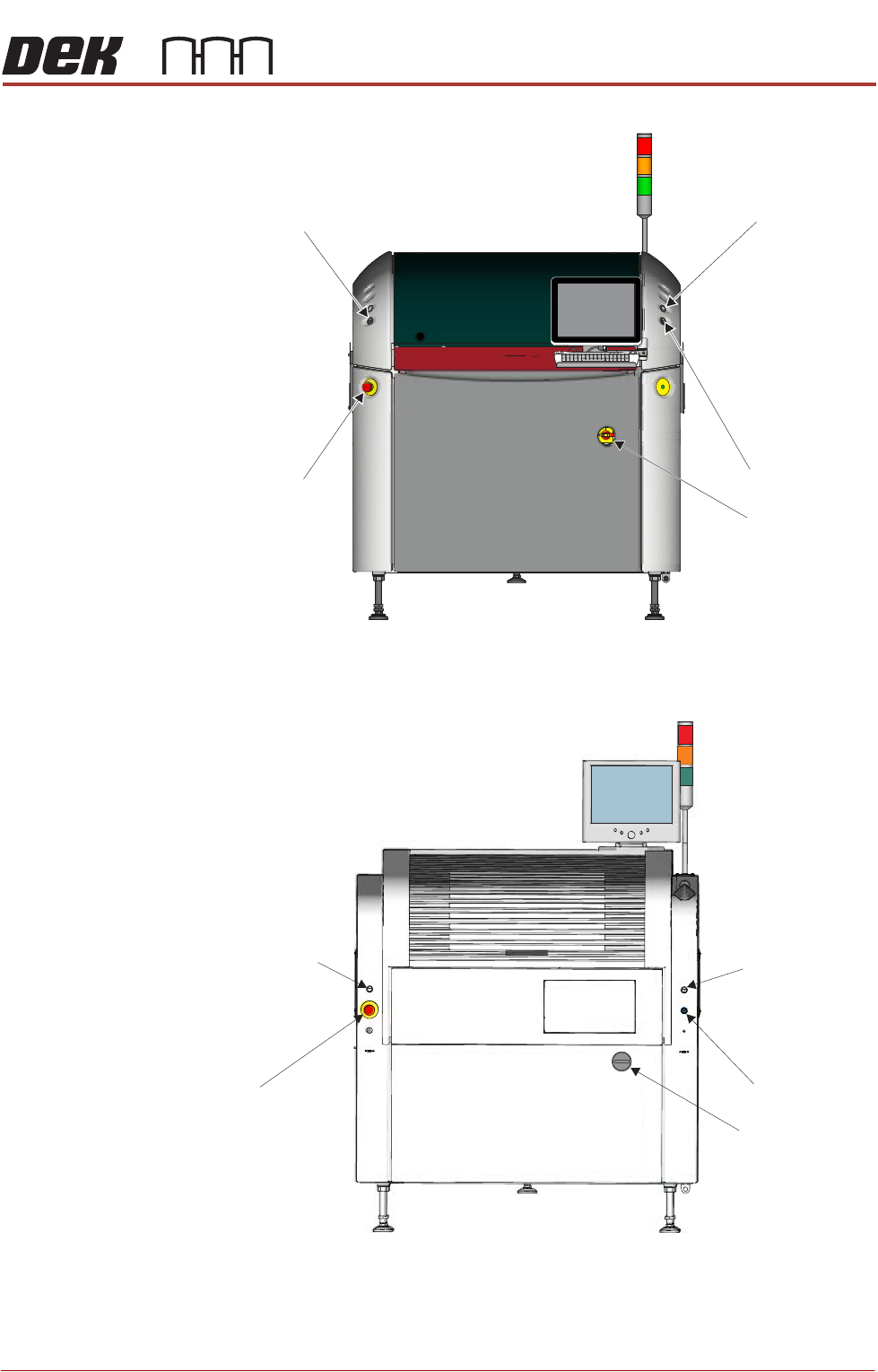
Figure 2-2 Type 2
Figure 2-3 Type 3
View on Front of Machine
Right Jog Button
System Button
Mains Isolator
Left Jog Button
E Stop
Left Jog Button
Right Jog Button
System Button
View on Front of Machine
E Stop
Mains Isolator