00196622-03_OM_WPC5_6_EN.pdf - 第21页
Operational Safety 2.3.6 Safety Instructions for Work on the Cutting Device Safety Instructions for Operating the WPC Operating Manual SIPLACE WPC5/WPC 6 21 Replacing Assemblies ► End all placement operations on the mach…
Operational Safety
Safety Instructions for Operating the WPC 2.3.4 Safety Instructions for Working with Strong Magnetic Fields
20 Operating Manual SIPLACE WPC5/WPC6
2.3.4
2.3.4 Safety Instructions for Working with Strong Magnetic Fields
Safety Instructions for Working with Strong Magnetic Fields
2.3.5
2.3.5 Safety Instructions for the Power Supply
Safety Instructions for the Power Supply
▪ This means that some parts of the system carry potentially lethal voltages - even when switched off
at the main power switch.
▪ Incorrect handling of the machine can therefore result in fatal or severe injuries or considerable dam-
age to property.
▪ Measurements and repairs must always be carried out by appropriately qualified personnel.
▪ Always follow the applicable accident prevention and DIN regulations (particularly DIN EN 60 204
part 1) or the regulations specific to your country.
▪ Before starting any repairs, switch off at the main switch and disconnect the machine from the main
power supply.
▪ Always secure the machine against unauthorized reactivation. If these instructions are not followed,
it is possible to touch live parts, which could result in death or severe injury.
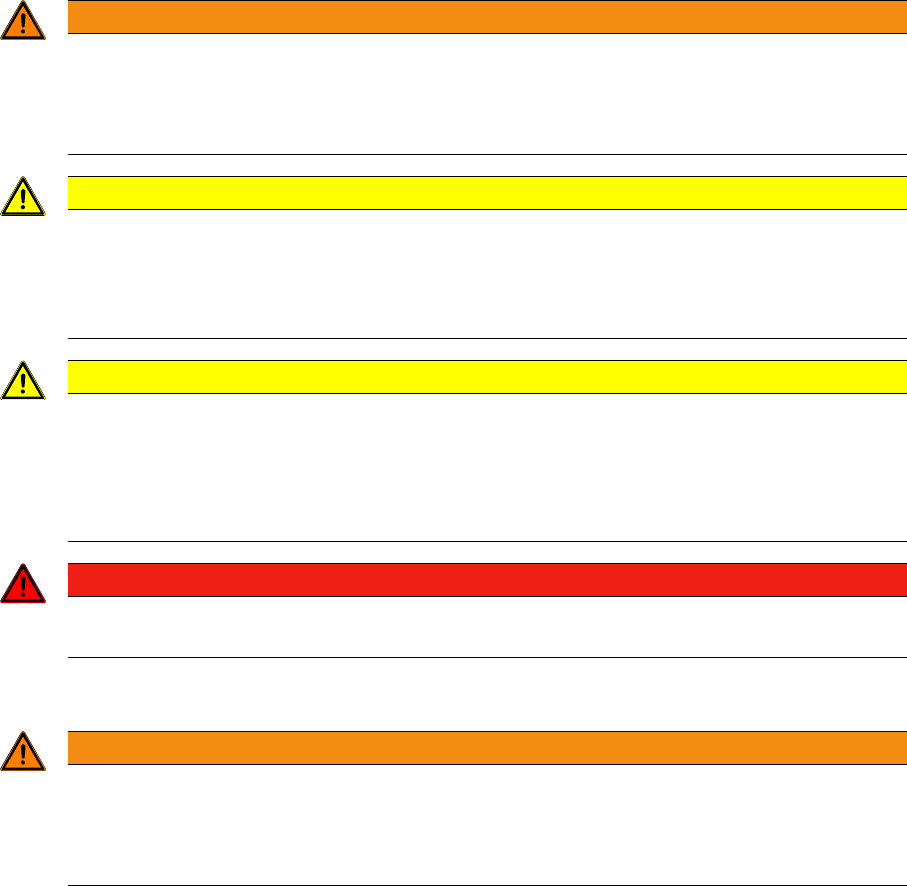
WARNING
STRONG MAGNETIC FIELDS
Fatal hazard: persons with active implants (e.g. pacemakers, defibrillators, insulin pumps etc.)
are at risk from strong permanent magnetic fields inside the machine.
► Persons are risk should avoid the immediate vicinity of the machine.
CAUTION
DANGER OF CRUSHING
Danger of crushing for persons with passive metal implants (e.g. plates, screws).
► Do not reach into the machine or bend towards it when the protective covers are open.
► Do not bring any metal objects into the area.
CAUTION
STRONG MAGNETIC FIELDS
► Do not place magnetic data carriers, check or credit cards in the vicinity of permanent mag-
nets - there is a risk that the powerful magnetic fields could corrupt data on data media.
► Keep wristwatches away from the permanent magnets as these could be irreparably dam-
aged by the magnets.
DANGER
► Never place metal objects made of iron, steel or nickel in the vicinity of permanent magnets.
The powerful forces of attraction could cause fingers to be trapped and crushed.
WARNING
Hazardous Voltages
The machine is supplied with 3 x 400 V~ (or 3 x 204 V~ / 3 x 230 V~ / 3 x 380 V~ / 3 x 415 V~)
± 5 %, 50/60 Hz mains voltage.
► Observe the safety instructions in the operating manual during all service work!
Operational Safety
2.3.6 Safety Instructions for Work on the Cutting Device Safety Instructions for Operating the WPC
Operating Manual SIPLACE WPC5/WPC6 21
Replacing Assemblies
► End all placement operations on the machine.
► Shut down the Windows operating system correctly, otherwise problems may occur when restarting
or data may be lost.
► Switch the placement machine off at the main power switch.
► Disconnect the machine from the power supply.
► Secure the machine to prevent it being switched on again and put up warnings signs to indicate that
service work is in progress.
2.3.6
2.3.6 Safety Instructions for Work on the Cutting Device
Safety Instructions for Work on the Cutting Device
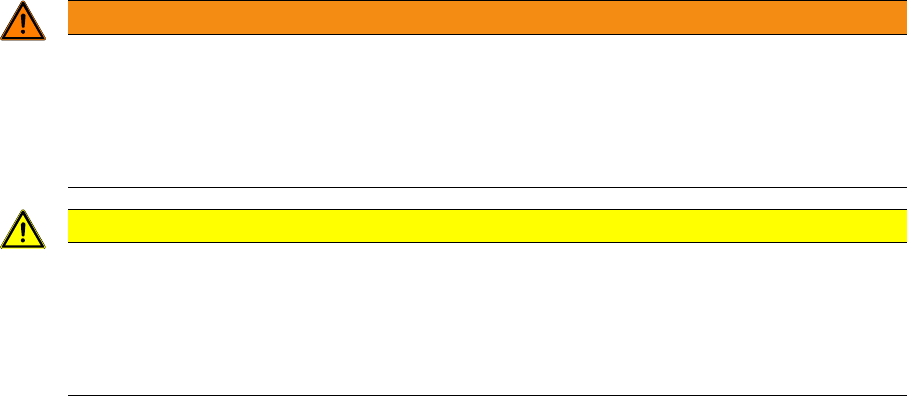
WARNING
Risk of injury when working near the cutter.
If you wish to work on the tape cutter, disconnect the machine from the mains supply and com-
pressed air supply.
► Wait until the operating pressure has dropped to 0 MPa.
► Always secure the machine against unauthorized reactivation.
CAUTION
Risk of injury when performing service work on the cutter.
Never support the cutter on your body, e.g., on your knees or thighs. Do not place your feet
under the cutter.
► Wear robust protective gloves.
► When removing the cutter, grasp it only on the left and right, on the outside.

Operational Safety
Safety Features 2.3.6 Safety Instructions for Work on the Cutting Device
22 Operating Manual SIPLACE WPC5/WPC6
2.4
2.4 Safety Features
Safety Features
EMERGENCY Stop button
When you press the EMERGENCY STOP button, the entire system i.e. the placement machine and the
WPC will be stopped immediately. After releasing the EMERGENCY STOP button, the system can be
restarted by pressing the start button on the placement machine. After this you can continue or cancel
the placement process.
Protective door
When you open the protective door, the lifting axis and the feed axis of the Wafflepack Changer are
stopped. When the door is closed again, the Wafflepack Changer continues its operation.
NOTICE
Incompletely assembled PCBs
► Watch out for any incompletely placed PCBs.
CAUTION
Do not open the protective door
► Do not open the Wafflepack Changer protective door while a component is being picked up
by the Wafflepack Changer.