D-serie LEVEL II.pdf - 第142页
C&P6/12 Placement Head Travel Profiles - Placement Z-Axis Up S tuden t Guide Advanced Level 2 SIPLACE D Series C&P6/12 Placement Head EN 05/2007 8-16 8.4.2 Z-Axis U p 8.4.2.1 St andard Mode - Placement: Z-Axis Up…
C&P6/12 Placement Head
Z-Axis Down Travel Profiles - Placement
Student Guide Advanced Level 2 SIPLACE D Series
EN 05/2007 C&P6/12 Placement Head
8-15
8.4.1.4 Detailed Placement Procedure: Z-Axis Downwards with Waiting Time at Placement
Benefits of special mode "waiting time - placement"
With the "waiting time - placement" option you can:
Combine any of the Z-axis operating modes.
With this "waiting time - placement" option you can:
Press the BARE-DIE component into the adhesive with placement force, so that the adhesive flows
under the component surface and sticks over the surface.
Very big COs can be pressed into the soldering paste so that all leads contact with the paste.
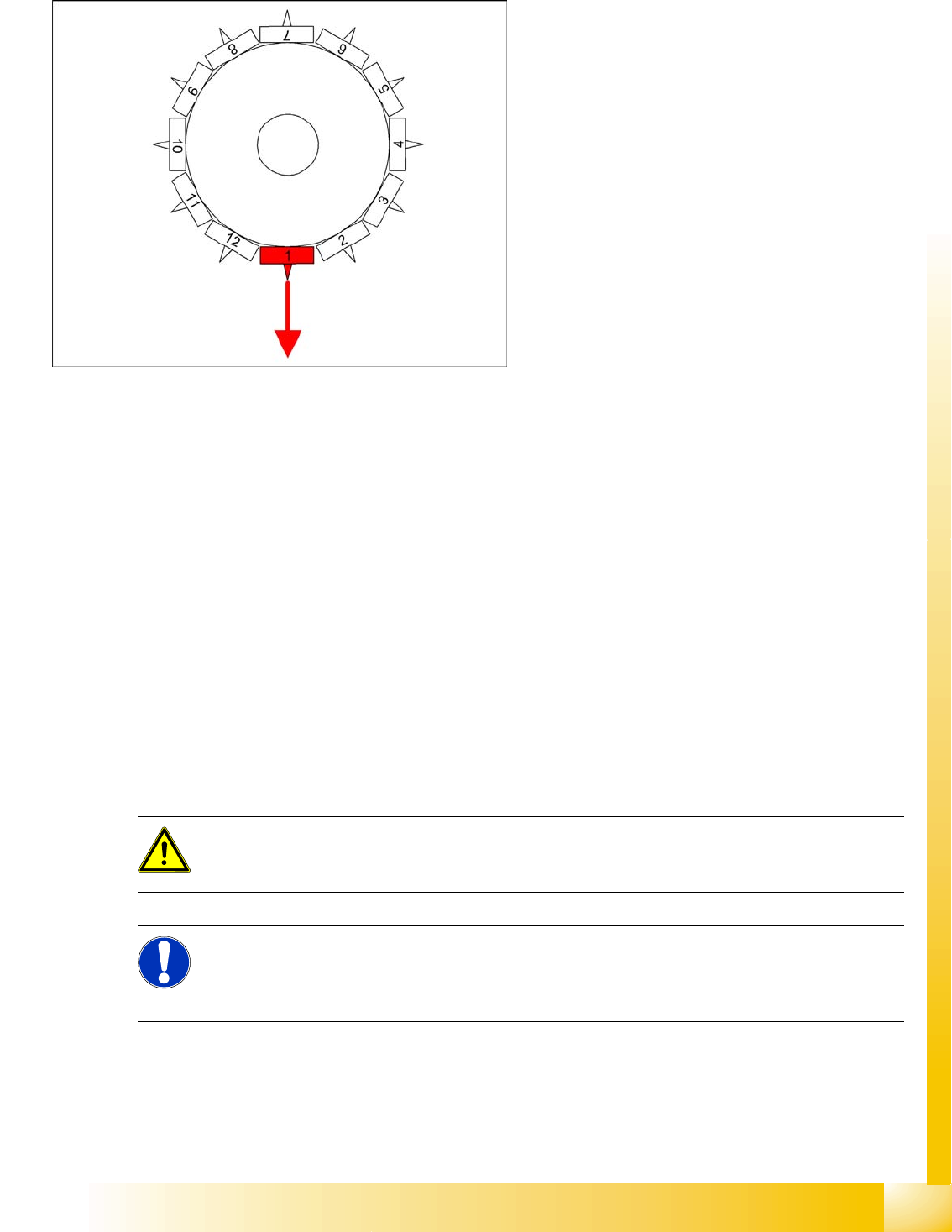
8-12: Detailed component placement procedure: Z-Axis downwards with
waiting time at placement
End position signal for X/Y and star axes:
All 3 end position signals available
Perform vacuum test "before placement", to
determine whether the component is at the
nozzle.
Z-axis starts:
Positioning of Z-axis downwards
LB up switches:
Electromagnetic valve for air blast ON
Release signal for function LB down
LB down switches:
End position signal for positioning Z-axis
down;
And valve positioning drive pickup/placement
position ON for air blast
Special mode "Waiting time down"
The end position signal Z-axis down starts the
waiting period timer in the MC.
After the waiting period, the air blast pressure
is measured.
Positioning upwards begins.
ATTENTION:
The Z-axis moves up (SW 6xx) if the emergency stop button is pressed or a protective cover is
opened!
NOTE:
The pickup process offers the same programming options for a waiting period at the bottom (for
pickup from surftape feeders (typical: 250 ms)). However, due to the waiting period, this option
makes the placement procedure longer than the standard placement procedure!
C&P6/12 Placement Head
Travel Profiles - Placement Z-Axis Up
Student Guide Advanced Level 2 SIPLACE D Series
C&P6/12 Placement Head EN 05/2007
8-16
8.4.2 Z-Axis Up
8.4.2.1 Standard Mode - Placement: Z-Axis Up
8.4.2.2 Placement: Z-Axis Upwards with "Slow Start"
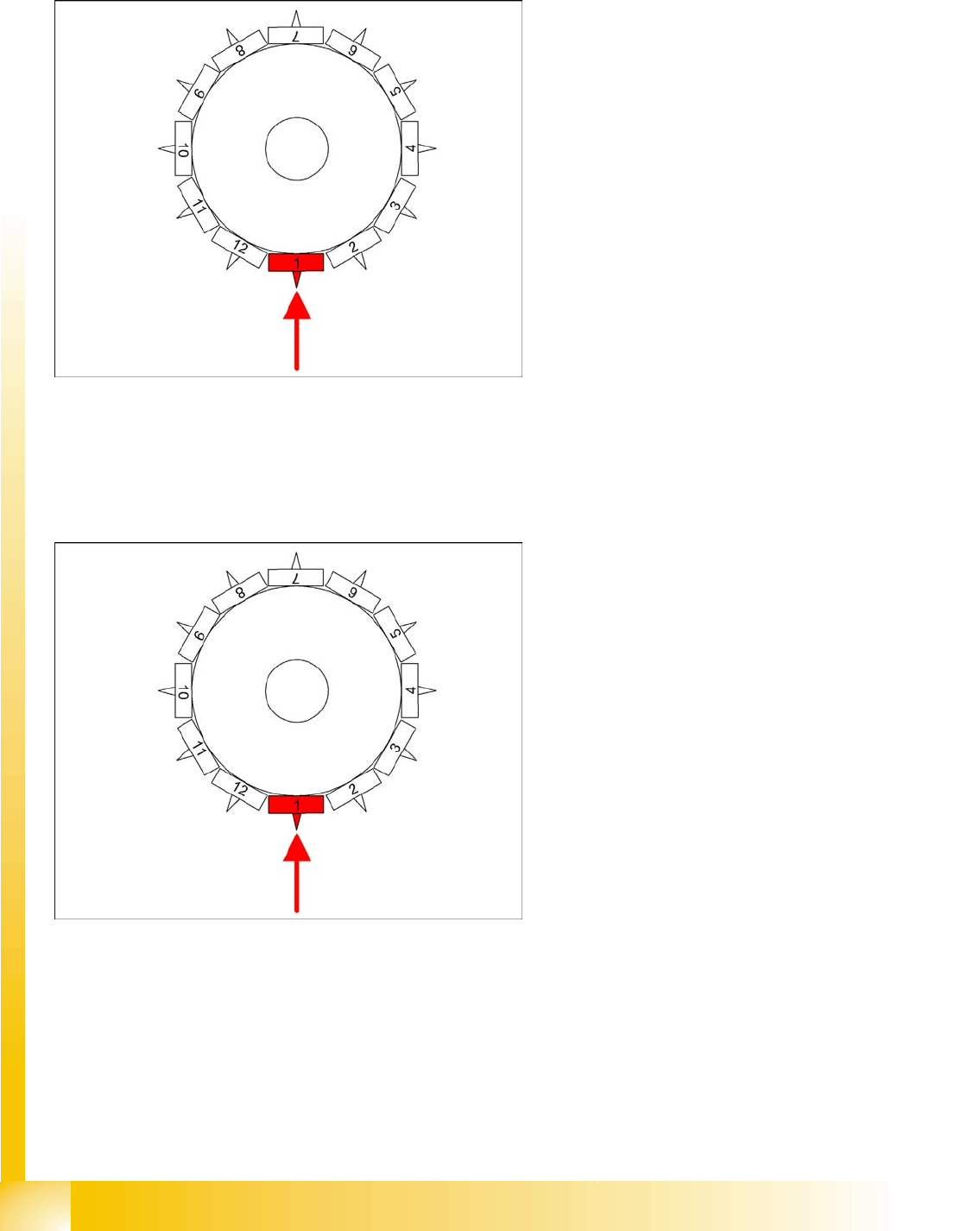
8-13: Detailed component placement procedure: Z-axis up
LB down switches:
End position signal for downwards and valve
positioning drive "ON" for air blast
Measurement of air blast pressure during
placement
Start signal for upwards movement
Z-axis starts:
Positioning of Z-axis upwards
LB up switches:
Electromagnetic valve for air blast OFF
Reset LB down signal
Start signal for gantry axes
Z-axis end position signal (Z-axis at 0 position):
Enables vacuum query: "Segment airtight"
after placement (SR/MC503)
Start signal for star axis
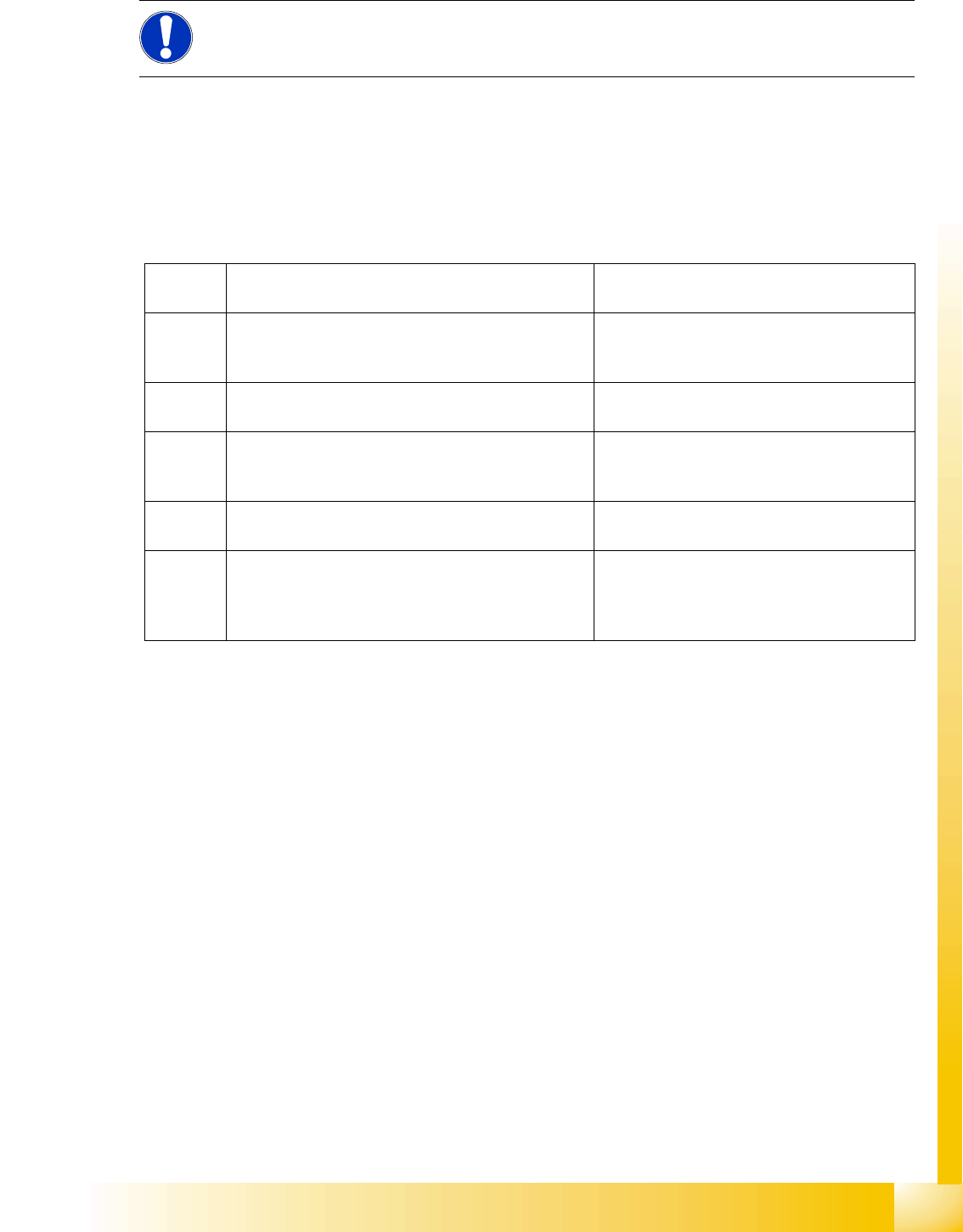
8-14: Detailed component placement procedure: Z-axis upwards with slow
start from placed component
From LRU/LRL 503 and SIPLACE Pro, this
placement type can "only" be programmed in the
CS "for SR/MC 503 stations and higher".
LB down switches:
End position signal for downwards and valve
positioning drive ON for air blast
Measurement of air blast pressure during
placement
Start signal for upwards movement
Z-axis starts:
Positioning Z-axis up with reduced starting
speed for the first 44 digits
LB up switches:
Electromagnetic valve for air blast OFF
Reset LB down signal
Start signal for gantry axes
Z-axis end position signal (Z-axis at 0 position):
Enables vacuum query: "segment airtight?"
after placement (SR/MC503)
Start signal for star axis
C&P6/12 Placement Head
Vacuum Check for Pickup/Place Circuit Vacuum Check
Student Guide Advanced Level 2 SIPLACE D Series
EN 05/2007 C&P6/12 Placement Head
8-17
Benefits of Special Mode "Slow Start"
The component stays on the board even if the soldering paste has a low holding force.
8.5 Vacuum Check
8.5.1 Vacuum Check for Pickup/Place Circuit
Machine functions and component presence are checked in regular function tests during the pickup and
place processes. These relate to the vacuum values during the reference run as comparative values.
8.5.2 Vacuum Check for Holding Circuit
In order to detect any leaks in the segments which are not in the pickup/place position, a vacuum check
for the holding circuit is performed after placement.
The vacuum check for the holding circuit is only performed under the following conditions:
The placement sequence has been completed. (All components have been placed.)
There were no vacuum or Vision errors during the placement process.
The vacuum value must exceed a threshold of 750 mbar. This threshold also depends on the height of
the machine when installed.
NOTE:
However, this option makes the placement procedure around 20 ms longer than the standard
placement procedure.
1. Vacuum check before pickup
Vacuum check with Z-axis still in zero position
"Vacuum closed" value:
To valve check
For 604
only (new)
Vacuum check after start down
Only at pickup for components with function "early
vacuum"
"Vacuum open" value:
Check whether segment is empty
2. Vacuum check after pickup
Vacuum value for Z-axis at light barrier up position
First component presence check:
Starts gantry positioning
3. Vacuum check after pickup
Vacuum value for Z-axis at zero position
Second component presence check:
Check whether component is processed
further in star positions.
4. Vacuum check before placement
Vacuum value with Z-axis still in zero position
Presence check before placement
5. Vacuum check after placement
Vacuum check when Z-axis is again in zero position
"Vacuum closed" value:
To valve check
This is the reference value for vacuum check
before pickup.