D-serie LEVEL II.pdf - 第223页
SITEST New Functions in SITEST Calibration St eps and Individual Calibration Functions S tude nt Guide Advanced Level 2 SIPLACE D Series EN 05/2007 SITEST 12-23 Repeat the function for track 90 (track 72 for D4). For pre…
SITEST
Calibration Steps and Individual Calibration Functions New Functions in SITEST
Student Guide Advanced Level 2 SIPLACE D Series
SITEST EN 05/2007
12-22
The position of the flexible
conveyor side when moving
together is measured in 30
steps.
Save in conveyor control
'backup in TSP.MA'.
Calibrating the conveyor
widths
YES
As single step in 'conveyor'
'calibrate conveyor'
Save in conveyor control. Can be manually set e.g. to
100 mm. This is then the
basis for 'conveyor width
nominal value' with tolerance.
PCB reference corner YES
Adjust conveyor width
automatically to board width
with SW e.g. 100 mm.
As single step in 'gantry'
'gantry positions'
Place the board (no need to
put it on the LB position) into
the input conveyor.
PCB is automatically moved
in and clamped into place.
The gantry positions the
PCB camera into the
currently programmed X/Y
position. The operator
teaches the new position
with the PCB camera.
When you exit the teach
menu, the data will be
accepted.
Save in REAL.MA.
Calibrating the Pickup
Position
YES
Place zero point gauge
(iron) on changeover table
1, track 1.
As single step in 'conveyor'
'calibrate conveyor'
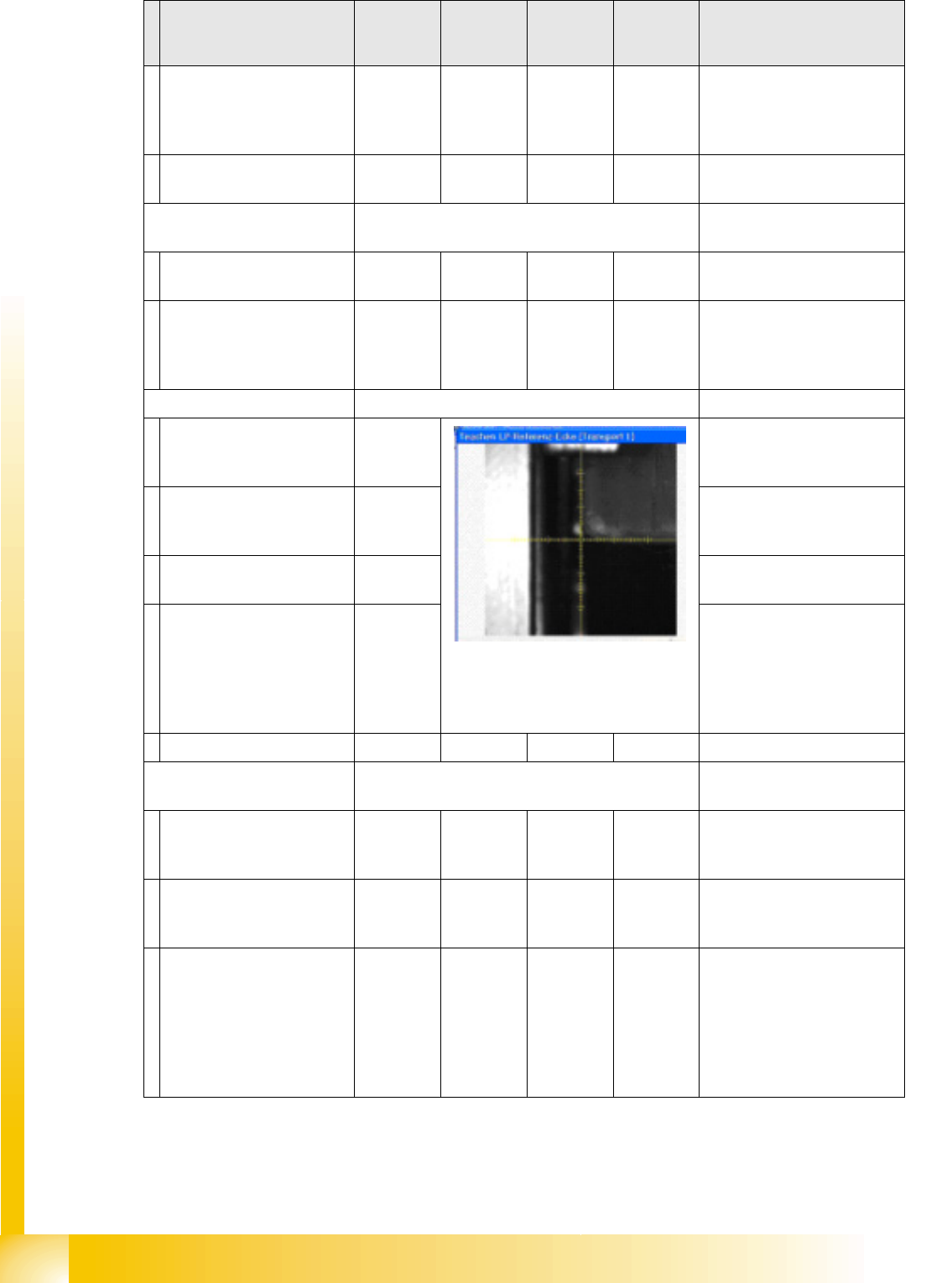
PCB camera centers 1.5
mm drilling for the pickup
coordinates of track 1.
The pickup positions of the
different feeders are between
these coordinates.
If the WPC is recognized by
SITEST on the D1 table,
changeover table 1 will be
calibrated with track 61 and
90. If the WPC is OFF,
calibration will be performed
from track 1 to 90.
Calibration step/
individual calibration
function
For D4 For D3 For D2 For D1 Comments

SITEST
New Functions in SITEST Calibration Steps and Individual Calibration Functions
Student Guide Advanced Level 2 SIPLACE D Series
EN 05/2007 SITEST
12-23
Repeat the function for
track 90 (track 72 for D4).
For precision purposes, only
use one 'iron' per location, so
that the feeder pickup
position in the table center is
not affected.
Repeat this function for all
other changeover tables.
Save in REAL.MA.
Calibrating the closed
vacuum
For (head 2 P&P module)
YES
With TWIN
YES In 'P&P module' 'calibrate
head'
The TWIN module picks up
a 518 nozzle from the
nozzle changer.
518 nozzle
The 518 nozzle is moved to
the top edge of the
conveyor side, to measure
the vacuum.
The rubber membrane of the
518 nozzle is sealed onto the
edge of the conveyor side.
The measured vacuum is the
same as the closed vacuum
value for the C&P heads.
Save in --- …. … the closed vacuum is
measured at each reference
run.
Zero adjustment vacuum
For (head 2 P&P module)
YES
With TWIN
YES In 'P&P module' 'head board'
The air blast vacuum is
adjusted to '0'.
The compressed air supply
is disabled.
This is the real '0' state.
The vacuum difference is
measured and after
reactivation, the electronic
control valve is set to the
new 0 value.
The nozzle must not be
manually blocked/closed.
Save in control valve
EPROM
Calibrating the zero point
correction D-axis
For (head 2 P&P module)
YES
With TWIN
YES In 'P&P module' 'calibrate
head'
Replace the current nozzle
on the TWIN module with
the special calibration
nozzle, according to the SW
message.
Calibration step/
individual calibration
function
For D4 For D3 For D2 For D1 Comments

SITEST
Calibration Steps and Individual Calibration Functions New Functions in SITEST
Student Guide Advanced Level 2 SIPLACE D Series
SITEST EN 05/2007
12-24
The gantry moves the TWIN
module above the
component (IC) camera.
Within a +/-5° tolerance, the
SW determines the angle
correction.
Save in Achs_ver.ma.
Calibration menus reserved for SIEMENS Service
FCCS for digital cameras White adjustment of
hardware required.
The PCB camera calibrates
the calibration tool carrier
position after this carrier
has been moved into the
PCB conveyor and clamped
into place.
Other PCB camera test
measurements follow.
All cameras programmed in
the Config.ma file are
brightness calibrated via a
whiteness adjustment
measurement.
Save in camera EPROM! The results can be saved in
the calibration value XML file.
Checking the star mounting
position in the magnetic
neutral position
The star mounting position
is checked by comparing
the magnetic neutral
position with the 'zero
position of segment 1'.
A deviation of up to 95x 1/
1000° is tolerated by the SW.
Should errors occur,
remount the placement star
on the star motor shaft.
Calibration step/
individual calibration
function
For D4 For D3 For D2 For D1 Comments