Process Lens PL Service Manual_EN.pdf - 第137页
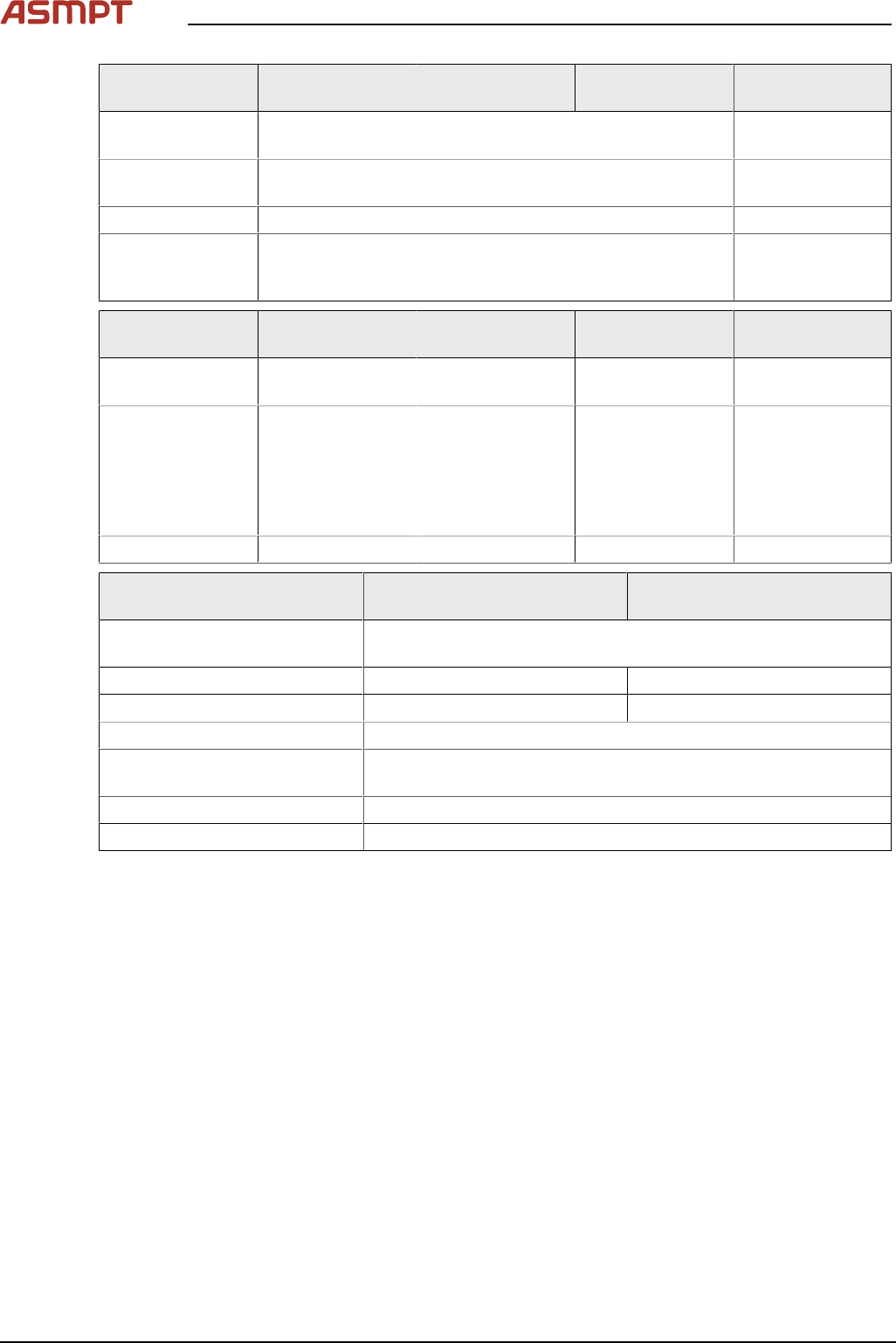
4 Machine - Calibrations Se rv ic e Ma nu al P ro ce ss L en s PL - 0 3/ 20 25 13 7 2D and 3D Calibration tool Fig.191: 3D Calibration Target – 2D Calibration Target 1. 2D back light cable and connector. ► Check the cal…
4 Machine - Calibrations
136 Service Manual Process Lens PL - 03/2025
Calibration H15 High Resolution
(HD10)
High Speed
(HD20)
Remarks
2D/3D Factory calibrated. Calibration is a MUST after replacement
of Vision module or camera.
Machine Zero
Point
Factory calibrated. Calibrate when necessary.
Table Mapping Factory calibrated. Calibrate when necessary
Lighting Cali-
bration (Pseudo-
color)
Factory calibrated. Calibrate if the image pseudo color is not
correct.
Measurement H15 High Resolution
(HD10)
High Speed
(HD20)
Remarks
One-Point Dy-
namic
MUST MUST MUST
Golden Unit MUST MUST MUST H15:
Inspection area =
4x4
HD10 / HD20:
Inspection area =
6x6
GR&R MUST MUST MUST
Descriptions Process Lens (Single and
Dual Lane)
Process Lens HD (Single and
Dual Lane)
Mapping Testboard SC 560x460
kit
03076118-xx
Coaxial Lighting 03139348-xx 03251137
2D/3D Calbration 03139346-xx
1
/ 03251136 03251136
1-point Dynamic 03139347-xx
Golden calibration unit (Calib-
rated) – Height Target
03178706-xx
GR&R 03176231-xx
Kodak Gray Card 03234864-xx
2
/ 03254631-xx
1) Customers with calibration tool 03139346-xx can continue to use on Process Lens, but not on Pro-
cess Lens HD.
2) Customers with calibration tool 03234864-xx can continue to use on both Process Lens and Pro-
cess Lens HD.
4.1 Calibrations - 2D and 3D Calibrations
The objectives are:
●
Z axis Calibration: Auto Focus
●
Calibrate camera to gantry XY rotation
●
2D Calibration in High-Speed and High-Resolution Mode (Option for Service unless calibration
data is no able to recovered)
●
3D Calibration High-Speed and High-Resolution Mode (Option for Service unless calibration data
is no able to recovered)
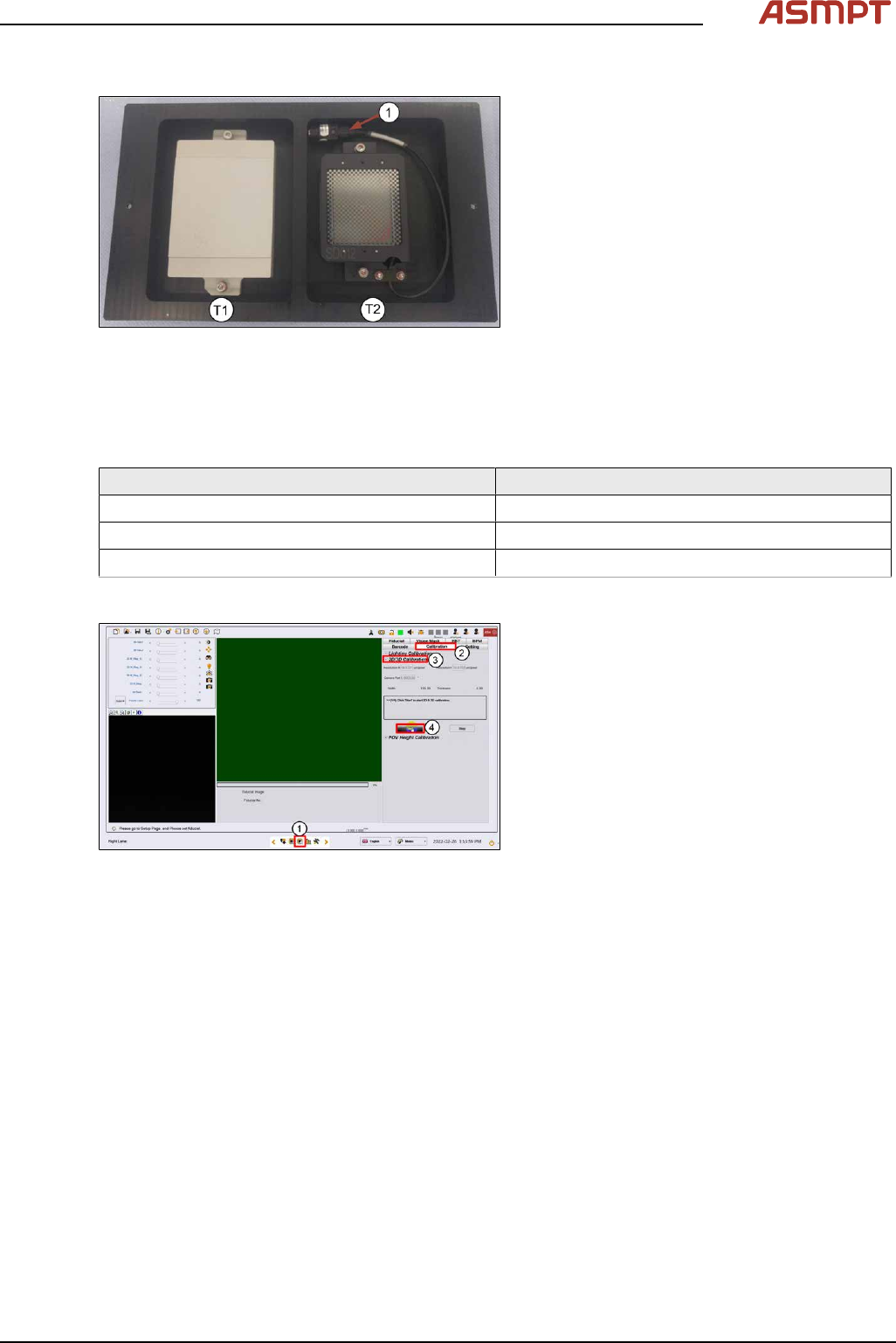
One side of the calibration tool is for 3 dimensional and the other 2 dimensional. The 2D target is
wired with a lighting module.
4 Machine - Calibrations
Service Manual Process Lens PL - 03/2025 137
2D and 3D Calibration tool
Fig.191: 3D Calibration Target – 2D Calibration Target
1. 2D back light cable and connector.
► Check the calibration tool. Clean with a lint free cloth if necessary.
► Coil the 2D light cable into the cavity as shown.
2D and 3D cal fixture info
Mechanical feature Dimension
Length: 260 mm
Width: 154 mm
Hight: 4 mm
Step 1
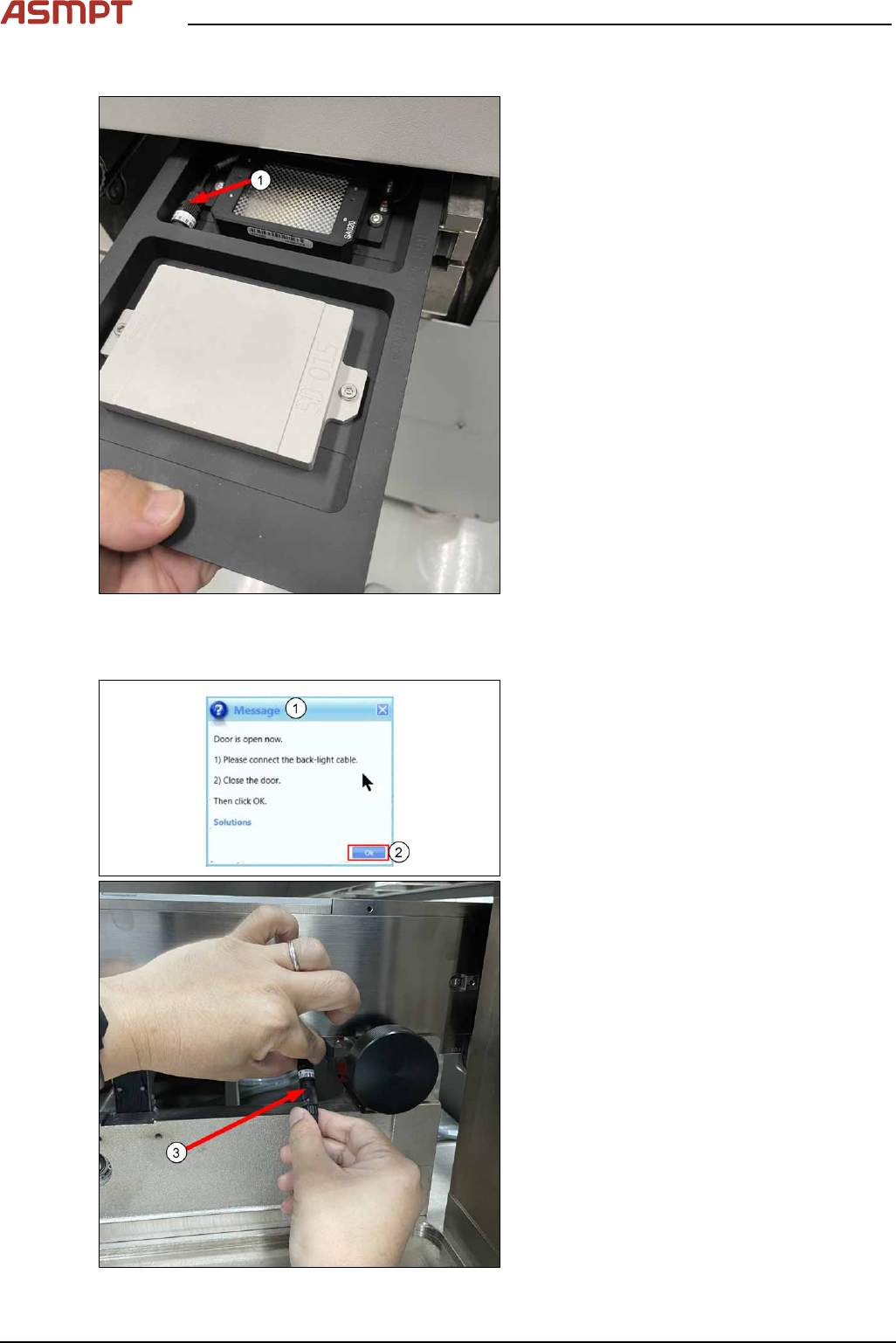
Fig.192: Vision page
► Go to Vision Page(1).
► Click Calibration(2).
► Choose 2D/3D Calibration(3).
► Click Start to continue(4).
4 Machine - Calibrations
138 Service Manual Process Lens PL - 03/2025
Step 2
Fig.193: Placing the target
► Place the 2D and 3D target onto the inlet
section in the orientation shown below.
The 2D target should be loaded head in
first. Ensure the 2D lighting cable (1) is in
the cavity.
► Click Continue to transport target into in-
spection location.
Step 3
Fig.194: Door
► Open door.
ð Message shows that the door is
open(1).
► Connect the back-light cable as shown(3).
► Close door.
► Click Ok(2) to continue.