141-400-57-probestationaccessoriescatalog.pdf_-_141-400-probestationaccessoriescatalog_1.pdf.pdf - 第52页
PN 141-400 www.formfactor.com Manual S tations • 36 Revision 57, February, 2023 Probe Station A ccessories Manual St ations PM 8 100 50 7 — S up ply Ki t f or V acu u m Adapt er Feat ur es • For v acuum clamping of pos i…

PN 141-400 www.formfactor.com Lab Accessories and Miscellaneous • 35
Revision 57, February, 2023 Probe Station Accessories
• Ground strap
Compatibility
• CM300xi, TESLA300, Elite 300, PM300, SUMMIT200, TESLA200,
Summit, T200, M150, Ales si
PN 141-400 www.formfactor.com Manual Stations • 36
Revision 57, February, 2023 Probe Station Accessories
Manual Stations
PM8
100507 — Supply Kit for Vacuum Adapter
Features
• For vacuum clamping of positioners on magnetic or HF platen
Compatibility
• PM8
190-243 — ATT Auxiliary Chuck 160/200 mm for ISS up
to 22.2mm
Features
• Add itional chuck for one calibration
Substrate, custom ISS and/or burnishing
pad u p to 22.2mm*22.2mm, for 160mm or
200mm ATT thermal chuck
• Up to two additional chucks can be mounted
at front-left and front-right position
• Requires vacuum switches for HF chuck:
– PN 100539 for PA200/PM8
Compatibility:
• PA200, PA200 BlueRay, PM8 with 160 mm (6 in) / 200 mm (8 in)
ATT thermal chuck
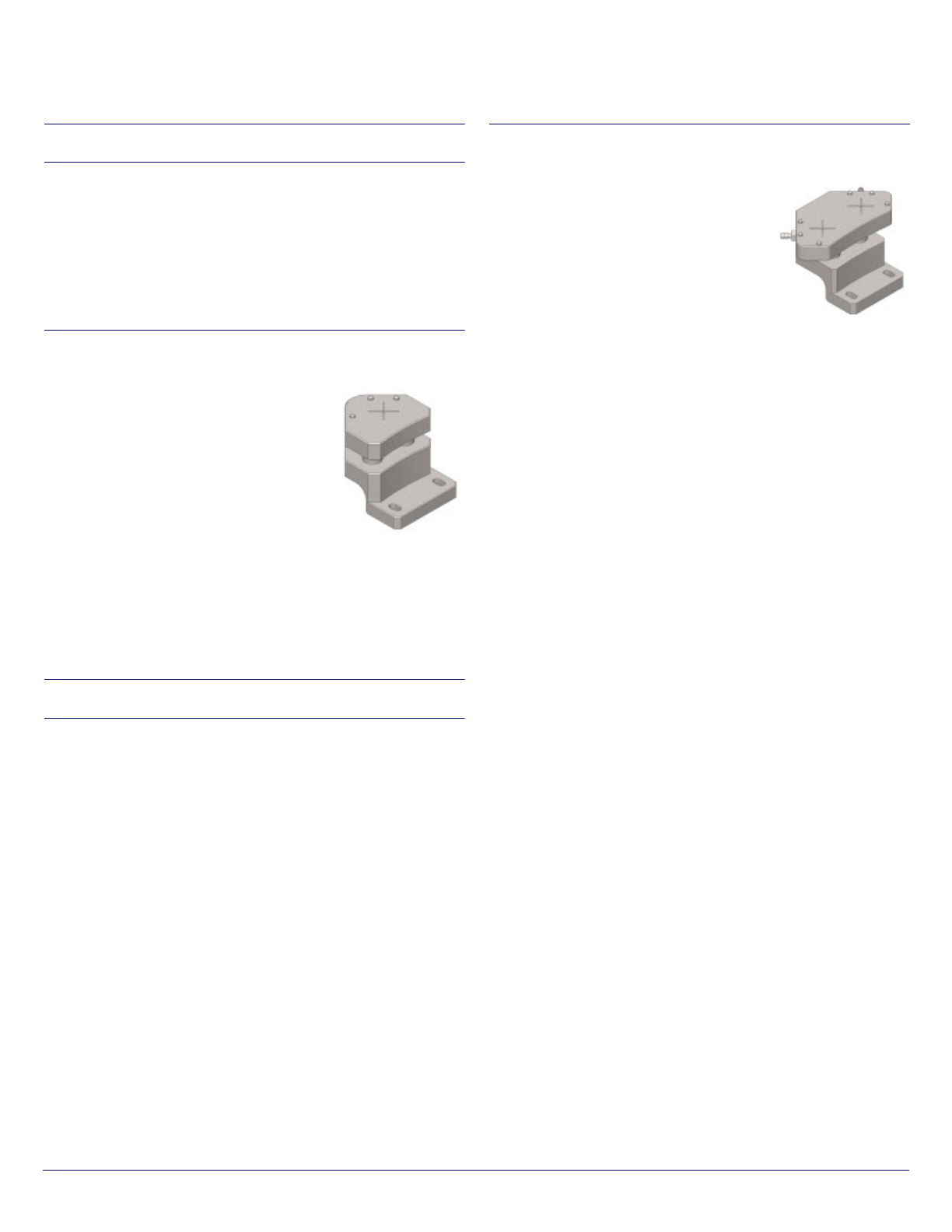
PM300
133270 — Ad ditional Chuck for Two Substrates
Features
• Add itional chuck for 2 calibration substrates and/or burnishing
pads
Compatibility
• PM300
190-244 — ATT Auxiliary Chuck 300 mm dual for ISS up
to 22.2mm
Features
• Additional chuck for two calibration
substrates, custom ISS and/or burnishing
pad u p to 22.2mm*22.2mm, for 300mm
ATT thermal chuck
• Can be mounted at front-left position
• Requires vacuum switches for HF chuck
(PN 1 00539)
Compatibility:
• PA300, PM30 0 with 300 mm ATT thermal chuck, PM300PS
PN 141-400 www.formfactor.com Microscopes • 37
Revision 57, February, 2023 Probe Station Accessories
Microscopes
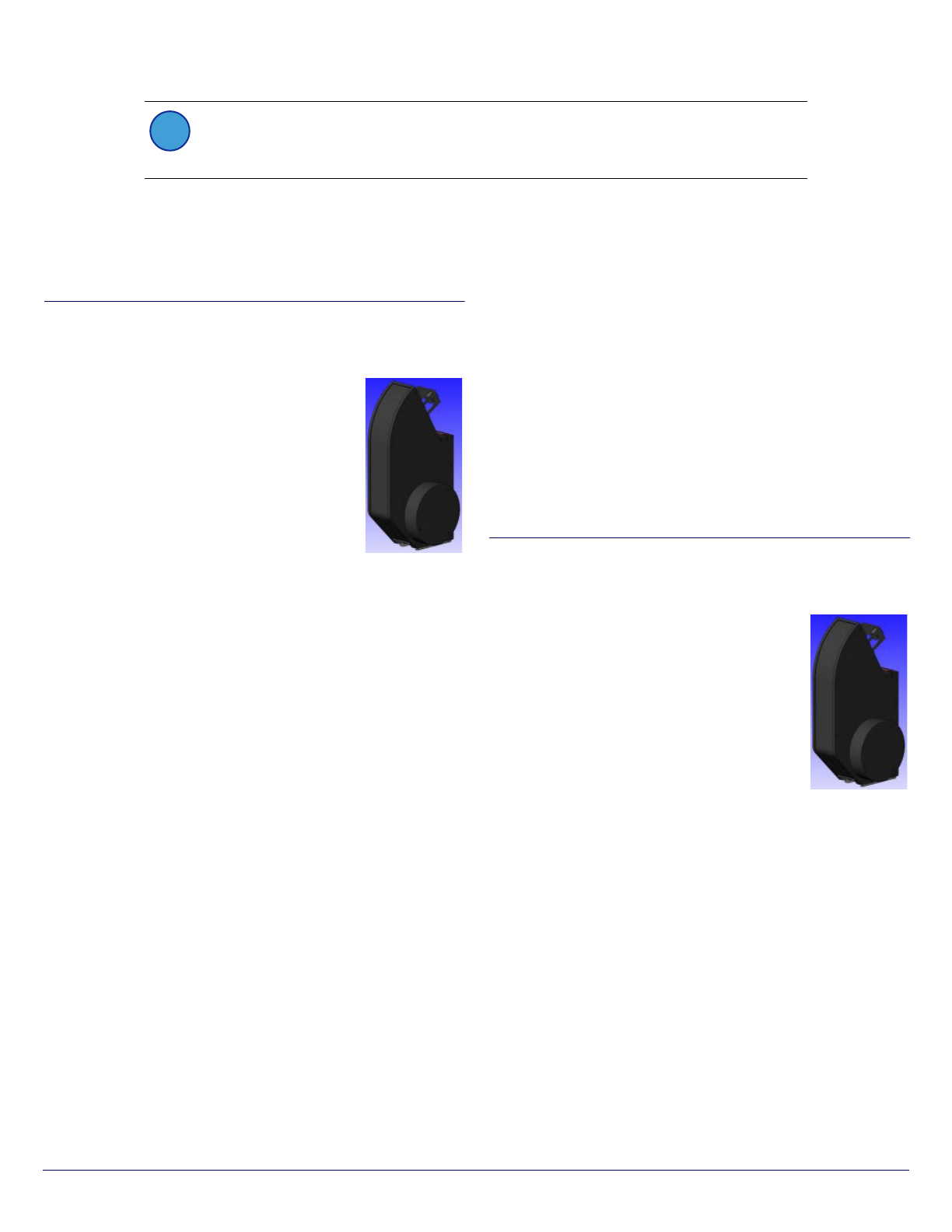
eVue IV
181-123 — eVue IV Digital Imaging System, 10X, Remote
Focus, Pro Package, for CM300 (no focus block, for
motorized transport)
Features
• Multi lens design
– Quick and easy probe tip navigation
– Maximizes field-of-view
– High magnification
• Longer focus range
– Z drive can work in the same range as the
chuck
– Shadow-free view of the corresponding
features
• Intelligent objective lens mount
– Automatically configure and optimize performance
– Easy lens exchange
• Advanced design
– cTUVus certified and CE
– Compatible with TopHa t for perfect shielding
– Compatible with high-voltage measurements
• Extended lifetime
– 24/7 operating, increased MTBF
– No internal maint enance required
• Intelligent collision detection system
– Protects the measurement setup
– Prevents involuntary mechanical contact between lens and
probes
– Stops all system motion a nd warns of unobserved contact
Specifications
• 2 optical paths
• 4 mm fine focus Z drive range
• 0.2 µm (0.008 mils) Z drive resolution
• Auto focus
• Multi view with two screens
• 45.5 fps video fra me rates (1024 x 768)
• 13.1 fps video fra me rates (2048 x 1536)
• 0.5 - 5.0X zoom range
Kit Contents
• Integrated LED illumination system
• USB remote control box
• Digital video PC interface card
• Video processing software
• Probe station software integration module
Compatibility
• CM300xi
Requirements
• Velox probe station control software
• Velox 2.4 or later
181-124 — eVue IV Digital Imaging System, 10X, Remote
Focus, for CM300 (no focus block, for motorized
transport)
Features
• Multi lens design
– Quick and easy probe tip navigation
– Maximizes field-of-view
– High magnification
• Longer focus range
– Z dr ive can work in the same r ange as the
chuck
– Shadow-free view of the corresponding
features
• Intelligent objective lens mount
– Automatically configure and optimize performance
– Easy lens exchange
• Advanced design
– cTUVus certified and CE
– Compatible with TopHat for perfect shielding
– Compatible with high-voltage measurements
• Extended lifetime
– 24/7 operating, increased MTBF
– No i nternal maintenance r equired
• Intelligent collision detection system
– Protects the measurement setup
NOTE
This catalog shows a wide range of microscope solutions and the general compatibility for a
platform. To determine compatibility for a specific configuration, re fer to the station configuration
guide.
i