80S-2080F480F5.pdf - 第290页
5 Vision Functions SIP LACE 80S-20/F4/F5 Us er Manual 5.5 Teach Fiducial 05/99 Issue from Software Version SR.405.xx 5 - 58 Line en gineer T o mak e it easier for you to as sess the range of brigh tness or th e contras t…
SIPLACE 80S-20/F4/F5 User Manual 5 Vision Functions
05/99 Issue from Software Version SR.405.xx 5.5 Teach Fiducial
Line engineer 5 - 57
5.5.5
Contrast Sensitivity
Menu
The
Contrast sensitivity
menu provides options for optimizing the contrast between the fiducial and its sur-
roundings.
NOTE
All of the options in this menu are only accessible if you have loaded a fiducial beforehand. If you have done
so, this will be indicated by the text on the button being black (rather than grayed out).
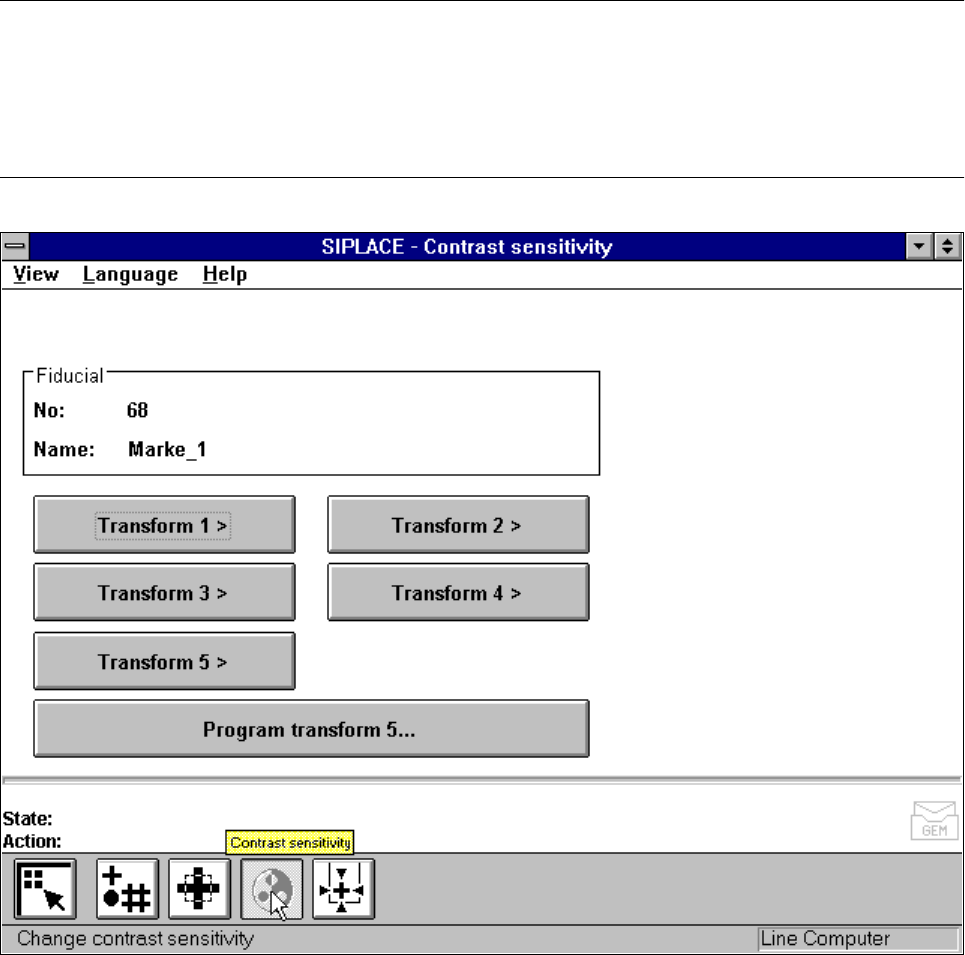
The fiducial number and fiducial name are displayed in the
Fiducial
display field.
If you have not loaded a fiducial you will only be able to selected the
Program transform 5
option.
Fig. 5.5.17
Contrast sensitivity
menu, options
Each pixel of the video camera contains one unit of 8-bit gray-scale information. The significance of the values
is as follows:
0 = black and
255 = white

5 Vision Functions SIPLACE 80S-20/F4/F5 User Manual
5.5 Teach Fiducial 05/99 Issue from Software Version SR.405.xx
5 - 58 Line engineer
To make it easier for you to assess the range of brightness or the contrast these gray-scale values have been
converted with the help of transformation tables into color as is shown below:
NOTE
In order to achieve a good uniqueness value the contrast difference between the fiducial and its surroundings
should be at least 75. For example, if the background is green the fiducial should be orange.
If the contrast is unsatisfactory you can select in the menu between five pre-programmed transformation
tables in order to obtain a color image which is capable of supplying the necessary information. In addition,
you can also program a transformation table yourself.
NOTE
When the color presentation is changed the fiducial will be taught at the same time.
Gray scale Allocated color
0black
30 violet
50 blue
77 blue-green
100 green
127 brown
150 red
175 orange
200 yellow
255 white
Tab. 5.5.1 Gray-scale to color conversion table
SIPLACE 80S-20/F4/F5 User Manual 5 Vision Functions
05/99 Issue from Software Version SR.405.xx 5.5 Teach Fiducial
Line engineer 5 - 59
5.5.5.1
Transforms 1 to 5
Option
When you select this options,
– the menu closes,
– the video image is displayed,
– the teach command is given, and
– header and footer with color table option, fiducial number and the uniqueness value are displayed.
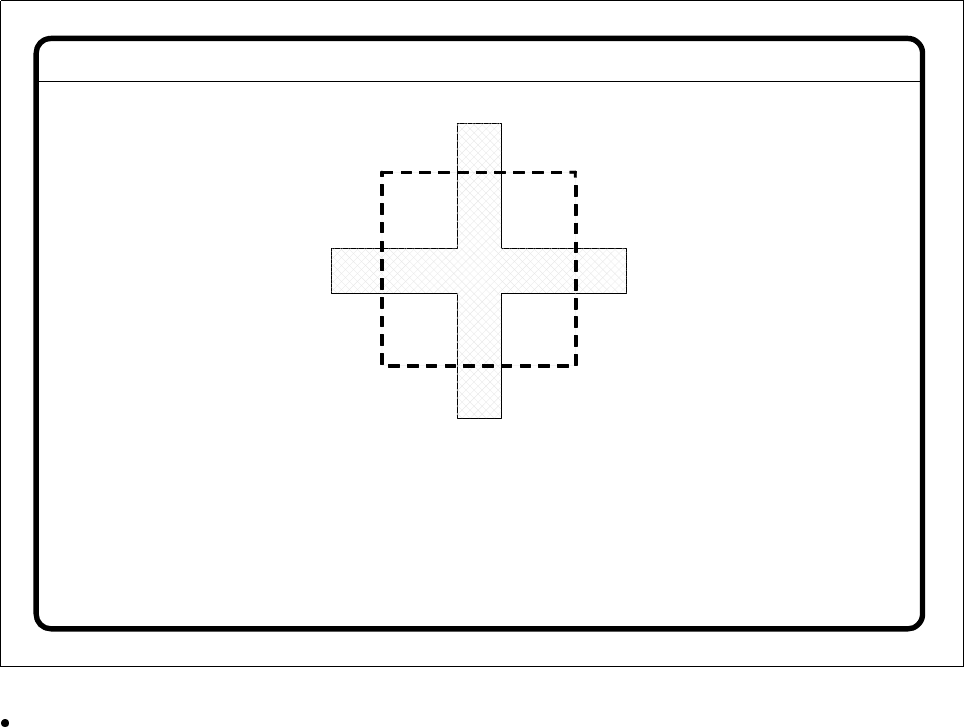
Fig. 5.5.18
Contrast sensitivity
menu,
Transforms 1-5
video image
Press
Esc
to quit this option.
Fiducial No. = 8 Uniqueness = 70
Disp. with transform 2