80S-2080F480F5.pdf - 第291页
SIPLACE 80S-20/F4/F5 User M anual 5 Vision Func tions 05/99 Issue from Software Vers ion SR.405.xx 5.5 Teach Fiducial Line en gineer 5 - 59 5.5.5. 1 T ransforms 1 to 5 Option When you sele ct this options, – t he menu cl…

5 Vision Functions SIPLACE 80S-20/F4/F5 User Manual
5.5 Teach Fiducial 05/99 Issue from Software Version SR.405.xx
5 - 58 Line engineer
To make it easier for you to assess the range of brightness or the contrast these gray-scale values have been
converted with the help of transformation tables into color as is shown below:
NOTE
In order to achieve a good uniqueness value the contrast difference between the fiducial and its surroundings
should be at least 75. For example, if the background is green the fiducial should be orange.
If the contrast is unsatisfactory you can select in the menu between five pre-programmed transformation
tables in order to obtain a color image which is capable of supplying the necessary information. In addition,
you can also program a transformation table yourself.
NOTE
When the color presentation is changed the fiducial will be taught at the same time.
Gray scale Allocated color
0black
30 violet
50 blue
77 blue-green
100 green
127 brown
150 red
175 orange
200 yellow
255 white
Tab. 5.5.1 Gray-scale to color conversion table
SIPLACE 80S-20/F4/F5 User Manual 5 Vision Functions
05/99 Issue from Software Version SR.405.xx 5.5 Teach Fiducial
Line engineer 5 - 59
5.5.5.1
Transforms 1 to 5
Option
When you select this options,
– the menu closes,
– the video image is displayed,
– the teach command is given, and
– header and footer with color table option, fiducial number and the uniqueness value are displayed.
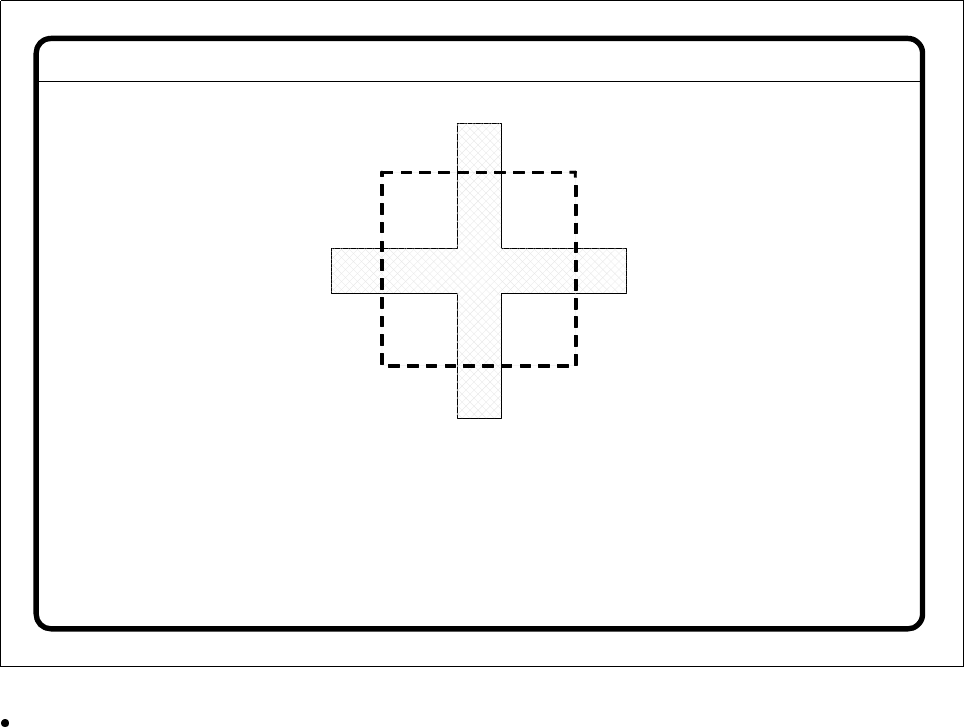
Fig. 5.5.18
Contrast sensitivity
menu,
Transforms 1-5
video image
Press
Esc
to quit this option.
Fiducial No. = 8 Uniqueness = 70
Disp. with transform 2
5 Vision Functions SIPLACE 80S-20/F4/F5 User Manual
5.5 Teach Fiducial 05/99 Issue from Software Version SR.405.xx
5 - 60 Line engineer
5.5.5.2
Program Transform 5
Option’
When this option is activated the
Contrast sensitivity transform 5
option box opens.
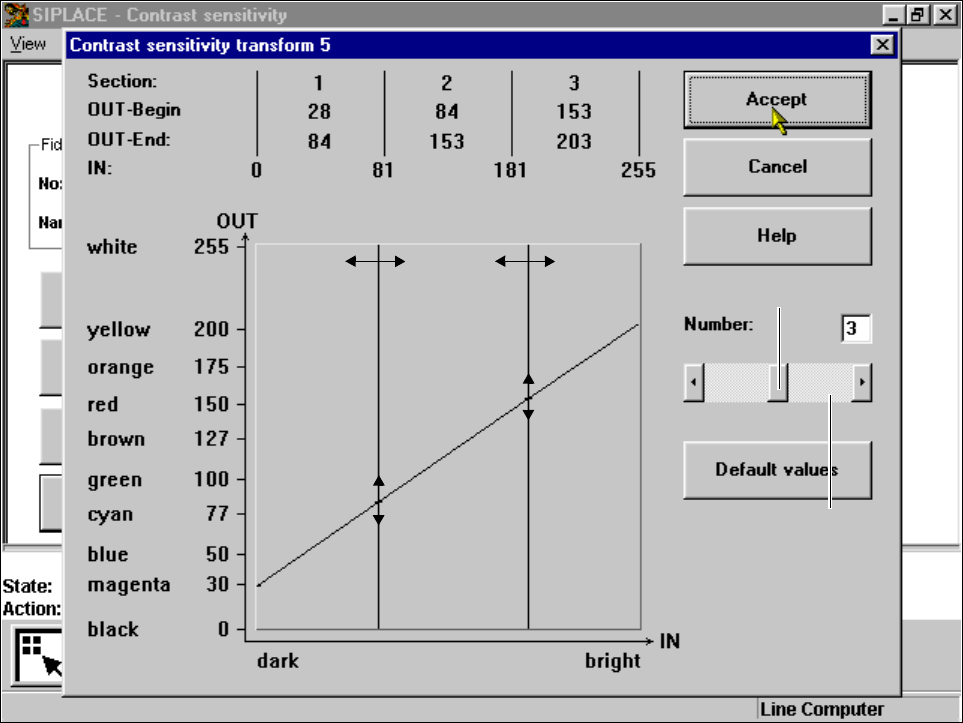
Fig. 5.5.19
Contrast sensitivity
menu,
Contrast sensitivity transform 5
option box
You can select the following parameters:
– Number of sections which the transformation table should have: a number between 1 and 5
– Choice of paired values: with 5 sections 10 value pairs are permitted.
Layout of the
Contrast sensitivity transform 5
option box
Numerical presentation of Transform 5
The numerical values are indicated in the upper part of the option box. These are:
Section: Number of sections
OUT Begin: OUT End: Ranges of values for the transformation of the individual sections
IN: Range limits of the individual sections
Graphic presentation of Transform 5
In the diagram
– the abscissae (x axis) represent the input value range, subdivided into sections.
– the ordinates (y axis) represent the output values with their color allocation.
Scroll field
Scroll bar