80S-2080F480F5.pdf - 第313页
SIPLACE 80S-20/F4/F5 User M anual 5 Vision Func tions 05/99 Issue from Software Vers ion SR.405.xx 5.6 Test Comp onent Line en gineer 5 - 81 5.6.3 Select Package Form Menu If you s elect the T est component option i n th…
5 Vision Functions SIPLACE 80S-20/F4/F5 User Manual
5.6 Test Component 05/99 Issue from Software Version SR.405.xx
5 - 80 Line engineer
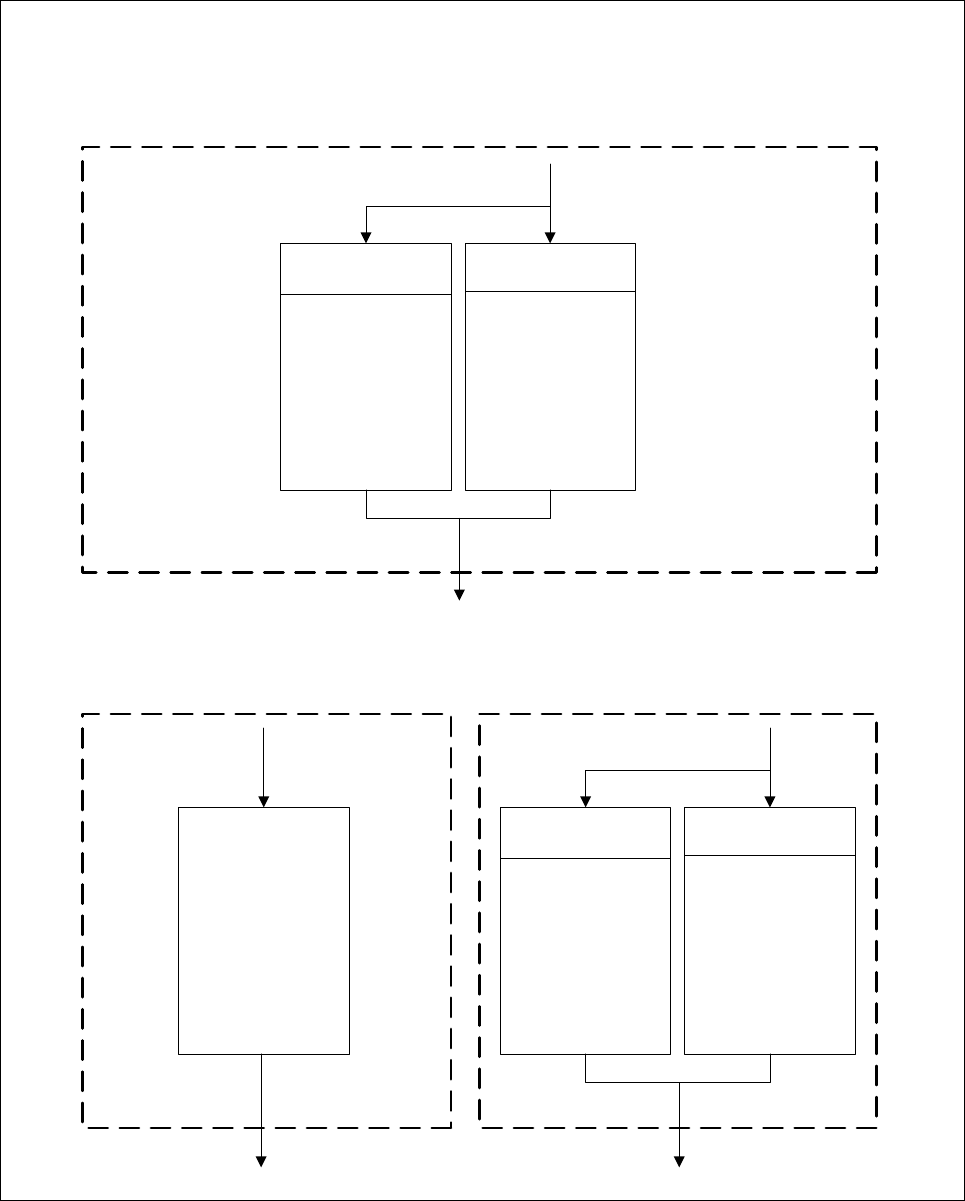
Fig. 5.6.8 Flowchart ’Test component’, LEAD, GRID, and BALL measure mode menus
’Test component’ menu options
’LEAD’, ’GRID’, and ’BALL’ measure mode menus
’LEAD measure mode’ menu ’
Tip measurement
via inner tips
Center
measurement
Tip measurement
via outer tips
Measurement Window
Separately
for each pin
Combined
windows
Cancel Accept
Number of
balls to be
measured
Cancel Accept
Fast
Robust
Measurement Evaluation
Position
and
existance
Quality
Cancel Accept
’GRID measure mode’ menu ’BALL measure mode’ menu
SIPLACE 80S-20/F4/F5 User Manual 5 Vision Functions
05/99 Issue from Software Version SR.405.xx 5.6 Test Component
Line engineer 5 - 81
5.6.3
Select Package Form
Menu
If you select the
Test component
option in the
Main view
menu this will launch the following actions:
The functions for the vision system are activated in the station computer
The
Select package form
menu will drop down.
The station computer will determine the package form numbers list with commentaries from the set-up.
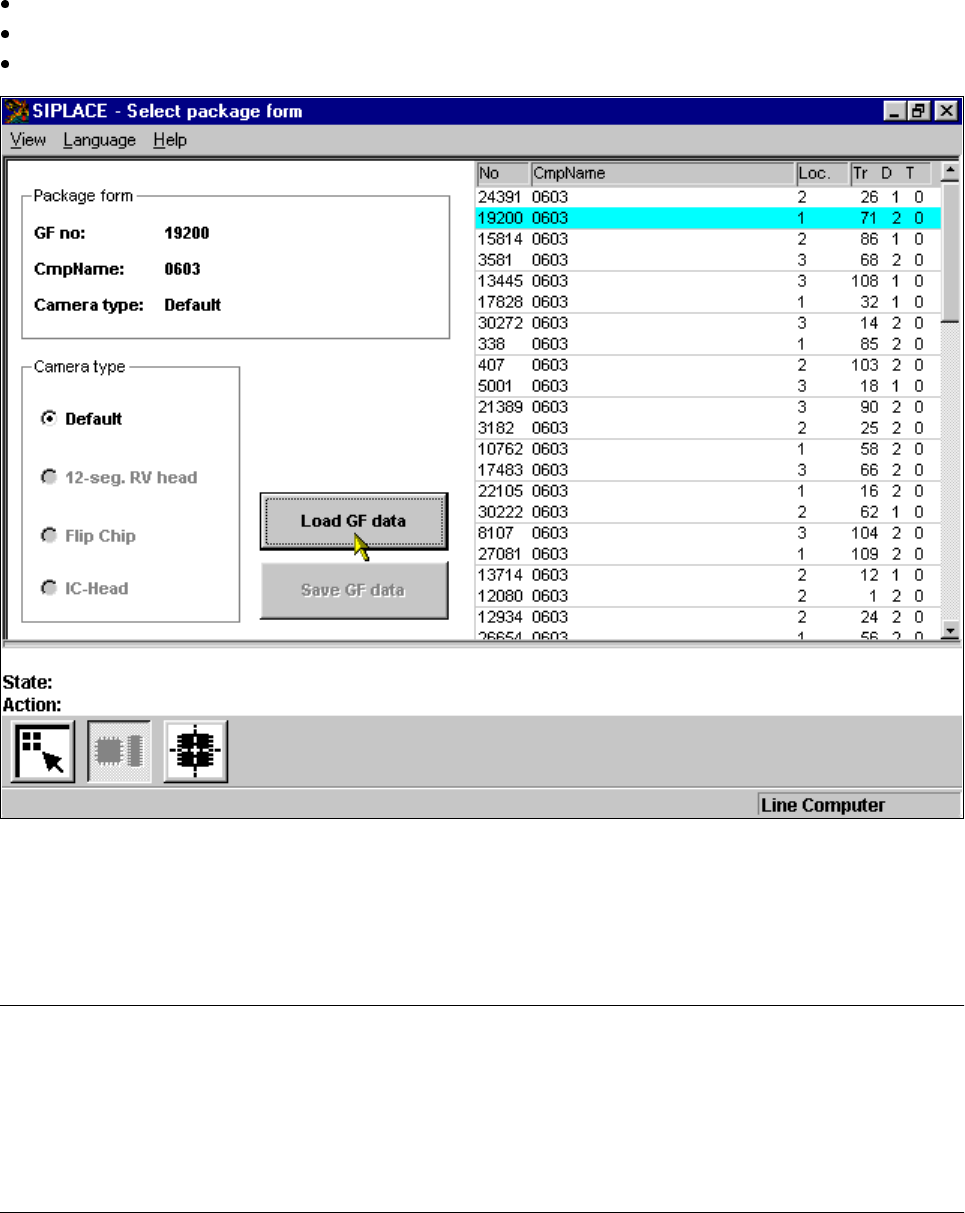
Fig. 5.6.9
Select package form
menu
The menu allows you to choose between the following options, as the diagram shows:
– Selection of the camera types (80F
4
or 80F
5
machines only, see Section 5.10, Page 5 - 163).
– Load GF data
– Save GF data
NOTE
Buttons are active when the text on the button is black (rather than gray). This means that you can launch the
associated function by clicking on the button with the mouse.
The Load GF data button will, for example, only be active if you have previously clicked on a package form in
the lists field.
The Save GF data button will only be active if you have changed the package form parameters.
5 Vision Functions SIPLACE 80S-20/F4/F5 User Manual
5.6 Test Component 05/99 Issue from Software Version SR.405.xx
5 - 82 Line engineer
You can switch from the ’Test component ’ menu to the Main menu at any time in order to start actions such as
"Fill track“ etc. The settings in the ’Test component’ menu will be retained, which means that the same condi-
tions will be set up when you return to the ’Test component’ menu.
However, if you have changed the fiducial data or taught a new fiducial, and then switch from the Main menu
to the ’Test component’, ’Single functions’, ’SITEST’ or ’Continue placement’ menu, the ’Save fiducial data’
selection box will appear when you leave the ’Teach fiducial’ option. You can then either save the modified or
new data or delete it.
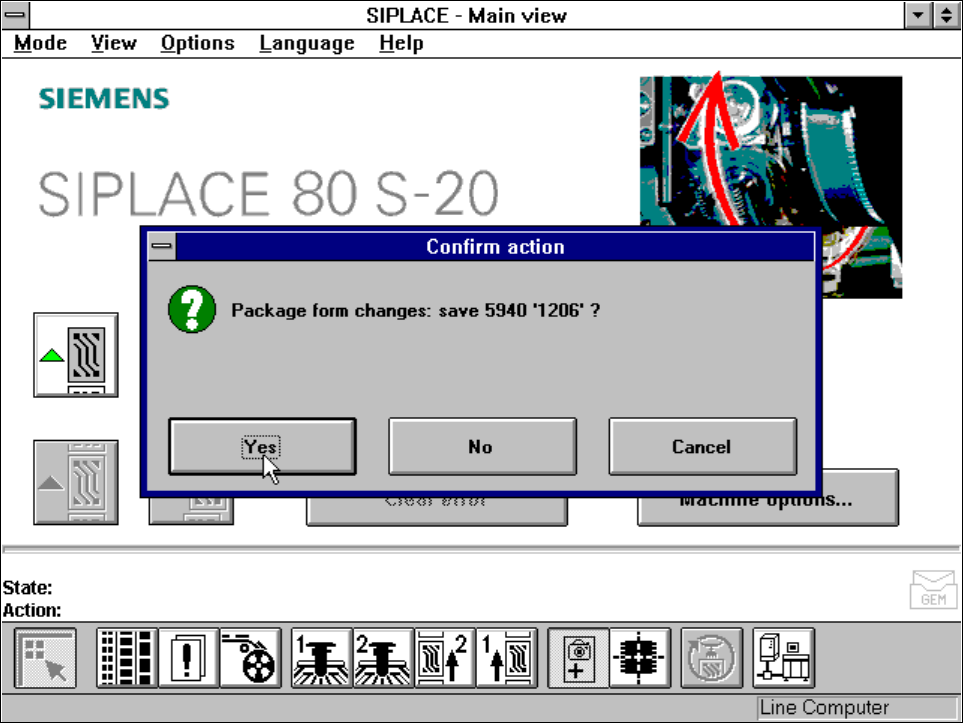
By selecting the
Save GF data
option you cause the station computer to send the package form data to the
line computer, where they are saved. The next time a cluster is loaded the modified GF data is sent to all sta-
tions in the line.
Fig. 5.6.10
Save GF data
option box