SIPLACE Vision Customer_en.pdf - 第19页
User Interface User Management and Programming Privileges for SIPLACE Pro S tudent Guide SIPLACE Vision (Customer) Edition 12/2008 EN User Interface 19 4 User Interface 4.1 User Management and Progra mming Privileges for…

Introduction
Camera Overview Individual Camera Types - Details
Student Guide SIPLACE Vision (Customer)
Introduction Edition 12/2008 EN
18
User Interface
User Management and Programming Privileges for SIPLACE Pro
Student Guide SIPLACE Vision (Customer)
Edition 12/2008 EN User Interface
19
4 User Interface
4.1 User Management and Programming Privileges for SIPLACE
Pro
The settings in the user management in SIPLACE Pro are sent directly to the station software. However,
this requires that the safety mode has been enabled in SIPLACE Pro.
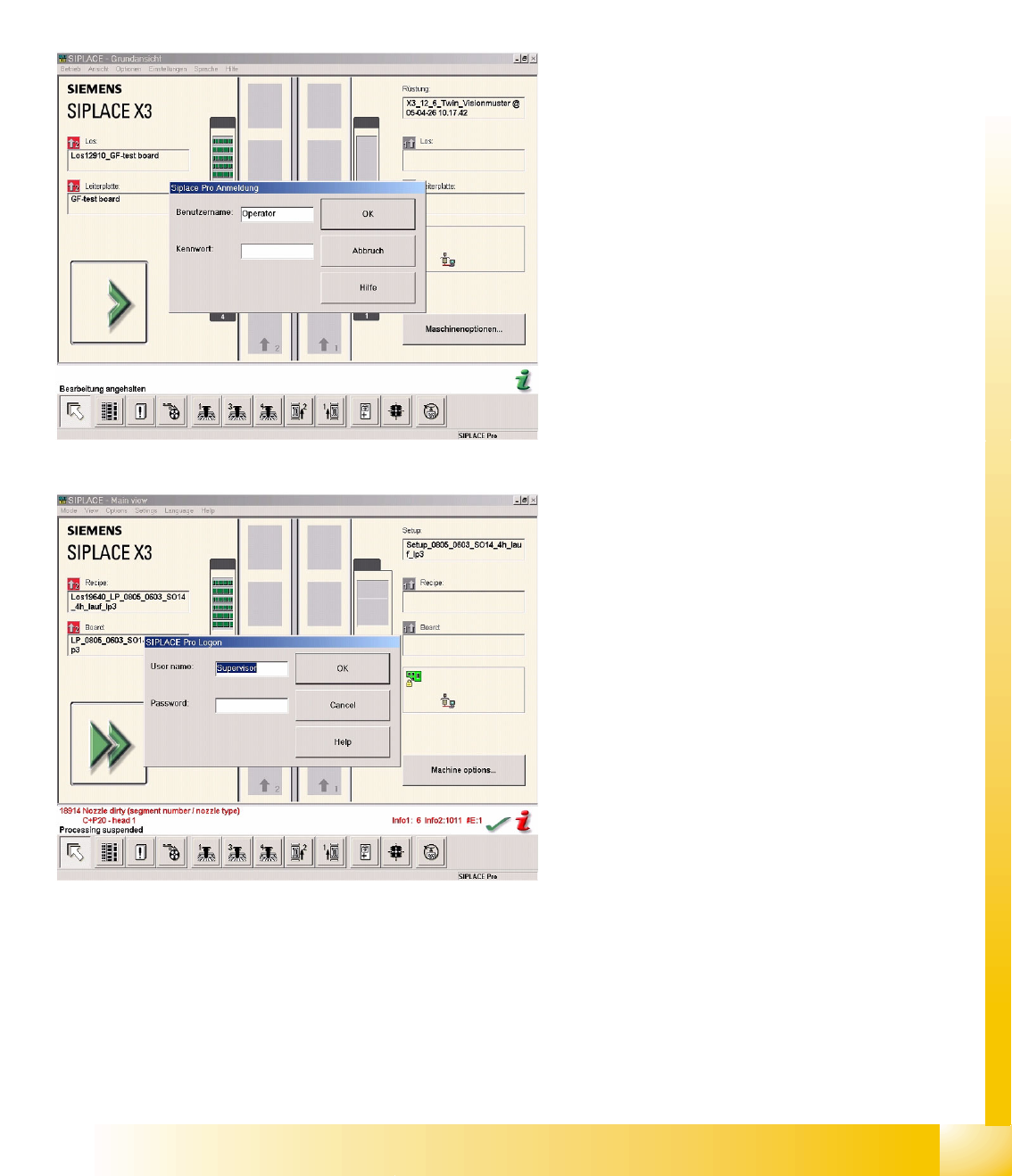
When the safety mode is enabled, the login
window at the station is identical to the login
windows shown when you start SIPLACE Pro 3.0
Desk and the Line Control GUI on the SIPLACE
Pro computer.
The adjacent diagram shows the login window
with Operator (operating level Operator).
The operating level Supervisor (operating level
Programmer) allows the user advanced privileges.
User Interface
Operating Level "Operator" SIPLACE Pro Component Shape Editor
Student Guide SIPLACE Vision (Customer)
User Interface Edition 12/2008 EN
20
4.2 Operating Level "Operator"
The operator level
Operator
permits only limited access to the illumination and algorithm data.
4.2.1 SIPLACE Pro Component Shape Editor
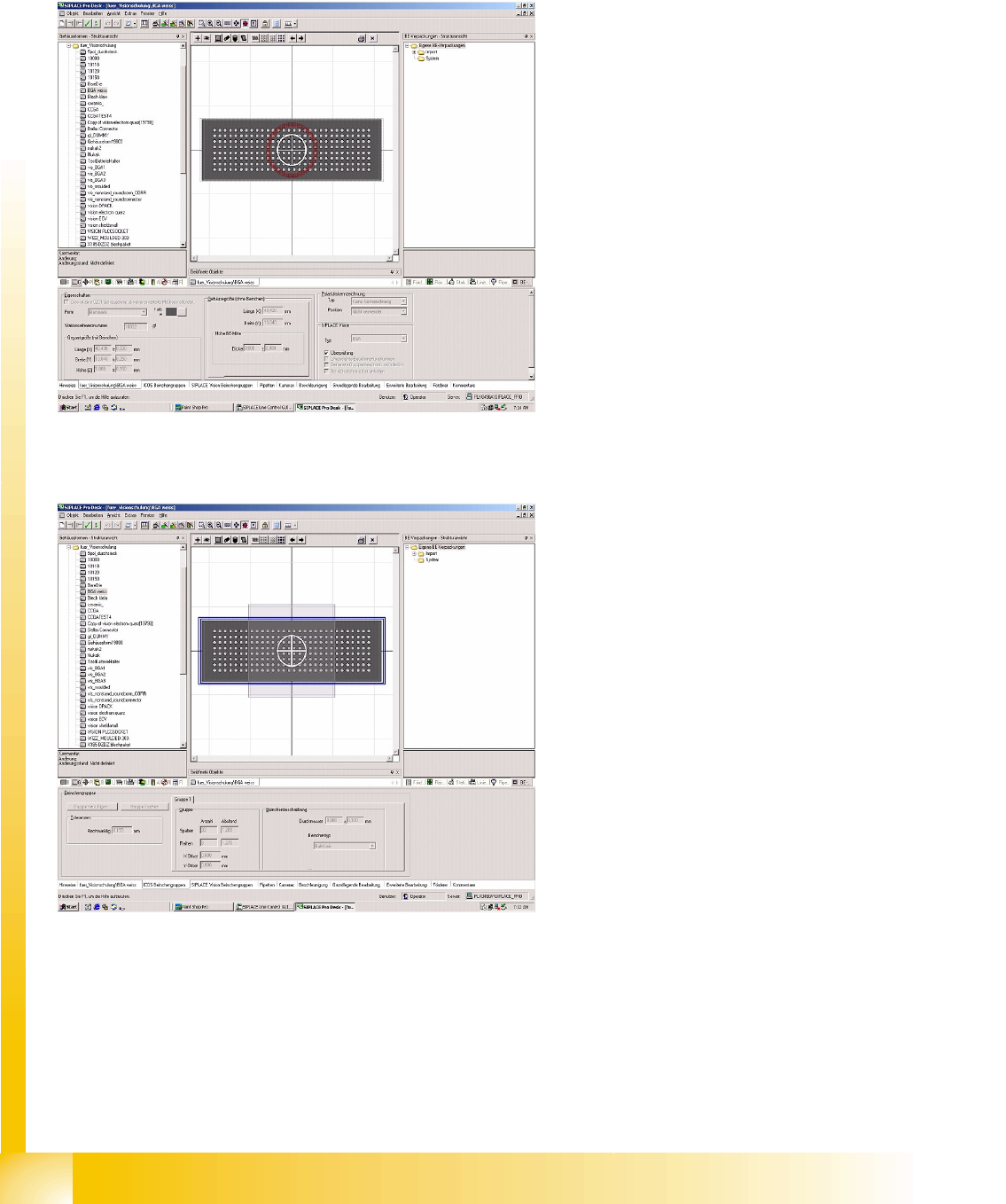
4-1: No authorization for geometric programming of component body shape
data in SIPLACE Pro
The operator level Operator has the following
effect in SIPLACE Pro:
The person programming is only given write
access to the following recognition parameters:
Detect Flipped Component
Inspection for selection
All other geometric data remains write-protected
and will appear grayed out.
4-2: No authorization for geometric programming of Vision data in SIPLACE
Pro
Users with this operating level can only export lists
of programming options from the other menus,
such as
Groups & Lead Description/Nozzles/
Cameras
.