SIPLACE Vision Customer_en.pdf - 第88页
Component Shapes Specific Component Shapes Components With Round Leads S tudent Guide SIPLACE V ision (Customer) Component Shapes Edition 12/2008 EN 88 Note: A small pitch tolerance and di ameter tolerance must guarantee…
Component Shapes
Components With Round Leads Specific Component Shapes
Student Guide SIPLACE Vision (Customer)
Edition 12/2008 EN Component Shapes
87
Description
CO Height
JEDEC description
Lead description
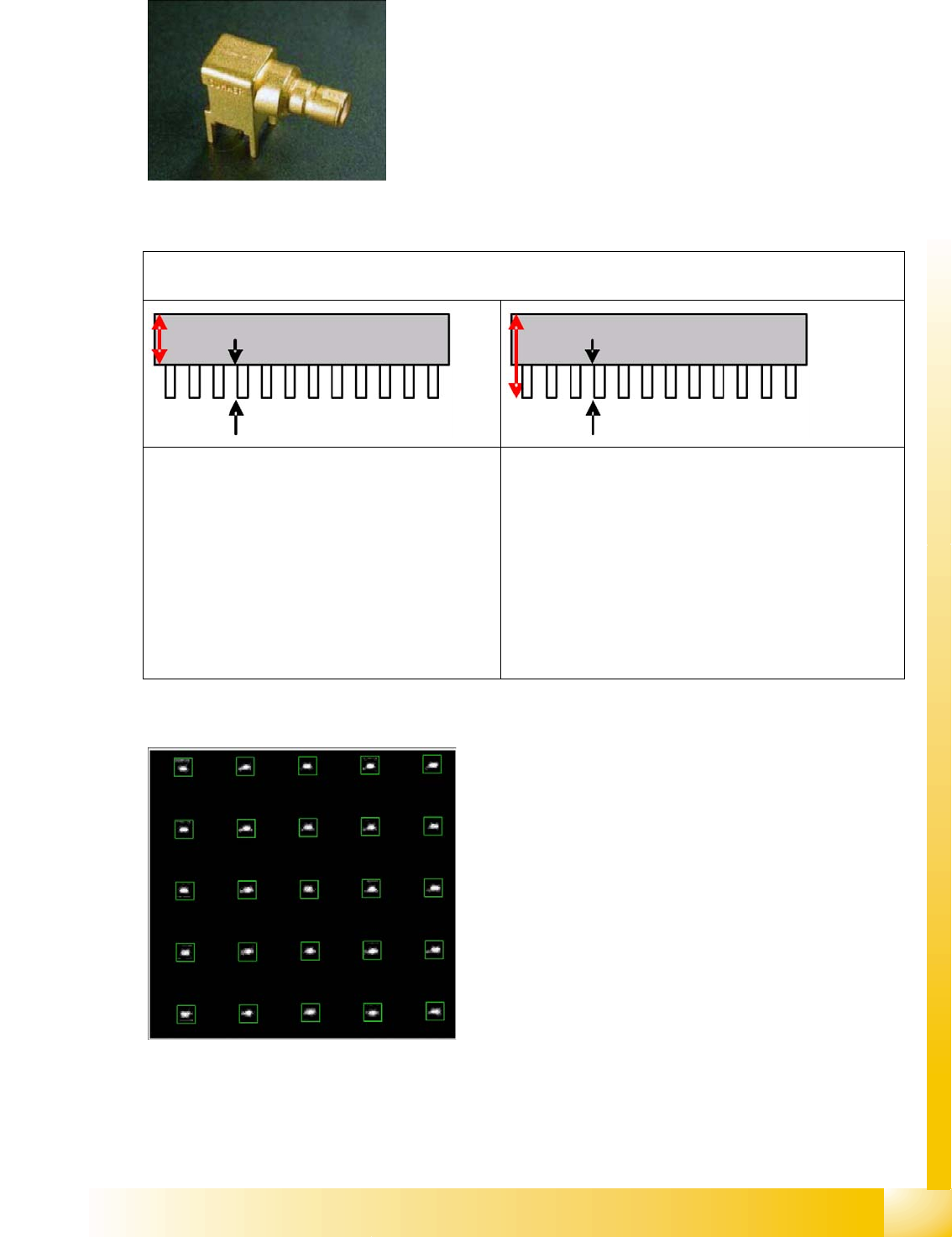
This component shape has so-called Column leads. The column diameter and column tolerance must
be identical for all groups.
Body description: usually rectangular.
The X/Y body dimensions determine the field of vision, the
Region of Interest.
The body size should be adjusted to reflect the real body
size and not just cover the size indicated by the column
leads.
An individual inspection step, based on exact knowledge of the detailed dimensions and the required placement
process, determines the CO height.
The programming of the CO height, from the
nozzle contact level to the required contact height
on the board, achieves such a low (deep) target
position for the Z-axis travel profile, that the pins
are pressed through the board .
Very high pins may therefore be outside the focal
area of the IC camera, meaning that very small
structures will be recognized with measurements
variance. Furthermore, collisions may occur with
previously placed, unusually high COs.
The programming of the CO height, from the nozzle
contact level to the tip of the through-hole contacts,
achieves a Z-axis travel profile in which the Z-axis inserts
the pins through the relatively wide holes, at low speed,
while learning the deeper placement levels. Placement
with snap-in pins is hardly possible, since higher forces
cause the Z-axis to recognize the end of the placement
procedure before it should.
The pin tips to be recognized are located in the IC
camera region of focus or, in other words, the lower edge
of the pin is well above the theoretically highest (25 mm)
previously placed CO.
The leads are distributed throughout the CO
surface, as column-shaped contacts which are
arranged in a matrix . Refer also to the relevant
explanations for CCGA component shapes.
Component Shapes
Specific Component Shapes Components With Round Leads
Student Guide SIPLACE Vision (Customer)
Component Shapes Edition 12/2008 EN
88
Note: A small pitch tolerance and diameter tolerance must guarantee that the PCB drilling is accurately
touched. Support the PCB area for this TH placement well so that the PCB is not bent, leading to
additional insertion errors with the pins.
Types
Key points for placement – Z-axis dynamics downwards – :
If pins or contacts or inserted through the board holes, make sure that the placement force is
programmed sufficiently high.
You will also need to set a low travel speed. Select a travel profile with Slow braking (profile 6 or 8).
This currently means that the axis travels the last ~1 mm (before reaching the placement height) at
its slowest speed.
If the board holes are large enough to make increased force unnecessary (example 1), you can use
the timesaving standard travel profile.
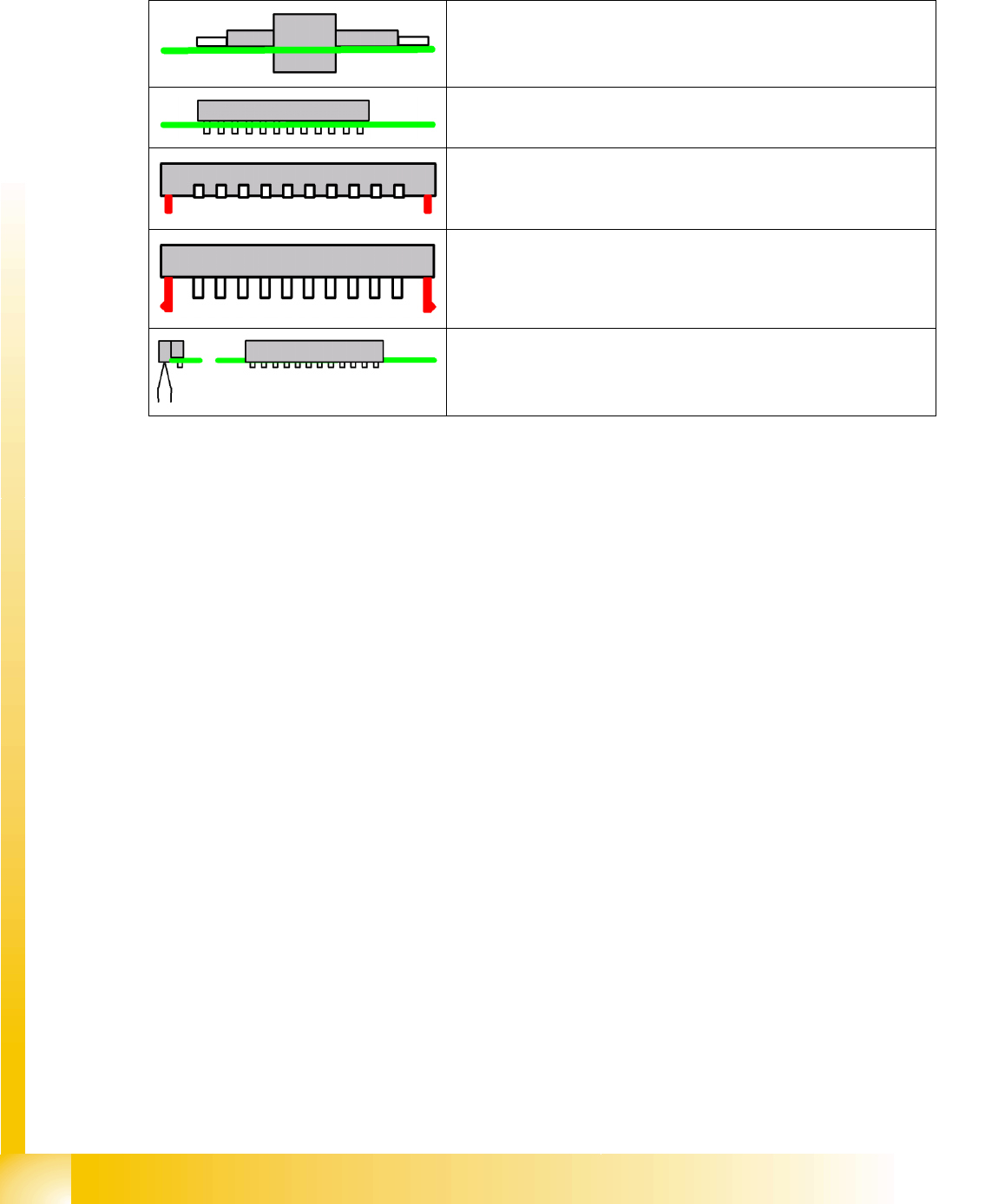
Components on which the parts protrude through the PCB cutouts
Components on which the electrical contacts protrude through the
board.
Components with additional centering pins.
Components with locking pins; these require a significantly higher
placement force (see Options).
Connectors aligned away from the board or related combinations.
Appropriate PCB supports are required under the nozzle contact point.
Component Shapes
Optical Recognition of Hemispherical Leads Specific Component Shapes
Student Guide SIPLACE Vision (Customer)
Edition 12/2008 EN Component Shapes
89
5.3.10 Optical Recognition of Hemispherical Leads
The BGA centering procedure determines the CO center position, based on the data from ball
recognition with
A.) Pre-centering and
B.) Component inspection of ball lead.
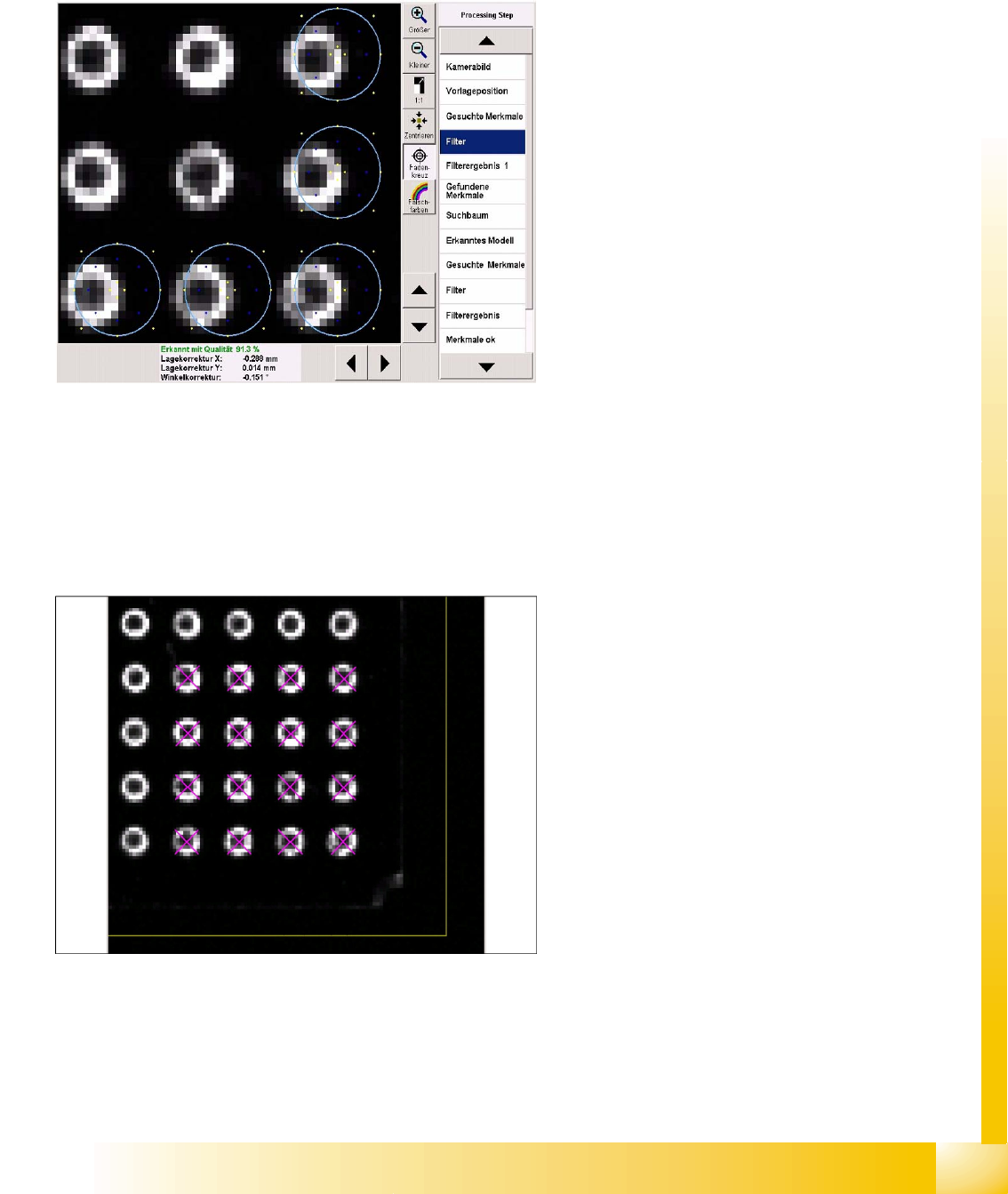
Filter for pre-centering at the CO corners
Five ball leads are searched for in each CO
corner. These 20 features facilitate fast and
accurate determination of the CO position.
Template filter in the bottom right CO corner.
The light blue ring shows the programmed ball
diameter.
The typical representation of a ball is the ring-
shaped reflection from flat illumination.
The required filters show two dark areas.
The yellows points on the outside show the CO
body.
The blue points show the reflecting sides of the
ball lead.
The yellow points on the inside show the flat
part of the ball lead.
Do not enable steep illumination for hemispherical
leads, since the missing balls will not be
recognized in this case i.e. metallic lead surfaces
without balls would be displayed identically.
Ball leads in the corner region