Dek-265GSX-User-Manual.pdf.pdf - 第134页
在线预览 Dek-265GSX-User-Manual.pdf.pdf PDF 文档。

CHAPTER 2
SET PREFERENCES
SET PREFERENCES
INTRODUCTION The Set Preferences function allows for the setting of preferred machine control
options.
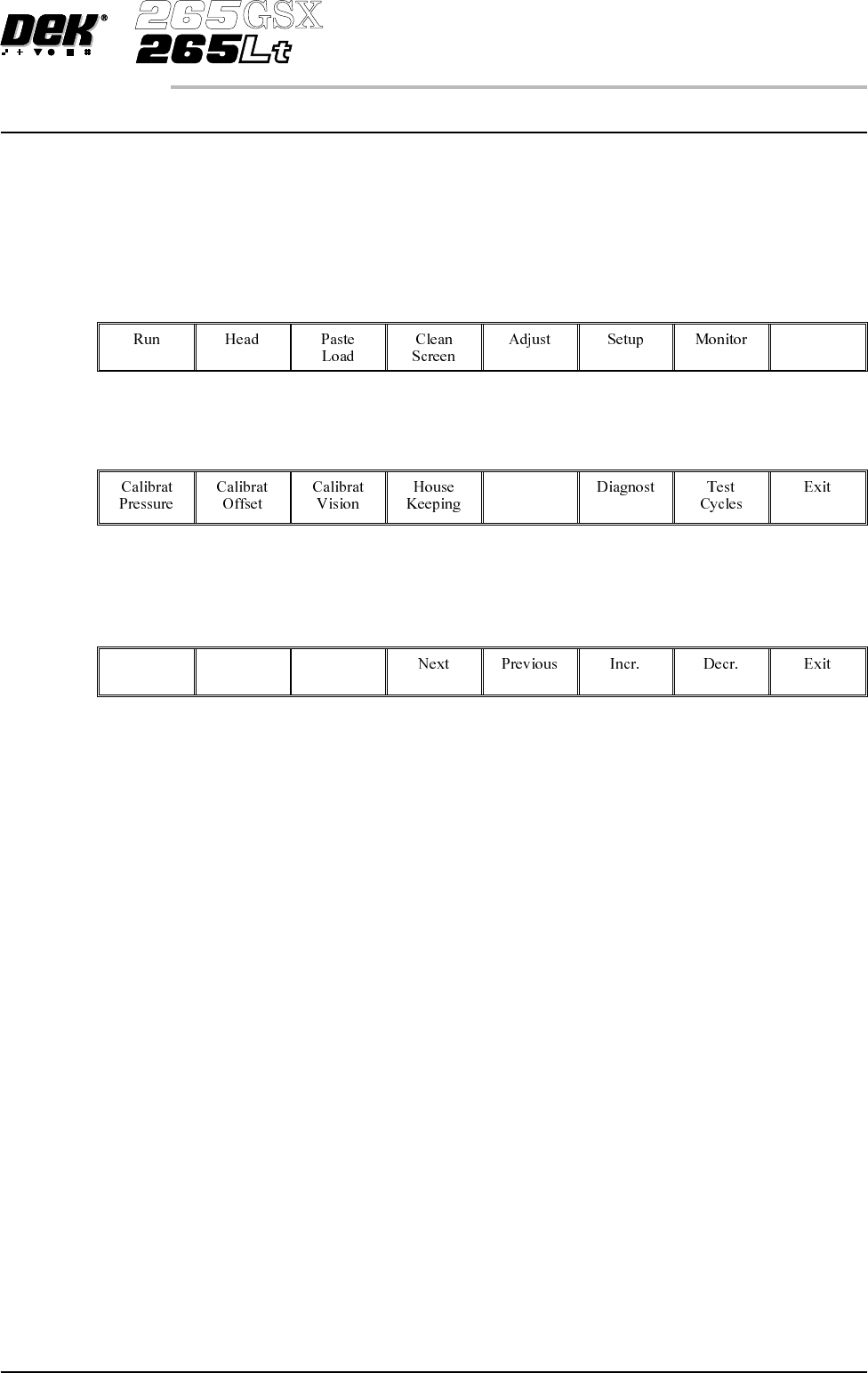
To access the set preferences window proceed as follows:
Select the Maint. button.
Maint.
Select the Set Prefs button.
Set
Prefs
Selection of Set Prefs button displays a pop up window and changes the menu
bar to display the following:
Next and Previous move the highlight between the parameter values. Incr. and
Decr. alter the highlighted parameter value.
Software Version 6 User Manual 2.1
SET PREFERENCES
INTRODUCTION