Dek-265GSX-User-Manual.pdf.pdf - 第155页
The following window and menu bar is displayed: 19. Select Exit (F8). Exit NOTE If the installation is not successful the following window and menu bar is displayed: NOTE Continue - returns to Enter License Installation …
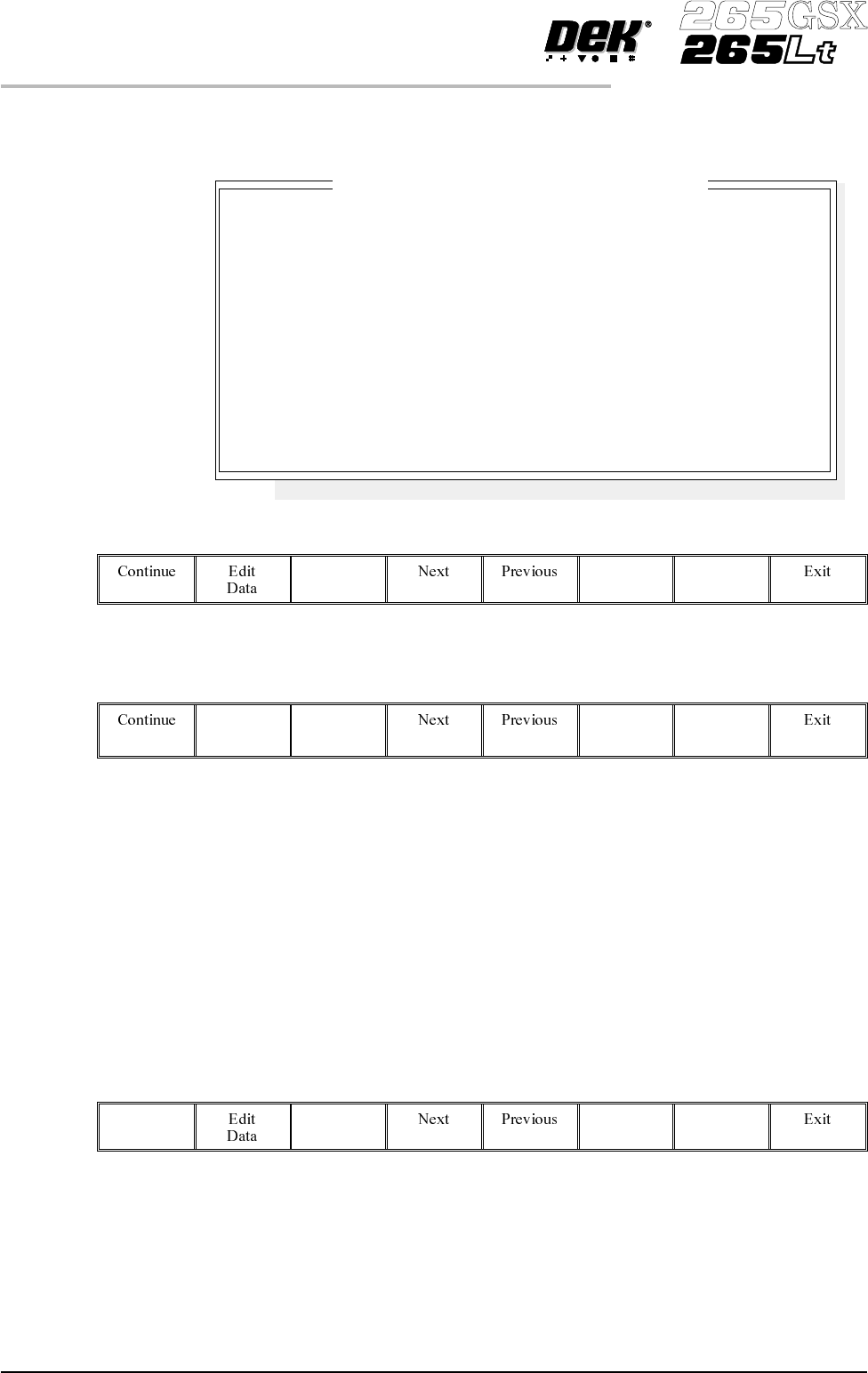
The following window and menu bar is displayed:
14.
Select Edit Data (F2).
Edit
Data
15. Using the keyboard, carefully enter the first group of 8 alphanumeric
characters and select Enter on the keyboard.
16.
Select Next (F4) to enter the next group of alphanumeric characters in the
installation instructions.
17. Repeat Steps 14 - 16 for the remaining groups of alphanumeric characters.
18.
Select Continue (F1).
Continue
2.20 User Manual Software Version 6
SET PREFERENCES
PREFERENCES
Enter License Installation Instructions
1.
2.
3.
4.
5.
6.
7.
8.
Please enter the 8 Licensing Instructions EXACTLY as they
are written as 8 groups of 8 characters each.
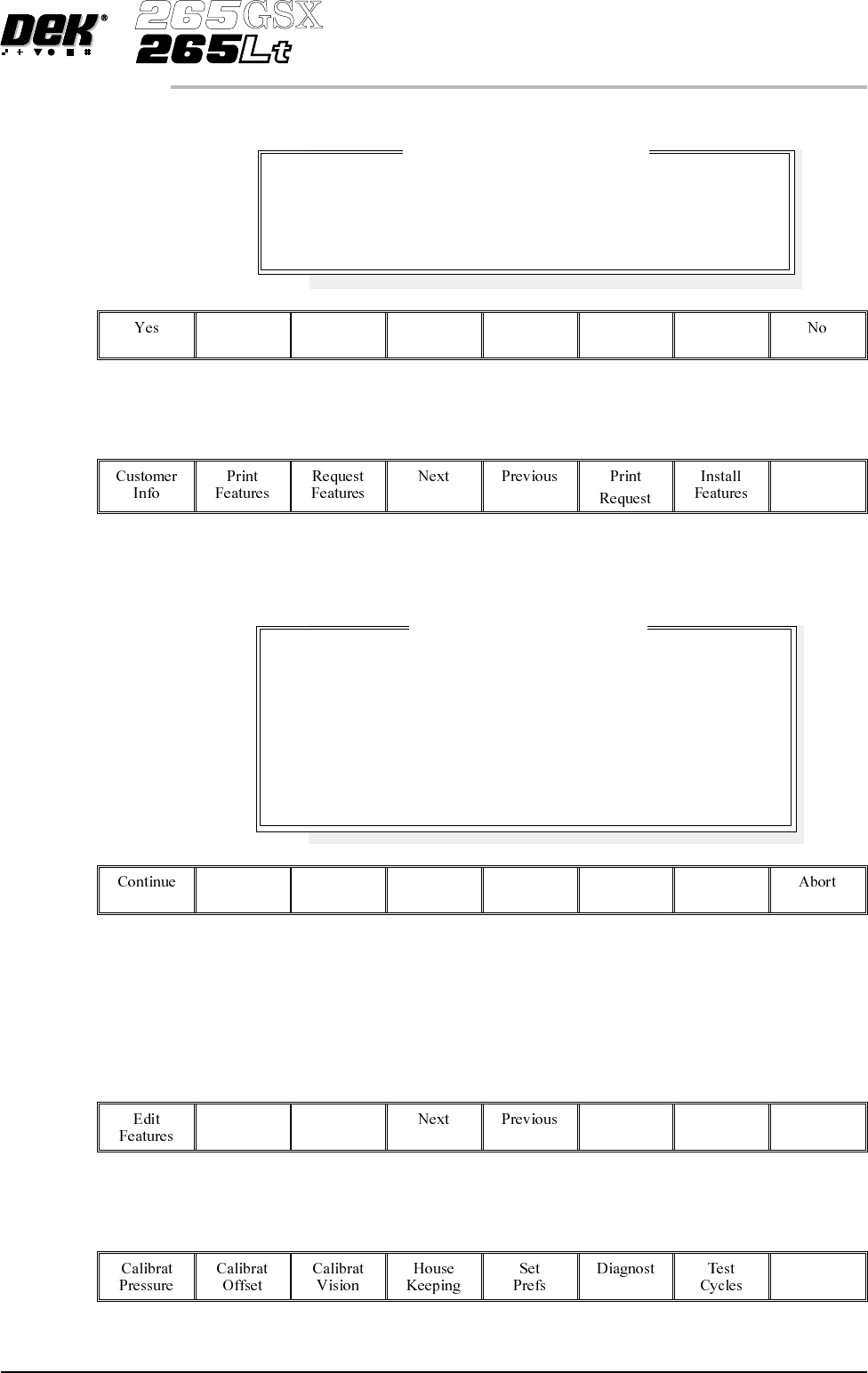
The following window and menu bar is displayed:
19.
Select Exit (F8).
Exit
NOTE
If the installation is not successful the following window and menu bar is
displayed:
NOTE
Continue - returns to Enter License Installation Instructions window.
Abort - returns to Feature Licensed window.
20.
Select Exit (F8).
Exit
21.
Select Exit (F8).
Exit
Software Version 6 User Manual 2.21
SET PREFERENCES
PREFERENCES
Feature License Installation
Installation Instruction accepted.
Are there any more.
Feature License Installation
Installation Instructions NOT accepted.
Please be sure that you enter the Instructions correctly,
and in the correct order.
If you are in any doubt about this, please contact
Customer Support before you proceed any further.

Consumable Action Sets how the machine reacts to a cleaner paper low, cleaner solvent low, print
medium low or Vortex cleaning cassette expired, options are:
Warn; Pause; Suspend
Warn - A warning window is displayed, but printing proceeds without
interruption. The tricoloured beacon shows amber/green.
Pause - A pause on warning window is displayed and printing is delayed to
enable the user to either; replenish the consumable resource, or defer the
replenishment until later and continue printing. The tricoloured beacon shows
red.
Suspend - A suspend on warning window is displayed and printing is suspended
and remains suspended, until the consumable resource has been replenished.
The tricoloured beacon shows red. Before printing commences the consumable
resourcesare checked for availability, before allowing the print runtoproceed.
2D Inspection Sets whether the 2D inspection facility is to be used, options are:
Enabled; Disabled
The default is Disabled.
Image Recording Sets whether video images can be recorded, options are:
Off; PC Disk; VP Disk
The default is Off.
PCdisk requires the PC to have 8Mb ram & VPdisk requires a SCSI disk to be
attached to the VP.
Under Screen
Cleaner
Sets whether or not the vacuum option is fitted to the machine, options are:
Vacuum; Standard
The default is Standard.
If standard is selected the vacuum options are removed from the screen clean
modeparameters. Ifthe Vortex underscreen cleaner is fitted,vacuum is the only
option.
2.22 User Manual Software Version 6
SET PREFERENCES
PREFERENCES