Dek-265GSX-User-Manual.pdf.pdf - 第156页
Consumable Action Sets how the machine reacts to a cleaner paper low, cleaner solvent low, print medium low or Vortex cleaning cassette expired, options are: Warn; Pause; Suspend Warn - A warning window is displayed, but…
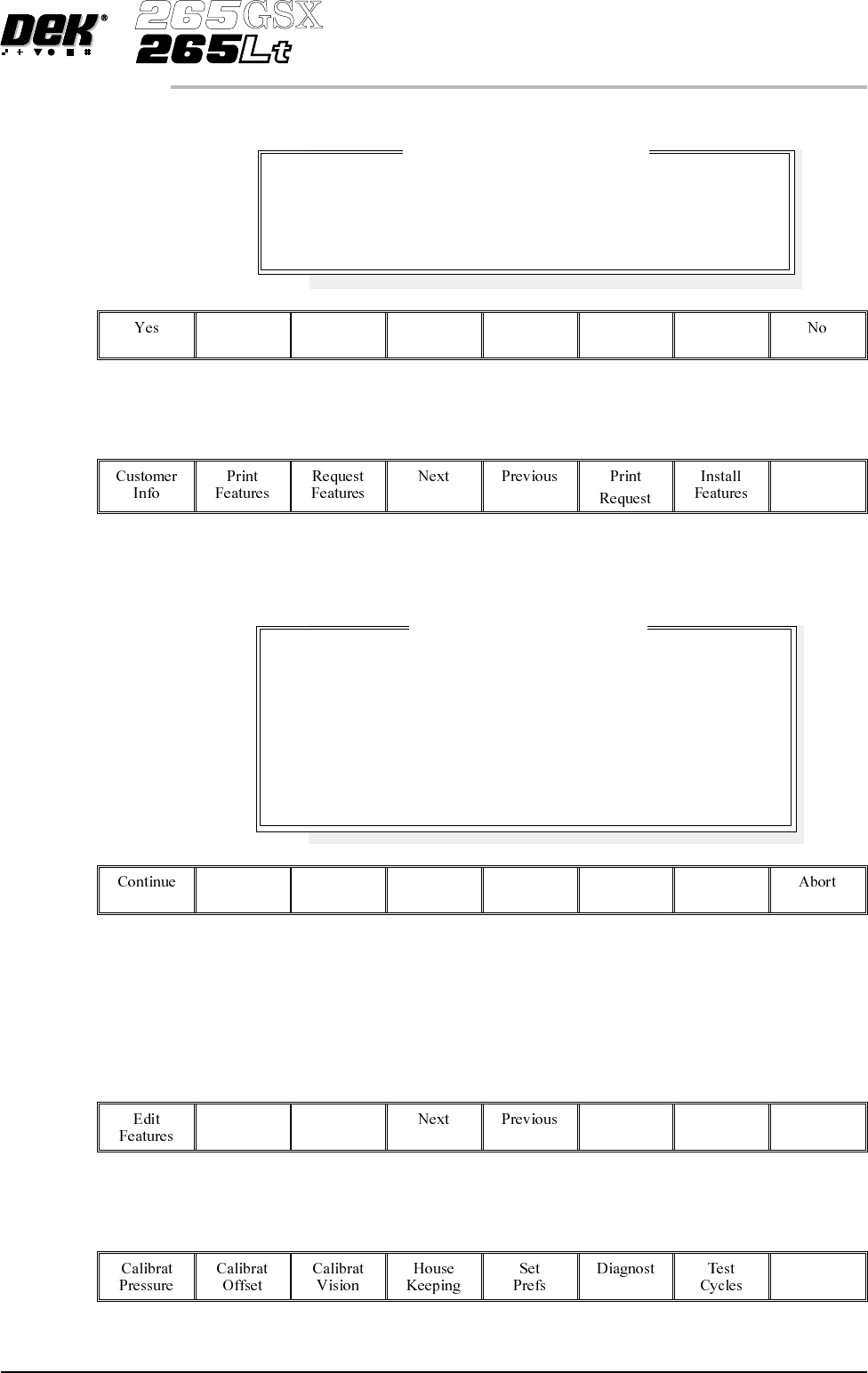
The following window and menu bar is displayed:
19.
Select Exit (F8).
Exit
NOTE
If the installation is not successful the following window and menu bar is
displayed:
NOTE
Continue - returns to Enter License Installation Instructions window.
Abort - returns to Feature Licensed window.
20.
Select Exit (F8).
Exit
21.
Select Exit (F8).
Exit
Software Version 6 User Manual 2.21
SET PREFERENCES
PREFERENCES
Feature License Installation
Installation Instruction accepted.
Are there any more.
Feature License Installation
Installation Instructions NOT accepted.
Please be sure that you enter the Instructions correctly,
and in the correct order.
If you are in any doubt about this, please contact
Customer Support before you proceed any further.

Consumable Action Sets how the machine reacts to a cleaner paper low, cleaner solvent low, print
medium low or Vortex cleaning cassette expired, options are:
Warn; Pause; Suspend
Warn - A warning window is displayed, but printing proceeds without
interruption. The tricoloured beacon shows amber/green.
Pause - A pause on warning window is displayed and printing is delayed to
enable the user to either; replenish the consumable resource, or defer the
replenishment until later and continue printing. The tricoloured beacon shows
red.
Suspend - A suspend on warning window is displayed and printing is suspended
and remains suspended, until the consumable resource has been replenished.
The tricoloured beacon shows red. Before printing commences the consumable
resourcesare checked for availability, before allowing the print runtoproceed.
2D Inspection Sets whether the 2D inspection facility is to be used, options are:
Enabled; Disabled
The default is Disabled.
Image Recording Sets whether video images can be recorded, options are:
Off; PC Disk; VP Disk
The default is Off.
PCdisk requires the PC to have 8Mb ram & VPdisk requires a SCSI disk to be
attached to the VP.
Under Screen
Cleaner
Sets whether or not the vacuum option is fitted to the machine, options are:
Vacuum; Standard
The default is Standard.
If standard is selected the vacuum options are removed from the screen clean
modeparameters. Ifthe Vortex underscreen cleaner is fitted,vacuum is the only
option.
2.22 User Manual Software Version 6
SET PREFERENCES
PREFERENCES

To enable the blue under screen cleaner carry out the following:
1.
Press the function key F10 on the keyboard, a window of the following form
is displayed:
NOTE
If the Vortex under screen cleaner is currently enabled, carry out disabling the
Vortex under screen cleaner.
2.
Type bluon using the keyboard.
3.
Press Enter, the message ‘Blue Under-Screen Cleaner Enabled’ is
displayed in the message prompt bar.
4.
Press Exit.
To disable the blue under screen cleaner carry out the following:
1.
Press the function key F10 on the keyboard, a window of the following form
is displayed:
2.
Type bluoff using the keyboard.
3.
Press Enter, the message ‘Blue Under-Screen Cleaner Disabled’ is
displayed in the message prompt bar.
The silver under screen cleaner becomes the current cleaner and all cleaner
parameters revert to being appropriate to the previous cleaner.
Software Version 6 User Manual 2.23
SET PREFERENCES
PREFERENCES
EntertoClose...
Serial Number
Processor Type
Executable date
Executable time
Executable name
Software Version
Options Enabled
Comms Driver
DOS Memory
Free DOS Memory
Available RAM
:
:
:
:
:
:
:
:
:
:
:
201305
486DX - or higher
April 19 1999
10:57:38
RR0400.EXE
04.00
SBNG
TCP
512 kb
316 kb
3223 kb
DEK 265 GS
(
X
)
Enter to Close ...
Serial Number
Processor Type
Executable date
Executable time
Executable name
Software Version
Options Enabled
Comms Driver
DOS Memory
Free DOS Memory
Available RAM
:
:
:
:
:
:
:
:
:
:
:
201305
486DX - or higher
April 19 1999
10:57:38
RR0400.EXE
04.00
SBNG
TCP
512 kb
316 kb
3223 kb
DEK 265 GS
(
X
)