Dek-265GSX-User-Manual.pdf.pdf - 第221页
Board at Right Continuously displays the current status of the right board sensor. On is displayed if a board is detected on the rails at the right of the machine. Cycle count Displays the count when the module is being …

Home Rail Width Selecting this option drives the rail width motor to find its datum position as
determined by its home sensor.
Drive Rail to Board
Width
Selecting this option drives the rail width motor to the width set by the board
width parameter.
Drive Rail Width
Using Two Button
Control
Selecting this option enables the right jog button to drive the rail width motor
forward at slow speed and the Left jog button to drive it back, stopping
immediately the button is released.
Drive Belts Using
Two Button Control
Selecting this option enables the Right Jog button to drive the belt motors to the
right and the Left Jog button to drive them left, stopping immediately the button
is released.
Toggle Board
Clamp
Selecting this option alternately energises the Board Clamp displaying On status
and de-energises it, displaying Off status.
Toggle Board Stop Selecting this option alternately lowers and raises the board stop housed in the
camera assembly, displaying On status when lowered and Off status when
raised.
Cycle Board on
Belts
Selecting this option starts a continuous cycle of driving the belts to the right
until a board reaches the right board sensor, dwelling for 2 seconds and driving
the belts left until a board reaches the left board sensor, dwelling for 2 seconds
andrepeating the cycle until stop is pressed or thesetcyclecountis reached (50).
Cycle Board Clamp Selecting this option starts a continuous cycle of clamping and unclamping the
board clamps. “Cycling Clamps....” is displayed in the prompt box.
Cycle Rails Selecting this option drives the moveable rail from the home position to the
minimum board width and back to the home position. “Cycling Rails....” is
displayed in the prompt box.
Board Stop in
Position
Continuously displays the current status of the board stop lowered position.
Board at Stop Continuously displays the current status of the board at stop sensor.
Board at Left Continuously displays the current status of theleft board sensor. On is displayed
if a board is detected on the rails at the left of the machine.
5.26 User Manual Software Version 6
DIAGNOSTICS
RAIL SYSTEM

Board at Right Continuously displays the current status of the right board sensor. On is
displayed if a board is detected on the rails at the right of the machine.
Cycle count Displays the count when the module is being cycled.
Software Version 6 User Manual 5.27
DIAGNOSTICS
RAIL SYSTEM
PASTE DISPENSE SYSTEM
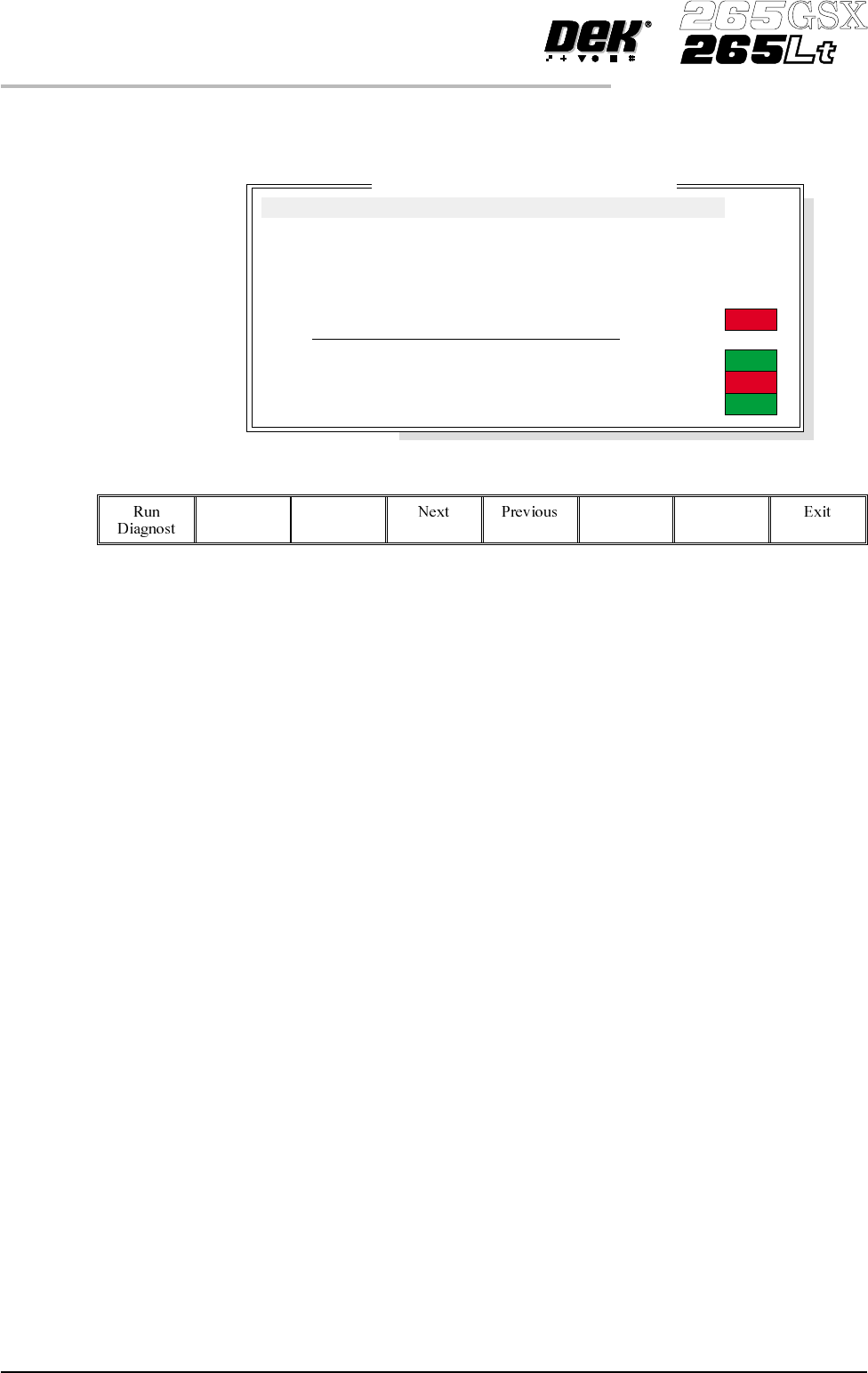
The Paste Dispense System diagnostic module contains the following:
The menu bar changes to the following:
RunDiagnost activates the diagnostic function, as selected by thehighlightbar.
Next/Previous keys move the highlight bar up and down the list of selectable
diagnostic functions.
Exit returns operation to the module diagnostics page.
Carriage Home Drives the dispense carriage left to find its datum position as determined by its
datum sensor.
Drive Carriage to
Start Position
Drives the paste carriage to the position set by the paste start parameter.
Drive Carriage to
End Position
Drives the paste carriage to the position set by the paste stop parameter.
Drive Cartridge
Down
Drivesthe cartridge tilt down until the cartridge away (down)sensorisdetected.
Drive Cartridge Up Drives the cartridge tilt up until the cartridge home (up) sensor is detected.
Toggle Paste
Dispense
Alternately energizes the paste dispense, displaying On status and de-energizes
displaying Off status.
Paste Cartridge
Empty
Continuously displays the current status of the cartridge empty sensor.
5.28 User Manual Software Version 6
DIAGNOSTICS
PASTE DISPENSE SYSTEM
Paste D
i
spense System D
i
agnost
i
cs
Paste Cartridge Empty
Cartridge in Down Position
Cartridge in Up Position
ON
ON
OFF
OFF
Carriage Home
Drive Carriage To Start Position
Drive Carriage To End Position
Drive Cartridge Down
Drive Cartridge Up
Toggle Paste Dispense