Dek-265GSX-User-Manual.pdf.pdf - 第227页
Toggle Screen Clamps Selecting this option alternately energizes the Screen Clamps, displaying On status and de-energise them , displaying Off status. Load Screen Selecting this option performs a load screen cycle. Unloa…
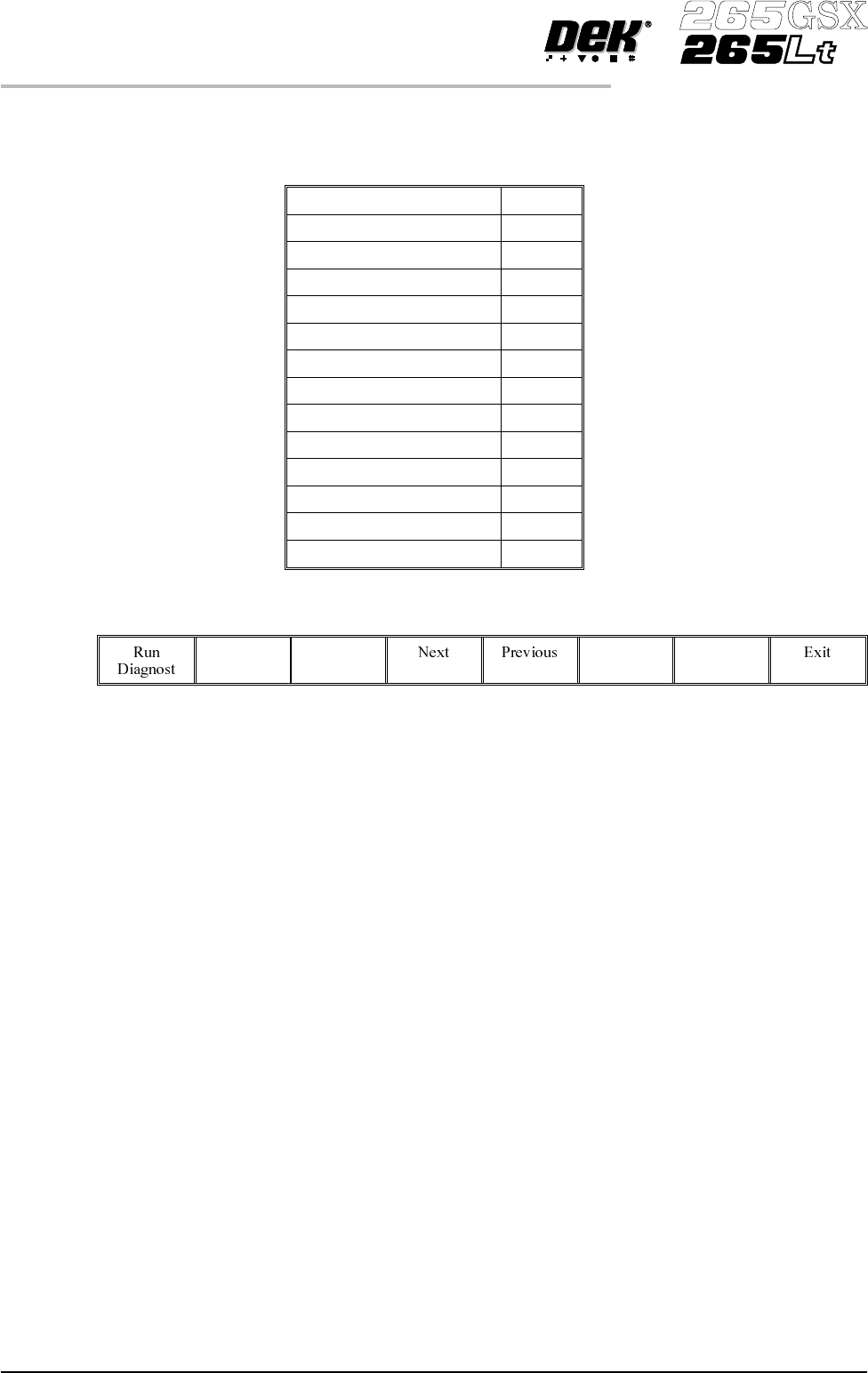
SCREEN CHANGE (265GSX)
The 265GSX screen change diagnostics module contains the following.
Home Screen Motor
Jog Screen Motor
Toggle Coupling Right On/Off
Toggle Coupling Left On/Off
Toggle Drive Coupling On/Off
Toggle Screen Clamps On/Off
Load Screen
Unload Screen
Front Screen Sensor On/Off
Centre Screen Sensor On/Off
Rear Screen Sensor On/Off
Exit Screen Sensor On/Off
Safety Screen Sensor On/Off
Drive Coupling Extended On/Off
The menu bar changes to the following:
RunDiagnost activates the diagnostic function, as selected by thehighlightbar.
Next/Previous keys move the highlight bar up and down the list of selectable
diagnostic functions.
Exit returns operation to the module diagnostics page.
Home Screen
Motor
Selecting this option drives the Screen Motor to find it’s datum position as
determined by it’s home sensor.
Jog Screen Motor Selecting this option enables the Right Jog button to drive the screen motor
forward and the LeftJog button todrive it back, stopping immediatelythe button
is released.
Toggle Coupling
Right
Selecting this option alternately energizes the drive coupling right solenoid,
displaying On status and de-energize it, displaying Off status.
Toggle Coupling
Left
Selecting this option alternately energizes the drive coupling left solenoid,
displaying On status and de-energize it, displaying Off status.
Toggle Drive
Coupling
Selecting this option alternately energizes the drive couplings, displaying Out
status and de-energize them displaying In status.
5.32 User Manual Software Version 6
DIAGNOSTICS
SCREEN CHANGE (265GSX)
Toggle Screen
Clamps
Selecting this option alternately energizes the Screen Clamps, displaying On
status and de-energise them , displaying Off status.
Load Screen Selecting this option performs a load screen cycle.
Unload Screen Selecting this option performs an un-load screen cycle.
Front Screen
Sensor
This continuously displays the current status of the front screen sensor.
Centre Screen
Sensor
This continuously displays the current status of the centre screen sensor.
Rear Screen Sensor This continuously displays the current status of the rear screen sensor.
Exit Screen Sensor This continuously displays the current status of the sensor at the rear of the
machine.
Safety Screen
Sensor
This continuously displays the current status of the sensor at the front of the
machine.
Drive Coupling
Extended
This monitors and continuously displays that both drive couplings are fully
extended.
Software Version 6 User Manual 5.33
DIAGNOSTICS
SCREEN CHANGE (265GSX)
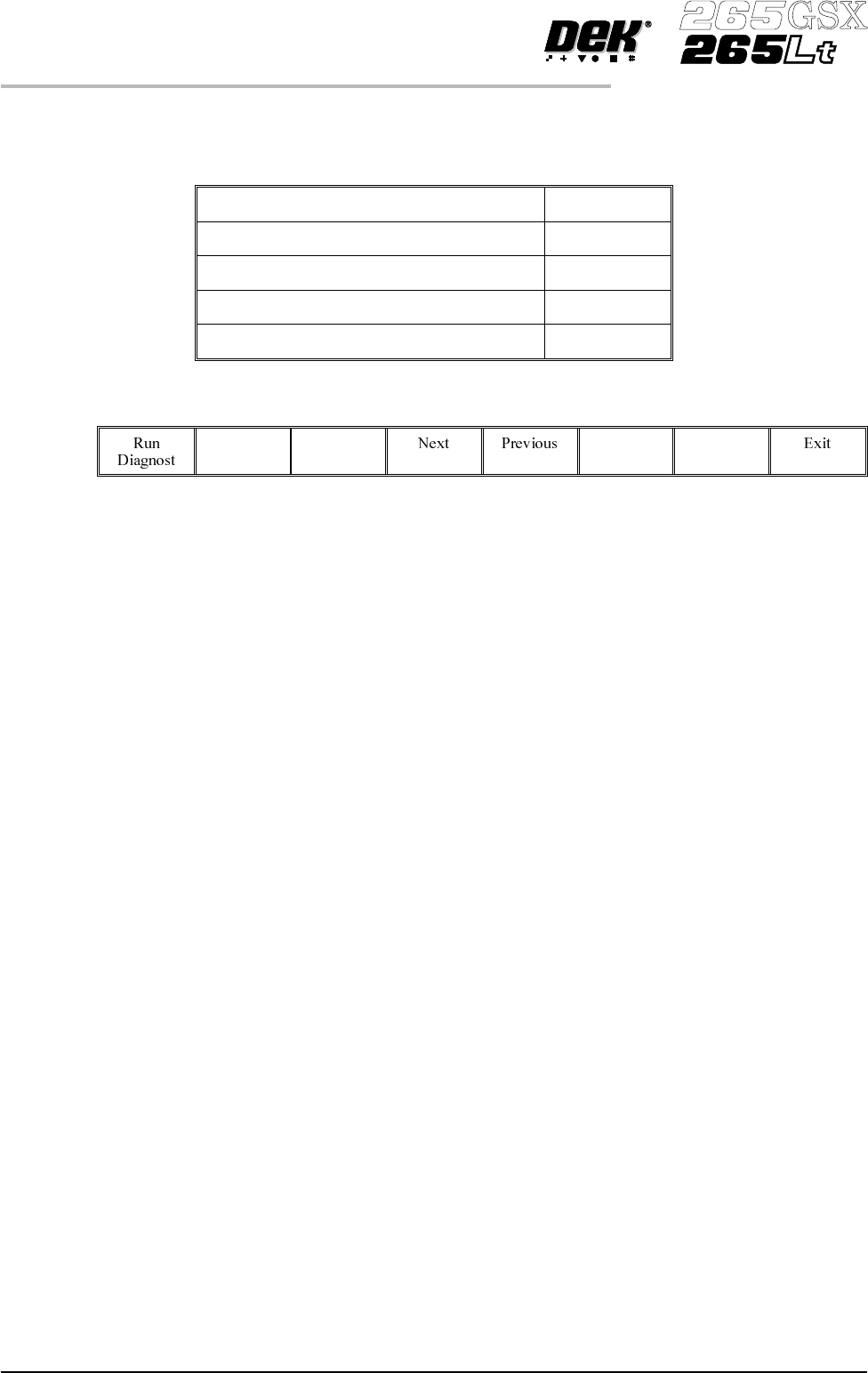
SCREEN CHANGE (265Lt)
The 265Lt Screen Change diagnostic module contains the following:
Toggle Coupling Right On/Off
Toggle Screen Clamps On/Off
Clamp Screen
Unclamp Screen
Rear Screen Sensor On/Off
The menu bar changes to the following:
RunDiagnost activates the diagnostic function, as selected by thehighlightbar.
Next/Previous keys move the highlight bar up and down the list of selectable
diagnostic functions.
Exit returns operation to the module diagnostics page.
Toggle Coupling
Right
Selecting this option alternately energizes the drive coupling right solenoid,
displaying On status and de-energise it, displaying Off status. Toggle Coupling
Right has no function when the graduated scale and screen location blocks are
fitted as the right drive coupling is removed.
Toggle Screen
Clamps
Selecting this option alternately energizes the Screen Clamps, displaying On
status and de-energise them, displaying Off status.
Clamp Screen Selecting this option operates the right hand clamp, delays for one second,
operates the top clamps, delays for one second and releases the right hand screen
clamp.
Unclamp Screen Selecting this option ensures the right hand clamp is released and retracts the top
clamps.
Rear Screen Sensor This continuously displays the current status of the rear screen sensor.
5.34 User Manual Software Version 6
DIAGNOSTICS
SCREEN CHANGE (265Lt)