Dek-265GSX-User-Manual.pdf.pdf - 第261页
On pressing the Delete Number key the following window is displayed: The menu bar changes to the following: The Incr. and Decr. keys change the highlighted number. The Delete key deletes all event files prior to the indi…
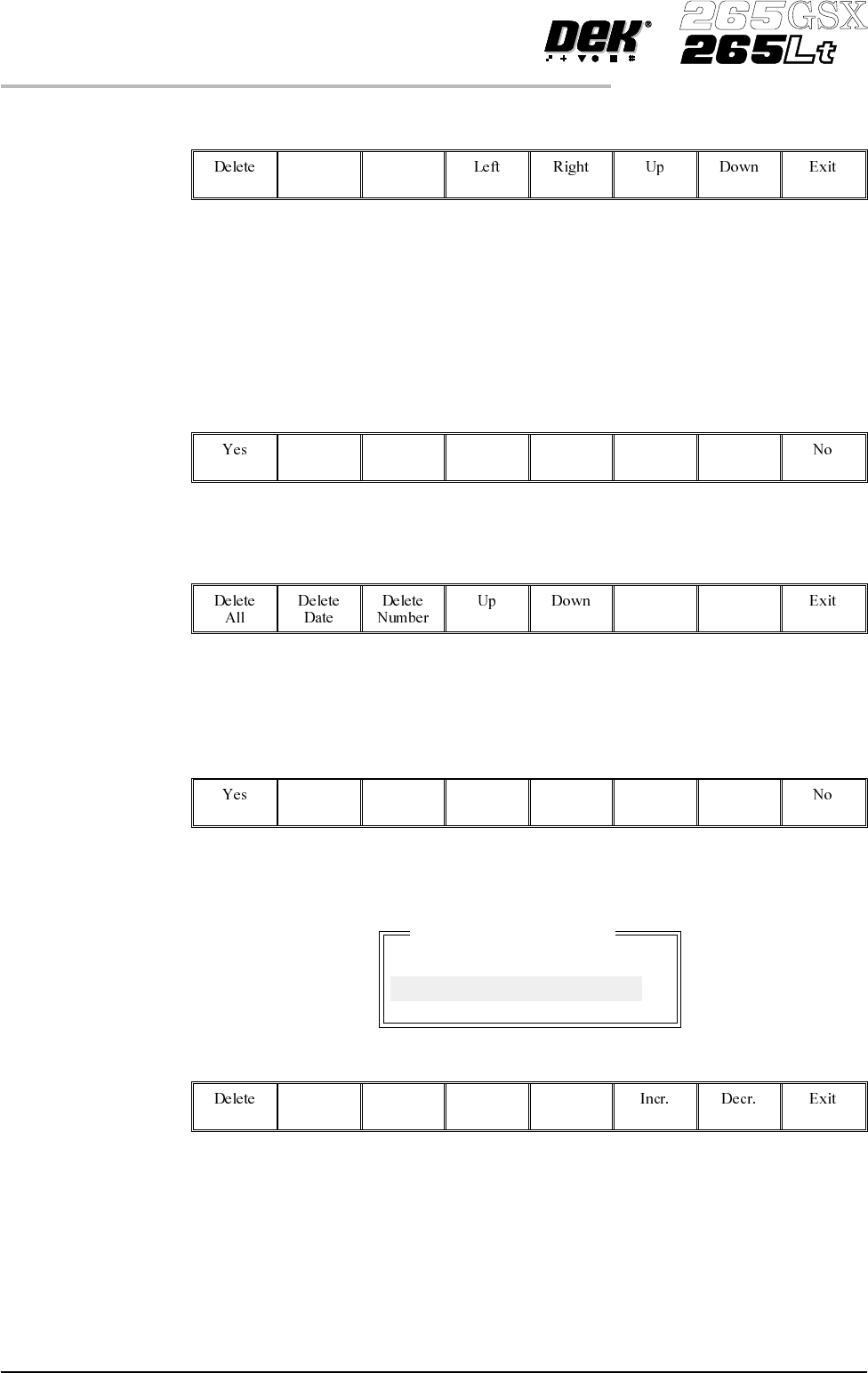
The menu bar changes to the following:
The Left and Right keys move the cursor between columns of Product Data
Files.
The Up and Down keys move the cursor between the Product Data Files.
The Exit key returns to the previous menu.
On pressing the Delete key, the message Confirm deletion of selected product
data is displayed in the message prompt box, asking the user to confirm the
deletion request, the menu bar changes displaying the Yes and No options:
Event Log When the Event Log is highlighted, the menu bar changes to the following:
On pressing the Delete All key, the message Confirm deletion of All Event
Data is displayed in the message prompt box, asking the user to confirm the
deletion request, the menu bar changes displaying the Yes and No options.
On pressing the Delete Date key the following window is displayed:
The menu bar changes to the following:
The Incr. and Decr. keys change the highlighted date.
The Delete key deletes all event files prior to the indicated date, the message
Deleting Events... is displayed in the message prompt box.
The Exit key returns to the previous menu.
7.10 User Manual Software Version 6
HOUSE KEEPING
DELETE DATA
Delete event to date
Delete all event records
prior to : Fri Dec 18 1998
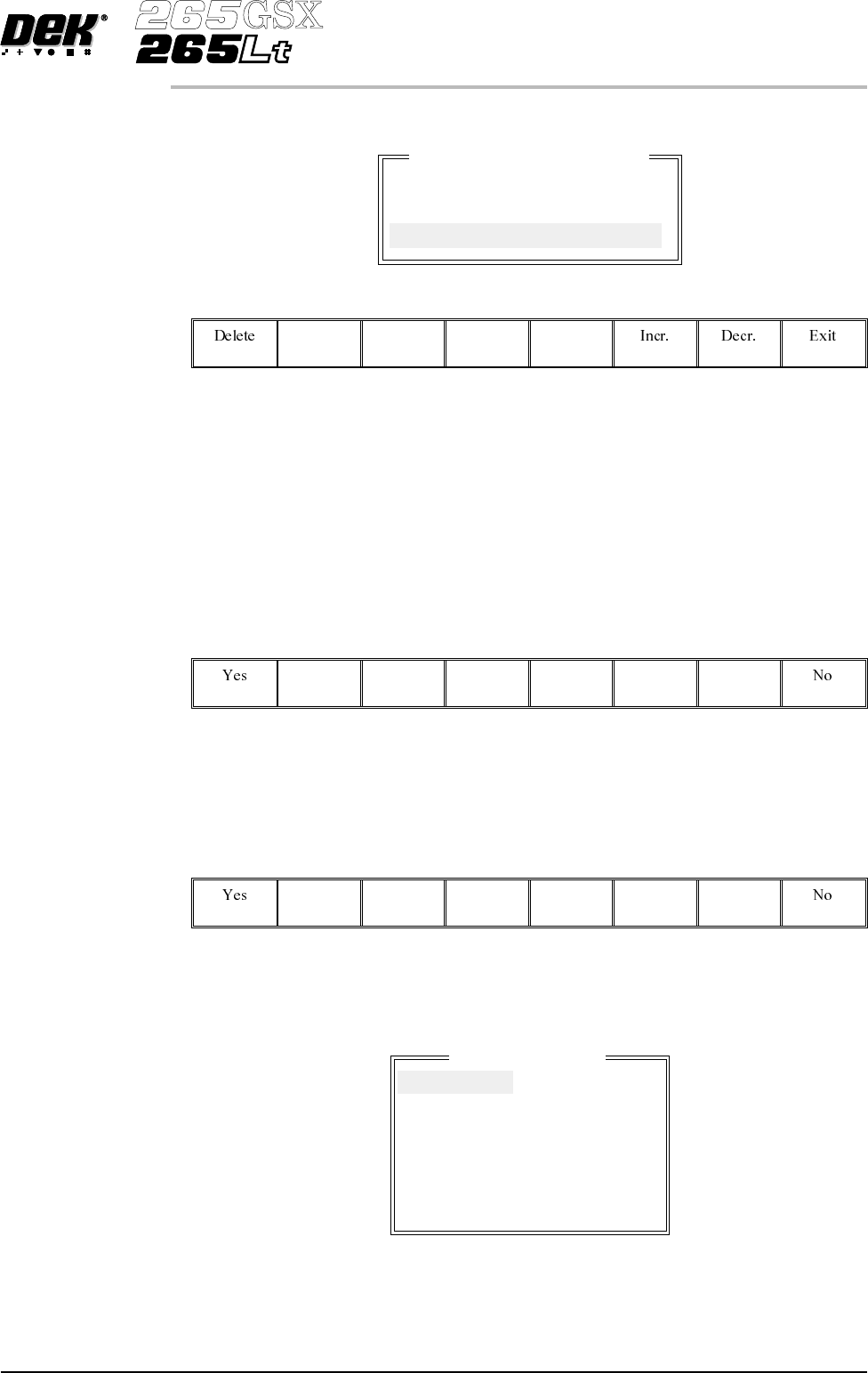
On pressing the Delete Number key the following window is displayed:
The menu bar changes to the following:
The Incr. and Decr. keys change the highlighted number.
The Delete key deletes all event files prior to the indicated number, the message
Deleting Events... is displayed in the message prompt box.
The Exit key returns to the previous menu.
Test Data If the Delete Data key is pressed when Test Data is highlighted, the message
Confirm deletion of Test Data is displayed in the message prompt box, asking
theusertoconfirm the deletion request, the menu bar changes displaying the Yes
and No options.
SPC Data If the Delete Data key is pressed when SPC Data is highlighted, the message
Confirm deletion of SPC Data is displayed in the message prompt box, asking
theusertoconfirm the deletion request, the menu bar changes displaying the Yes
and No options.
Image Data If the Delete Data key is pressed when Image Data is highlighted the following
window is displayed:
Software Version 6 User Manual 7.11
HOUSE KEEPING
DELETE DATA
Delete event by number
Delete all event records
except the most recent :
1
Delete Data File
10000001
10000002
10000003
10000004
10000005
10000006
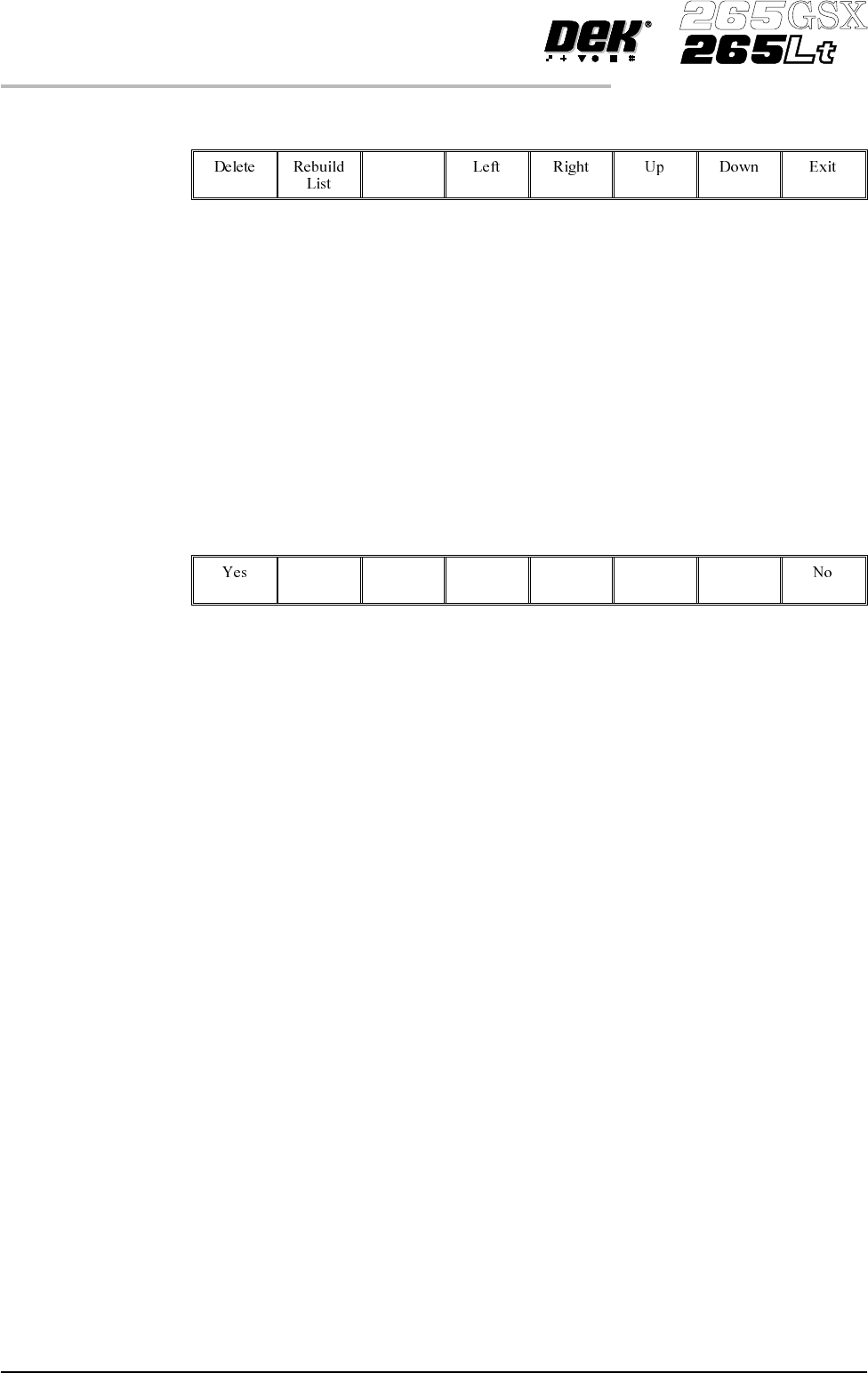
The menu bar changes to the following:
The Rebuild List key updates the list of image files. This is used mainly with
host comms, where the host computer may have a more up to date list.
The Left and Right keys move the cursor between columns (if displayed).
The Up and Down keys move the cursor between the various image files.
The Delete key deletes the highlighted image file.
The Exit key returns to the previous menu.
Deviation Data If the Delete Data key is pressed when Deviation Data is highlighted, the
message Confirm deletion of Deviation Data is displayed in the message
prompt box, asking the user to confirm the deletion request, the menu bar
changes displaying the Yes and No options.
7.12 User Manual Software Version 6
HOUSE KEEPING
DELETE DATA