Dek-265GSX-User-Manual.pdf.pdf - 第294页
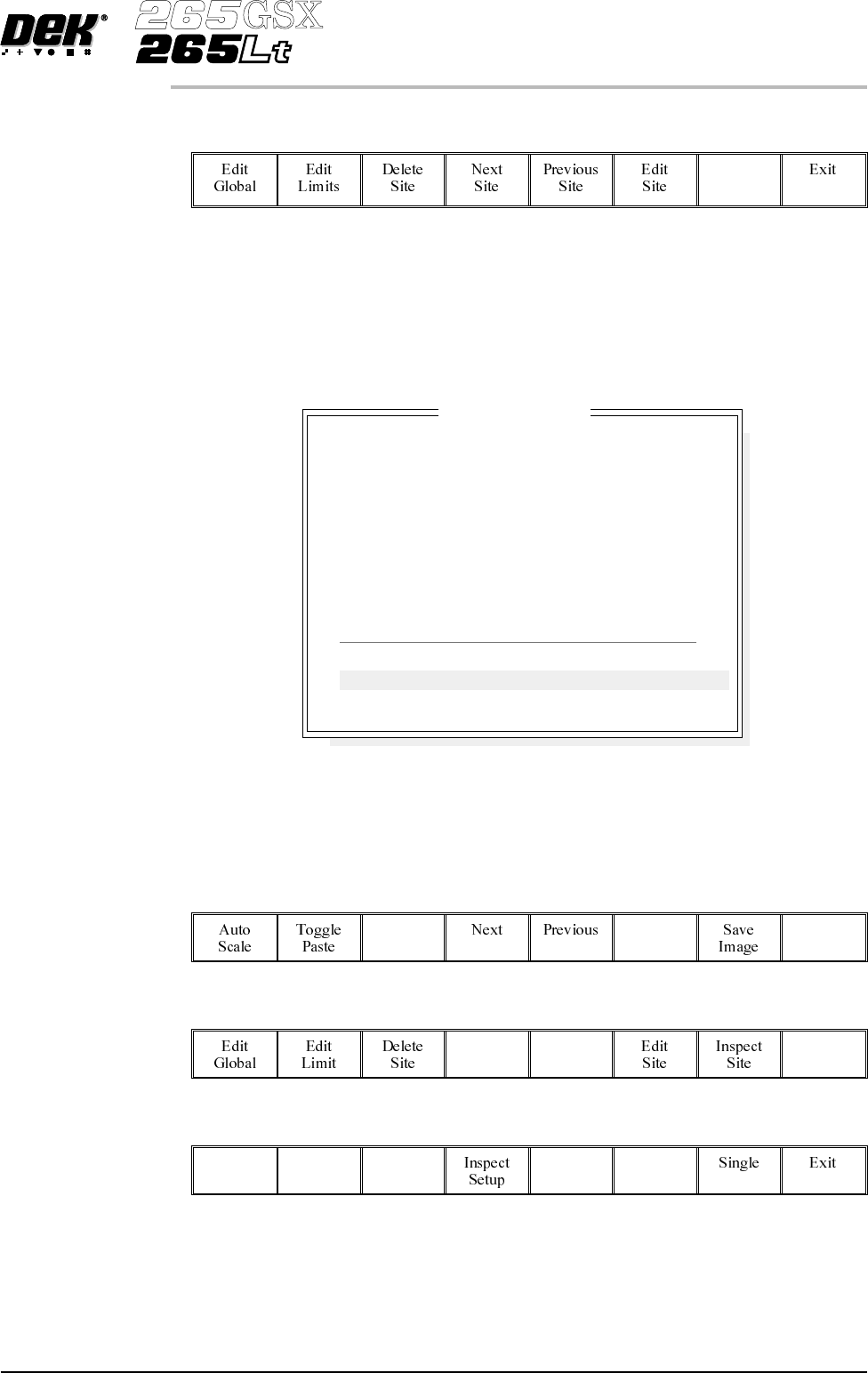
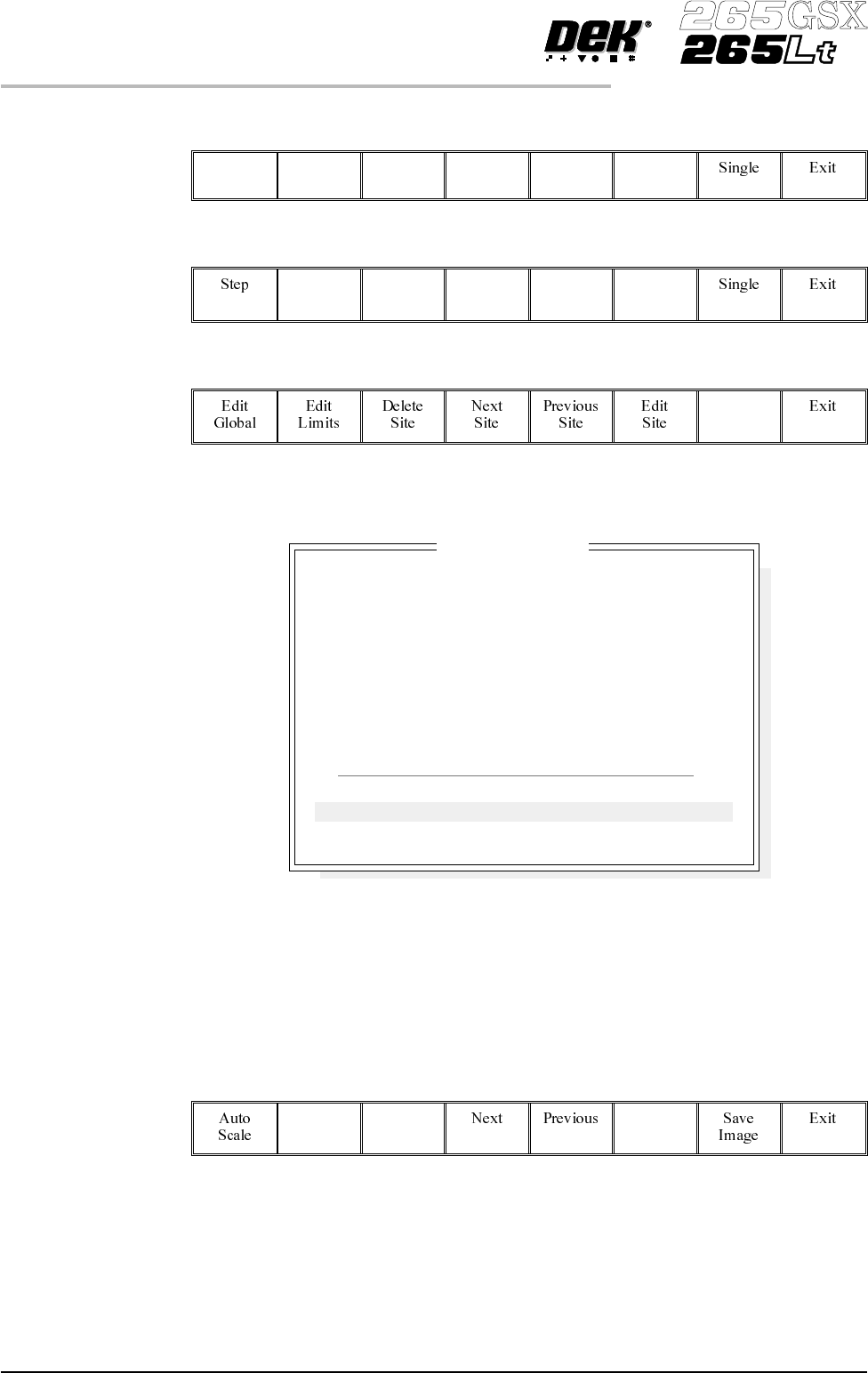
6. Select Step until inspect setup is displayed. Step 7. Select Inspect Setup . Inspect Setup 8. Select Inspect Site . Inspect Site The following window is displayed: NOTE A reliable paste present reading is made only wh…
Inspect 1.
Select Inspect Site.
Inspect
Site
NOTE
Delete site,next site and previous site may not be displayed if other sites do not
exist.
The following window is displayed:
2. If the screen and board were clean, the maximum blockage, smear area and
minimum paste should all be zero. If readings are incorrect, repeat from
Lighting Setup and re-inspect.
3.
Select Exit.
Exit
4.
Select Exit.
Exit
5.
Select Step until the board is printed.
Step
Software Version 6 User Manual 8.29
2Di INSPECTION
2Di SETUP
SITE NAME
Maximum Blockage
Smear Area
Minimum Paste
X Alignment
YAlignment
Bridging
Minimum Paste Volume
Bridge Warnings
Bridge Alarms
SITE 1
0%
0.0 sq mm
0%
----
----
+10.00mm
0%
0
0
Inspection Results
PASS
PASS
ALARM
INVALID
INVALID
PASS
ALARM
No. Blockage Paste Present Volume AlignX AlignY
1 0% 0% 0% ---- ----
2 0% 0% 0% ---- ----
6.
Select Step until inspect setup is displayed.
Step
7.
Select Inspect Setup.
Inspect
Setup
8.
Select Inspect Site.
Inspect
Site
The following window is displayed:
NOTE
A reliable paste present reading is made only when the lighting is set correctly.
9. If the board inspection type is set to advanced carry out Steps 9a and 9b. If
the board inspection type is set to none or basic carry out Step 9c.
9a.
Select Toggle Paste.
Toggle
Paste
NOTE
Selecting toggle paste either shows or hides the paste display overlay onto the
monitor. The toggle paste facility on the board image is only functional with the
board inspection type set to advanced. Toggling paste on the screen is only
available on Horizon and Infinity machines and only with the screen inspect type
set to basic or advanced.
8.30 User Manual Software Version 6
2Di INSPECTION
2Di SETUP
SITE NAME
Maximum Blockage
Smear Area
Minimum Paste
X Alignment
YAlignment
Bridging
Minimum Paste Volume
Bridge Warnings
Bridge Alarms
SITE 1
0%
0.00 sq mm
94%
+0.007mm
-0.003mm
5.012mm
93%
0
0
Inspection Results
PASS
PASS
PASS
PASS
PASS
PASS
PASS
No. Blockage Paste Present Volume AlignX AlignY
1 0% 94% 93% +0.007 -0.003
2 0% 98% 97% +0.006 -0.002
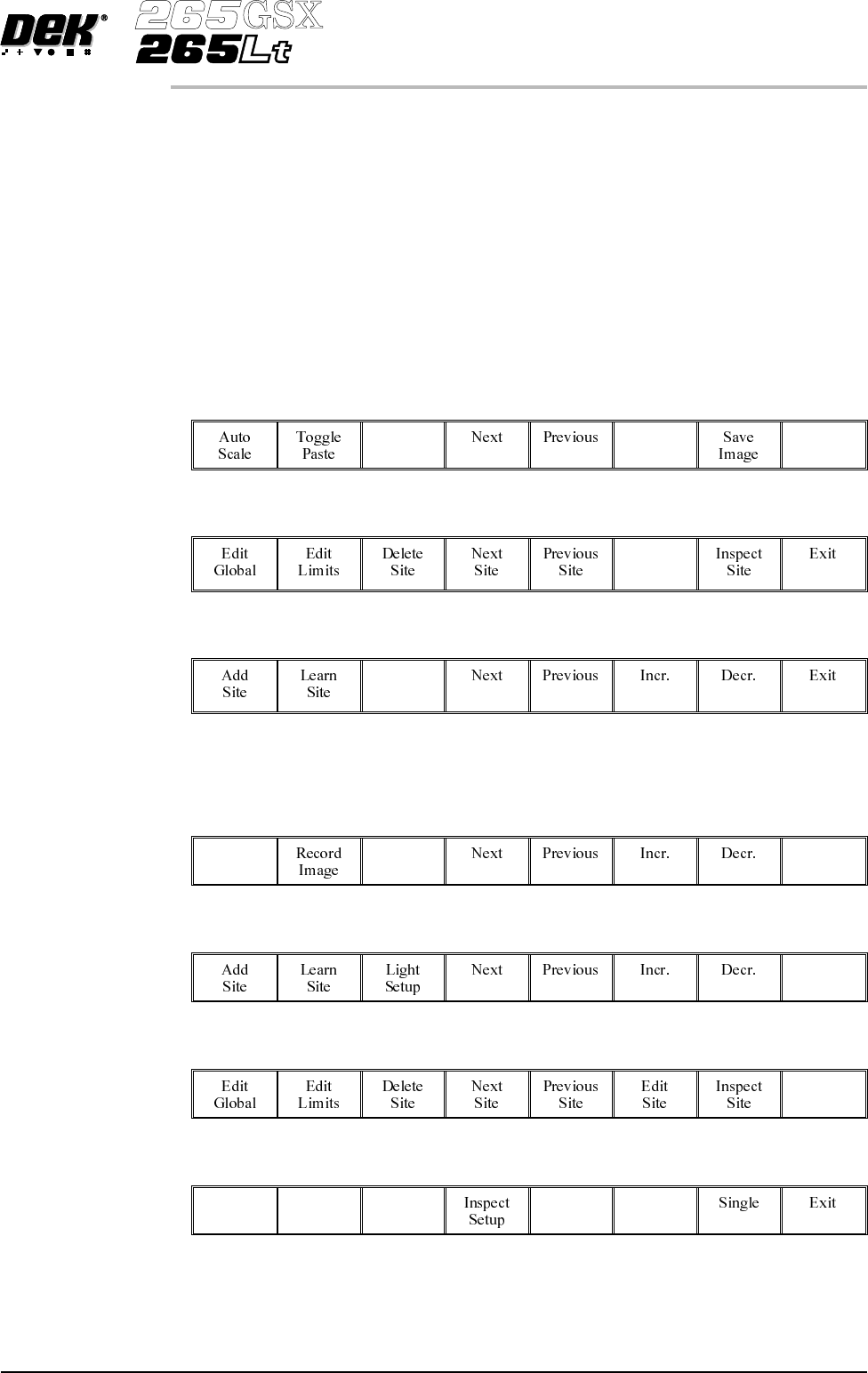
9b. Ensure that the paste display overlay coincides with the presence of paste. If
this is correct go to Step 20. If this is incorrect, note the position of the
non-existant paste and continue with Step 10.
NOTE
If the paste display overlay coincides with the presence of paste, any poor
inspection results are due to process problems and not 2Di setup.
9c. Ensure that the inspection results are consistent with the amount of paste on
the pad. If this is correct go to Step 20. If this is incorrect continue with
Step 10.
10.
Select Exit.
Exit
11.
Select Edit Site.
Edit
Site
12.
Select Light Setup.
Light
Setup
13. Adjust the lighting parameters to improve the lighting conditions in the
suspect areas.
14.
Select Exit.
Exit
15.
Select Exit.
Exit
16.
Select Exit.
Exit
17.
Select Step to remove the board from the machine.
Step
Software Version 6 User Manual 8.31
2Di INSPECTION
2Di SETUP