Dek-265GSX-User-Manual.pdf.pdf - 第319页
3. Open the printhead cover. 4. Load paste onto screen. 5. Close the printhead cover. Software Version 6 User Manual 9.5 CONSUMABLE REPLENISHMENTS PASTE LOADING
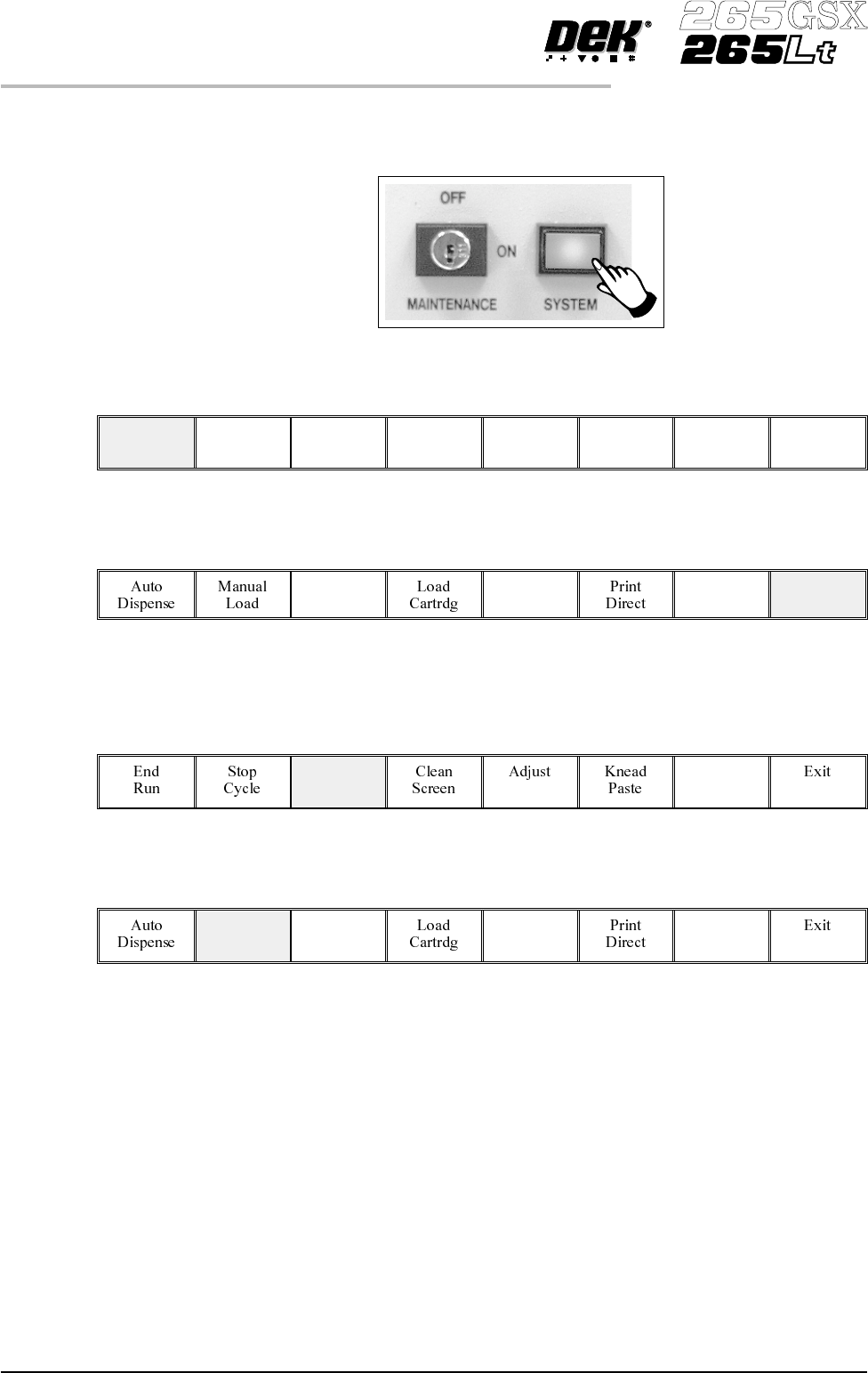
6.
Press the System button.
7.
Press Continue (F1).
Continue
8.
Press Exit (F8).
Exit
To Load Paste During A Print Run:
1.
Press Paste Load (F3).
Paste
Load
2.
Press Manual Load (F2).
Manual
Load
9.4 User Manual Software Version 6
CONSUMABLE REPLENISHMENTS
PASTE LOADING
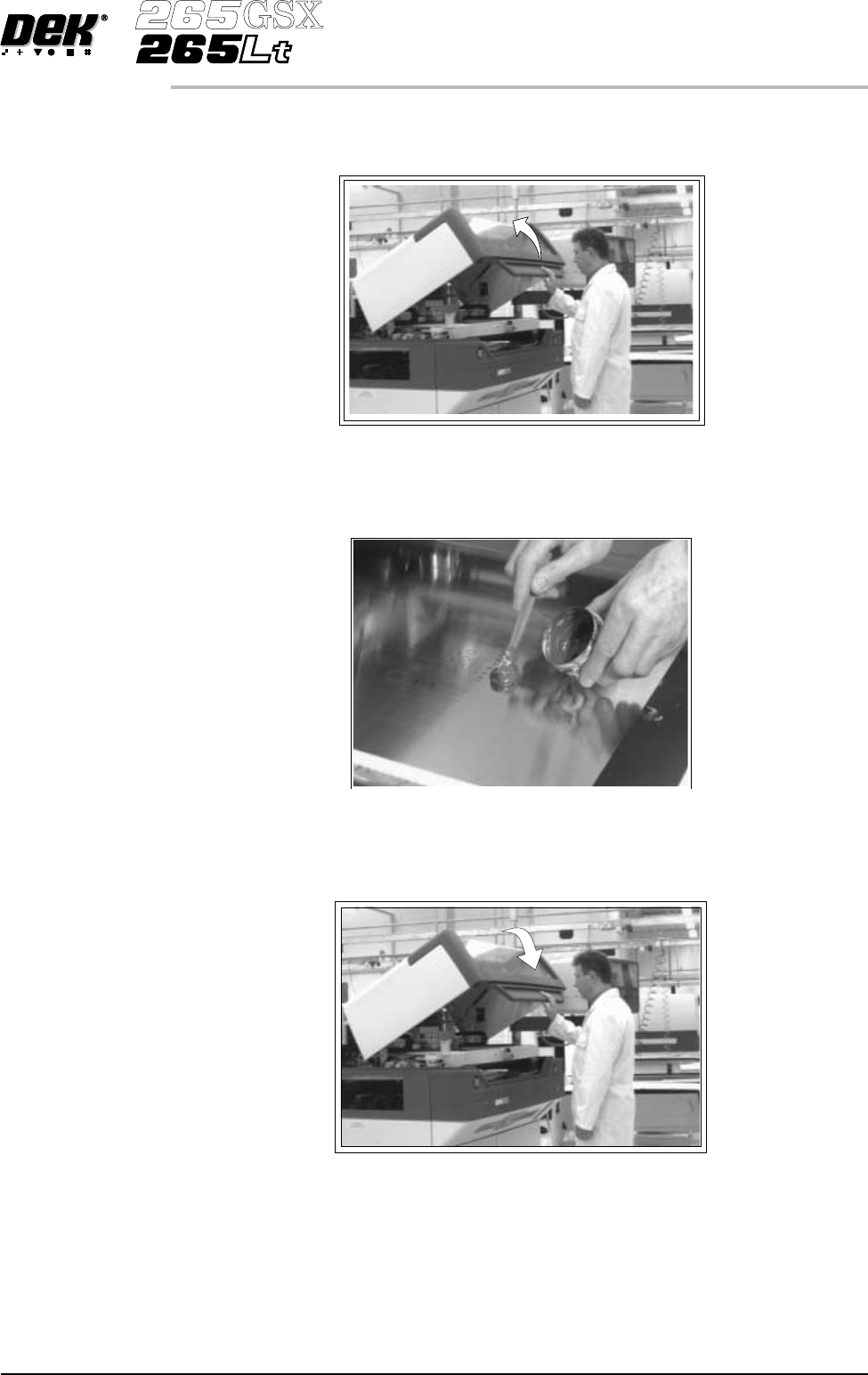
3. Open the printhead cover.
4. Load paste onto screen.
5. Close the printhead cover.
Software Version 6 User Manual 9.5
CONSUMABLE REPLENISHMENTS
PASTE LOADING
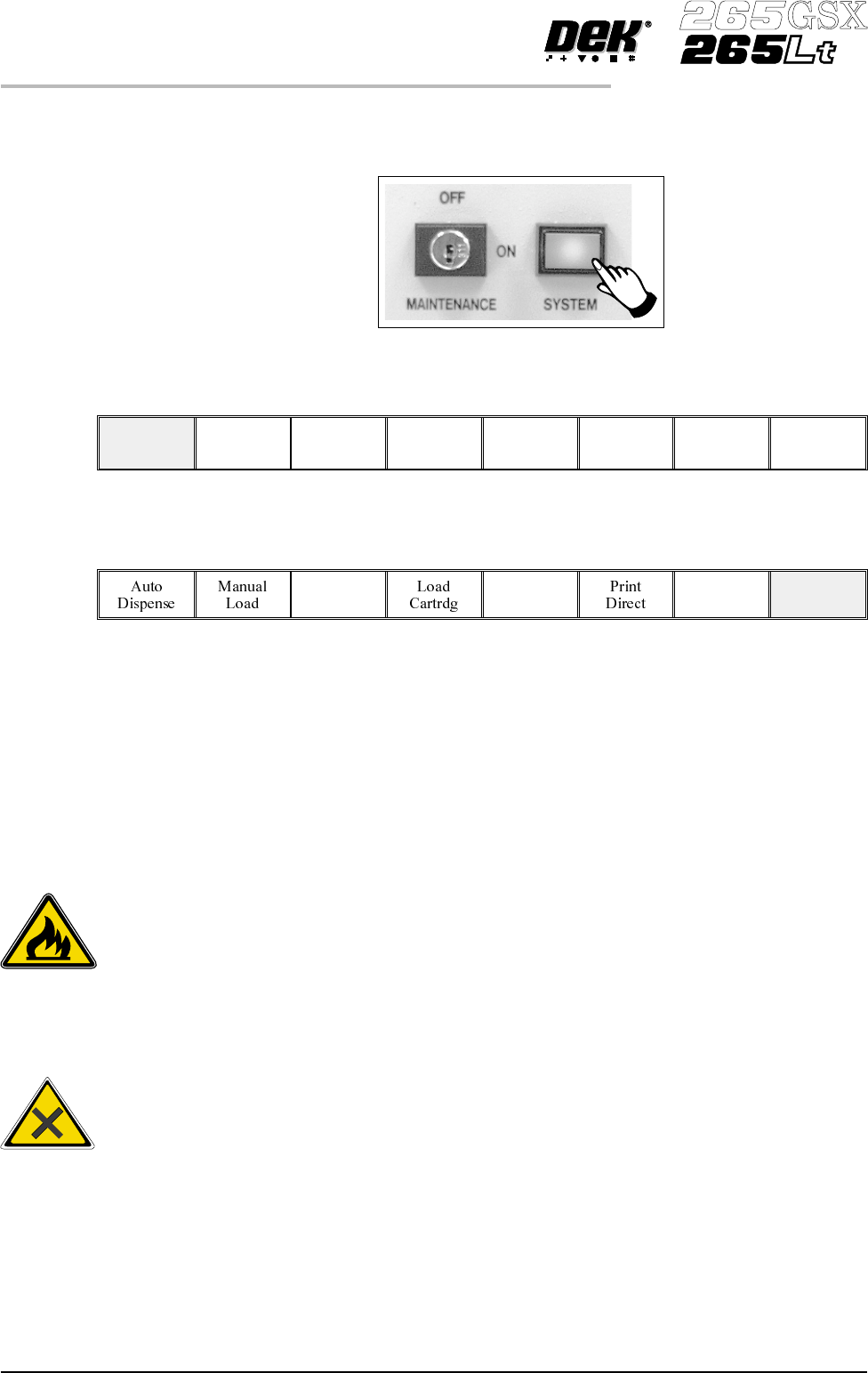
6.
Press the System button.
7.
Press Continue (F1).
Continue
8.
Press Exit (F8).
Exit
Paste Removal During continuous printing operations paste residue build up may occur with the
same screen in use and with the squeegee option fitted. This build up can affect
the print quality of the print process, ie paste in apertures, paste ‘tramlining’ on
the screen and residue on the squeegees.
Before loading paste the operator should ensure that any residue is cleaned off
the screen and squeegees.
To clean the screen effectively, it is recommended that the operator removes the
screen from the machine during this operation.
9.6 User Manual Software Version 6
CONSUMABLE REPLENISHMENTS
PASTE LOADING
WARNING
RECOMMENDED SOLVENTS. ANY SOLVENTS USED MUST
COMPLY WITH LOCAL ENVIRONMENTAL GUIDELINES. DE
K
RECOMMEND USINGSOLVENTS THATARE ENVIRONMENTALL
Y
FRIENDLY, IE CFC FREE AND WATER BASED. SOLVENTS USED
MUST HAVE FAST EVAPORATION RATES AND FLASHPOINT
SPECIFICATIONSGREATERTHAN39 C.°
WARNING
SOLDERPASTEANDSOLVENTS. WHENUSINGORHANDLINGAN
Y
SOLDER PASTE OR SOLVENT FORMULATION THE
MANUFACTURERS' RECOMMENDED SAFETY PRECAUTIONS
MUSTBESTRICTLYADHEREDTO.