Dek-265GSX-User-Manual.pdf.pdf - 第32页
STAGE 5A GSX - Loading a Screen 1. Select Change Screen (F5). Change Screen 2. Lift the front printhead cover. 3. If a screen is already present in the printer this should be removed. 1.16 User Manual Software Version 6 …

STAGE 4B
ProFlow Setup If squeegees were used whenrunningthe last product, carry outtheSqueegees to
ProFlow Replacement Procedure, see Technical Reference Manual, ProFlow
Module Chapter - Replacement Procedures.
For setting the contact and downstop positions, carry out the ProFlow Contact
Position Setup, see Technical Reference Manual, ProFlow Module Chapter -
Adjustments and Settings.
Software Version 6 User Manual 1.15
MACHINE PROGRAMMING
STAGE 4B
STAGE 5A
GSX - Loading a
Screen
1.
Select Change Screen (F5).
Change
Screen
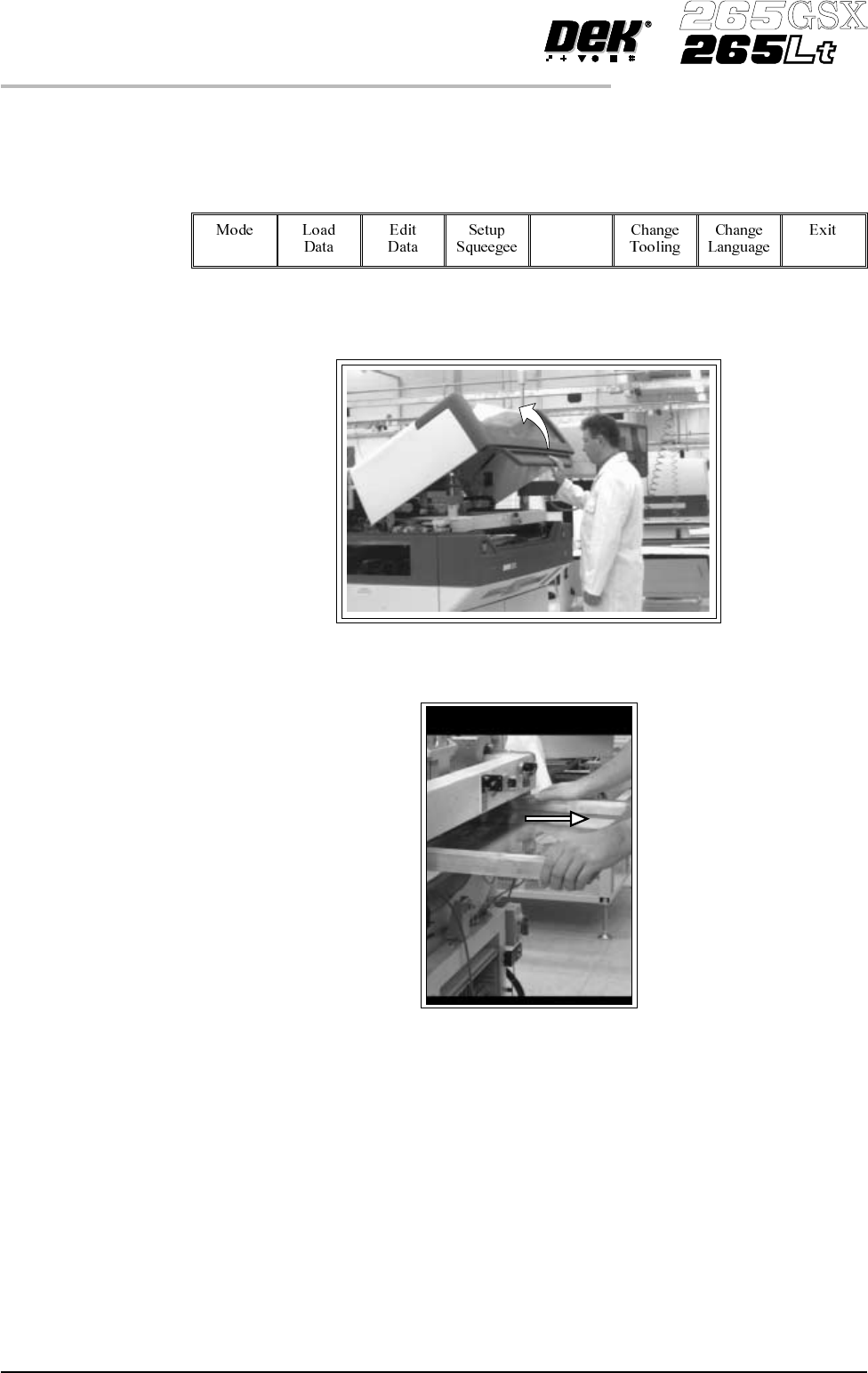
2. Lift the front printhead cover.
3. If a screen is already present in the printer this should be removed.
1.16 User Manual Software Version 6
MACHINE PROGRAMMING
STAGE 5A
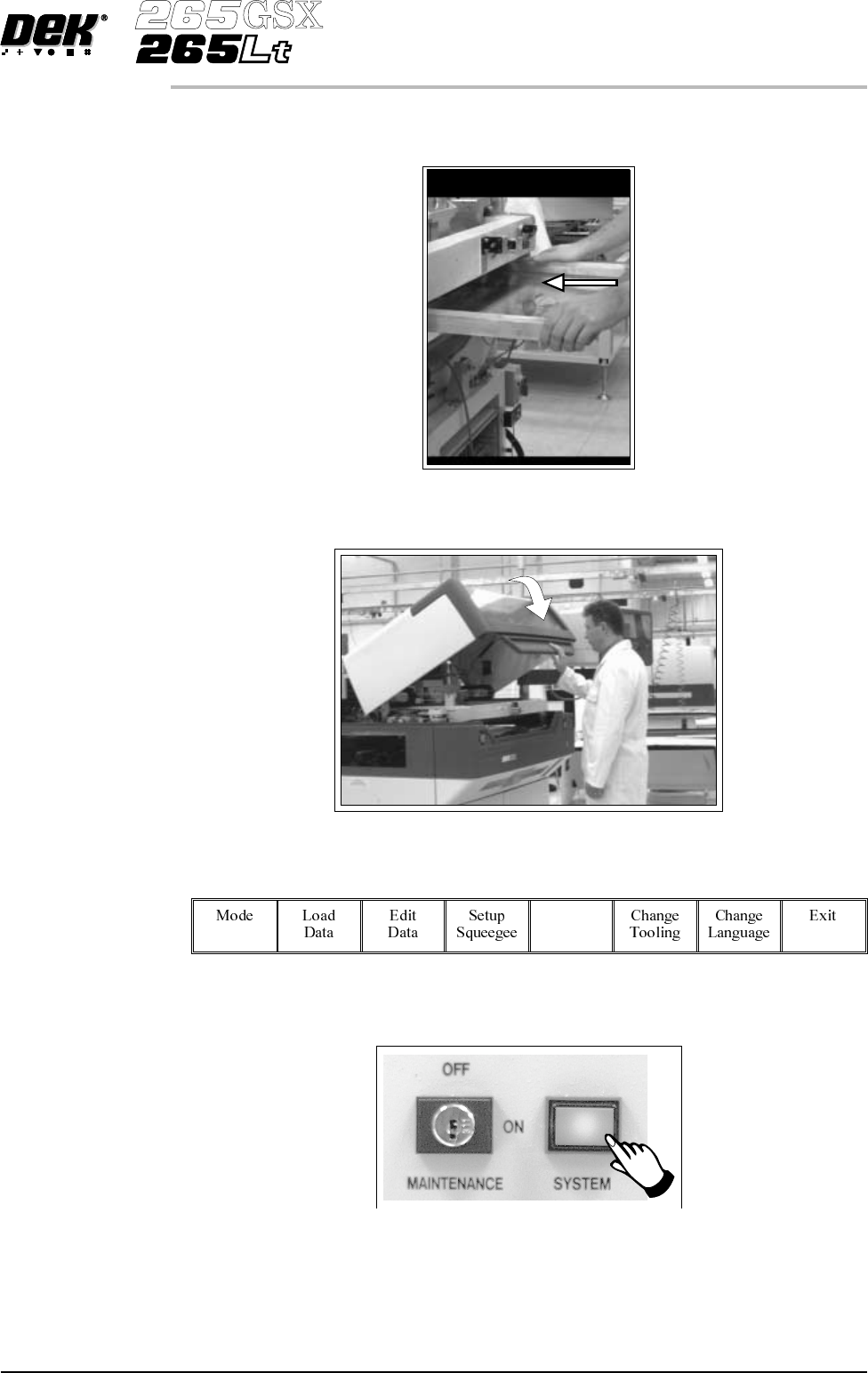
4. Fit the new screen into the printer ensuring the correct orientation of the
screen.
5. Lower the front printhead cover.
6.
Select Change Screen (F5).
Change
Screen
7.
Press the System button.
8. Continue to Stage 6 - Tooling Setup.
Software Version 6 User Manual 1.17
MACHINE PROGRAMMING
STAGE 5A