Dek-265GSX-User-Manual.pdf.pdf - 第34页
STAGE 5B Lt - Loading a Screen If a screen is already present in the printer this should be removed. 1. Press Change Screen (F5). Change Screen 2. When prompted to do so lift the printhead cover. 3. Slowly pull out the m…
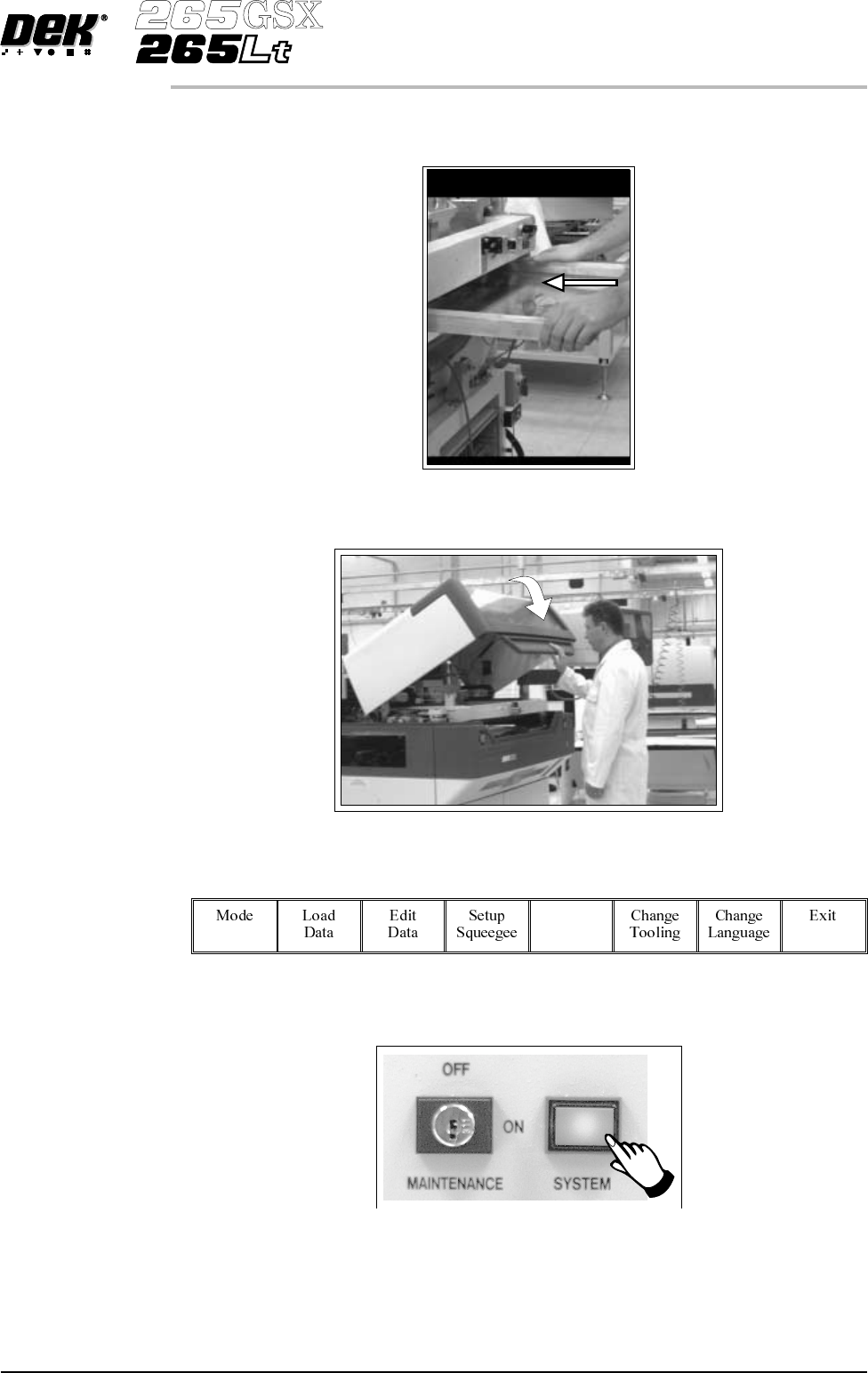
4. Fit the new screen into the printer ensuring the correct orientation of the
screen.
5. Lower the front printhead cover.
6.
Select Change Screen (F5).
Change
Screen
7.
Press the System button.
8. Continue to Stage 6 - Tooling Setup.
Software Version 6 User Manual 1.17
MACHINE PROGRAMMING
STAGE 5A
STAGE 5B
Lt - Loading a
Screen
If a screen is already present in the printer this should be removed.
1.
Press Change Screen (F5).
Change
Screen
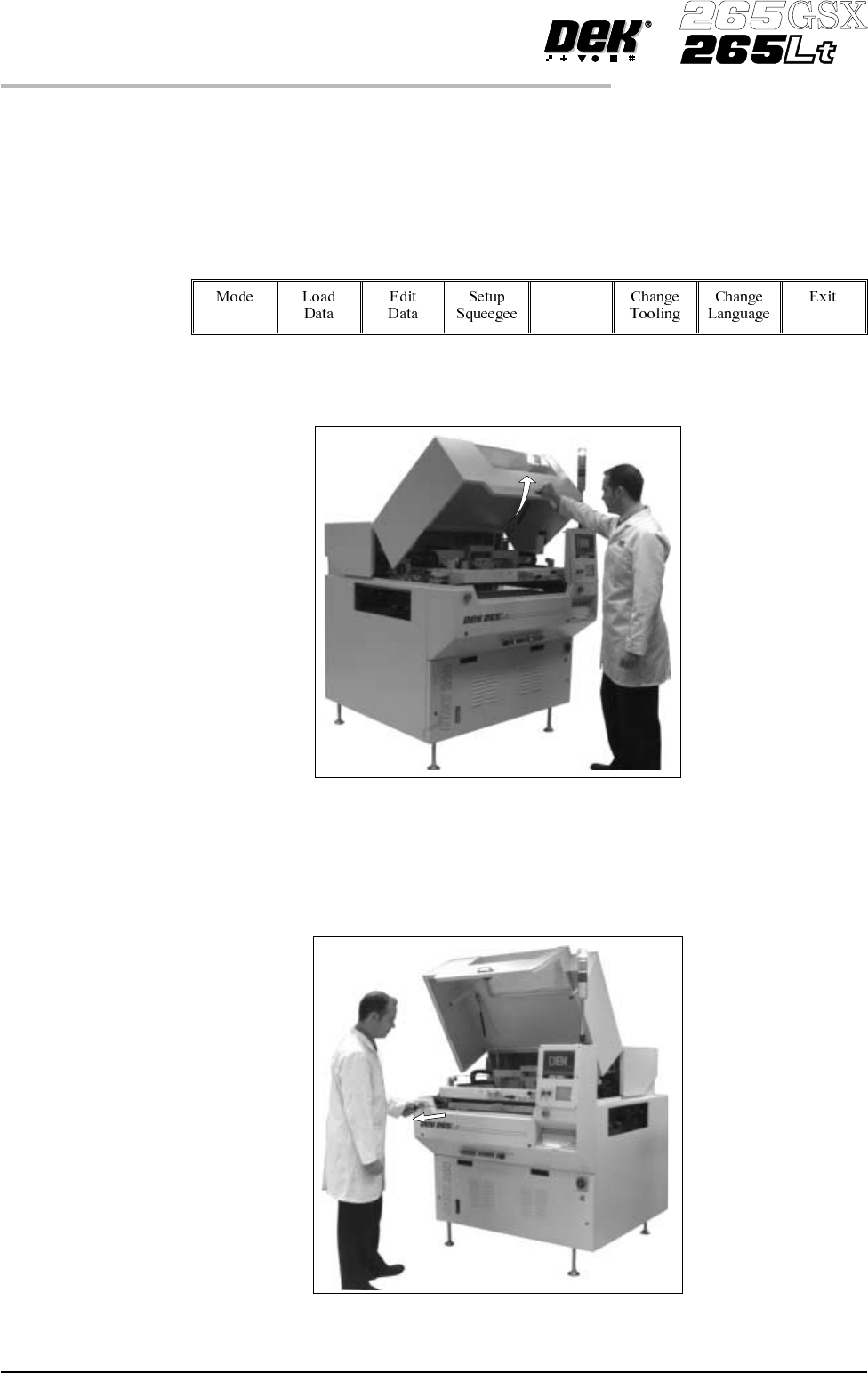
2. When prompted to do so lift the printhead cover.
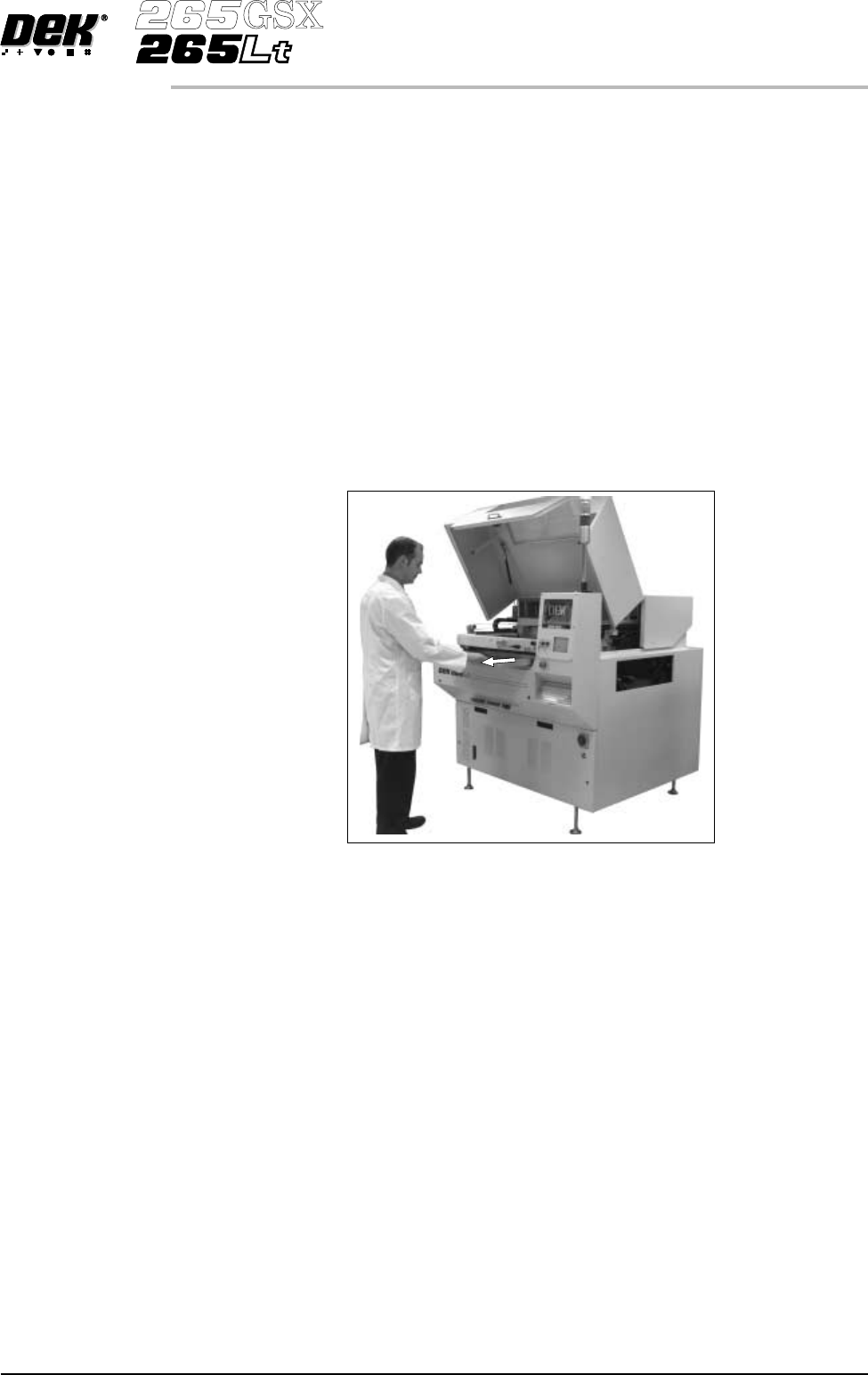
3. Slowly pull out the manual screen removal mechanism (black knob),
bringing the screen to the front of the machine. Do not pull too hard as this
may momentarily dislodge the chase.
1.18 User Manual Software Version 6
MACHINE PROGRAMMING
STAGE 5B
CAUTION
SCREEN EXTRACTOR ROD. When the screen removal mechanism is
being used and the extraction rod is extended (knob has been pulled
forward), care should be taken not to bend the extraction rod by pushing it
sidewaysor closingthefront cover. Distortionof the extractionrod impairs
the functioning of the screen removal mechanism.
ADJUSTABLE SCREEN SPACER. If an adjustable screen spacer has
been placed in the machine behind the screen, care should be taken when
removing the screen to avoid the spacer falling from the chase and causing
injury to the operator or damage to the machine.
4. If an Adjustable Screen Spacer is in the machine proceed to Step 5. Remove
the screen from the printer proceed to Step 9.
5. Pull the screen slowly forward until the rear edge of the screen, but NOT the
adjustable screen spacer, has just cleared the chase rails.
6. Lower the rear of the screen slightly so that it disengages from the adjustable
screen spacer.
7. Remove the screen from the machine.
8. Slowly remove the adjustable screen spacer from the machine.
Software Version 6 User Manual 1.19
MACHINE PROGRAMMING
STAGE 5B