Dek-265GSX-User-Manual.pdf.pdf - 第351页
4. Use the Incr . and Decr . keys (F6 -F7) to set the required value of the selected parameter. Incr. Decr. 5. Repeat Steps 3 and 4 for all remaining parameters. 6. Press Save (F2) on completion of parameter setup. Save …
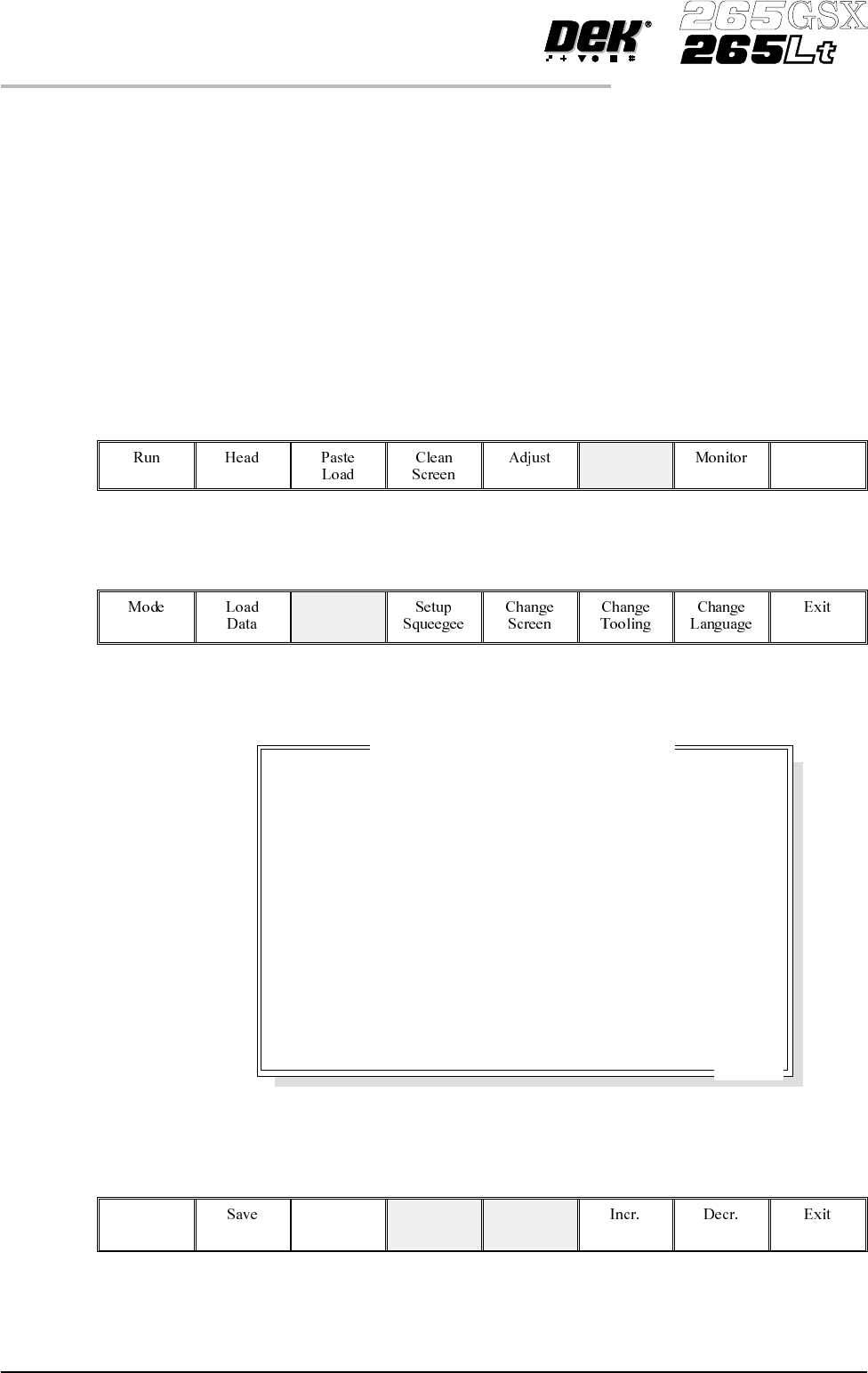
Solvent Advice The following solvents MUST NOT be used in the underscreen cleaner.
However, this list is not complete and does not mean that any solvent not
mentioned is compatible, with DEK machines.
• Rosstech 106 FE
• Rosstech 162 ND
• Acetone
DEK are continuously evaluating alternative solvents. If you wish to use a
particular type of solvent, but are unsure of its suitability for DEK machines,
please contact the DEK Customer Support Group.
1.
Press Setup (F6).
Setup
2.
Press Edit Data (F3).
Edit
Data
The following window is displayed:
3.
Use the Next and Previous keys (F4 - F5) to highlight the required
parameter.
Next Previous
9.36 User Manual Software Version 6
CONSUMABLE REPLENISHMENTS
VORTEX UNDERSCREEN CLEANER
19.0 mm
2.0 mm/s
3.0 mm
0 boards
1
Disabled
Enabled
0 Print Cycle
1 Clean Cycle
Board Width mm
0mm
1 Clean Cycle
5 Second
40 mm/s
UNDER CLEARANCE
SEPARATION SPEED
SEPARATION DISTANCE
BOARD COUNT
PRINT DEPOSITS
PASTE RIDGE REMOVAL
VORTEX CLEAN RATE
VORTEX SOLVENT RATE
VORTEX VACUUM START
VORTEX VACUUM STOP
VORTEX VACUUM RATE
VORTEX VACUUM PERIOD
DRY CLEAN SPEED
PASTE WHILE CLEAN
Edit Current Process Parameters
..more
4.
UsetheIncr.and Decr. keys (F6 -F7) to set the required valueof the selected
parameter.
Incr. Decr.
5. Repeat Steps 3 and 4 for all remaining parameters.
6.
Press Save (F2) on completion of parameter setup.
Save
7.
Press Exit (F8).
Exit
8.
Press Exit (F8).
Exit
Cleaning Cassette
and Solvent
Replenishment
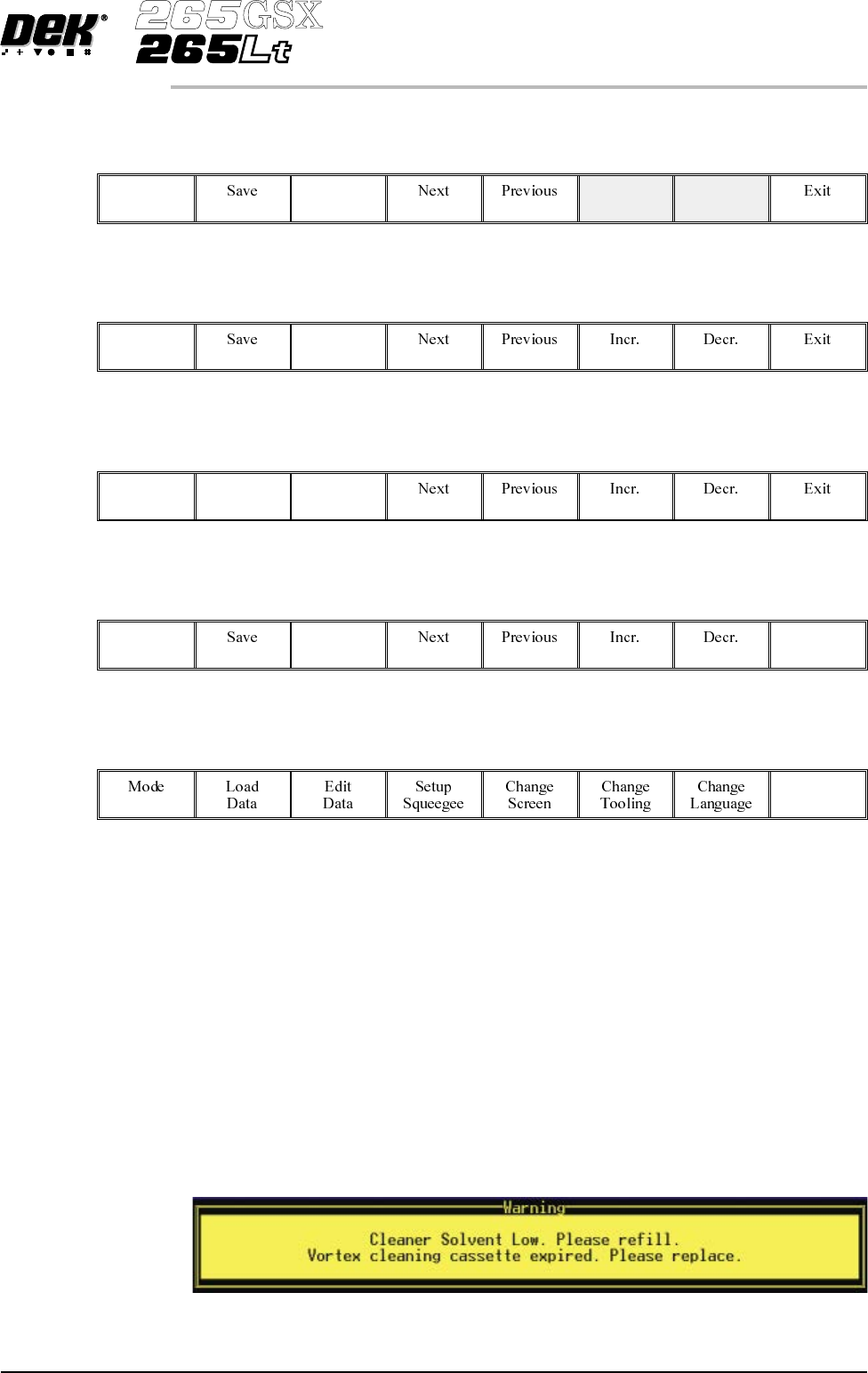
The cleaning cassette and solvent replenishment can take place with the cleaner
unit in the printer. When the cleaning cassette or solvent needs replenishment a
warning window is automatically displayed on the monitor. The warning
window varies, depending on the setting of the consumable action option in set
preferences. The message in the warning window depends on whether the
cleaning cassette or solvent or both require replenishment. The procedure
varies, depending on whether the replenishment is prior to a print run or during a
print run.
Replenishment Prior to a Print Run:
If the set preference is set to warn, continue with Step 1. If the set preference is
set to pause or suspend go to Step 4.
1. If the set preference is set to warn, the following window is displayed:
Software Version 6 User Manual 9.37
CONSUMABLE REPLENISHMENTS
VORTEX UNDERSCREEN CLEANER
The tricoloured beacon shows amber/green.
2.
Select Confirm (F1).
Confirm
3. Go to Step 17.
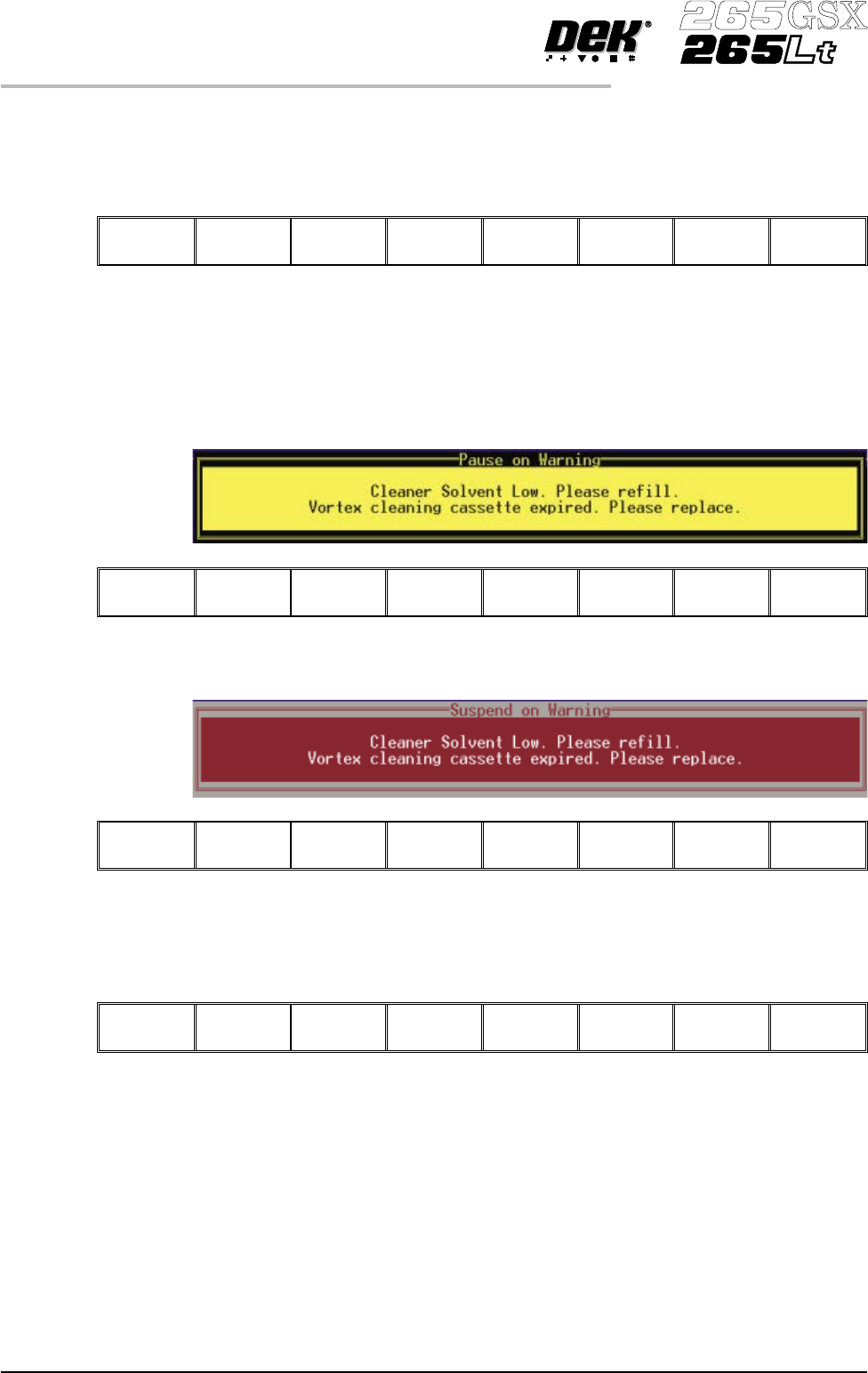
4. If the set preference is set to pause, the following window and menu bar is
displayed:
Cancel
If the set preference is set to suspend, the following window and menu bar is
displayed:
Cancel
In both cases the tricoloured beacon shows red.
5.
Select Cancel (F8).
Cancel
6. Go to Step 17.
Replenishment During a Print Run:
If the set preference is set to warn, continue with Step 7. If the set preference is
set to pause go to Step 11. If the set preference is set to suspend go to Step 15.
9.38 User Manual Software Version 6
CONSUMABLE REPLENISHMENTS
VORTEX UNDERSCREEN CLEANER