Dek-265GSX-User-Manual.pdf.pdf - 第360页
8. Press Prime Solvent (F6). Prime Solvent The message ‘ Press the two control buttons to prime solvent ’ is displayed. 9. Prime the solvent using the two button control. 10. Remove the head prop. Lower the printhead usi…
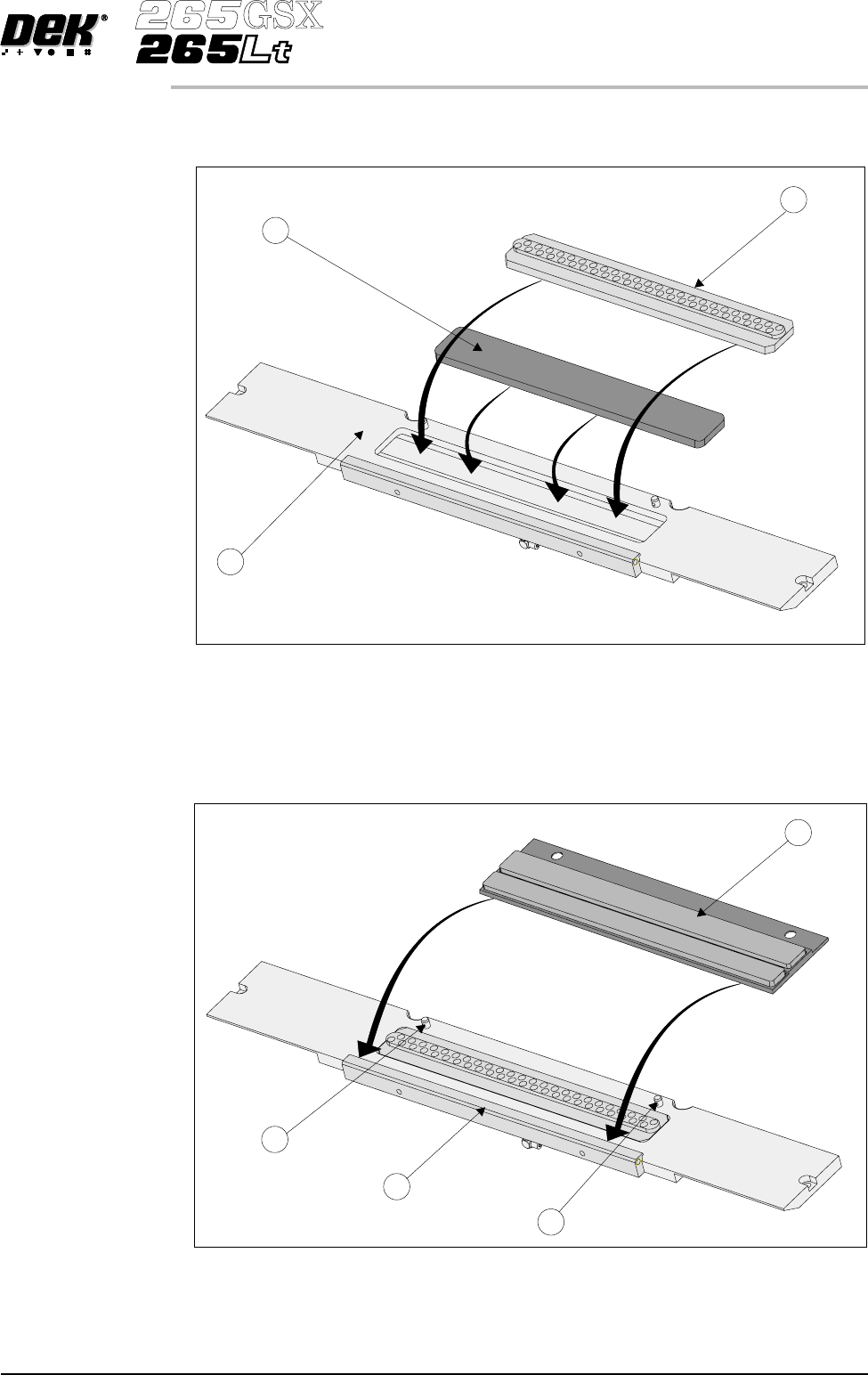
6. Fit the new filter cassette (2) into the mounting tray (3). Fit the vacuum grid
(1) into the mounting tray (3).
7. Fit the edge of the new cleaning cassette (1) beneath the solvent bar (3) and
snap into place on the two pip pins (2).
NOTE
Numbers in brackets refer to figure below.
Software Version 6 User Manual 9.45
CONSUMABLE REPLENISHMENTS
VORTEX UNDERSCREEN CLEANER
1
2
2
3
1
2
3
8.
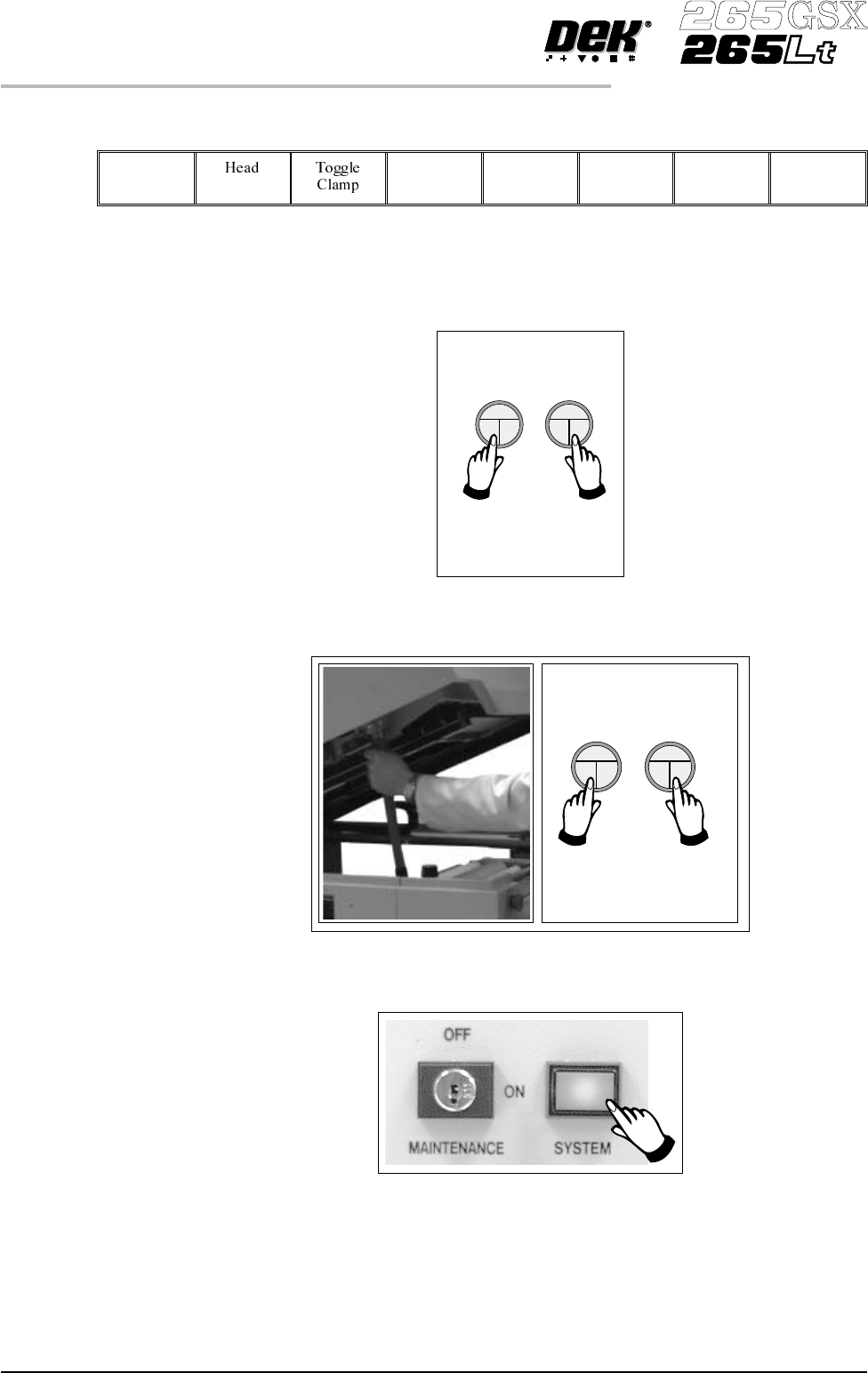
Press Prime Solvent (F6).
Prime
Solvent
Themessage ‘Press thetwocontrolbuttonstoprimesolvent’isdisplayed.
9. Prime the solvent using the two button control.
10. Remove the head prop. Lower the printhead using two button control.
11.
Press the System button.
9.46 User Manual Software Version 6
CONSUMABLE REPLENISHMENTS
VORTEX UNDERSCREEN CLEANER
SQUEEGEES
Fitting the Squeegees
From the Status page:
1.
Press Setup (F6).
Setup
2.
Press Setup Squeegee (F4).
Setup
Squeegee
3.
Press Change Squeegee (F1).
Change
Squeegee
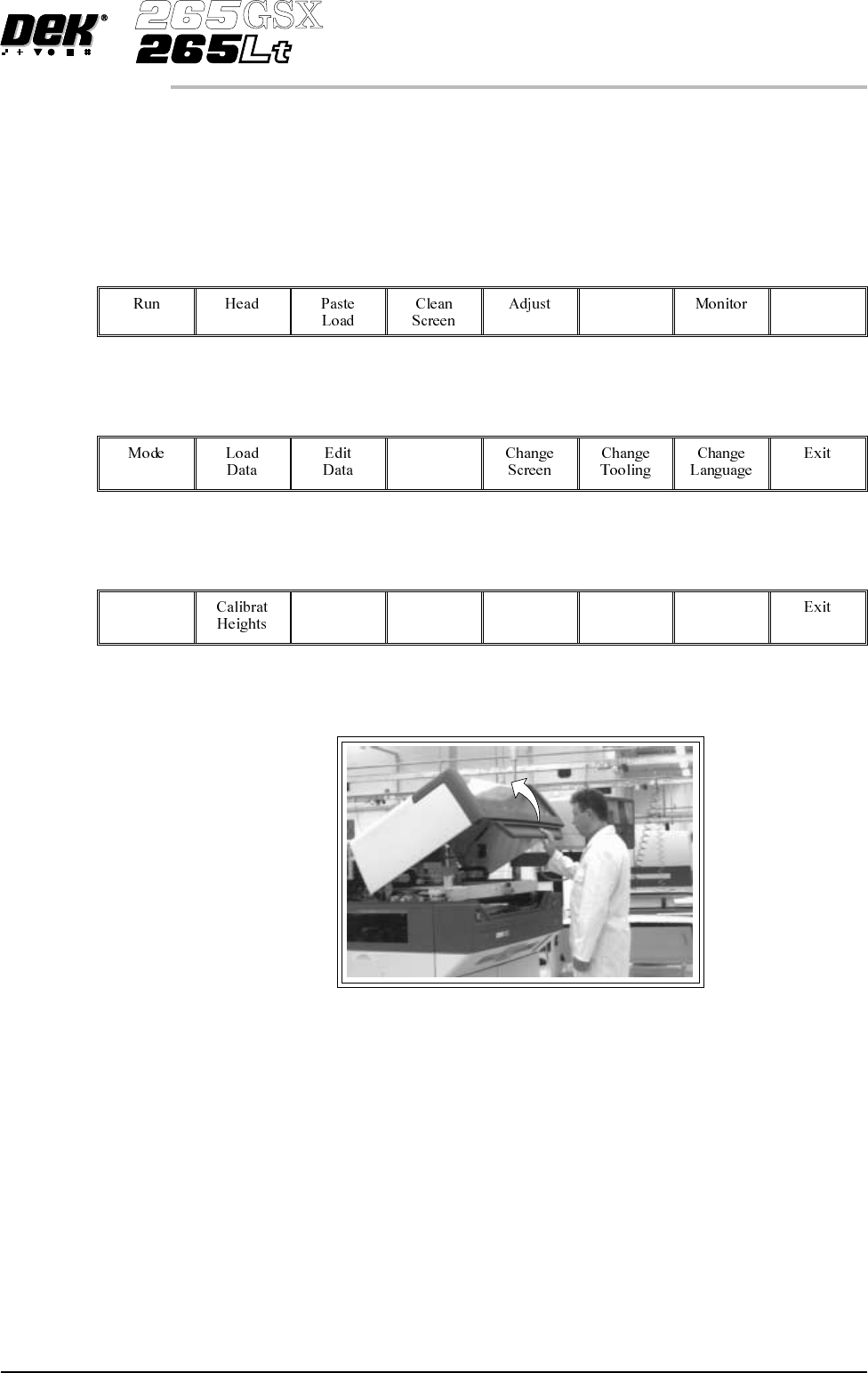
4. Open the printhead cover.
The front and rear squeegees must be fitted in the correct positions. Each
squeegee has a key-way machined into it to ensure that it cannot be incorrectly
fitted.
5. Fit the rear squeegee onto the rear squeegee mount tightening the
thrumbscrews until they are fingertight.
Software Version 6 User Manual 9.47
CONSUMABLE REPLENISHMENTS
SQUEEGEES