Dek-265GSX-User-Manual.pdf.pdf - 第362页
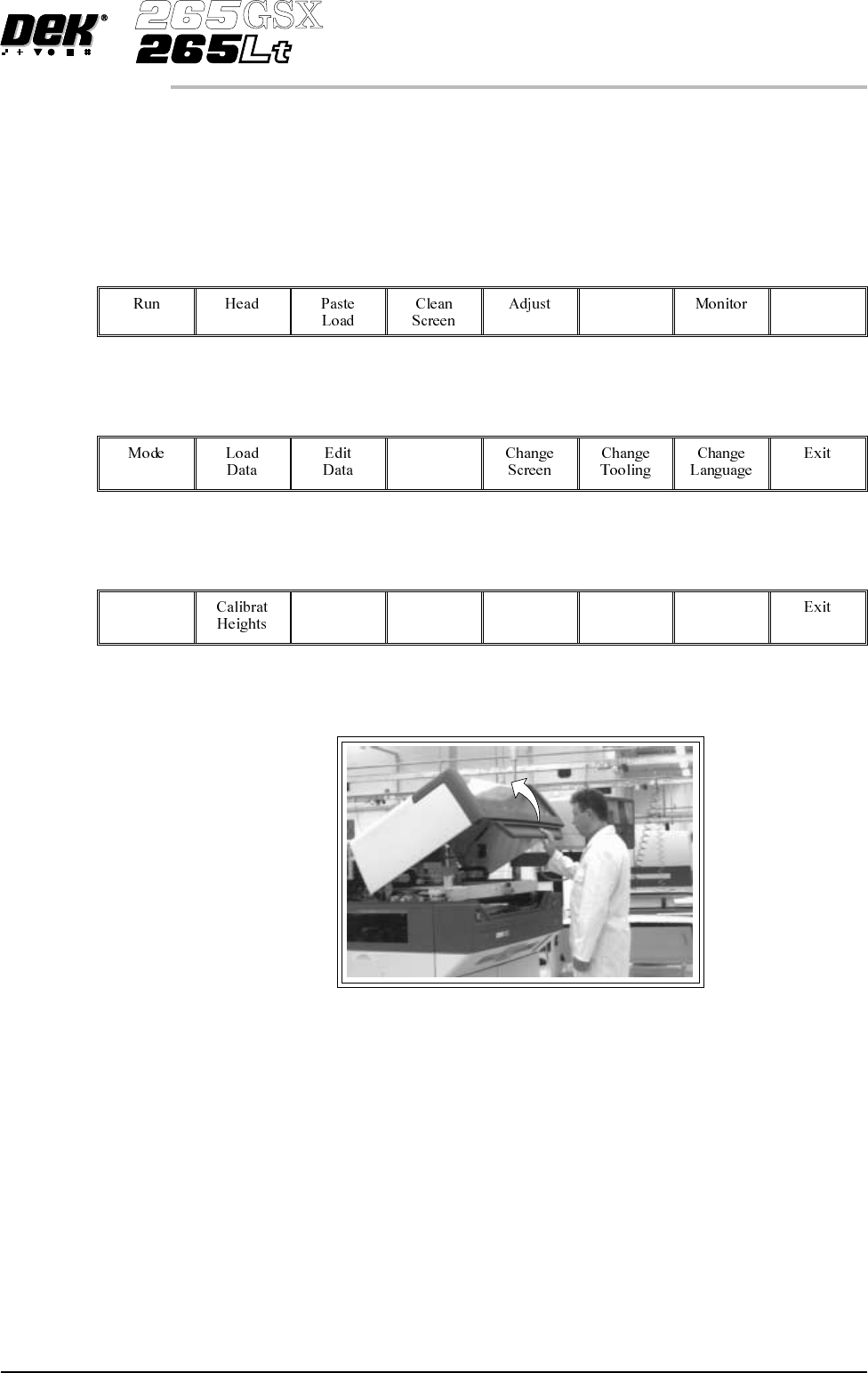
6. Fit the front squeegee onto the front squeegee mount again ensuring that the thrumbscrews are only finger tight. 7. Close printhead cover. 8. Press the System button. 9. Press Continue (F1). Continue 9.48 User Manual …
SQUEEGEES
Fitting the Squeegees
From the Status page:
1.
Press Setup (F6).
Setup
2.
Press Setup Squeegee (F4).
Setup
Squeegee
3.
Press Change Squeegee (F1).
Change
Squeegee
4. Open the printhead cover.
The front and rear squeegees must be fitted in the correct positions. Each
squeegee has a key-way machined into it to ensure that it cannot be incorrectly
fitted.
5. Fit the rear squeegee onto the rear squeegee mount tightening the
thrumbscrews until they are fingertight.
Software Version 6 User Manual 9.47
CONSUMABLE REPLENISHMENTS
SQUEEGEES
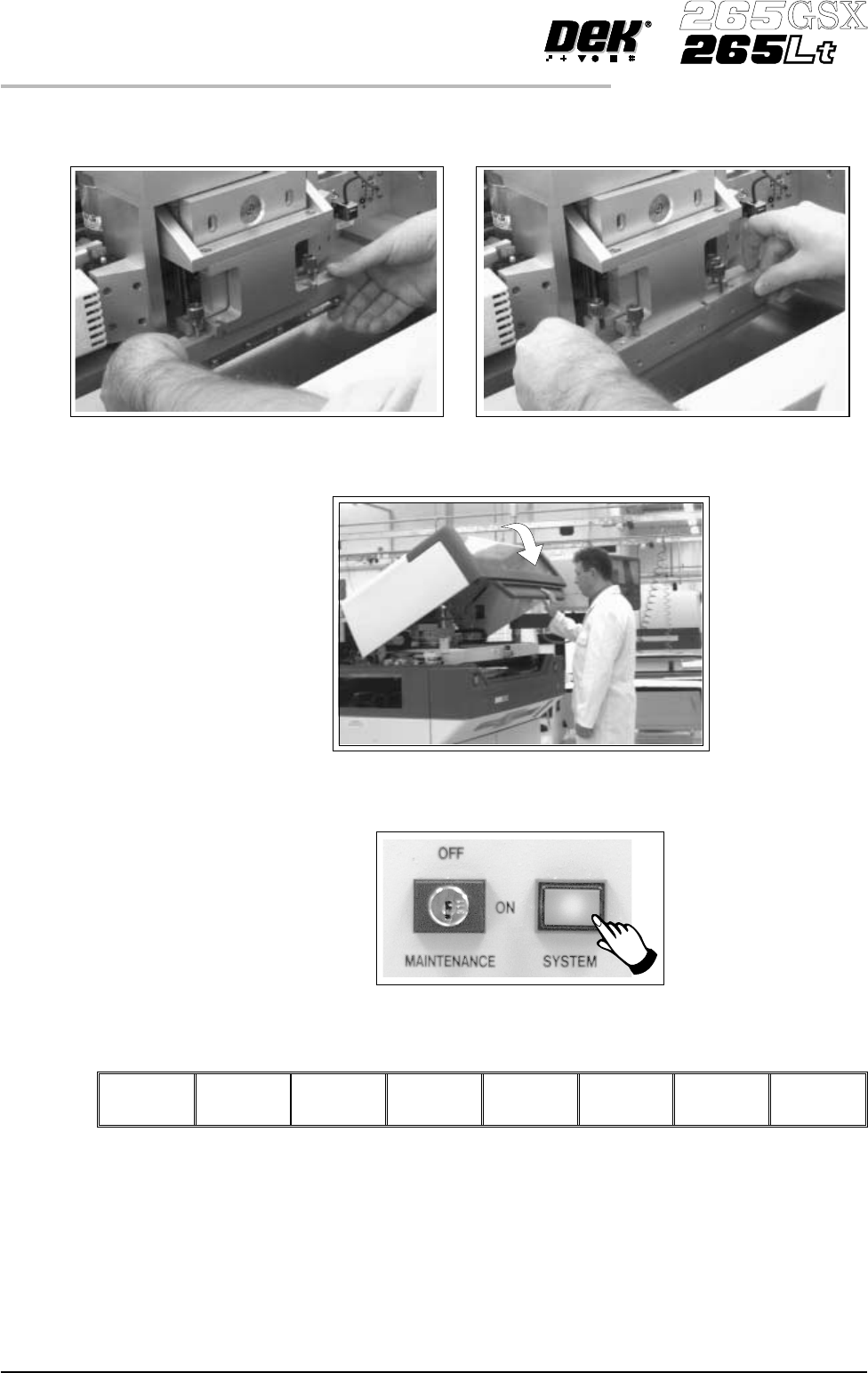
6. Fit the front squeegee onto the front squeegee mount again ensuring that the
thrumbscrews are only finger tight.
7. Close printhead cover.
8.
Press the System button.
9.
Press Continue (F1).
Continue
9.48 User Manual Software Version 6
CONSUMABLE REPLENISHMENTS
SQUEEGEES
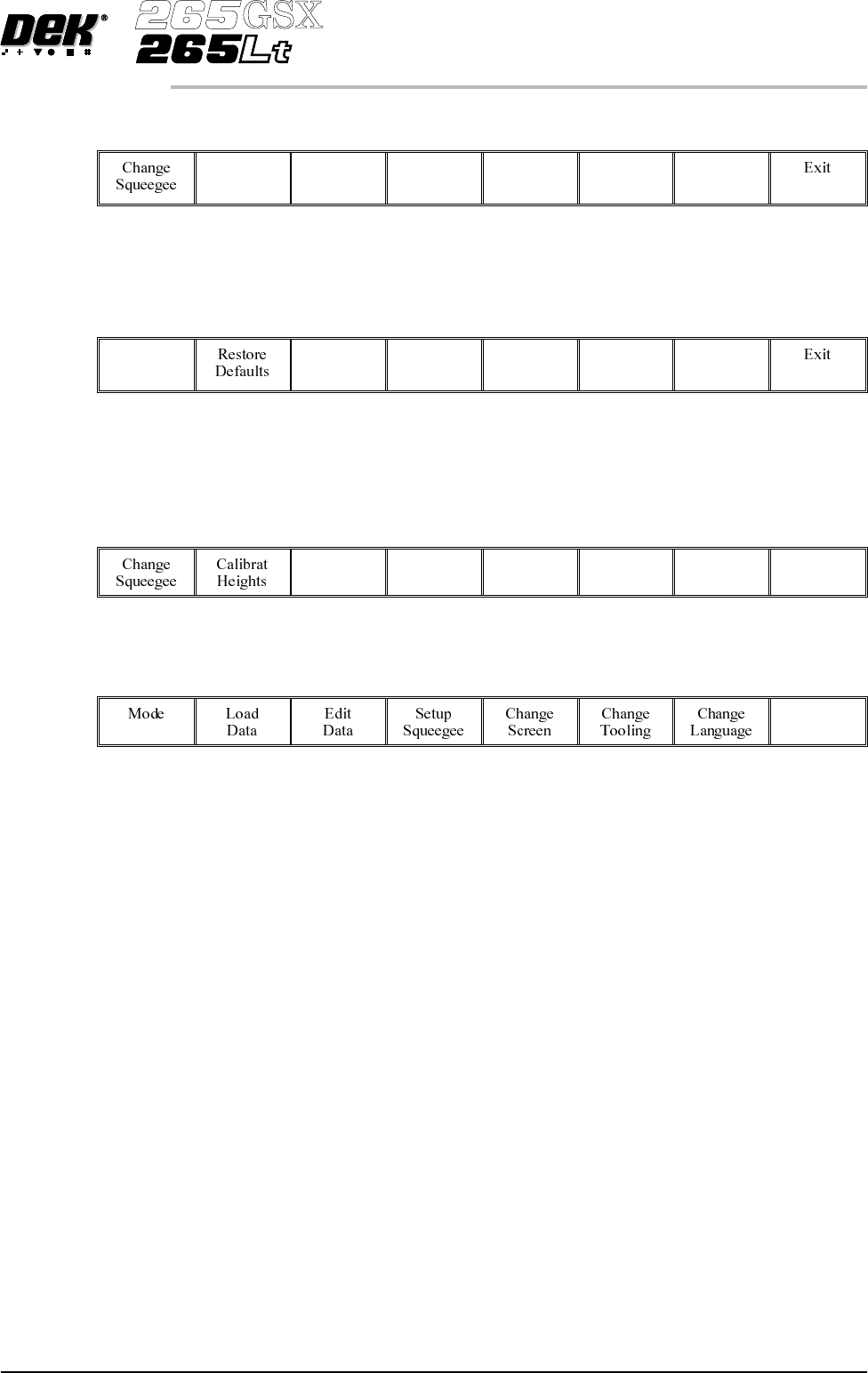
10.
Press Calibrat Heights (F2).
Calibrat
Heights
The message ‘Ensure correct squeegees are fitted’ is displayed.
11.
Press Continue (F1).
Continue
The message ‘Calibrating pressure heights - Do NOT open covers!’ is
displayed.
12.
Press Exit (F8).
Exit
13.
Press Exit (F8).
Exit
Software Version 6 User Manual 9.49
CONSUMABLE REPLENISHMENTS
SQUEEGEES