Dek-265GSX-User-Manual.pdf.pdf - 第60页
STAGE 6D Tooling Setup - MultiFlex CAUTION BOARD CLAMPS. Care must be taken to ensure that the board clamps are not damaged when removing or replacing tooling. NOTE Setting up the MultiFlex tooling is to be performed off…
31.
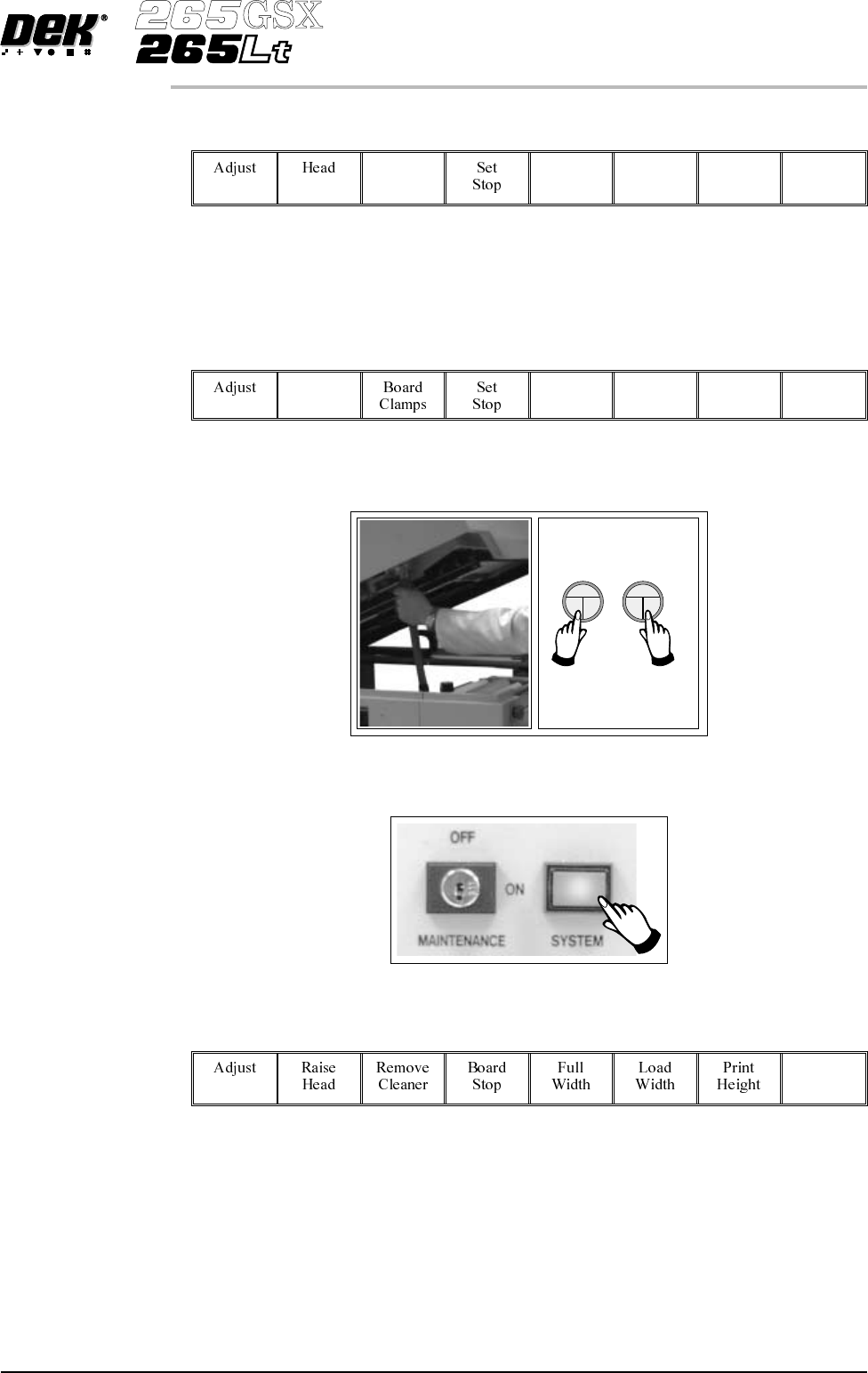
Select Board Clamps (F3), to open the clamps.
Board
Clamps
32. Remove the board from the rails.
33.
Select Head (F2).
Head
34. Remove the head prop. Lower the printhead using two button control.
35.
Press the System button.
36.
Select Exit (F8).
Exit
37. Go to Stage 7.
Software Version 6 User Manual 1.43
MACHINE PROGRAMMING
STAGE 6C
STAGE 6D
Tooling Setup - MultiFlex
CAUTION
BOARD CLAMPS. Care must be taken to ensure that the board clamps
are not damaged when removing or replacing tooling.
NOTE
Setting up the MultiFlex tooling is to be performed off the machine.
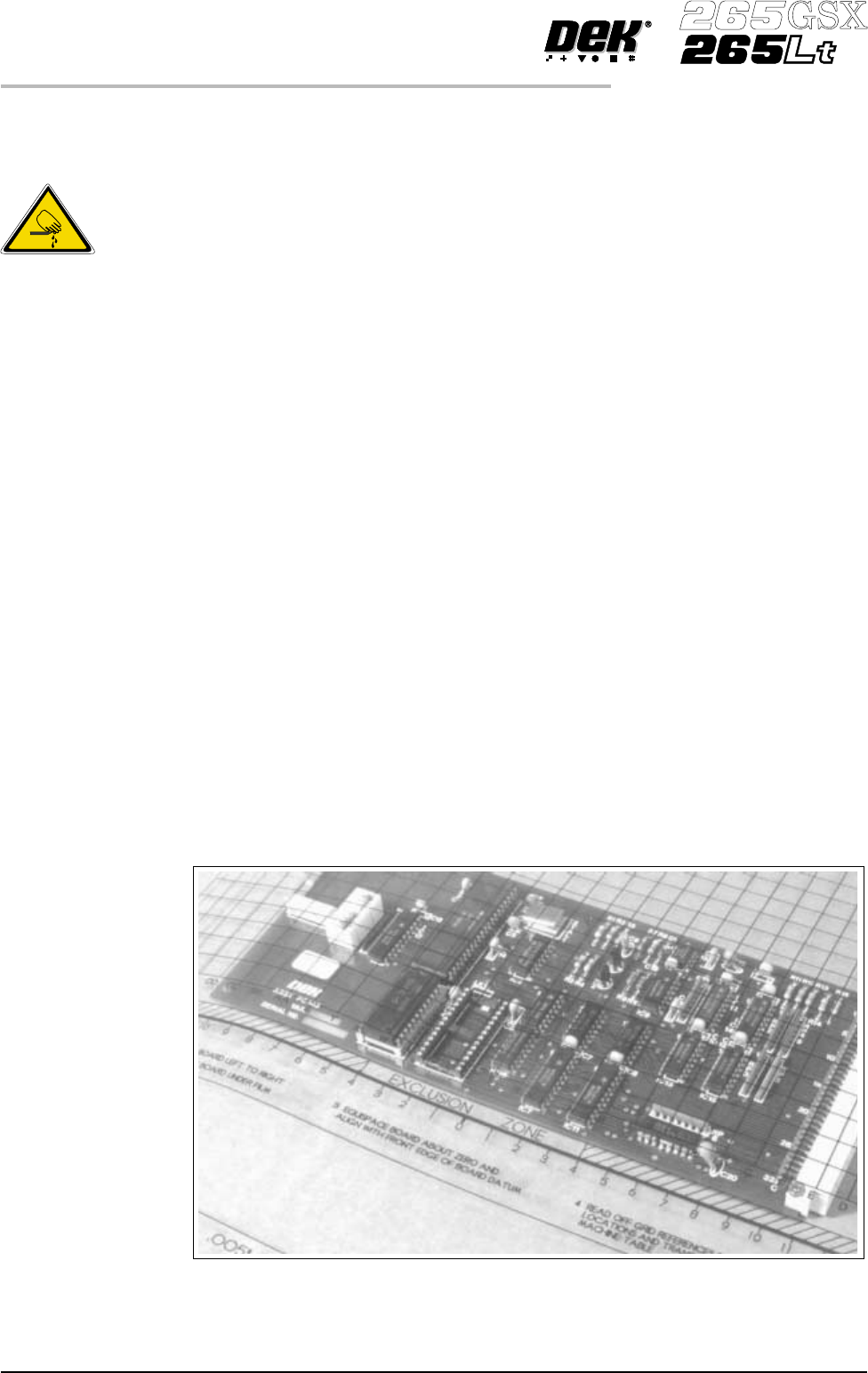
1. Create a box the same size as the board using the side plates.
2. Use the board width and board length dimensions to position the box
correctly.
3. Place the PCBon a flat surface,with the components thatare under the board
during printing uppermost.
4. Position the acetate template, supplied with the tooling, over the PCB such
that the front edge of the board is aligned with the arrow indicators on the
template. Ensure also that the centreline of the board is aligned with the
template zero.
1.44 User Manual Software Version 6
MACHINE PROGRAMMING
STAGE 6D
WARNING
BOARD CLAMPS. EXTREME CARE MUST BE EXERCISED WHEN
WORKING IN THE TOOLING AREA OF THE MACHINE TO AVOID
INJURY. THE FOILS ON THE FRONTAND REAR BOARD CLAMPS
AREVERYSHARP.
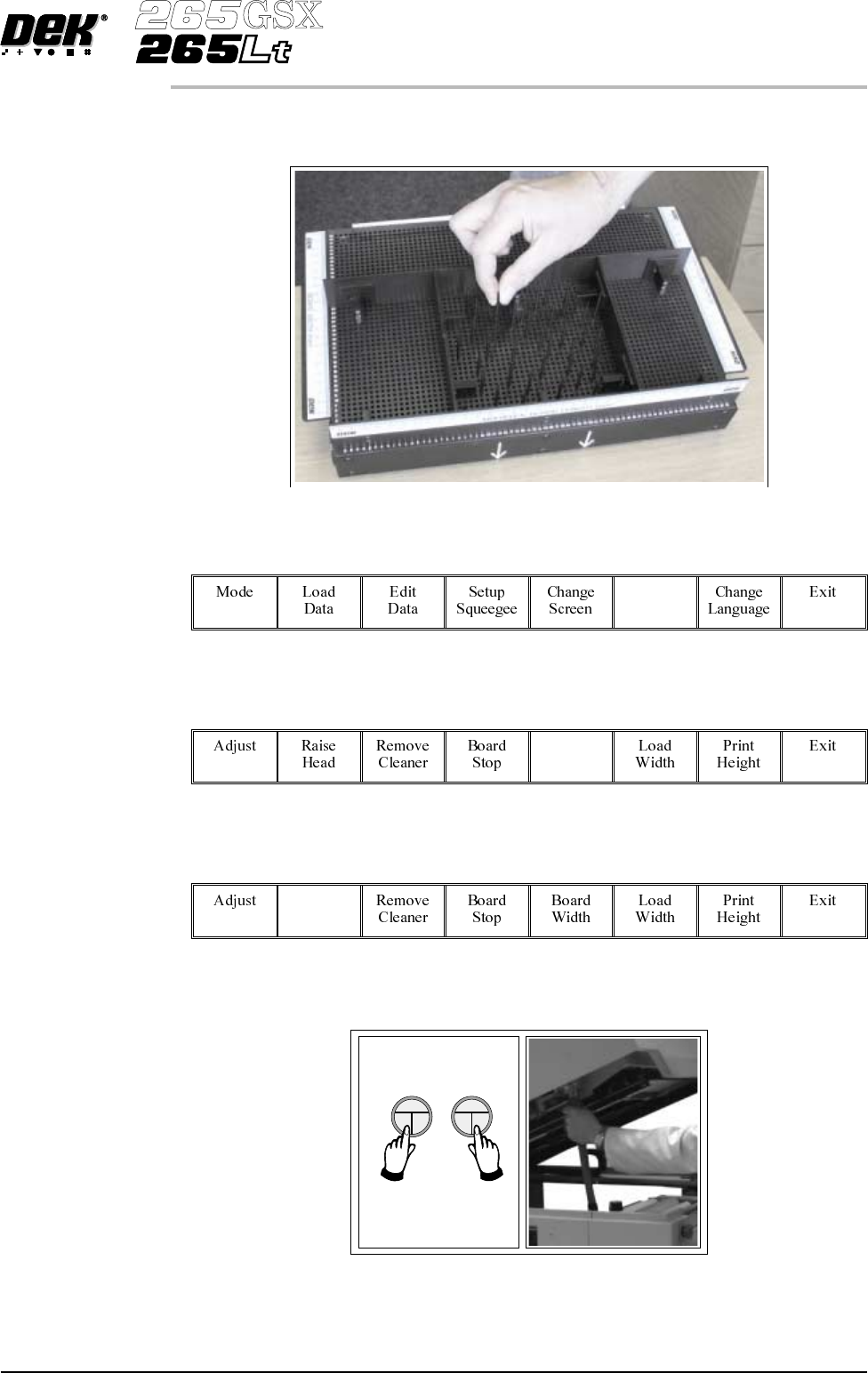
5. Using the grid co-ordinates marked on the template, position pins which
coincide with gaps between the underside board components.
6.
Select Change Tooling (F6).
Change
Tooling
7.
Select Full Width (F5).
Full
Width
8.
Select Raise Head (F2).
Raise
Head
9. Raise the printhead using two button control. Fit the head prop.
Software Version 6 User Manual 1.45
MACHINE PROGRAMMING
STAGE 6D