Dek-265GSX-User-Manual.pdf.pdf - 第95页
The co-ordinates of the fiducial in the field of view are now displayed on the screen. Position the fiducial in the centre of the box graphic. 11. Use the Next and Previous keys (F4 - F5), to highlight each co-ordinate. …
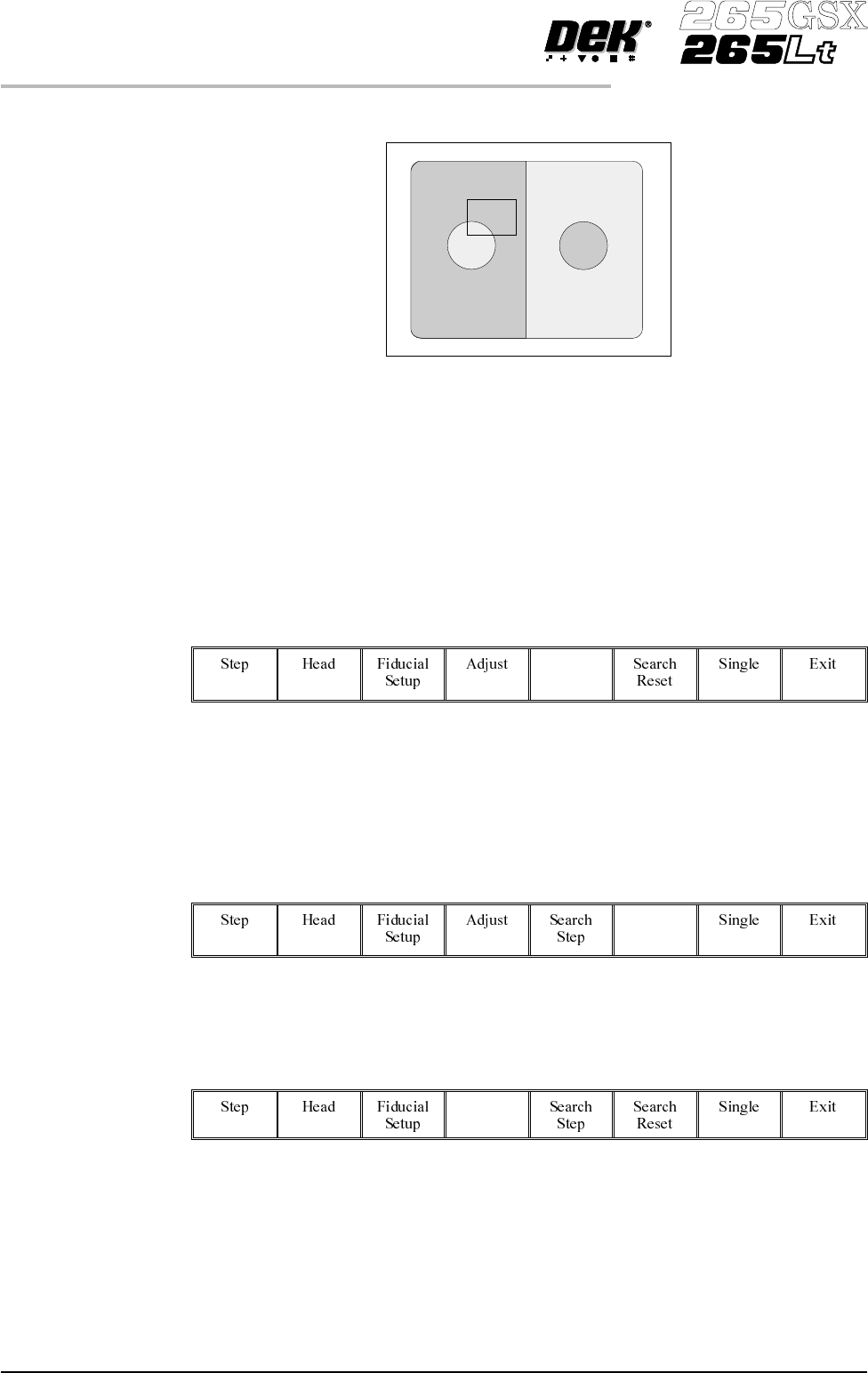
The board fiducial/select mark should be visible on the monochrome monitor.
If selective print/pass through is enabled, the image on the left hand side of the
monitor is the board select mark. The right hand side of the monitor shows the
corresponding position on the screen, which is a mirror image of the board
without the select mark. While theselectmark is being setup andthemenu bar is
as Step 8, the message ‘The form of this fiducial will select Print / Pass
through.’ is displayed.
If the fiducial isin the field ofviewgo to Step 10. Ifthe fiducial is notin the field
of view, continue with Step 8.
8.
Select Search Step (F5).
Search
Step
For each press of Search Step the camera conducts an increasing spiral search to
enable the operator to locate the fiducial. If this search is not sucessful the
camera can be returned to its origin. Recheck the fiducial co-ordinates set in the
product file.
9.
Select Search Reset (F6).
Search
Reset
When the fiducial is located move it to the centre of the screen.
10
Select Adjust (F4).
Adjust
1.78 User Manual Software Version 6
MACHINE PROGRAMMING
STAGE 7
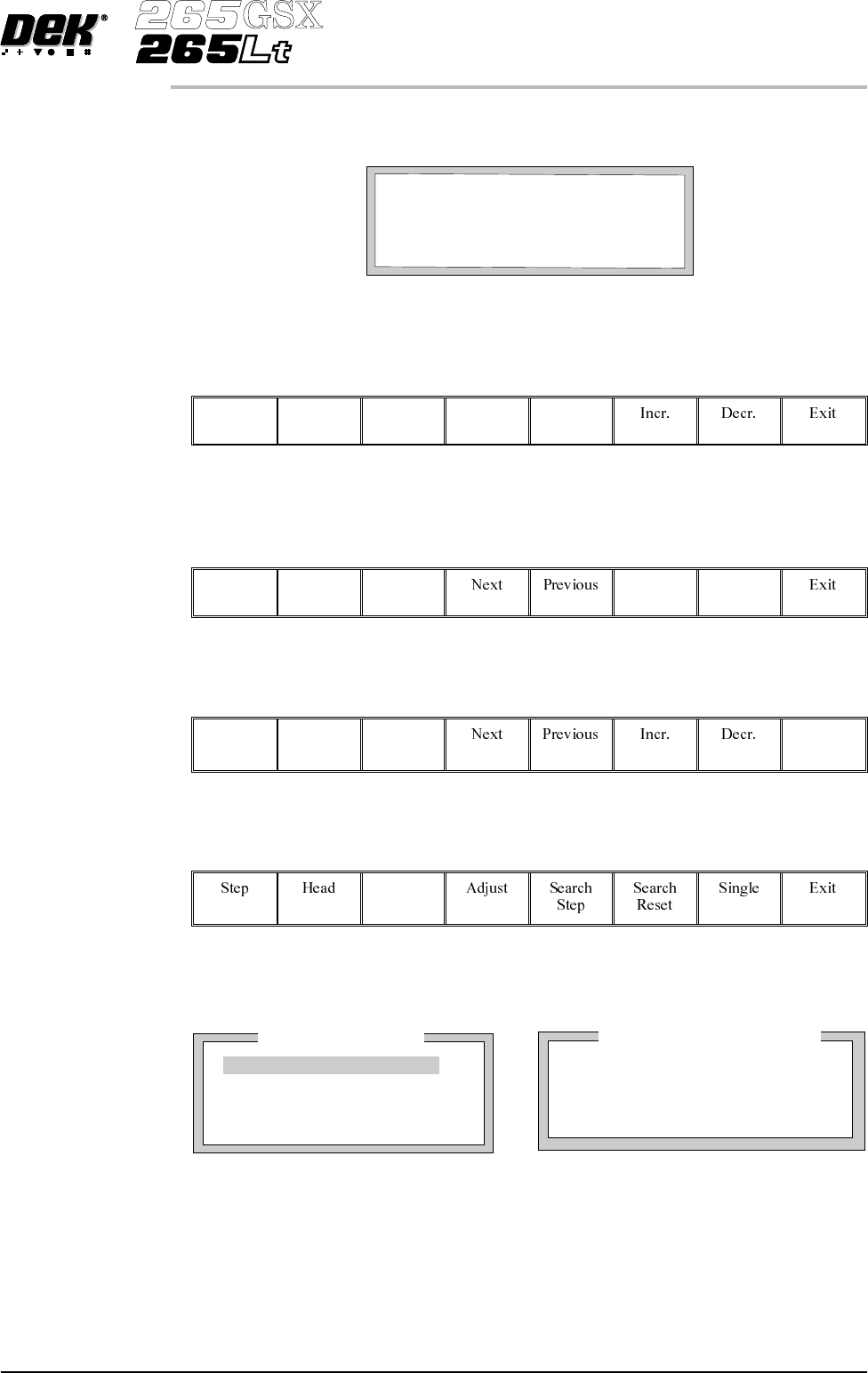
The co-ordinates of the fiducial in the field of view are now displayed on the
screen.
Position the fiducial in the centre of the box graphic.
11.
Use the Next and Previous keys (F4 - F5), to highlight each co-ordinate.
Next Previous
12.
Use the Incr. And Decr. Keys (F6 - F7), to change the parameter value and
move the fiducial in the field of view.
Incr. Decr.
13.
Select Exit (F8).
Exit
14.
Select Fiducial Setup (F3).
Fiducial
Setup
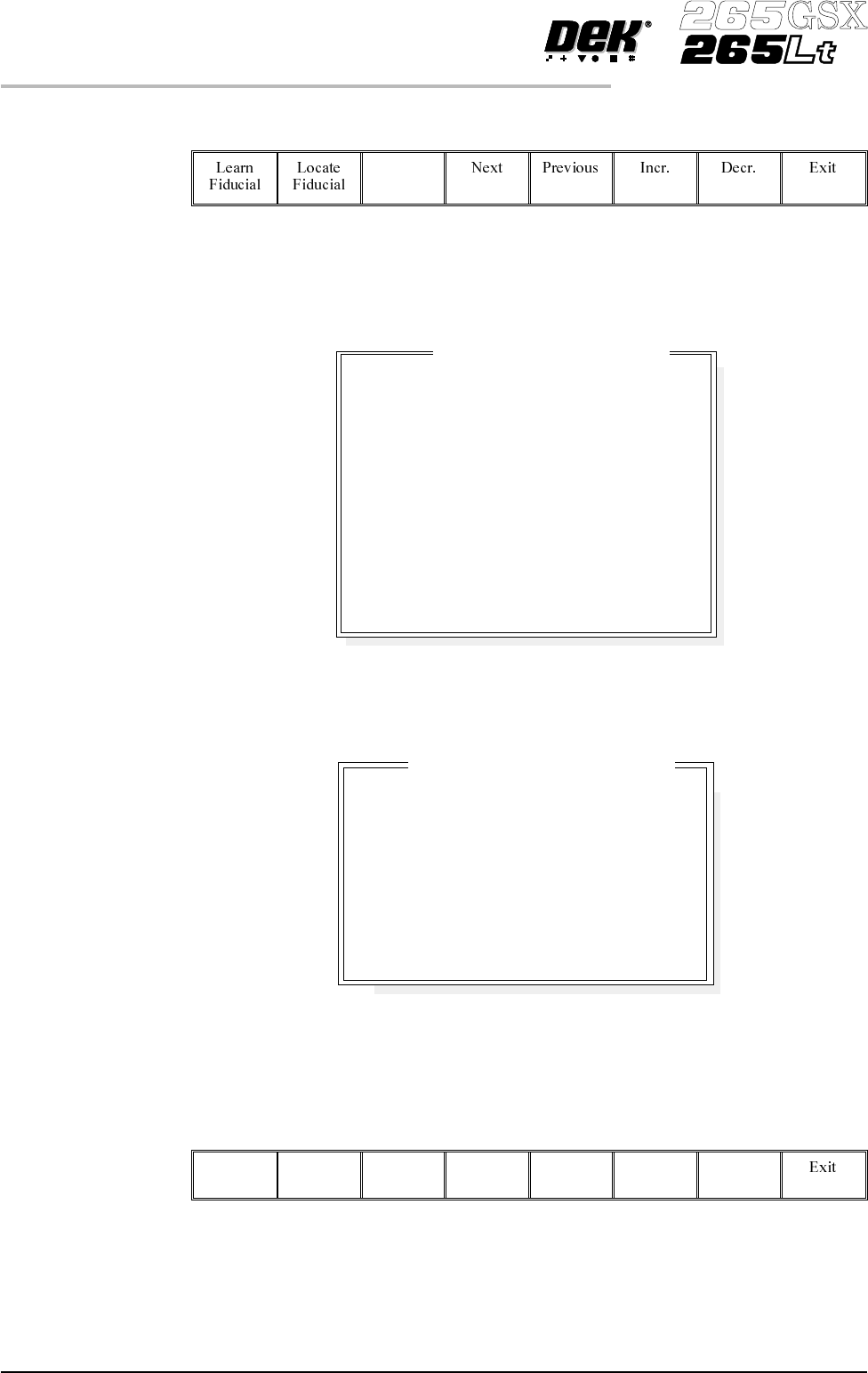
The monitor displays the following:
Software Version 6 User Manual 1.79
MACHINE PROGRAMMING
STAGE 7
BOARDFIDUCIAL1CO-ORDINATES
xxx mm
FIDUCIAL1Y
FIDUCIAL1X
xxx mm
PrinterStatus
ProcessParameters
Background
Dark
AcceptScore
700
Circle Parameters
BoardFiducial1
mm
mm
mm
Diameter
InnerContour
OuterContour
1.80
0.40
0.40
FiducialType
Circle
15.
Select Set Light (F3).
Set
Light
A histogram is displayed on the monitor and the Fiducial Lighting Parameters
window is displayed on the status page.
For the silver camera part number 145016, the fiducial lighting parameters
window is shown below.
For the green camera part number 145550, the fiducial lighting parameters
window is shown below.
16.
Use the Next, Previous, Incr. and Decr. keys (F4 - F7), to highlight and
adjust the lighting parameters to a level whereby the fiducials are just
whiting out, without blooming, default level 8 is usually adequate for the
majority of setups.
Next Previous Incr. Decr.
1.80 User Manual Software Version 6
MACHINE PROGRAMMING
STAGE 7
8
8
8
8
8
8
8
8
8
8
-1.0
-1.5
2.0
2.0
Fiducial Lighting Parameters
mm
mm
mm
mm
Screen Vertical
Screen Inner LR
Screen Inner FR
Screen Outer LR
Screen Outer FR
Board Vertical
Board Inner LR
Board Inner FR
Board Outer LR
Board Outer FR
Window Left
Window Top
Window Width
Window Height
8
8
8
8
-1.0
-1.5
2.0
2.0
Fiducial Lighting Parameters
Screen Vertical
Screen Oblique
Board Vertical
Board Oblique
Window Left
Window Top
Window Width
Window Height