CP-6-series Mechanical Reference.pdf - 第230页
1.3 Using the I/O Map Using the I/O map is quite simple. Once in the I/O menu, the operator has a choice to choose the Input side to work with, or the Output side. Only one side may be accessed at a time (although both a…

1.2 The I/O Menu
Accessing the I/O
There are three ways to access the status of the I/O on the CP-6 series machines:
a. Through the machine menus
Each input and output has its own separate name and address which may be seen by
pressing [SET], [MANUAL] and [I/O].
b. Direct I/O Entry
The alternate method of entering the I/O, called direct I/O entry, may also be initiated
by:
1. Turning the machine OFF.
2. Hold the black F1 key down.
3. Press the POWER ON key.
4. Keep the F1 key held down until the first color (I/O) menu comes up.
c. Visual Observation of the PLC LEDs.
This procedure puts the operator directly into the I/O. The main purpose of this mode is
for troubleshooting. The machine should be turned off after troubleshooting is
completed.
Part 6 Chapter 1 The Machine I/O
Edition 1.0 6-1-3 CP-6-series Mechanical Reference
1.3 Using the I/O Map
Using the I/O map is quite simple. Once in the I/O menu, the operator has a choice to
choose the Input side to work with, or the Output side. Only one side may be accessed
at a time (although both are displayed on the screen at the same time). When a side is
selected, the [PAGE +] and [PAGE -] keys become active. Locate the desired port with
these keys. The UP and DOWN arrow keys may also be used to move the cursor one
port location at a time.
The Input side only reports the current input state of the port. If the the input terminal is
connected to DC ground, then a green ‘0’ (active) will appear in the I/O MAP for that
port address. Otherwise, a yellow ‘X’ (not active) will appear for that port. If the cursor
is on the port and the port is active, then the buzzer will be turned ON.
The Output side allows the operator to change the state of the port with the ON/OFF
key. Pressing this key will toggle the current state of the output port. A yellow ‘X’
means ‘not active’ and a green ‘0’ means ‘active.’
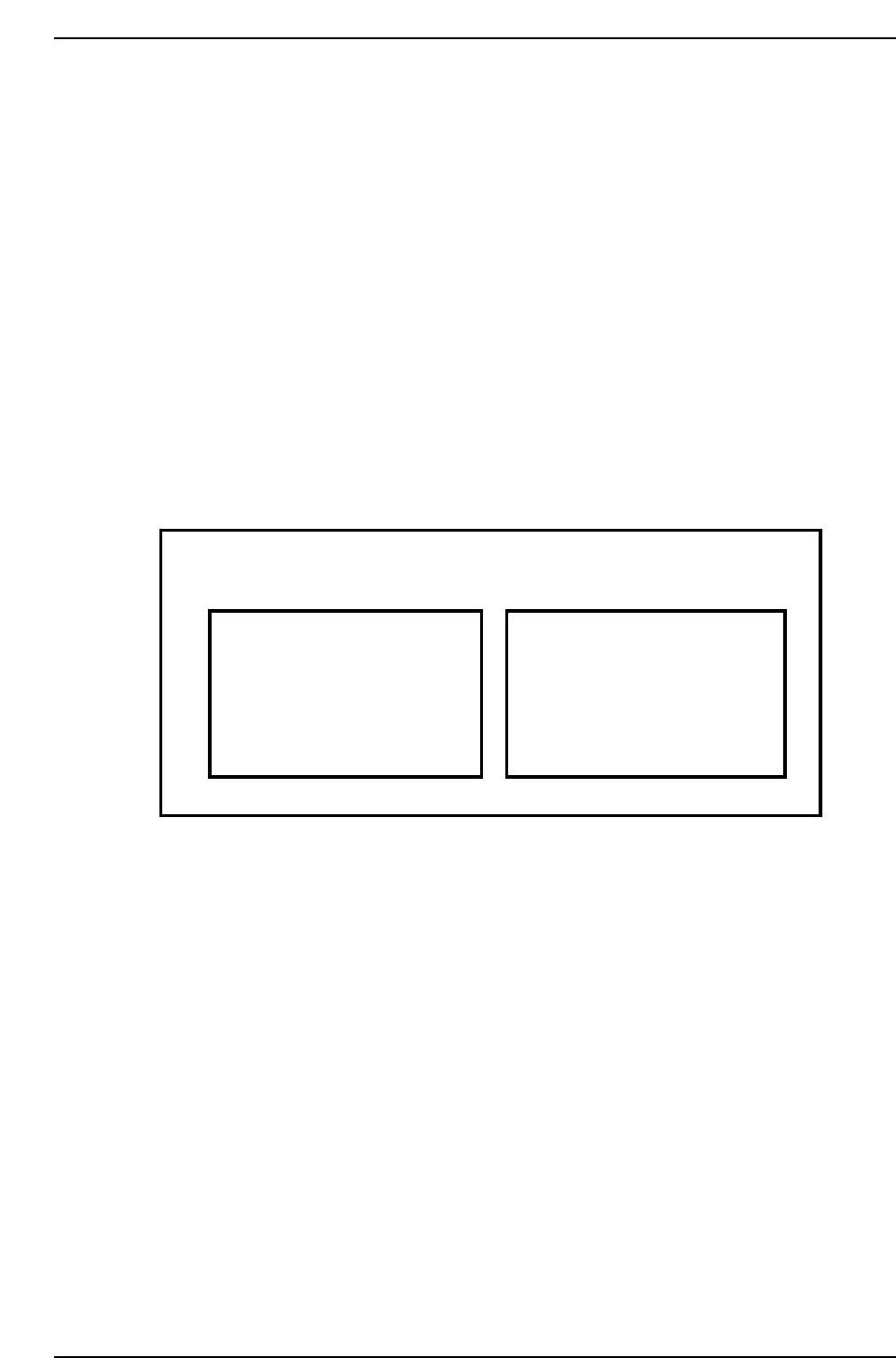
I/O Map Example
I/O MAP
X021 X
Air OK
LX009 0 Main PCB Conf
Y021 X Nozzle Blow 1
LX008 0 Out-Conveyor ON
INPUT OUTPUT
CP6M6002
Part 6 Chapter 1 The Machine I/O
Edition 1.0 6-1-4 CP-6-series Mechanical Reference
1.4 Reading the I/O Map List
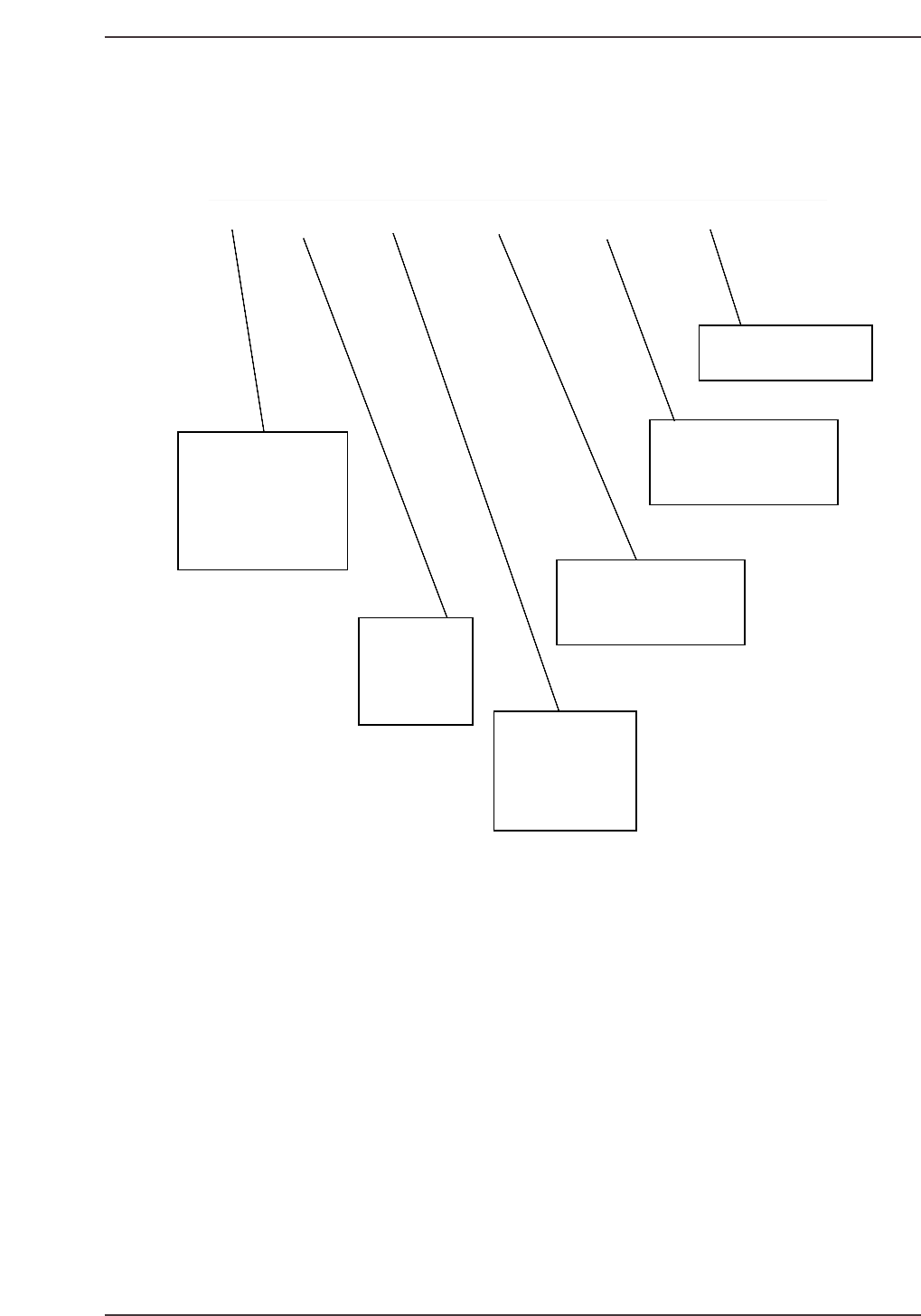
A description of the I/O map fields is given below:
LED # PORT# STATE DISPLAY PAGE DESCRIPTION
LED #
Refers to the LED #
on the various I/O
modules of the PLC's.
It is also the Terminal
number that the wire
carrying the input
signal is connected to.
A00 X000 EMERGENCY SW Emergency Stop button016
Port #
The I/O Port ad-
dress. It is also
the wire number
of the wire carry-
ing the input signal.
State
The state of the I/O
signal after power-
ing on the machine,
Zero-setting the machine
and pressing AUTO
and no alarms indicated.
Display
Refers to what is displayed by
the machine as the formal
name of the port.
Page
Refers to what page
the port can be located at in the
electrical schematic.
Description
A more detailed description
of the port
Figure: I/O Map List Description
CP6M6003
Part 6 Chapter 1 The Machine I/O
Edition 1.0 6-1-5 CP-6-series Mechanical Reference