CP-6-series Mechanical Reference.pdf - 第244页
6. Placing Dummy Parts After initializing all heads, end the editor command mode, then use the placing commands to place the parts. 1. Press [RETURN] to return to the initial screen. 2. Select [PAM] —> [PLACE]. 3. Pre…
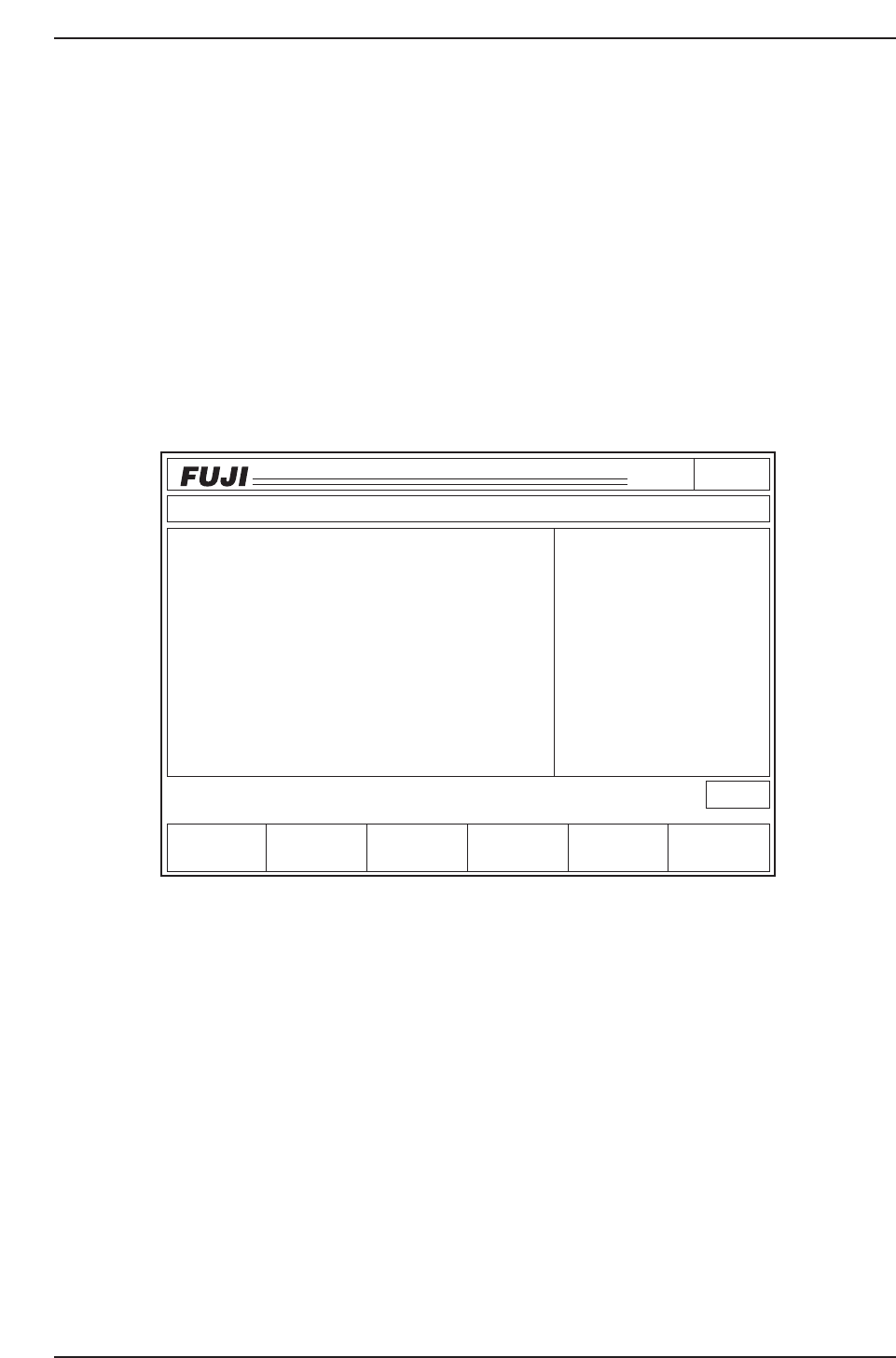
5. Initializing ST11 Proper Data
The Proper data must be changed to “0” by a manual input using the PAM editor
commands.
The ST11 Proper data will have been transmitted from the host computer (MCS or F4G)
to the machine (current machines).
Using the PAM editor commands, initialize this ST11 Proper data (Proper X, Proper Y)
by entering “0” for each of the 1 to 6 nozzles at each head.
1. Execute the following command sequence:
PAM [EDITOR] —> [NOZZLE TYPE] —> [SELECT NZL]
(select the number of the nozzle being measured)
2. Use [F] + [F4] to copy the dx and dy “0” values to Proper X ,Y.
Note: When the dx and dy values are other than “0” (factory correction values are entered),
change all the Proper X, Y values to “0” by manual input.
Page150
CP_6.PROGRAM
000000000000
000000000000
Prod 00004 Sche 00000
P1.00 off line
Operation: Front
Ready
Return
jog
XY
C
∆
Proper Input Data Data Save
Proper data
∇
HEAD
A
B
C
D
E
F
G
H
I
J
Proper X
- 7
- 4
- 7
- 5
- 7
- 5
- 6
- 4
- 8
- 3
Avg.dX
- 2
- 1
- 2
- 1
- 2
- 2
- 2
- 1
- 3
- 1
2
1
0
1
1
0
1
1
1
0
Proper Y
3
2
2
3
1
2
3
3
1
0
Avg.dY
Nozzle type 2
X Y dX dY [1/100mm]
Nozzle Skip
1 AB CD EF 2 AB CD EF
3 AB CD EF 4 AB CD EF
5 AB CD EF 6 AB CD EF
CP6M7007
Part 7 Chapter 2 Placement Accuracy Measurement
Edition 1.0 7-2-8 CP-6-series Mechanical Reference

6. Placing Dummy Parts
After initializing all heads, end the editor command mode, then use the placing
commands to place the parts.
1. Press [RETURN] to return to the initial screen.
2. Select [PAM] —> [PLACE].
3. Press the START button.
4. Press the START button again to begin part placement.
7. Dummy Parts Measurement
After the dummy parts have been placed, use the measurement command to measure
them with the board still on the XY-table. This procedure consists of measuring the
amount of deviation from the program coordinate values (nozzle center measurement
values).
1. Select [MEASUREMENT]
The XY-table begins to move, and the fiducial mark camera acquires images of the
actual positions where the parts have been placed. This is followed by statistical
processing.
2. Deviation display
i) Select the following commands:
[EDITOR] —> [NOZZLE TYPE] —> [SELECT NZL]
(select the number of the nozzle being measured)
ii) Check the Avg. dx, and dy values.
Note: A correction is required if the deviation exceeds 10 (0.1).
3. Proper data correction
The following is the correction procedure which must be performed at placing
heads where the deviation (Avg. dx, dy) exceeds 10.
i) When the Avg. dx, and dy values exceed 10, add half their value to the
Proper X, Y values.
Example:
Proper X
6
Proper X
12
Proper Y
-7
Proper Y
-15
Avg.dx
12
Avg.dy
-16
CP6M7008
Part 7 Chapter 2 Placement Accuracy Measurement
Edition 1.0 7-2-9 CP-6-series Mechanical Reference
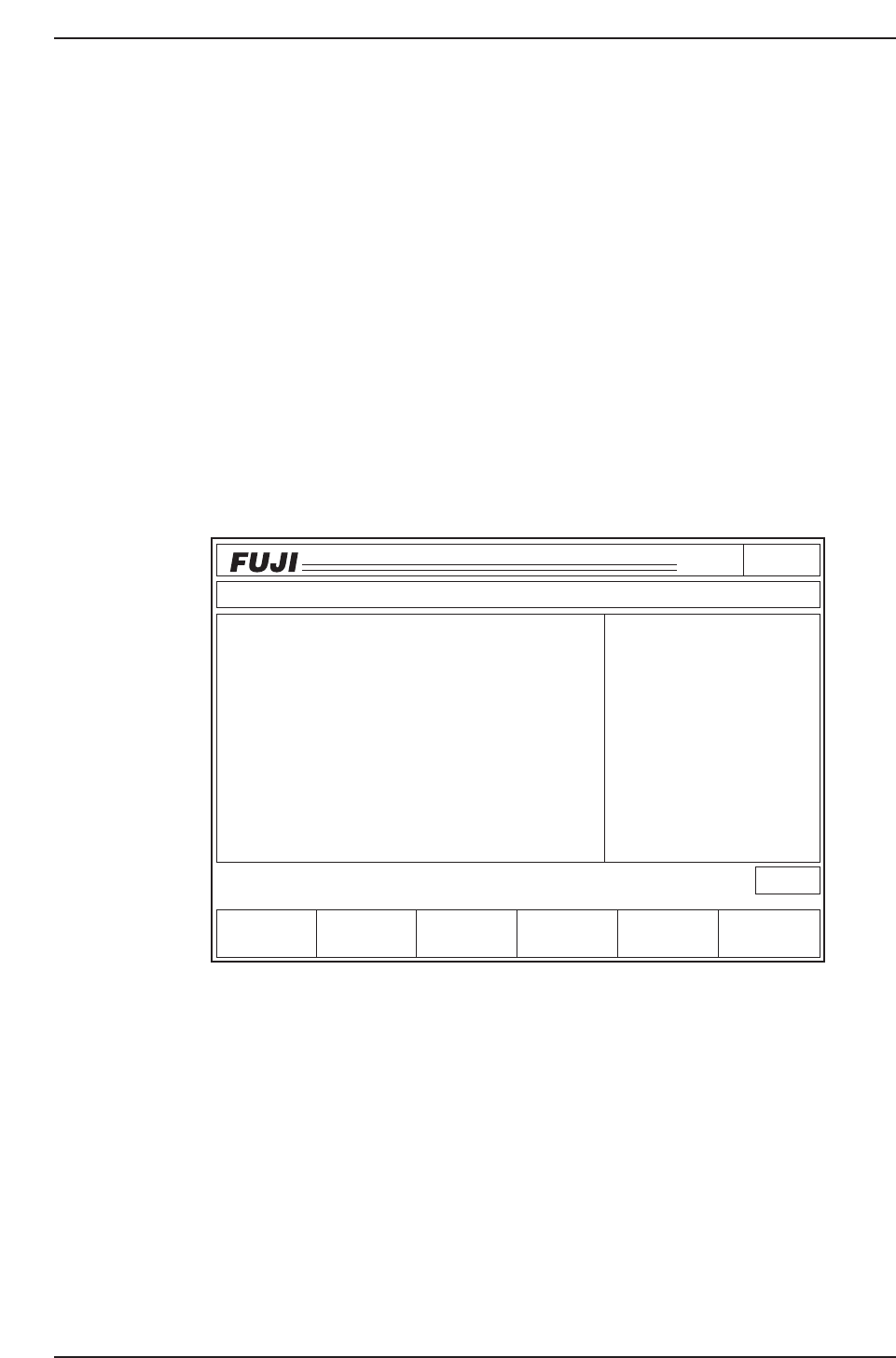
Notes: The deviation in the placement position is corrected by correcting the Proper data.
Attempts to perform a 100% correction will result in an over-correction, and will cause
an even greater deviation (overshoot). Therefore, only 1/2 of the calculated value
should be added (never add the full value).
ii) If the deviation (Avg. dx, dy) is 10 or less,, repeat Step 6 “Placing Dummy
Parts” to the end of Step 7 “Dummy Parts Measurement” procedure shown
above.
8. Results Display
9. Sig. X, Y, Q (3-Sigma) Check
1. Select the [RESULTS] command.
2. The correction procedure is complete if all the sig. X, Y, Q values are 100 or less. If
any values exceed 100, repeat Step 6 “Placing Dummy Parts”, then check the sig.
X, Y, Q values again.
3. Select the [DATA SAVE] command.
Continue with the Proper data corrections for all the other nozzles.
Page141
CP_6.PROGRAM
000000000000
000000000000
Prod 00000 Sche 00000
P1.00 off line
Operation : Front
Ready
RETURN
jog
XY
C
SIZE
PRINT
Avg.dX
- 13
Max.dX
26
Max.dX
- 13
3sig.X
- 18
Avg.dQ
- 278
Max.dQ
476
Max.dQ
- 278
3sig.Q
483
- 9
Avg.dY
19
Max.dY
- 9
Max.dY
4
3sig.Y
Data Display
Measurement Result
Nozzle Type
All Nozzle
All degrees
All data
5000
dXdY
[1/1000mm]
dQ
[1/1000deg]
CP6M7009
Part 7 Chapter 2 Placement Accuracy Measurement
Edition 1.0 7-2-10 CP-6-series Mechanical Reference