XPM2-Site_Preparation - 第4页
Site Preparation & Installation Section: 1 Page: 4 Revision Date: April 2005 PROHIBITIVE ACTION : Red circled outline and slash over g raphic. This is an example of a symbol that call s attention to an action that is…
Site Preparation & Installation Section: 1 Page: 3 Revision Date: April 2005
1. COMPANY INFORAMTION
Vitronics Soltec
2 Marin Way
Stratham, NH 03885
USA
Phone: 603-772-7778
Fax: 603-772-7776
www.vitronics-soltec.com
This manual applies to the XPM
2
Series Reflow Oven as described by Vitronics Soltec specification
GS-327
2. SAFETY INFORMATION
This manual is not intended as a substitute for proper technical training or educational background in the
combination of technologies in the reflow oven. An appropriate understanding and use of industrial safety
procedures when working around the oven in absolutely necessary.
It is the responsibility of the end user to ensure that only qualified personnel
should be allowed to work on the equipment.
• The Oven is primarily designed to be used for soldering printed circuit assemblies. The oven should
be integrated with an automatic conveyor to load and unload printed circuit assemblies. Other uses
within the machine specifications may permitted, consult with Vitronics Soltec Application Engineering
for specific applications outside of this normal process.
• VS has taken precautions to prevent injury however certain operations are inherently hazardous.
Additional precautions must be taken for certain instances such as manual loading or unloading of the
conveyor, manually clearing products, operation of the UPS (if equipped) during a power failure.
• Safety features provide safe operating and working conditions for both the operator and service
personnel as well as preventing damage to the machine.
• Adherence to the local laws governing health and safety at the installation site are the responsibility of
the end user.
• All users must be trained in the proper use of Personal Protection Equipment and Lock-Out/Tag-Out
procedures where required.
3. SYMBOLS
Safety symbols used throughout this manual follow ISO 3864 the International Standard for Safety
Colors and Safety Signs
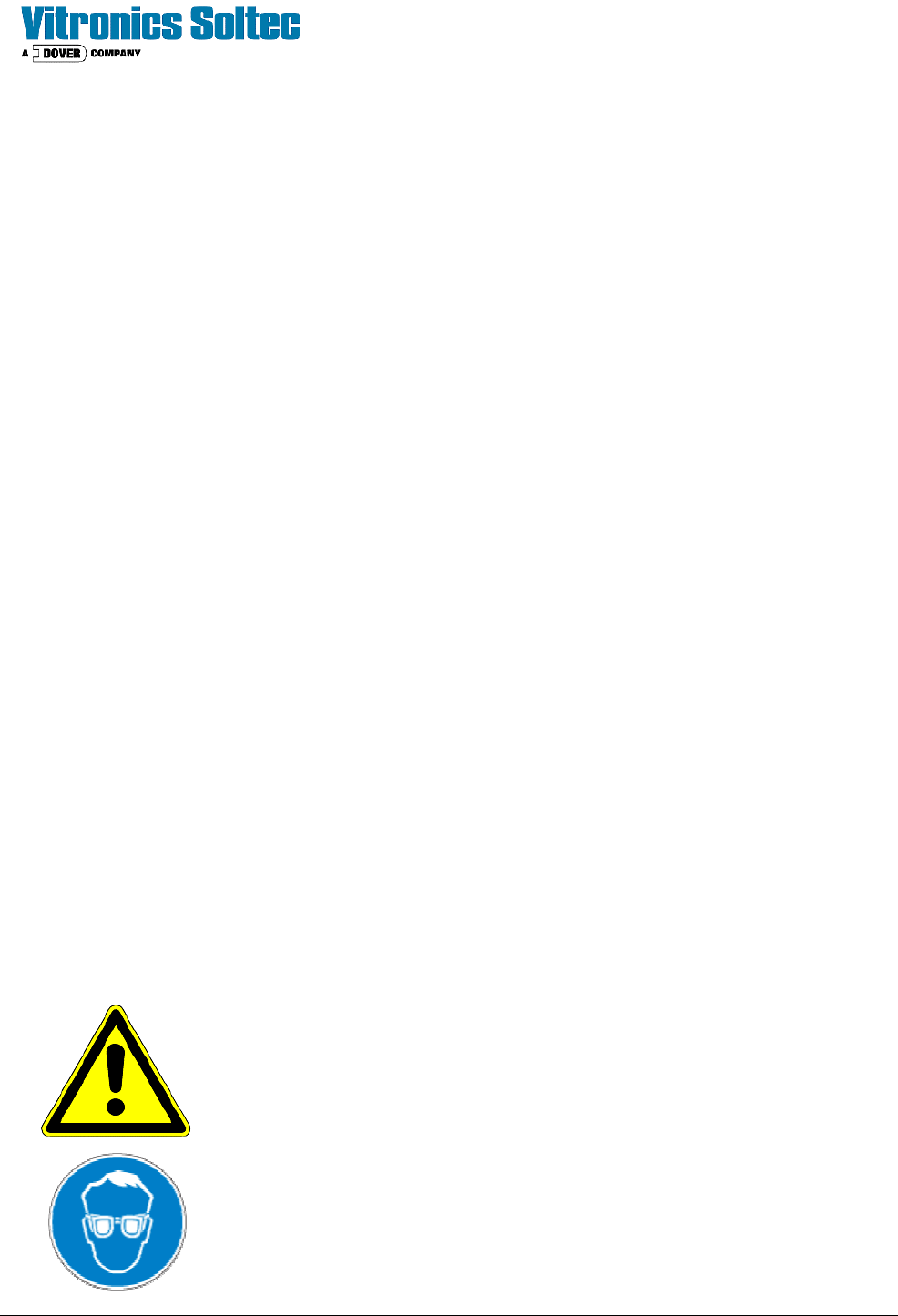
WARNING: Yellow triangle with black graphic
This is an example of a symbol which identifies a hazard could cause personal
injury.
REQUIRED ACTION: Blue circle with white graphic
This is an example of a symbol which shows an action that should be taken to
avoid the hazard.
Site Preparation & Installation Section: 1 Page: 4 Revision Date: April 2005
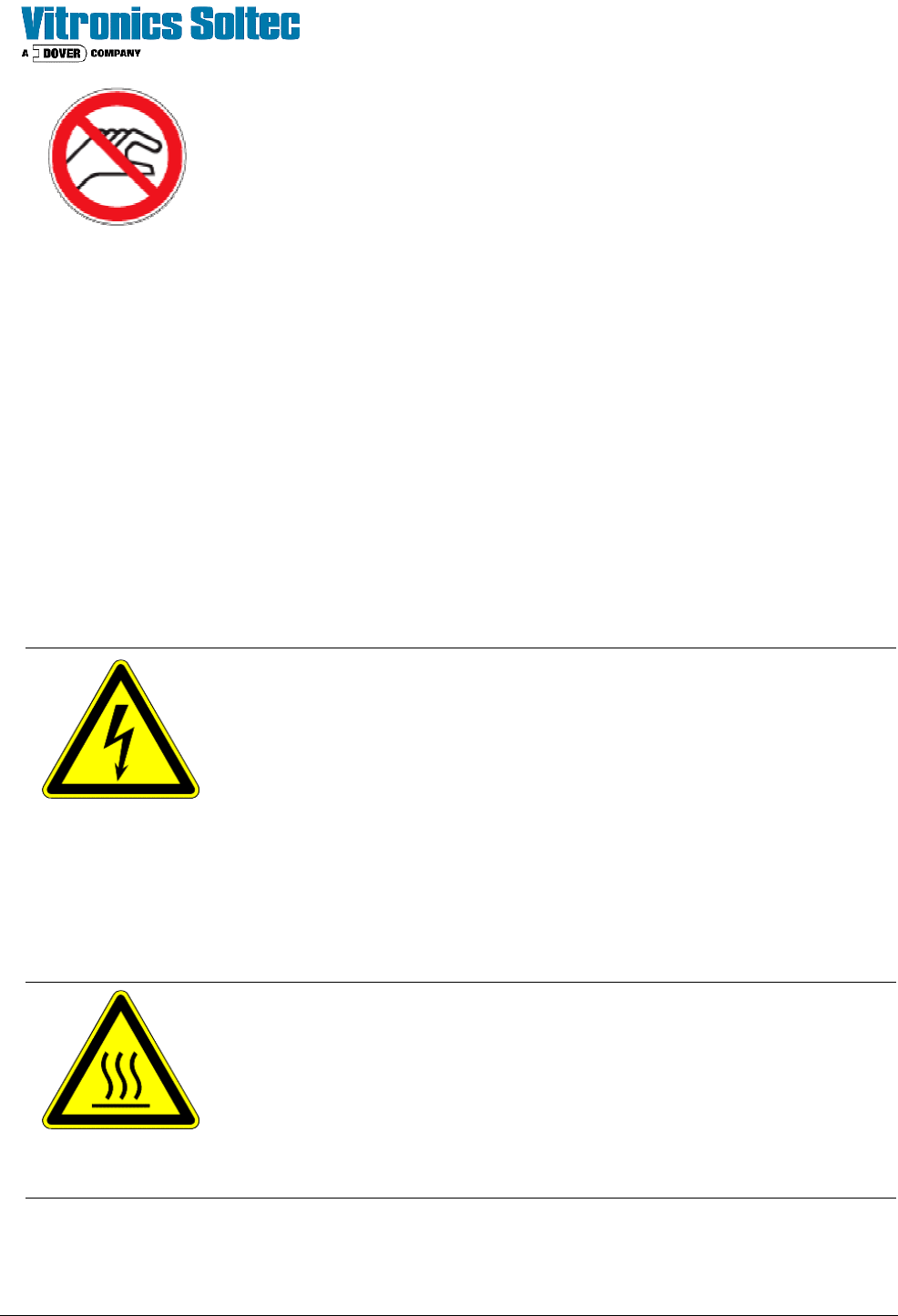
PROHIBITIVE ACTION: Red circled outline and slash over graphic.
This is an example of a symbol that calls attention to an action that is prohibited.
4. WORKING AREA
This equipment is normally run as a station within a conveyorized line. The operator will interact with
the PC terminal to change recipes or to monitor oven status. Access to the doors on the four corners
may be required for activities such as starting the PC, filling the lubrication tank, or adjusting the
pneumatic flow.
Additional maintenance beyond these actions, whether preventative or unplanned must be performed
by a qualified technician. Review the hazards section below to understand the hazardous areas on
the machine and how to avoid or isolate the energy which they contain.
Users working on the machine may need to use Personal Protective Equipment such as gloves,
respirators, or goggles.
5. HAZARDS
The Vitronics Soltec XPM
2
Reflow Soldering System is a piece of industrial equipment which could
present a variety of hazards to which workers may be exposed to under certain conditions.
HIGH VOLTAGE WARNING: High voltages are present in this area and can
cause personal injury. See the machine serial number plaque for the designated
supply voltage for each specific oven.
• To avoid exposure to high voltages ensure that all protective panels remain
closed during operation.
• Only qualified electricians should work on the electrical circuits of the
machine.
• Before working on an electrical circuit, turn main power off use appropriate
energy isolation and lock out procedures when servicing the machine.
• Ensure that the system is properly grounded.
HOT SURFACES: There is always a risk of being burned when you work around
the machine. Hot surfaces on the oven can cause burns.
• Always wear heat resistant gloves and protective clothing when working on
the machine.
• Never handle the finished boards without wearing protective gloves.
• If possible allow the machine time to cool down before you start servicing.
Most of the components in the soldering system don’t look hot. Always
assume that all parts are hot.
Site Preparation & Installation Section: 1 Page: 5 Revision Date: April 2005
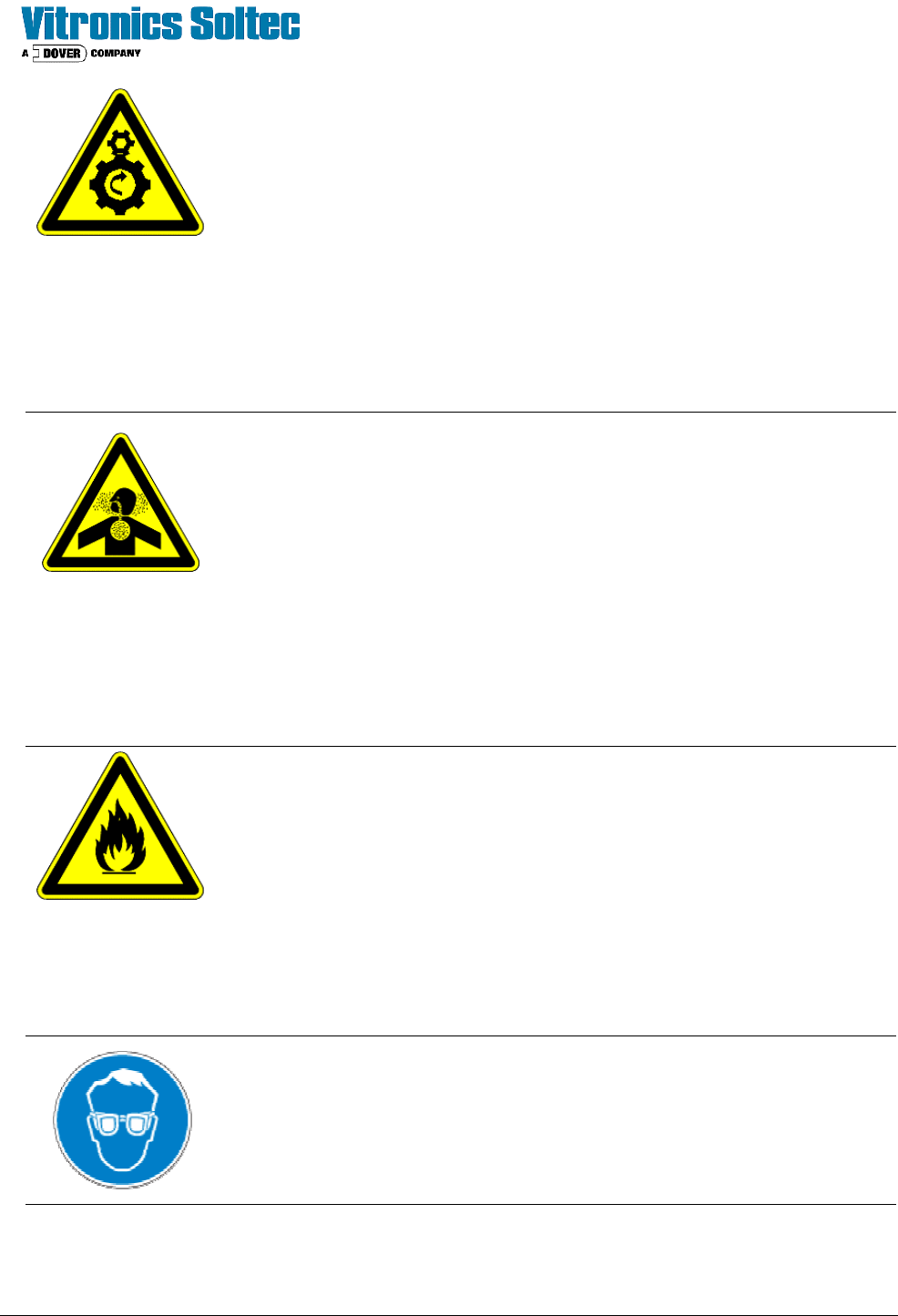
MECHANICAL HAZARDS: All moving parts including motors, pulleys, belts,
chains, sprockets, cooling fans, and cylinders present a potential danger.
• Be mindful of hair, clothing, jewelry and other body parts that can get caught
in a moving mechanism.
• Stop all moving parts and use appropriate energy isolation and lock-out
procedures when servicing the machine.
ALWAYS REPLACE/CLOSE COVERS WHEN SERVICE WORK IS
COMPLETED BEFORE OPERATING
FLUX VAPOR: The solder paste used on the printed circuit boards may consists
of tin, lead, flux, and other potentially hazardous materials. Repeatedly inhaling
the vapors produced in the reflow process may cause health problems in the long
term. This vapor must be exhausted from the area that the workers are operating.
• Maintain updated Material Safety Data Sheets for all products used in the
oven and ensure employees in contact with equipment are familiar with their
location and usage.
• Be sure that the exhaust system is working properly.
• Only run approved product and tested process though the oven.
• Never eat, drink or smoke while working on the machine.
• Wash hands after handling product.
FIRE HAZARD The solder paste used on the printed circuit board contains,
when heated, a noxious vapor that is inflammable. No smoking or open fire near
the machine
• No smoking or open fire near the machine
• Ensure the exhaust system to extract vapors and remove excess heat is
operating properly
• Do not place tools, papers, or other materials on top of the machine
• Be sure to locate a fire extinguisher in the vicinity of the machine
EYE HAZARD: When operation or servicing the machine, always protect your
eyes with safety glasses.