1022330_6 Edison Safety 3 Dec 2015.pdf - 第5页
. . . . . SAFETY (EDISON) Operating Precautions 1022330_6 5 Operating Precautions Safe Operation Do not operate the printer unle ss it is prope rly installe d and is functioning normally . Printer Malfunction Never reach…
SAFETY (EDISON)
Working Environment
4 Safety (Edison)
Good Housekeeping Good housekeeping and a continuous cleaning schedule is important for safe and
reliable system operation. Use only approved cleaning solvents. Contact Speedline for
a current list of approved solvents.
Printer Relocation Disconnect all air supply and electrical power connections before attempting to move
the printer.
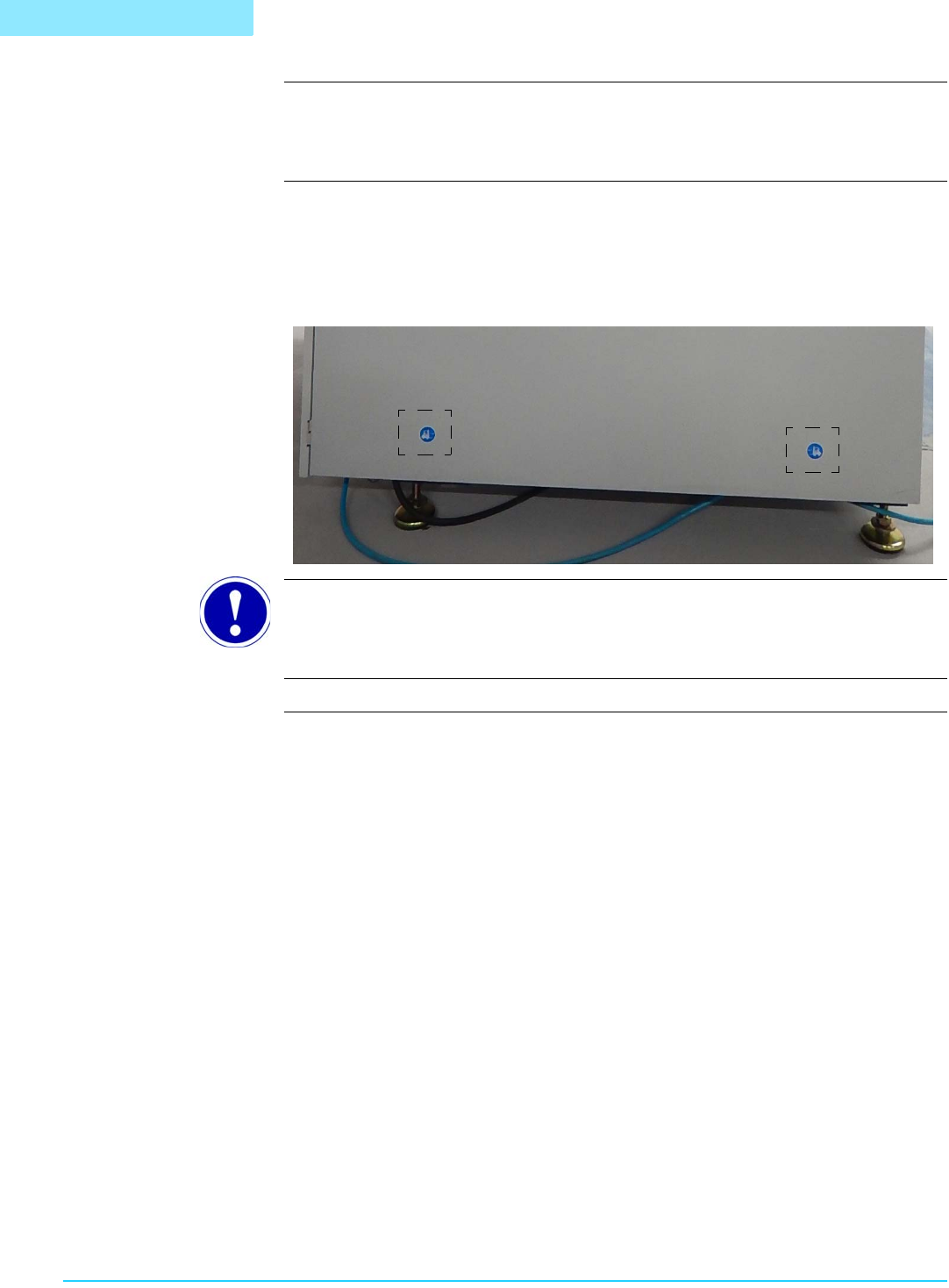
Lift and move the system using equipment with adequate weight capacity, and only at
designated lift points. Check the printer for labels indicating safe lift points:
ATTENTION
These labels are located on both the left and right sides of the printer.
. . . . .
SAFETY (EDISON)
Operating Precautions
1022330_6 5
Operating Precautions
Safe Operation Do not operate the printer unless it is properly installed and is functioning normally.
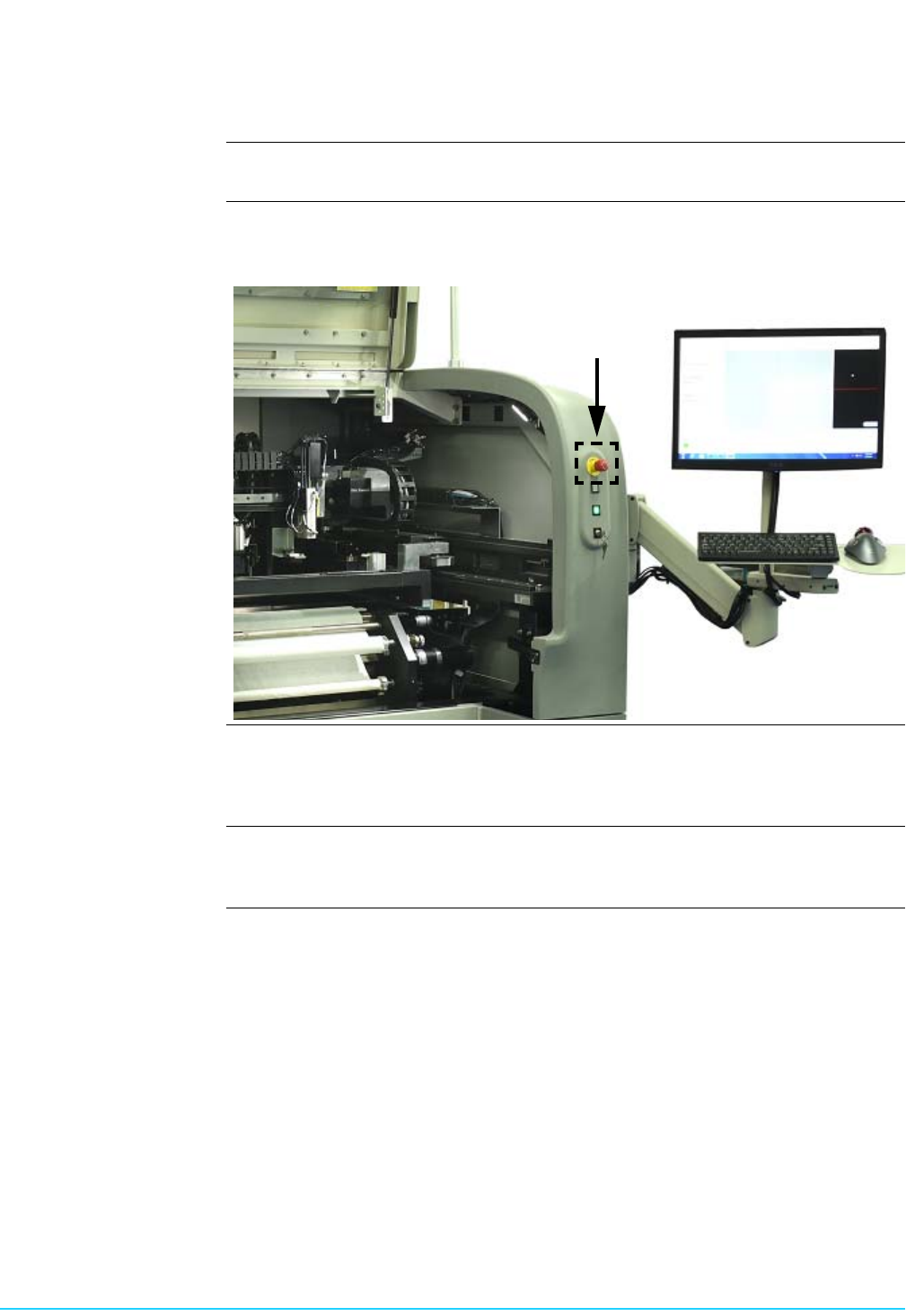
Printer Malfunction Never reach into the printer while it is operating. Should a malfunction occur, press the
red Emergency Stop switch located at the front right of the printer.
Safety Interlocks The system is equipped with safety interlocks which prohibit all movement within the
printer when the front hood is opened. Do not attempt to operate the system with
doors open or attempt to defeat the interlocks.
Compressed Air Compressed air should never be used to clean or dry printer components. Dirt and/or
debris may become dislodged under pressure causing injury to skin or eyes.

Safety (Edison) 6
This Page Intentionally Blank