00198351-01_AI_Location 2 Upgrade Kit_E by SIPLACE_en.pdf - 第7页
Assembly Instructions E by SIPLACE Location 2 Upgrade Kit 04/2017 1 Introduction 1.1 Safety Instructions 7 1.1.4 Safety Instructions for the Compressed Air Supply CAUTION Risk of injury from compressed air! Risk of injur…
1 Introduction
1.1 Safety Instructions
Assembly Instructions E by SIPLACE
Location 2 Upgrade Kit 04/2017
6
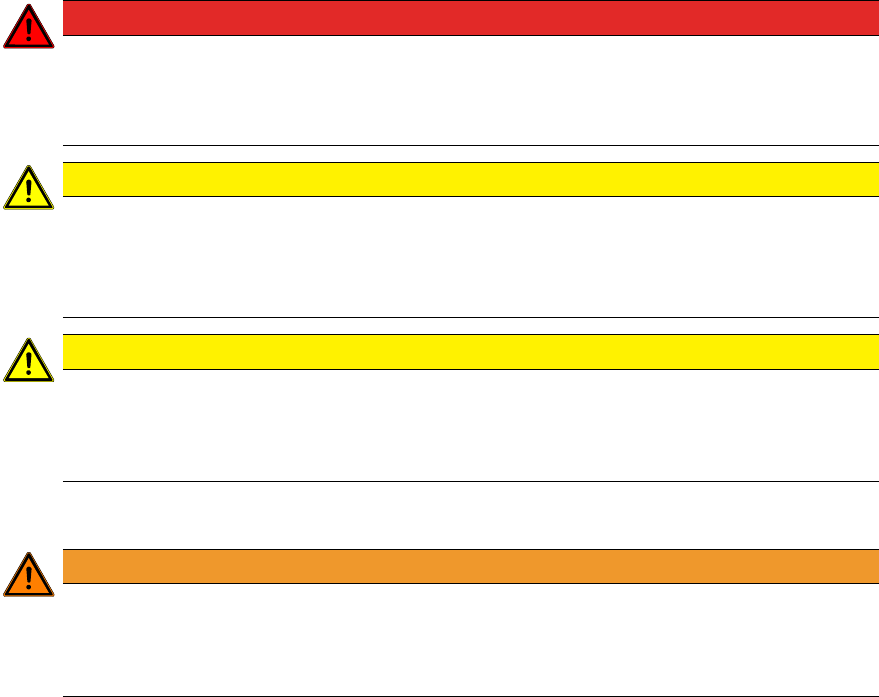
1.1.2 Safety Instructions for Working with Strong Magnetic Fields
DANGER
Strong permanent magnet fields
Fatal hazard: persons with active implants (e.g. pacemakers, defibrillators, insulin pumps
etc.) are at risk from strong permanent magnetic fields inside the machine.
Persons at risk should avoid the immediate vicinity of the machine.
CAUTION
Danger of crushing
Danger of crushing for persons with passive metal implants (e.g. plates, screws).
► Do not reach or lean over into the machine when the protective covers are open.
► Do not bring any metal objects into the hazard area.
CAUTION
Strong permanent magnet fields
There is a risk that the strong magnetic fields could corrupt data on data media or check
cards.
► Keep sensitive data supports away from the permanent magnets.
1.1.3 Safety Instructions for the Power Supply
WARNING
Hazardous Voltages!
The machine is supplied with 3x400V~ (or. 3x204V~ / 3 x 220V~ / 3 x 230V~ / 3 x
380V~ / 3x415V~) ± 5%, 50/60Hz mains voltages.
► Observe the safety instructions in the user manual during all service work!
●
This means that some parts of the system carry potentially lethal voltages - even when
switched off at the main power switch.
●
Incorrect handling of the placement system can therefore result in fatal injuries, severe injuries
or considerable damage to equipment.
●
Measurements and maintenance work must always be carried out by appropriately qualified
personnel.
●
Always follow the applicable accident prevention and DIN regulations (particularly DIN EN 60
204, part 1) or the regulations specific to your country.
●
Before starting any maintenance work, switch the machine off at the main switch and discon-
nect it from the main power supply.
●
Always secure the machine against unauthorized reactivation. If these instructions are not fol-
lowed, you may be able to touch live parts, which could result in fatal or severe injuries.
Maintaining, Installing or Removing Assemblies
► End all placement operations on the machine.
► Shut down the Windows operating system correctly, otherwise problems may occur when re-
starting or data may be lost.
► Switch the machine off at the main switch.
► Disconnect the machine from the main power supply.
► Switch off the machine and attach warnings signs to indicate that service work is in progress.
Assembly Instructions E by SIPLACE
Location 2 Upgrade Kit 04/2017
1 Introduction
1.1 Safety Instructions
7
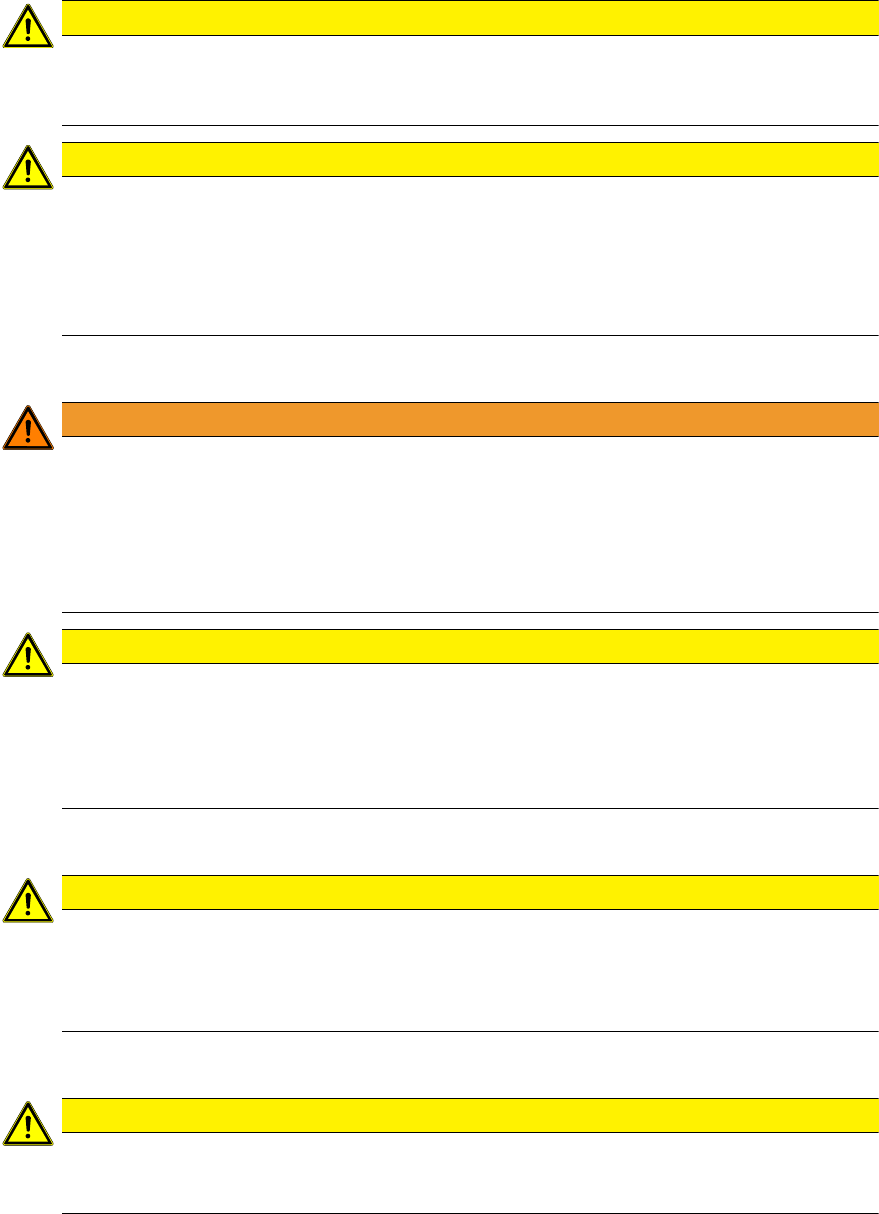
1.1.4 Safety Instructions for the Compressed Air Supply
CAUTION
Risk of injury from compressed air!
Risk of injury when disconnecting the compressed air lines.
► NEVER disconnect compressed air lines while they are still pressurized.
CAUTION
Prolonged interruptions to the compressed air supply can cause damage.
When the machine is switched on, do not use the shutoff valve to interrupt the compressed
air supply for more than 30 minutes.
► If you need to shut off the compressed air system for longer in order to carry out your
work, you must switch the placement system off at the main switch and disconnect it
from the power supply.
1.1.5 Safety Instructions for Work on the Cutting Device
WARNING
Risk of injury when working near the tape cutter.
When working in the area of the tape cutter, move the component trolley out of the machine
and disconnect the machine from the mains supply and the compressed air supply.
► Wait until the operating pressure has dropped to 0 MPa.
► Always secure the machine against unauthorized reactivation.
► Do not reach into the tape cutter.
CAUTION
Risk of injury when performing service work on the tape cutter.
Never support the tape cutter on your body, e.g. on your knees or thighs. Do not place your
feet under the tape cutter.
► Wear appropriately thick protective gloves.
► When removing/fitting the tape cutter, hold it only outside on the left and right.
1.1.6 Safety Instructions for the Gantry
CAUTION
Moving the gantry can damage the placement head.
When moving the gantry, observe the following:
► NEVER move the gantry by pushing with your hands against the placement head.
► NEVER push the gantry while the Z axis is lowered.
1.1.7 Safety Instructions on Hazardous Materials
CAUTION
Observe the safety data sheets
Observe the applicable safety data sheet, when handling hazardous materials (e. g. Loctite
241, ethanol).
1 Introduction
1.1 Safety Instructions
Assembly Instructions E by SIPLACE
Location 2 Upgrade Kit 04/2017
8
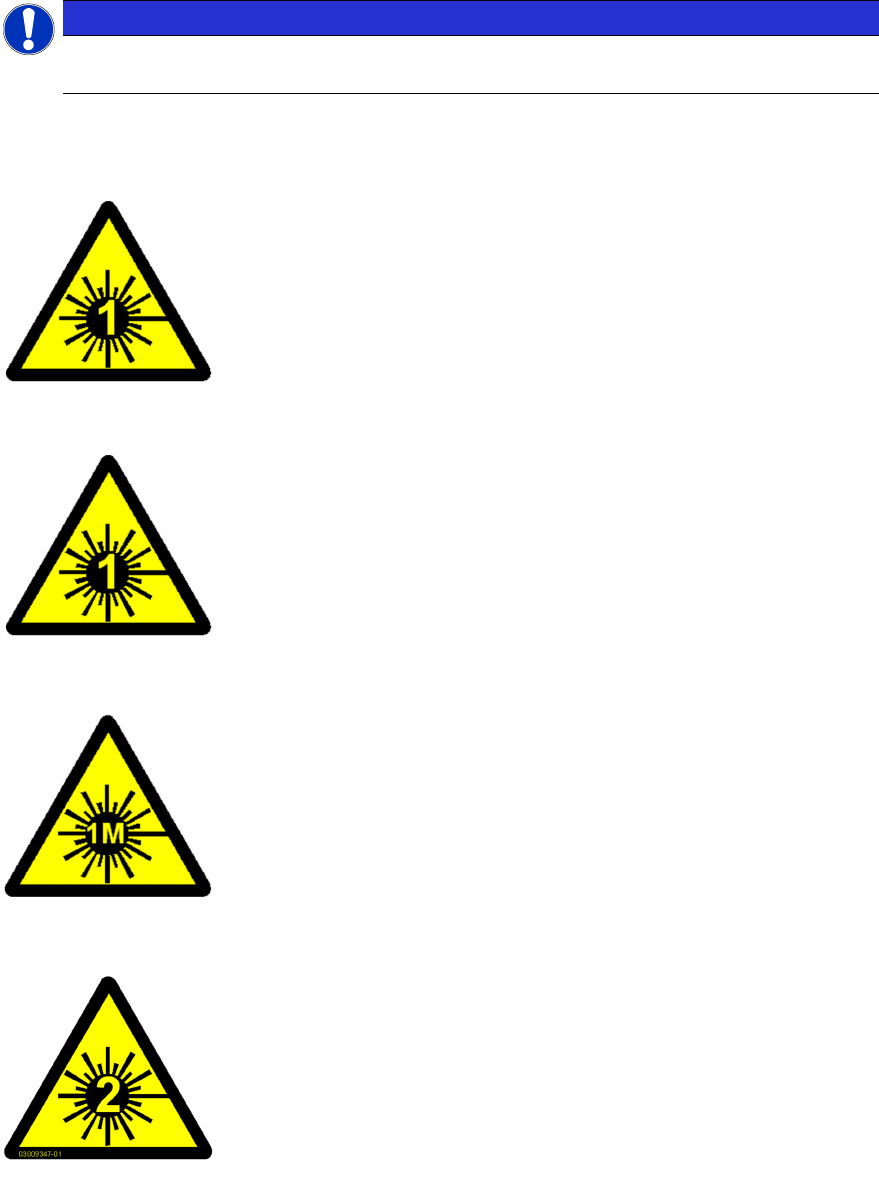
1.1.8 Laser Classification
NOTICE
Laser class 1 and 1M
Modules in laser classes 1 and 1M are not labeled.
1.1.8.1 Laser Class 1
Classification of the Whole Machine
All installed camera systems and the whole machine (when ready for
operation) are assigned to laser class 1.
The laser classes are determined according to DIN EN 60825-1:2001.
Classification of the Camera Systems
The following camera systems are assigned to laser class 1:
●
Stationary component cameras for the SIPLACE TwinStar (Twin-
Head) and the SIPLACE Multistar (CPP)
●
Component camera, stationary, P&P, type 33, 55 x 45, digital
●
Component camera, stationary, P&P, type 25, 16 x 16, digital
●
Component camera, stationary, P&P, type 36, 32 x 32, digital
1.1.8.2 Laser Class 1M
Do not look directly at this with optical instruments!
The following camera systems are assigned to laser class 1M:
●
CO camera C&P, type 23, 6 x 6 on the SpeedStar
●
CO camera C&P, type 41, 6 x 6 on the SpeedStar
●
CO camera C&P, type 30, 27 x 27 on the MultiStar
●
CO camera C&P, type 30, 18 x 18 on the 12-segment Col-
lect&Place head
1.1.8.3 Laser class 2
Laser radiation
Do not look into beam!
The following modules are assigned to laser class 2:
●
PCB barcode scanner
●
Component sensor on the SpeedStar
●
Component sensor on the MultiStar
The entire machine is classified as laser class 2 if the coplanarity laser
module option is installed.