PS288_PS388_PS588_981-0424-002D - 第139页
■ Additional Features ◘ Automotive Performance Pak PS Series Owner’s Manual 3—69 back Additional Features A u t o m o t i v e Pe r f o r m a n c e Pa k Data I/O offers s everal utilities that are especially useful to cer…
Operation ■ Printer Options
3—68 Data I/O • 981-0424-002
back
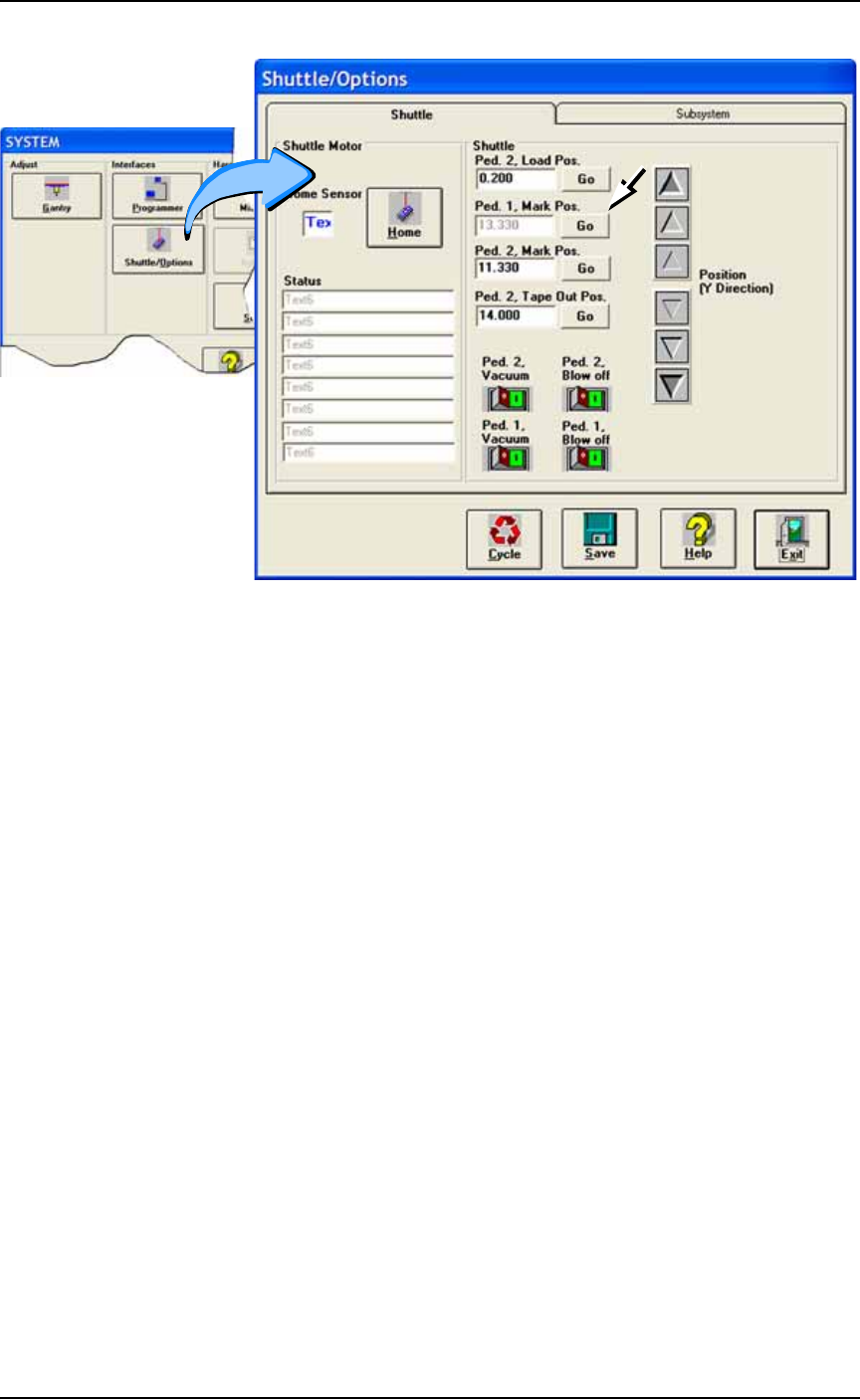
Figure 3-57: Adjust the marking position (Mark Pos.) for either
pedestal at the Shuttle/Options Window if necessary.
If no image appears on the paper:
A) Verify power to the laser marking assembly is connected and
turned on.
B) Ensure that the access panel interlock is disabled.
If all appears correct an still no results, contact Data I/O Customer
Support.
■ Additional Features ◘ Automotive Performance Pak
PS Series Owner’s Manual 3—69
back
Additional Features
Automotive Performance Pak
Data I/O offers several utilities that are especially useful to certain
industries. These utilities, labeled the Automotive Performance Pak
(AP Pak), are described below. If your PS System does not have this
feature, it can be ordered for use on PS Series machines that meet
these requirements:
• AH500 Version 6.0.0 or higher and TaskLink 7.0 or higher.
• AH400 Ver 6.0.1 or higher and TaskLink 7.0 or higher.
Contact Data I/O Sales.
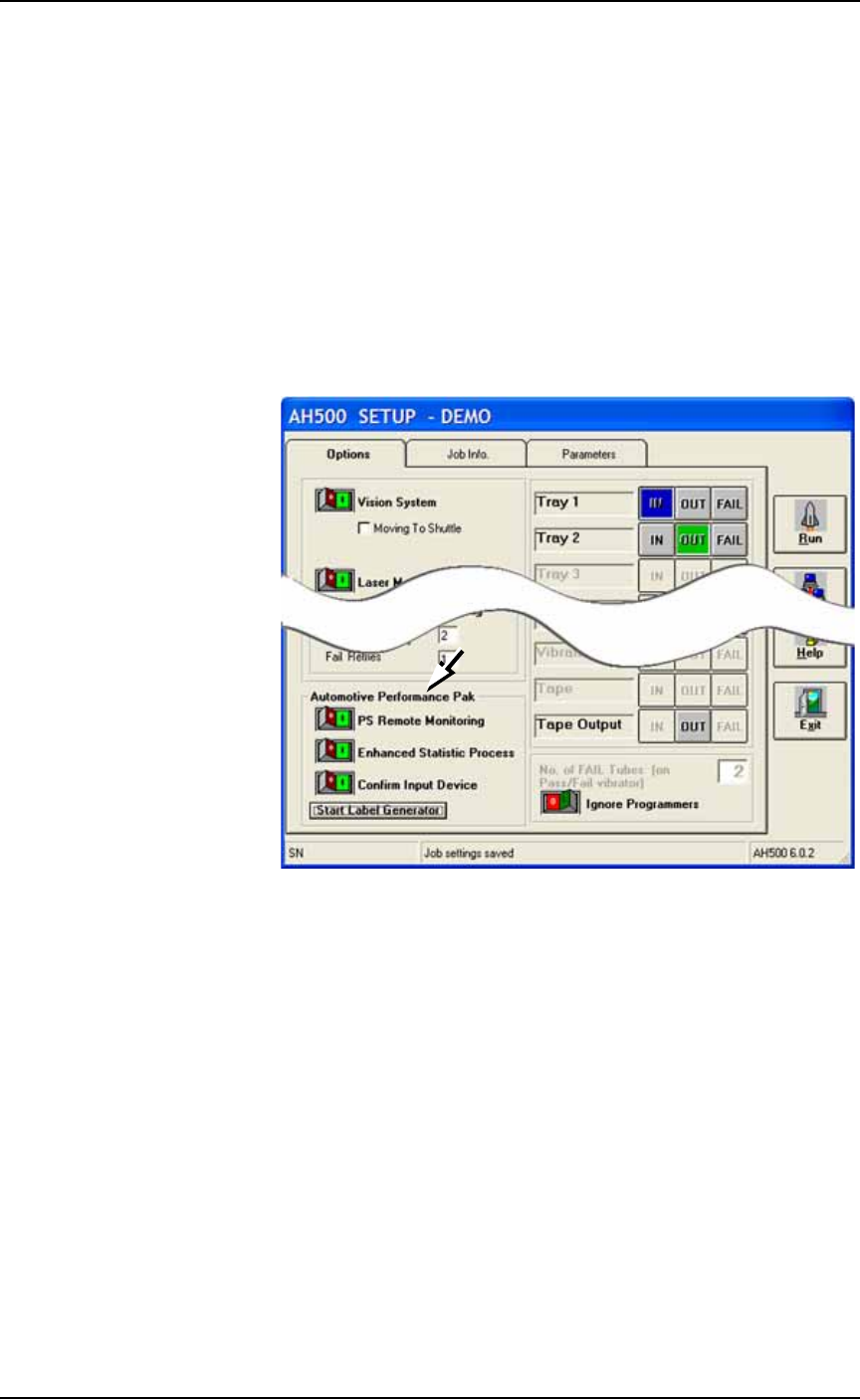
Figure 3-58: The Automotive Performance Pak features appear in the
Setup Window.
AP Pak Utility Descriptions
PS Remote Monitoring
The PS Remote Monitoring window displays Pass, Fail, and Yield
information of remote, networked PS Systems. Up to ten PS Systems
can be monitored.
Enhanced Statistic
This application allows precise tracking of machine behavior such as
uptime, downtime, yields, and throughput. It produces job log files
that are readable with Microsoft® Excel and Access software.
Confirm Input Device
This safety enhancement checks that the input device is the correct
one for the job each time the input media is changed.

Operation ■ Additional Features
3—70 Data I/O • 981-0424-002
back
Label Generator
This separate application is a concise and lean tool for designing
labels for reels of device tape or other media. Choose size, number of
fields, and layout. Call up variables from TaskLink or enter new con-
tent. Print on-demand or automatically after each reel of devices.
Ordering and Installing
Ordering the AP Pak involves sending Data I/O a number from the
Setup Window in AH500 with your purchase order. Data I/O will
send a security file via return e-mail. Complete instructions along
with the installation procedure are in the AH500 online Help: find
Automotive Performance Pak in the online Help index.