PS288_PS388_PS588_981-0424-002D - 第184页
Maintenance ■ The Marking Systems and Shuttle 4—44 Data I/O • 981-0424 -002 back Figure 4-40: The lower , side laser housing panel and screw locations. 1e. Put on the disposable protectiv e gloves and the safety goggles.…
■ The Marking Systems and Shuttle ◘ Laser Marking Filters
PS Series Owner’s Manual 4—43
back
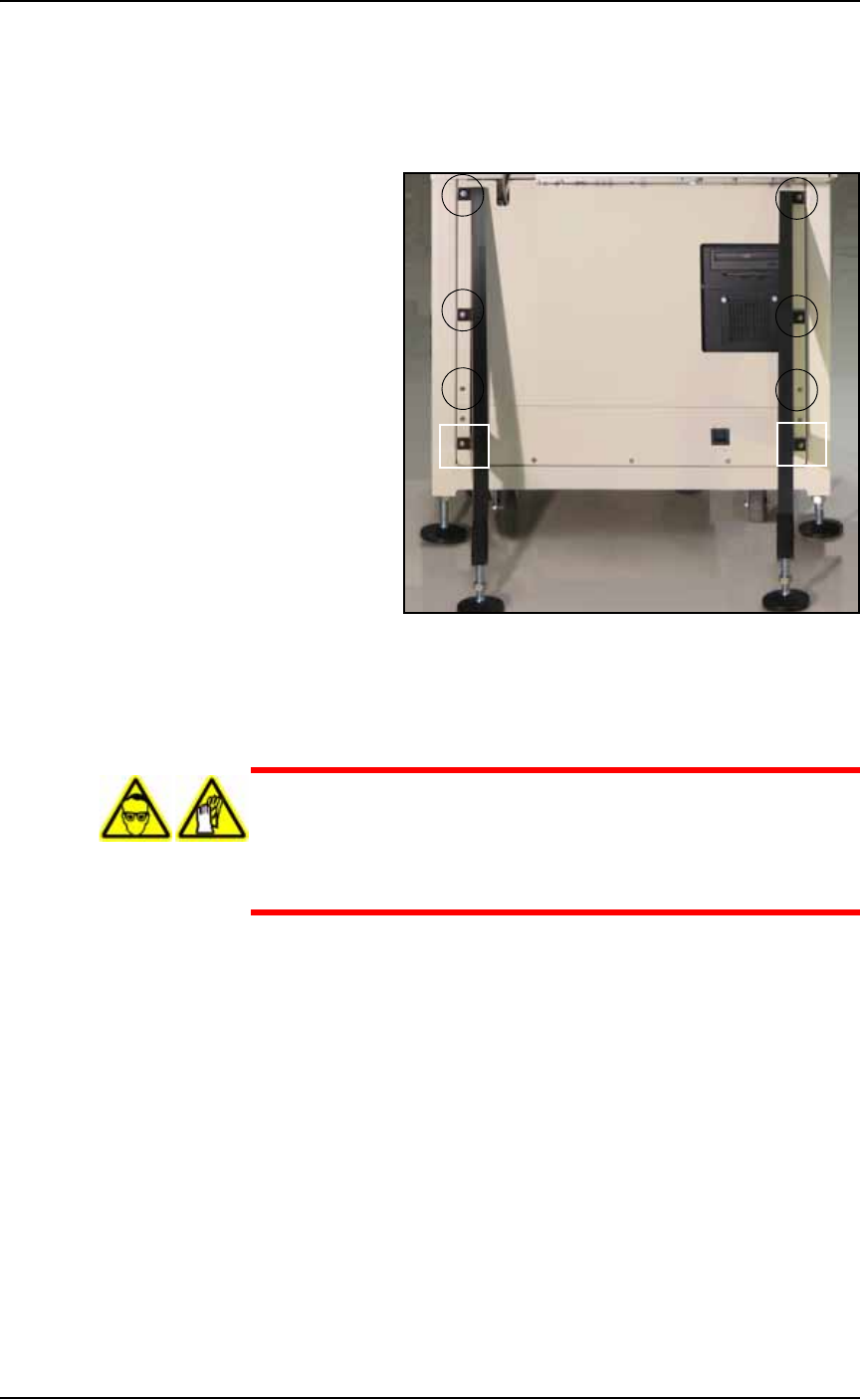
1b. If the machine also has a Tape Output Module, screw the feet on
the black legs up so they don’t contact the floor.
1c. Remove lower back laser housing panel from the laser enclosure
by removing the six or eight screws—depending on whether a
Tape Output Module is installed. See Figure 4-39.
Figure 4-39: The lower back laser housing panel screw locations,
shown here with legs for the optional Tape Output module.
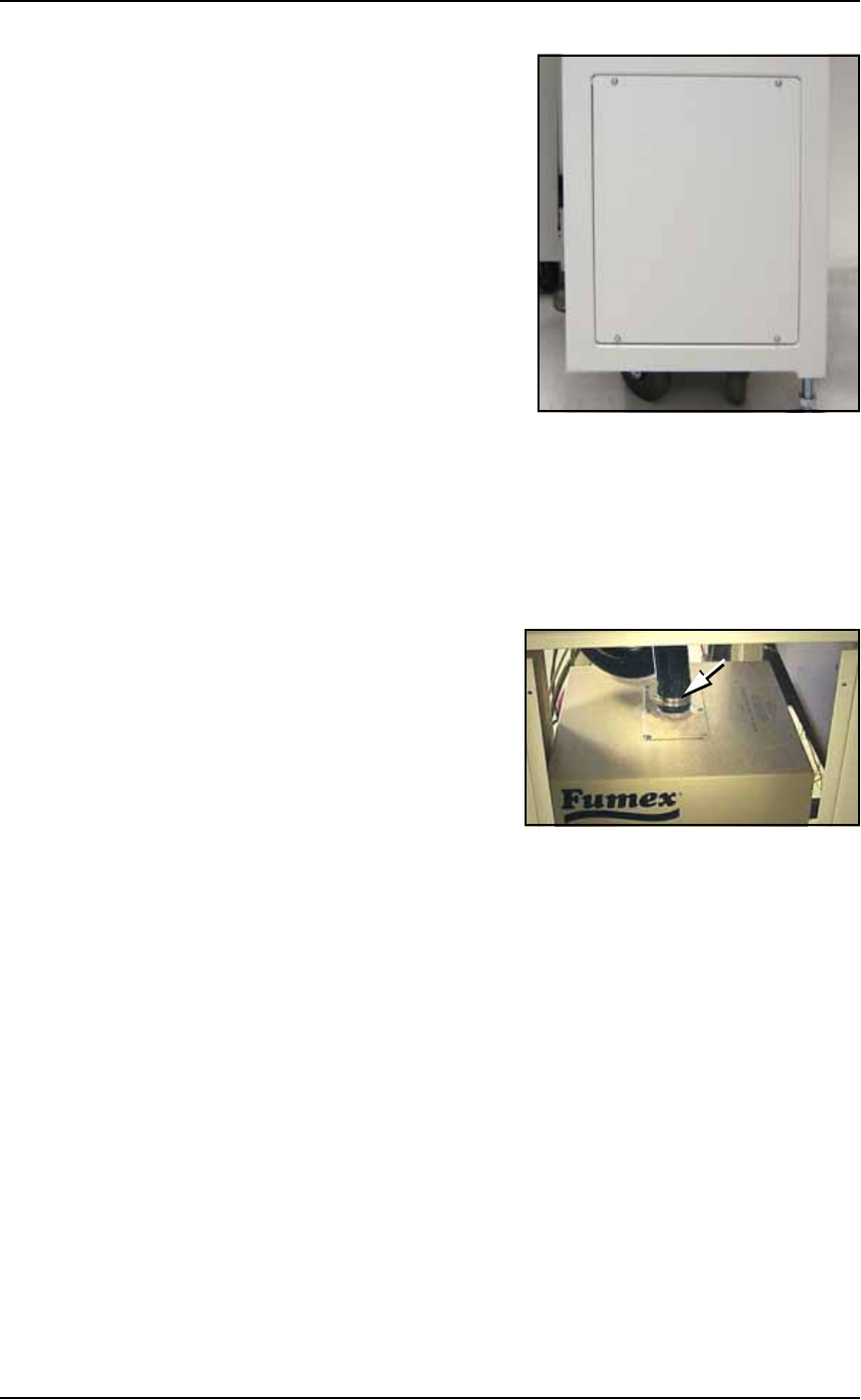
1d. Remove side laser housing panel by removing the four screws.
See Figure 4-40.
WARNING: Hazardous materials. Wear safety goggles and dis-
posable protective gloves. Do not clean the laser vacuum filters by
blowing with compressed air, shaking, or using any method that
allows the particulate trapped by the filters to be released into
the work environment.
Maintenance ■ The Marking Systems and Shuttle
4—44 Data I/O • 981-0424-002
back
Figure 4-40: The lower, side laser housing panel and screw locations.
1e. Put on the disposable protective gloves and the safety goggles.
Open the sealable plastic bag.
2. Detach vacuum hose—
2a. Loosen the clamp holding the vacuum hose to the extractor top
and detach the vacuum hose from the extractor top. See Figure
4-41.
Figure 4-41: The Vacuum hose clamp.
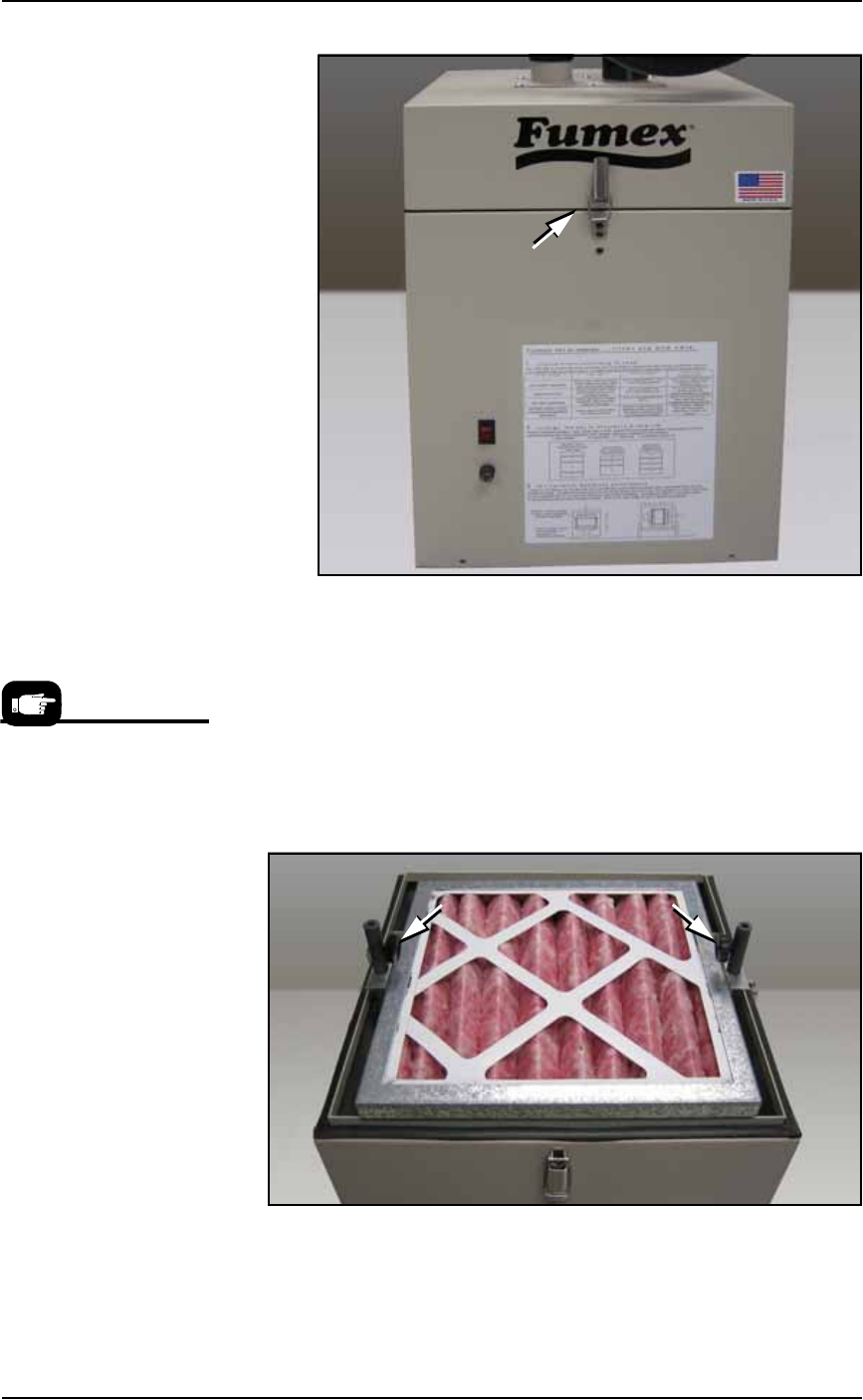
3. Release the four spring clips (one on each side except on early
models) securing the extractor top to the filter system. Pull the
extractor top up hard to release it.
■ The Marking Systems and Shuttle ◘ Laser Marking Filters
PS Series Owner’s Manual 4—45
back
Figure 4-42: One of the spring clips securing the extractor top. Also, the
Fumex care label.
4. Remove the filters—
4a. Lift off the Pre-filter. Inspect and clean or replace with a new one
as necessary. If replacing it, place the used one in the sealable
bag.
4b. Unscrew the two thumb knobs and lift the pleated filter out with
the frame. See Figure 4-43. Inspect and clean or replace with a
new one as necessary. If replacing it, place the used one in the
sealable bag.
Figure 4-43: Knurled knobs release the pleated filter. The Pre-filter has
already been removed.
Data I/O Model Names
for ordering are:
• Pre-Filter, Polyester.
• Filter, Panel, Pleated
• Filter, HEPA, Particle, BD
Frame
• Activated Carbon Cell,
3lb NET