PS288_PS388_PS588_981-0424-002D - 第29页
■ Machine Components ◘ Component Descrip tions PS Series Owner’s Manual 1—17 back Figure 1-8: TF20 T ray Feeder . (Optional) T ube Input and Output Modules The input tube holds blank devices and the output tube collects …
Introduction ■ Machine Components
1—16 Data I/O • 981-0424-002
back
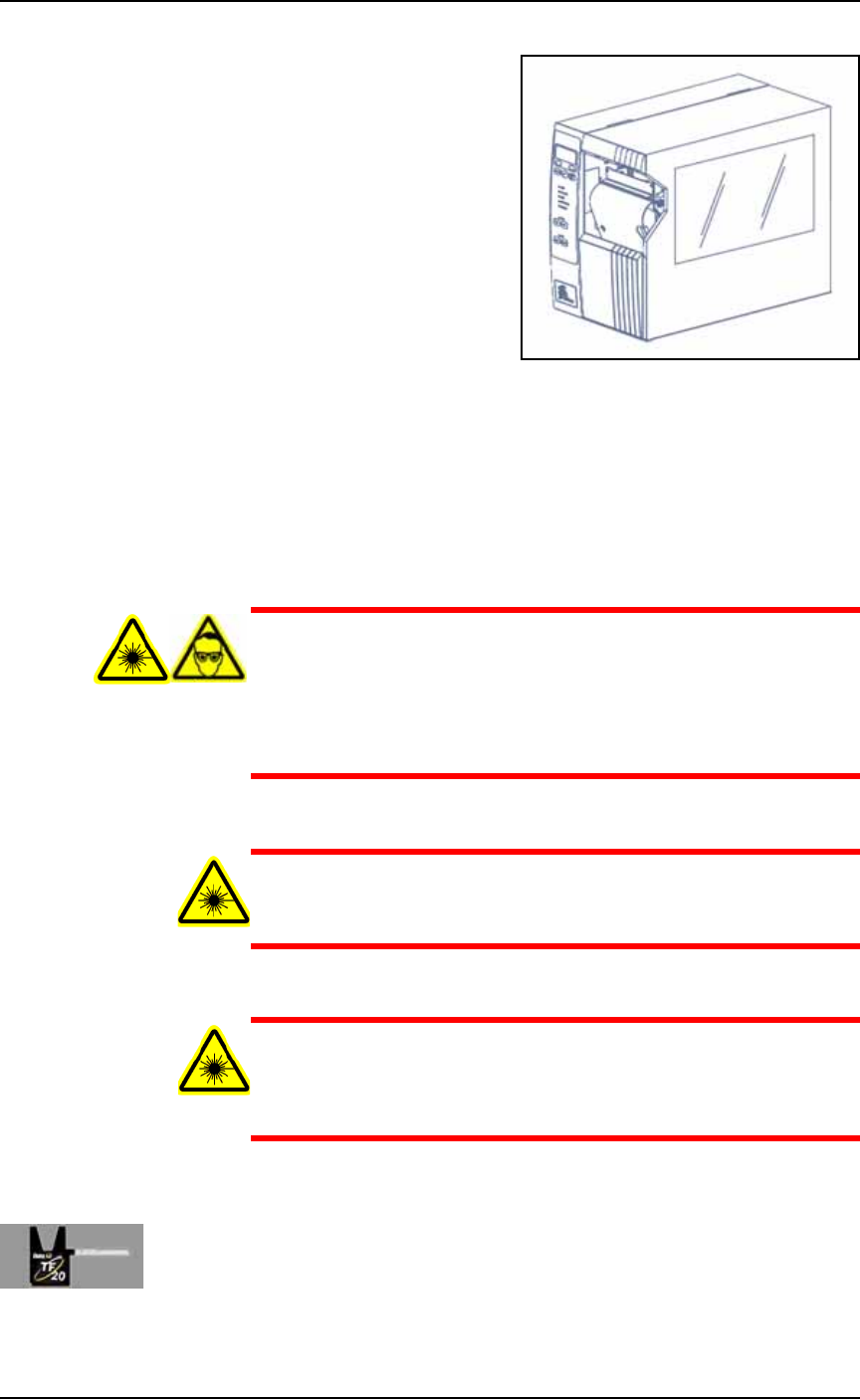
Figure 1-7: Paper Labeler. (Your labeler may look different.)
Laser Marking
The Laser Marking System uses a CO
2
laser to mark parts. The laser
applies a user-defined mark. The laser marking system operates as a
Class 1 laser system (CDRH classification), and therefore uses inte-
grated interlocks to prevent the laser from firing while any cover is
open. The laser should never be operated without safety covers in
place.
WARNING: Blindness hazard! When servicing, always wear eye
protection when the laser access doors are open. Direct or diffuse
laser radiation can damage eyes. Goggles must block 10.57 to
10.63
μ
m laser radiation. Goggles protect against scattered
energy but not against direct viewing of the laser beam or reflec-
tions from metallic surfaces.
WARNING: Serious burn hazard! Laser radiation, whether direct
or diffuse, can cause serious burns. When servicing, keep hands
and other parts of the body out of the path of the laser beam.
WARNING: Toxic fume hazard! Laser marking generates vapors,
fumes, and particles that may be noxious, toxic, or even fatal. Fol-
low maintenance procedures on the fume extractor. Use proper
ventilation.
For additional safety information, see Laser Safety on page 1-24.
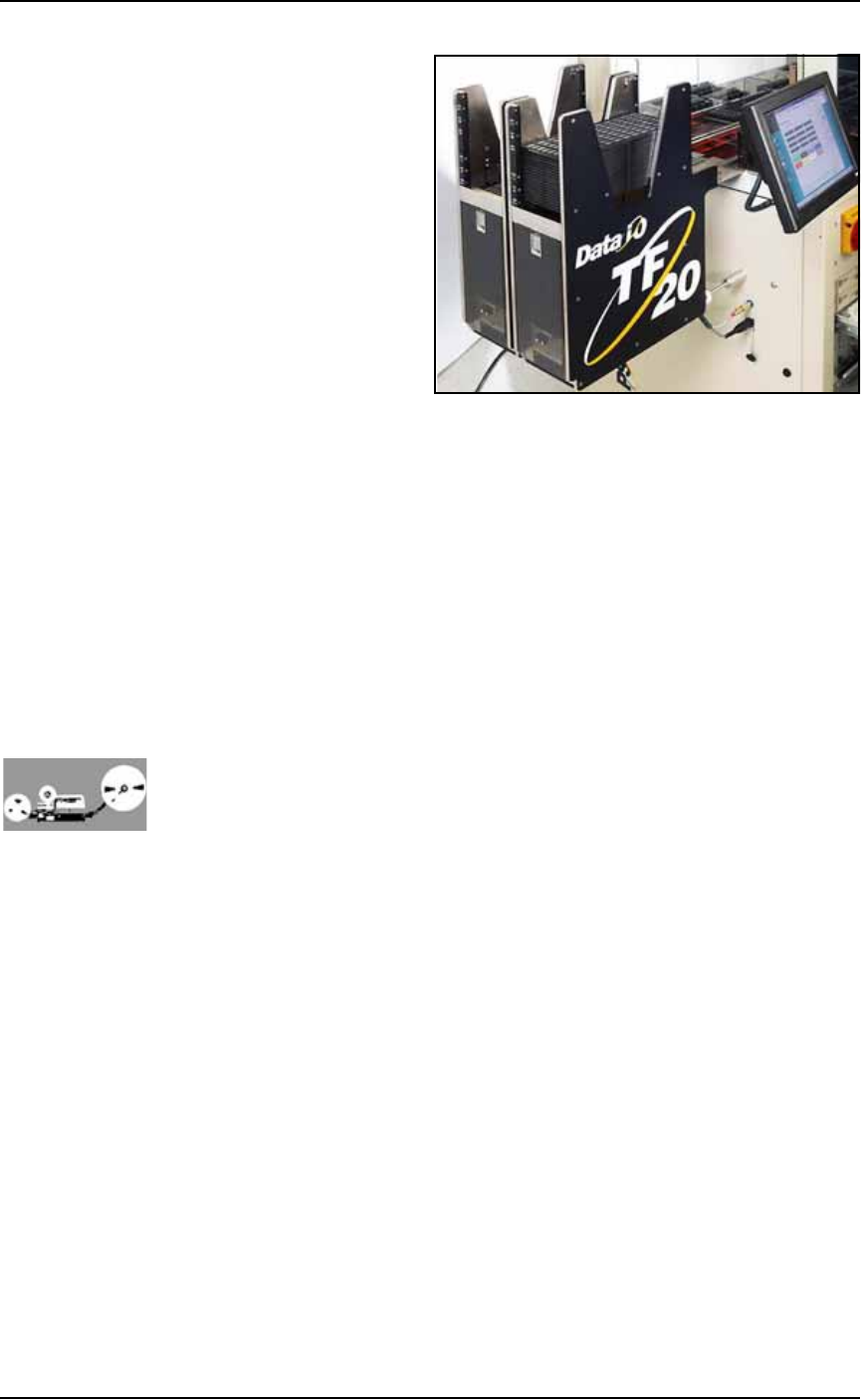
(Optional) Automatic Tray Feeder
Designed to automatically supply devices in trays to the PS System,
the TF20 Automatic Tray Feeder accepts thin or thick JEDEC trays.
■ Machine Components ◘ Component Descriptions
PS Series Owner’s Manual 1—17
back
Figure 1-8: TF20 Tray Feeder.
(Optional) Tube Input and Output Modules
The input tube holds blank devices and the output tube collects
devices after programming. Vibration mechanisms keep devices
sliding freely by gently vibrating the tubes to reduce the likelihood of
device jams. Vibration adjustment controls are located on the front of
the PS System.
(Optional) Tape Input Module
The tape input module is a chip feeder which provides devices for
programming. Each device is picked from a carrier tape pocket and
placed into a programming socket.
(Optional) Tape Output Module
The tape output module, mounted on the Option Bay, uses a reel of
empty carrier tape to hold devices after they are programmed. Pro-
grammed devices are placed into empty pockets on the carrier tape.
The carrier tape advances through either a heat seal or pressure seal
unit that applies cover tape to the carrier tape.
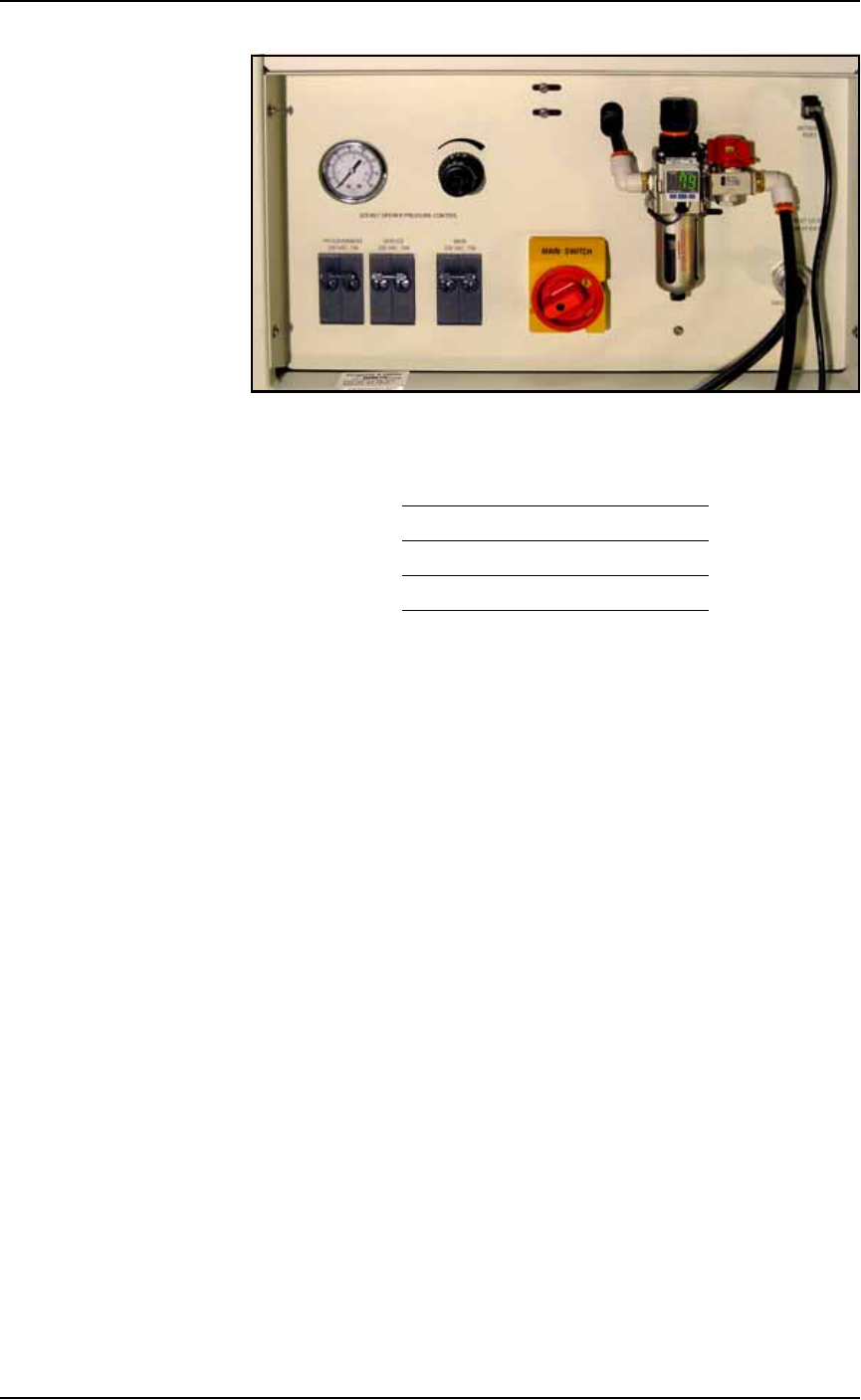
Power Panel
The Power Panel is on the back of the machine at the lower, right
corner.
Connections
The Power Panel allows for the attachment of AC power and air.
Optionally, you can connect an ethernet cable for internet connection.
Controls
Mounted on the Power Panel are the main power switch and the
main air regulator and filter. There is a second regulator with a sepa-
rate gauge for adjusting socket opener pressure. See Adjusting the
Socket Actuator Air Pressure on page 4-8.
Introduction ■ Machine Components
1—18 Data I/O • 981-0424-002
back
Figure 1-9: Power Panel on the back of the PS Machine.
Circuit Breakers
There are three circuit breakers on the Power Panel.
Programmers 230 V 10 A
Servos 230 V 10 A
Main 230 V 15 A