PS288_PS388_PS588_981-0424-002D - 第33页
■ Software ◘ AH500 Application PS Series Owner’s Manual 1—21 back For more information, see T askLink online Help. AH500 Application Data I/O’ s Automat ed Handler softwa re is a Microsoft ® Win - dows ® -based applicati…
Introduction ■ Software
1—20 Data I/O • 981-0424-002
back
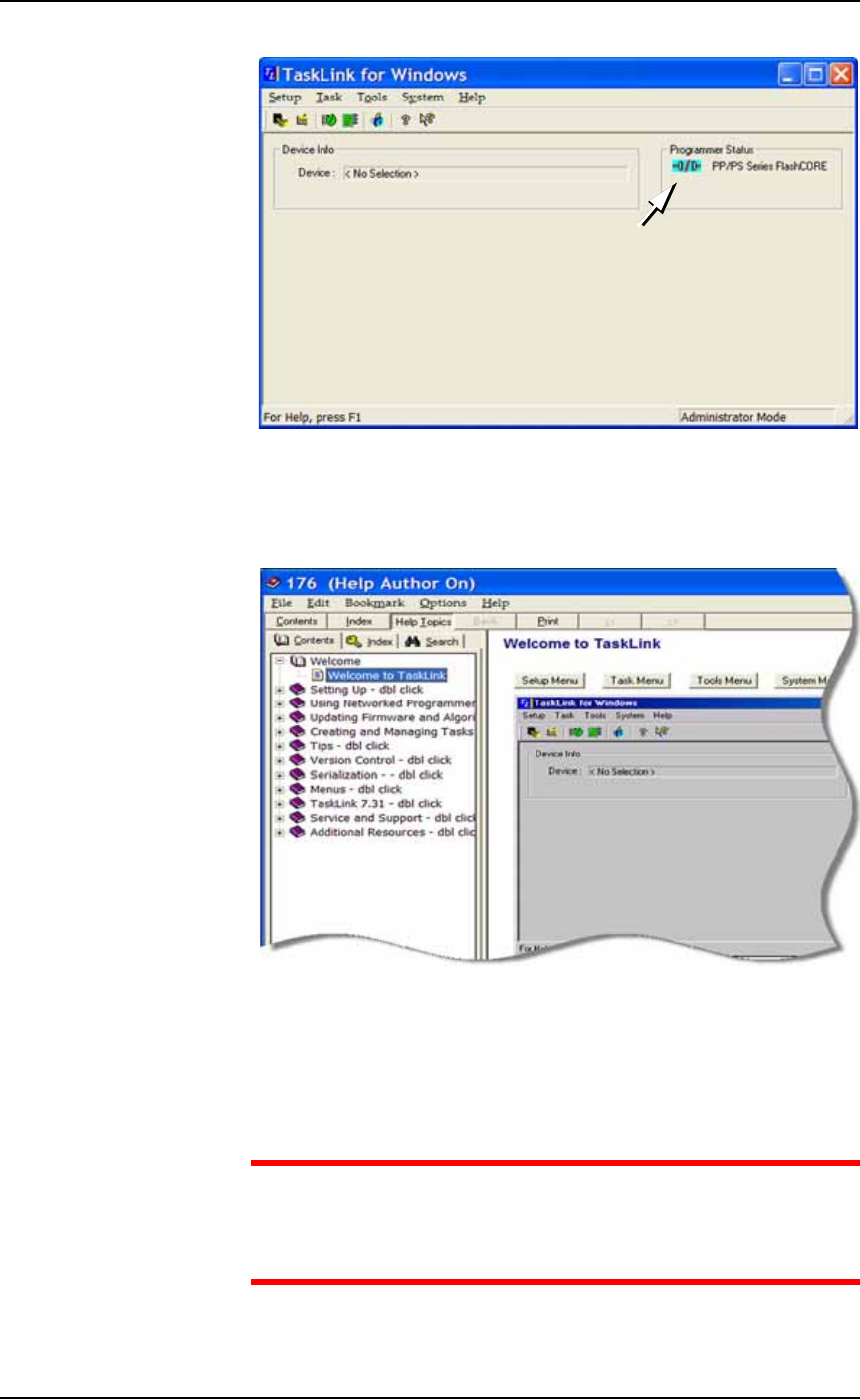
Figure 1-10: TaskLink’s main window displays the selected
programming system for which it creates jobs.
TaskLink online Help is available by clicking Help > Help Topics. It
offers procedural steps as well as domain information.
Figure 1-11: TaskLink online Help. It includes update instructions.
Updates and Algorithm Support
Updates to TaskLink (includes algorithm updates) are generally
acquired through our APS Agreement (Annual Programmer Sup-
port). See APS Agreement on our Web site under the SUPPORT tab.
CAUTION: Customers with PS Systems with Windows 98 OS —
take note of special instructions due to limited support. TaskLink
Version 7.31 is the last supported update for Windows 98. Limited
device support may be installed as noted in each release.
■ Software ◘ AH500 Application
PS Series Owner’s Manual 1—21
back
For more information, see TaskLink online Help.
AH500 Application
Data I/O’s Automated Handler software is a Microsoft
®
Win-
dows
®
-based application for setting up and programming microchips
(devices) on PS Systems. It offers a selection of many PS System
options such as input/output configurations, labeling options, and
statistical feedback methods. The AH500 resides in the Handler Com-
puter.
For updates to AH500 Software see PS Series Firmware Download on
our Web site under the SUPPORT tab.
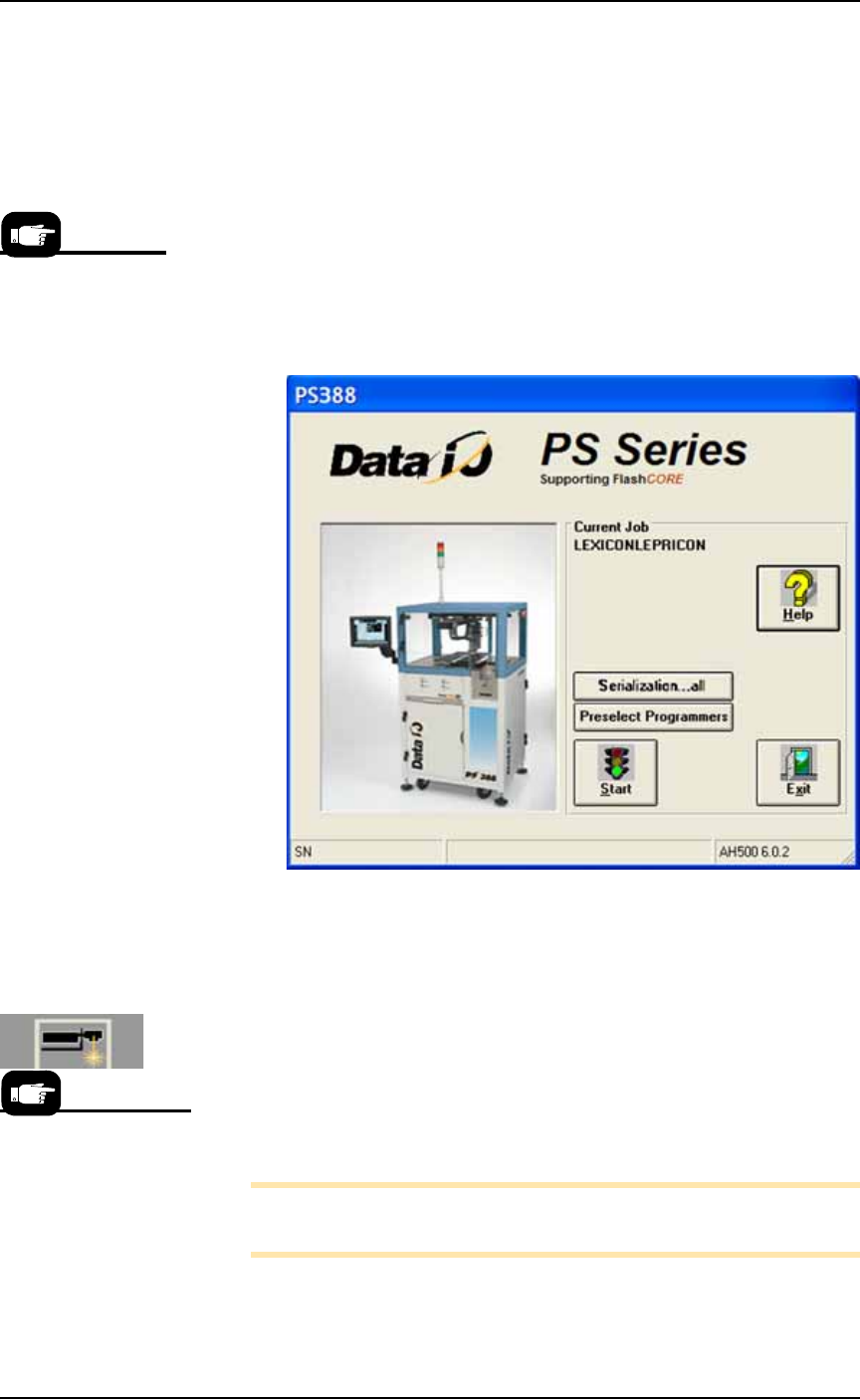
Figure 1-12: AH500 Start-up Window. The Serialization button only
appears if Serialization was selected in TaskLink for this particular job.
(PS388 shown.)
Laser Software
The Laser software is a Windows
®
-based application that allows cre-
ating parameters required for laser marking jobs as well as initiating
laser marking. In some PS models, the software resides on the Laser
Computer located in the Option Bay. In other models, the software is
in the Handler computer.
Note: The touch screen does not work while in Laser Computer
mode.
When the Laser Marking System is set up and initialized, it receives
commands from the AH500 which starts the marking sequence.
The presence of some
features are deter-
mined by the
winAH400.ini file.
For more information
about the Laser Sys-
tem, see Setting Up the
Laser Marking System on
page 2-27 and
(Optional) Creating a
Laser Marking File on
page 3-62.

■ Software ◘ Laser Software
1—22 PS Series Owner’s Manual
Switching Between Computers
Some PS models have a separate computer for the Laser software.
To switch between the laser computer and the Handler computer:
1. On the keyboard, press Ctrl twice. A list of all computers is dis-
played on the touch screen monitor.
2. Use the up and down arrows to select a computer.
3. Press Enter on the keyboard.