PS288_PS388_PS588_981-0424-002D - 第35页
■ Precautions for Safe Operation ◘ Precaution List PS Series Owner’s Manual 1—23 back Precautions for Safe Operation The PS Machine has many safety features designed to make the system safe and efficient to operate. The …

■ Software ◘ Laser Software
1—22 PS Series Owner’s Manual
Switching Between Computers
Some PS models have a separate computer for the Laser software.
To switch between the laser computer and the Handler computer:
1. On the keyboard, press Ctrl twice. A list of all computers is dis-
played on the touch screen monitor.
2. Use the up and down arrows to select a computer.
3. Press Enter on the keyboard.
■ Precautions for Safe Operation ◘ Precaution List
PS Series Owner’s Manual 1—23
back
Precautions for Safe Operation
The PS Machine has many safety features designed to make the
system safe and efficient to operate. The system can be dangerous if
the safety precautions and features are ignored.
Precaution List
To avoid possible personal injury or damage to the equipment,
observe the following practices:
General Precautions
Do not use the PS System for any purpose other than its
intended use.
Do not operate the system if the safety shields are not in their
normal operating positions.
Do not operate the system when any of the cabinet panels (sheet
metal) are removed.
Do not operate the PS System unless you have been thoroughly
trained and have read and understand the instructions in this
manual, particularly those that describe the system’s safety fea-
tures (Safety Systems on page 1-4).
Do not disable or attempt to defeat any of the safety features of
this system. Serious personal injury and equipment damage can
occur if any safety systems are disabled. If you suspect that a
safety feature of the system is damaged or malfunctioning, stop
using the PS System immediately and contact your local
Data I/O Support representative.
Do not place any part of your body near or in the direct path of
moving parts.
Repair Precautions
Only qualified personnel trained by Data I/O should install,
maintain, repair, or troubleshoot the PS Systems.
Do not operate a system while servicing, replacing, or adjusting
any component unless directed to do so in this manual. Make
sure that the system is properly shut down before servicing,
replacing components, or adjusting components.
Disconnect the external air before servicing pneumatic parts.
Optional Media and Equipment Precautions
Use extra caution when using the tape input media (feeder), the
tape output media, or the device marking option. The
PS System safety shields do not cover or fully enclose these
modules. It is possible that hands, body parts, or loose clothing
could get caught or pinched in these mechanisms.
Read and heed the laser vacuum filter disposal requirements
described later in this section (Laser Safety on page 1-24). Always
dispose of any other hazardous or residual by-products of the
production process in accordance with governing laws and reg-
ulations.
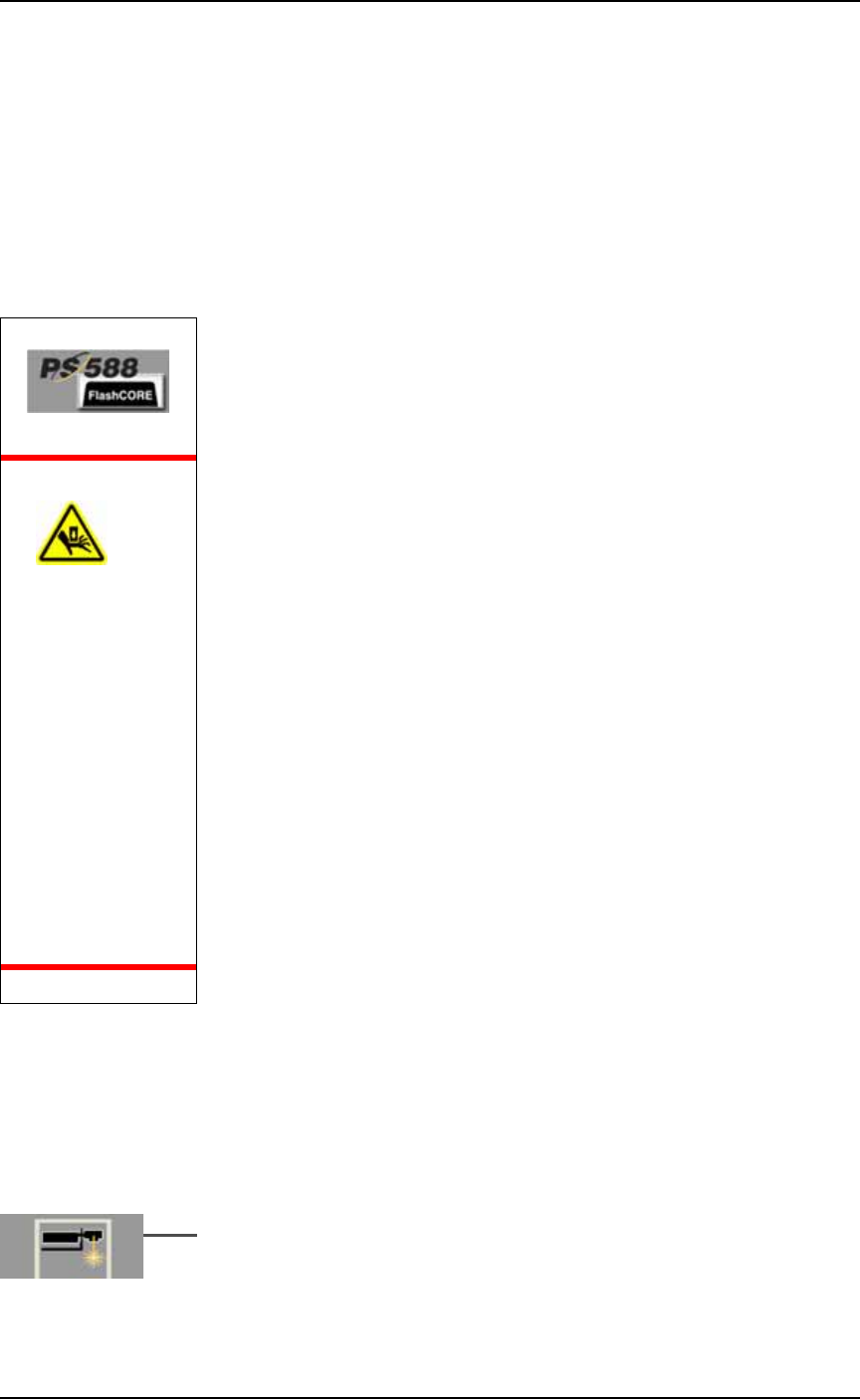
WARNING:
Pinch hazard.
The E-Stop
does not shut
off air. On
PS588 only,
Socket Actua-
tors can still
move down
when an
E-Stop is
pushed— and
even when
Safety shields,
are open.
Use caution.
Introduction ■ Laser Safety
1—24 Data I/O • 981-0424-002
back
Laser Safety
The laser marking system, located in the Option Bay attached to the
PS Machine, has been designed in accordance with the following
safety guidelines:
• Operates as a Class 1 laser (CDRH classification).
• Fume extractor traps marking fumes and other by-products of
the laser marking operation.
• System designed to comply with OSHA guarding standards.
• Integrated safety interlocks prevent the laser from firing while
any interlock is activated.
• Refer to and follow laser and safety precautions in ANSI
X136.1-1993, American National Standard for the Safe Use of
Lasers. Procedures listed under the Standard include: appoint-
ment of a Laser Safety Officer, operation of the product in an
area of limited access by trained personnel, servicing of the
equipment only by trained and authorized personnel, and post-
ing of signs warning of potential hazards.
WARNING: Blindness hazard! When servicing, always wear eye
protection when the laser access doors are open. Direct or diffuse
laser radiation can damage eyes. Goggles must block 10.57 to
10.63
μ
m laser radiation. Goggles protect against scattered
energy but not against direct viewing of the laser beam or reflec-
tions from metallic surfaces.
WARNING: Serious burn hazard! Laser radiation, whether direct
or diffuse, can cause serious burns. When servicing, keep hands
and other parts of the body out of the path of the laser beam.
WARNING: Toxic fume hazard! Laser marking generates vapors,
fumes, and particles that may be noxious, toxic, or even fatal. Fol-
low maintenance procedures on the fume extractor. Use proper
ventilation.