[Superset] Chapter5_SPC Plus_ENG_20100827TW - 第9页
Programmer's Manual | 9 2.2. Sub-Menu The sub ‐ menus of SPC Plus™ are located at the ve r y bottom of the ma in menu ; they are under the main menu. The sub ‐ menu cate…
Programmer's Manual | 8
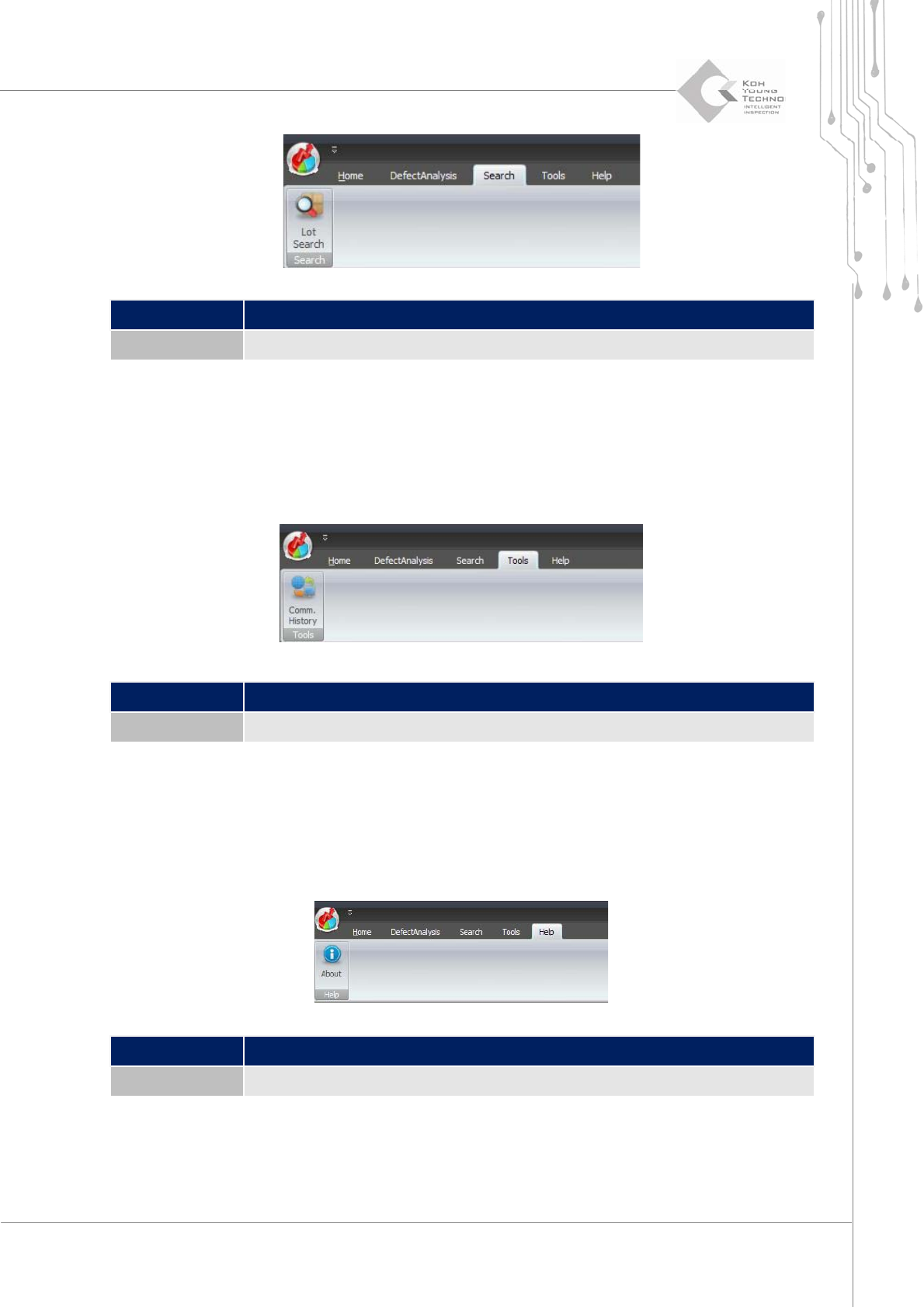
Category Description
Lot Search Calculates/Outputs the yield rate based on PCB’s lot number
2.1.4. TOOLS
Thefollowingarethemainfunctionsofthismenu:
Queriesthecommunicationdetailsbetween3DInspector™andSPCPl us™
Category Description
Comm. History Queries the communication details between 3D Inspector™ and SPC Plus™
2.1.5. HELP
Thefollowingarethemainfunctionsofthismenu:
QueriesinformationonSPCPlus™
Category Description
About Displays the SPC Plus™ version, etc.
Programmer's Manual | 9
2.2. Sub-Menu
Thesub‐menusofSPCPlus™arelocatedattheverybottomofthemainmenu;theyareunderthe
mainmenu.Thesub‐menucategoriesvarypermainmenu.
Note: Homein the main menuhasmost ofthe sub‐menus;the sub‐menu inChapter 5 ofthis manual
generallymeansthesub‐menuunderHome.
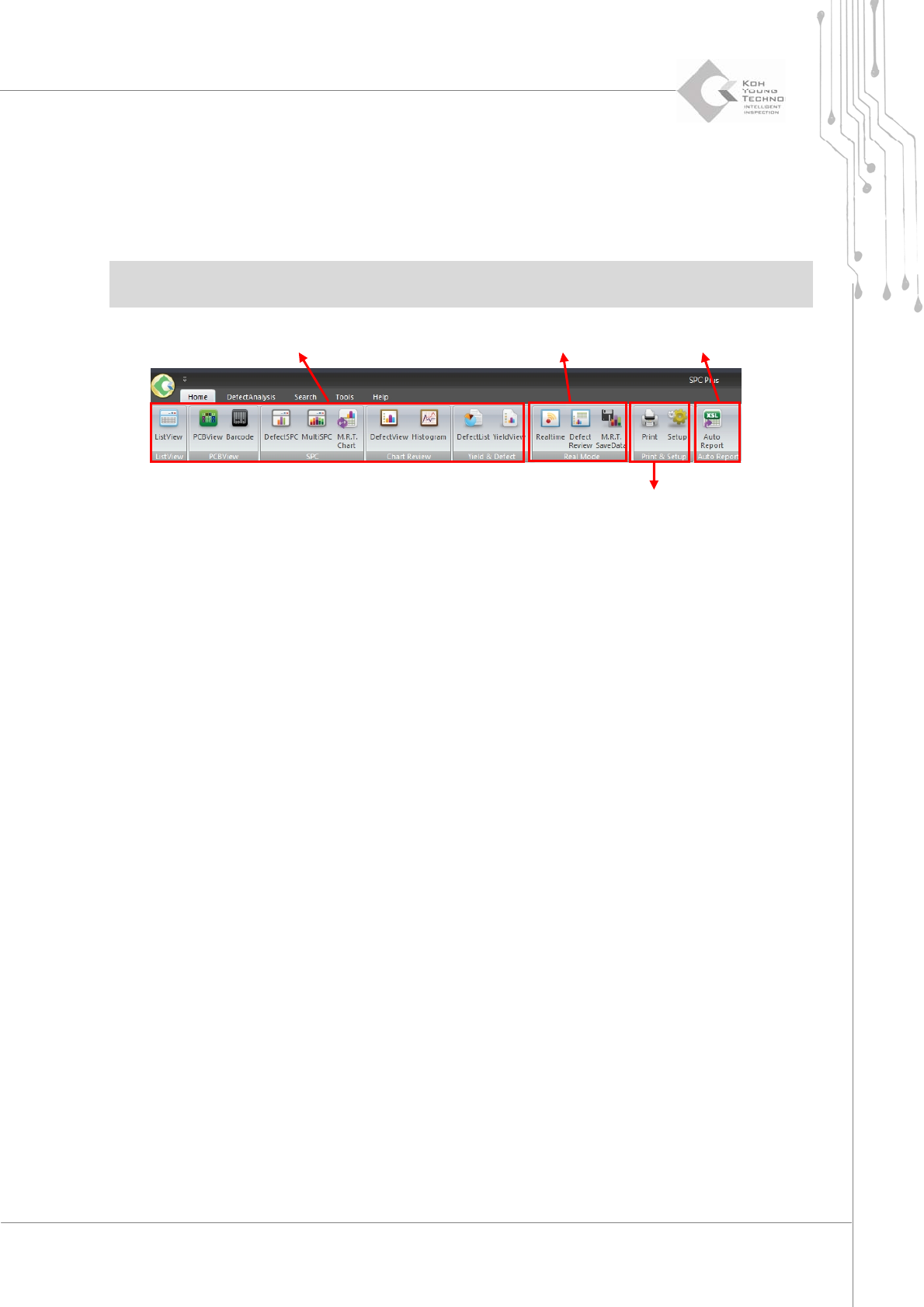
Figure 2-3. Sub-Menus Under the Home Menu
Thefigureaboveisagroupofsub‐menusaccordingtotheircharacteristics .Thesub‐menusofSPC
Plus
™
arecategorizedintothefollowing4types :
Statistics‐relatedmenu:Menuforcalculatingstatist icsordisplayingonthemainscreen
Real‐tim equerymenu:Menuforcheckingtheworkingequipmentstatusinrealtime
Setuptool:ToolprovidingsetupsrelatedtoSPCPlus™andprintingfunction
Auto Report: Menu for conv erting and printing or saving the inspection results by
connectingtoExcel®2007
2.2.1. STATISTICS-RELATED MENU
Thestatistics‐relatedmenuhasthefollowing10viewmenus:
ListV iew
PCBV iew
Barcode
DefectSPC
Multi‐SPC
MRTChart
Statistics-related
Real-time Execution Menu
Auto Report
Setup tool
Programmer's Manual | 10
DefectView
Histogram
DefectList
YieldView
Note:See3.SPCPlus™FunctionsinChapte r5formoredet ails.
Note: PCBView, DefectView, DefectSPC, Multi‐SPC, and Histogram must assign the statistical range in
ListViewtousethem.
Note:MRTChartcanbeusedonlybyhavingdatasavedin MRTSaveData.
2.2.2. REAL-TIME QUERY MENU
Thereal‐timequerymenuhas thefollowing3viewmenus:
Realtime
DefectReview
MRTSav eData
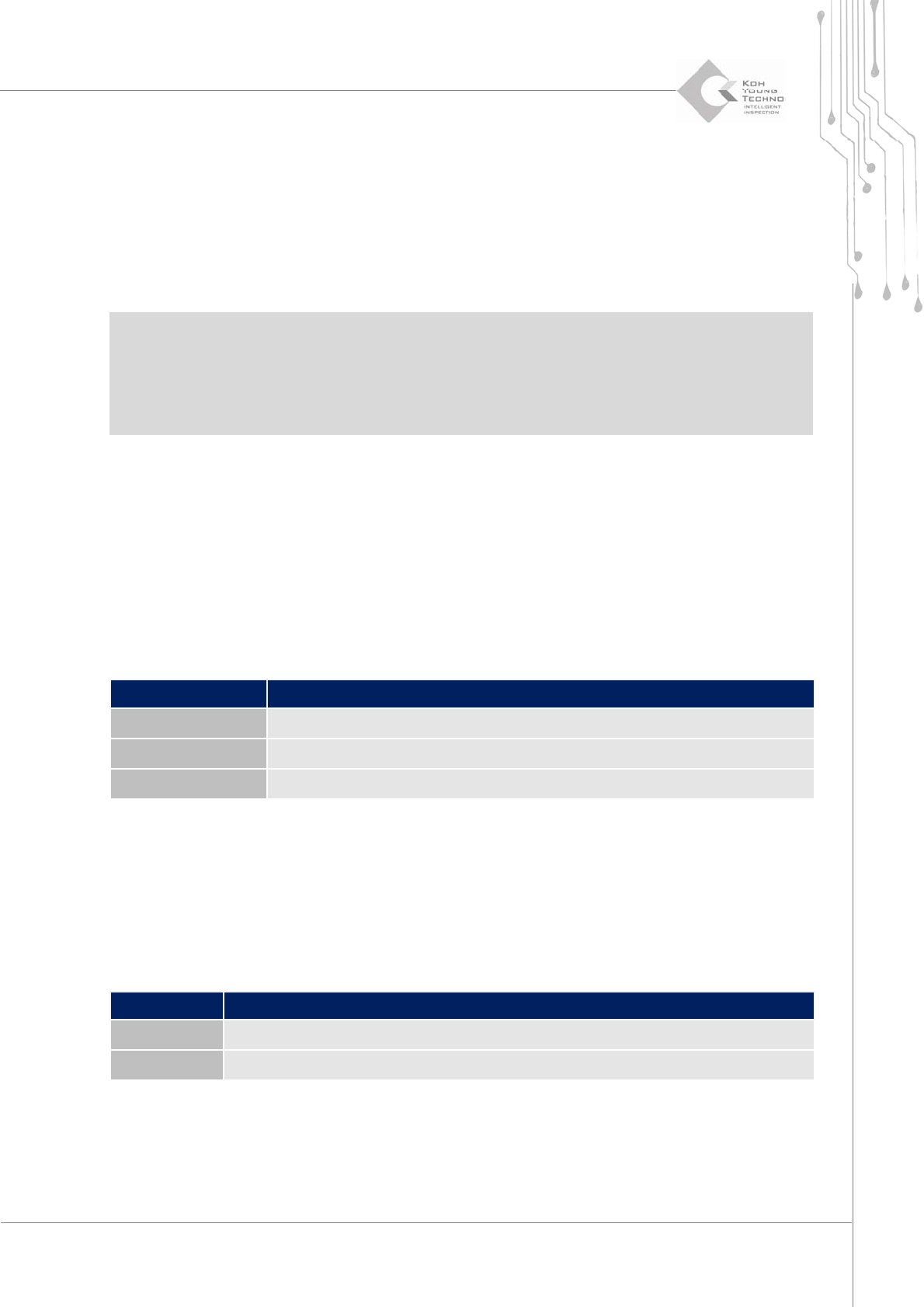
Category Description
Real time
Queries the current processing inspection status in real time
DefectReview
Queries defect PCB information in buffer
MRT SaveData
Saves data shown in Multi-Real Time
2.2.3. SETUP TOOL
Thesetuptoolhas thefollowing2viewmenus:
Print
Setup
Category Description
Print
Outputs the current screen to a printer
Setup
Sets up an SPC Plus™™ work environment