N7201A616E00_0317.pdf - 第100页
NPM-W 2 EJM7DE-MB-02O-0 0 2-2-1 -9 Choosing the dual conve yor enable s you to switch the lane between 1 and 2. Lane switch button A A ● Every time you pressed, the mode switches. :Lane 1 :Lane 2 ● If the button is not a…
NPM-W2 EJM7DE-MB-02O-00
2-2-1-8
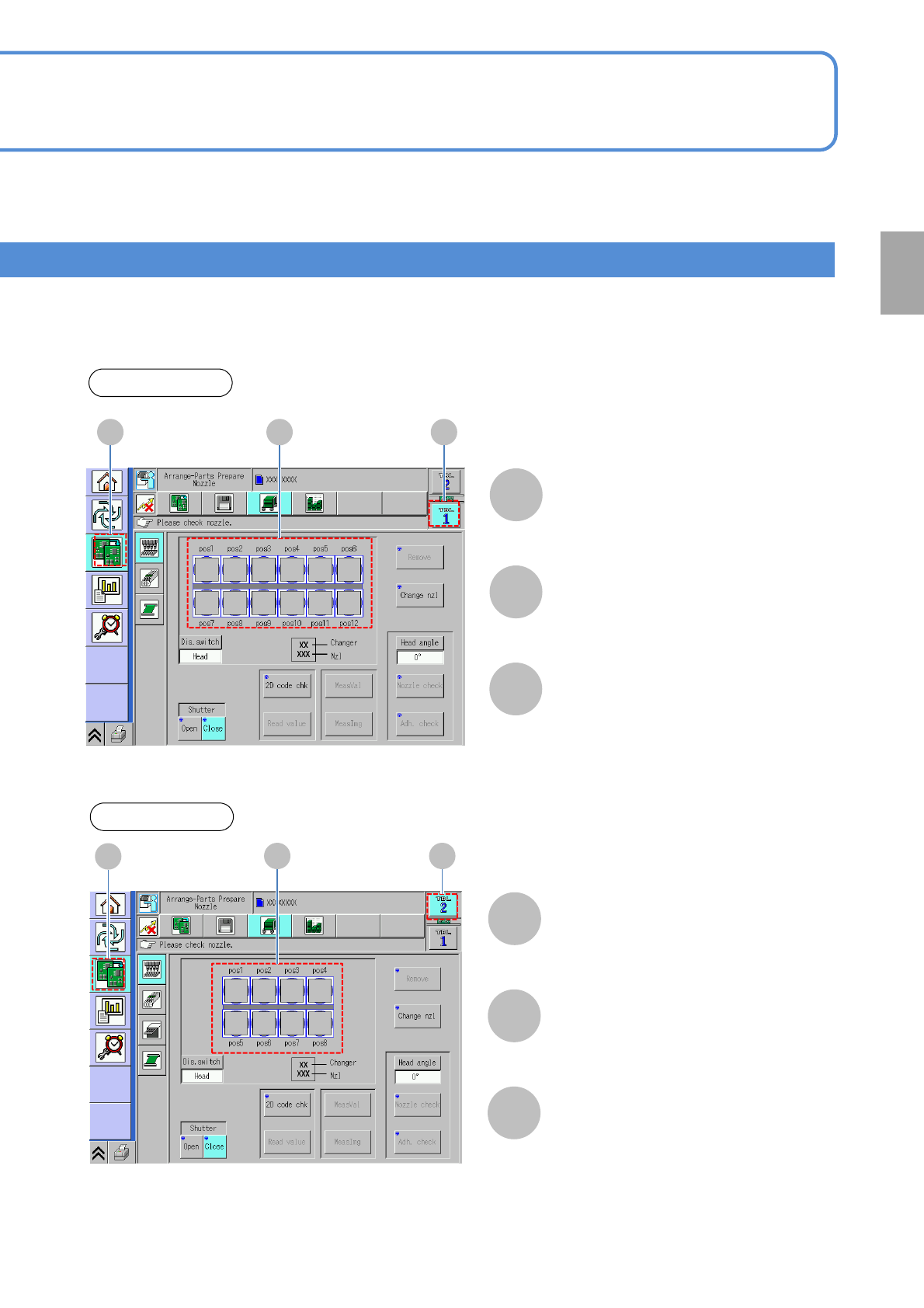
■Sample table change display
(If the 12-nozzle head is set to the front, and the 8-nozzle head to the rear)
Table 1
Drawing of nozzle
status
(12-nozzle head)
Table 1
C B
A
[Preparation menu]
A
B
C
Table 2
C B
A
[Preparation menu]
B
C
Drawing of nozzle status
(8-nozzle head)
Table 2
A
Preparation
NPM-W2 EJM7DE-MB-02O-00
2-2-1-9
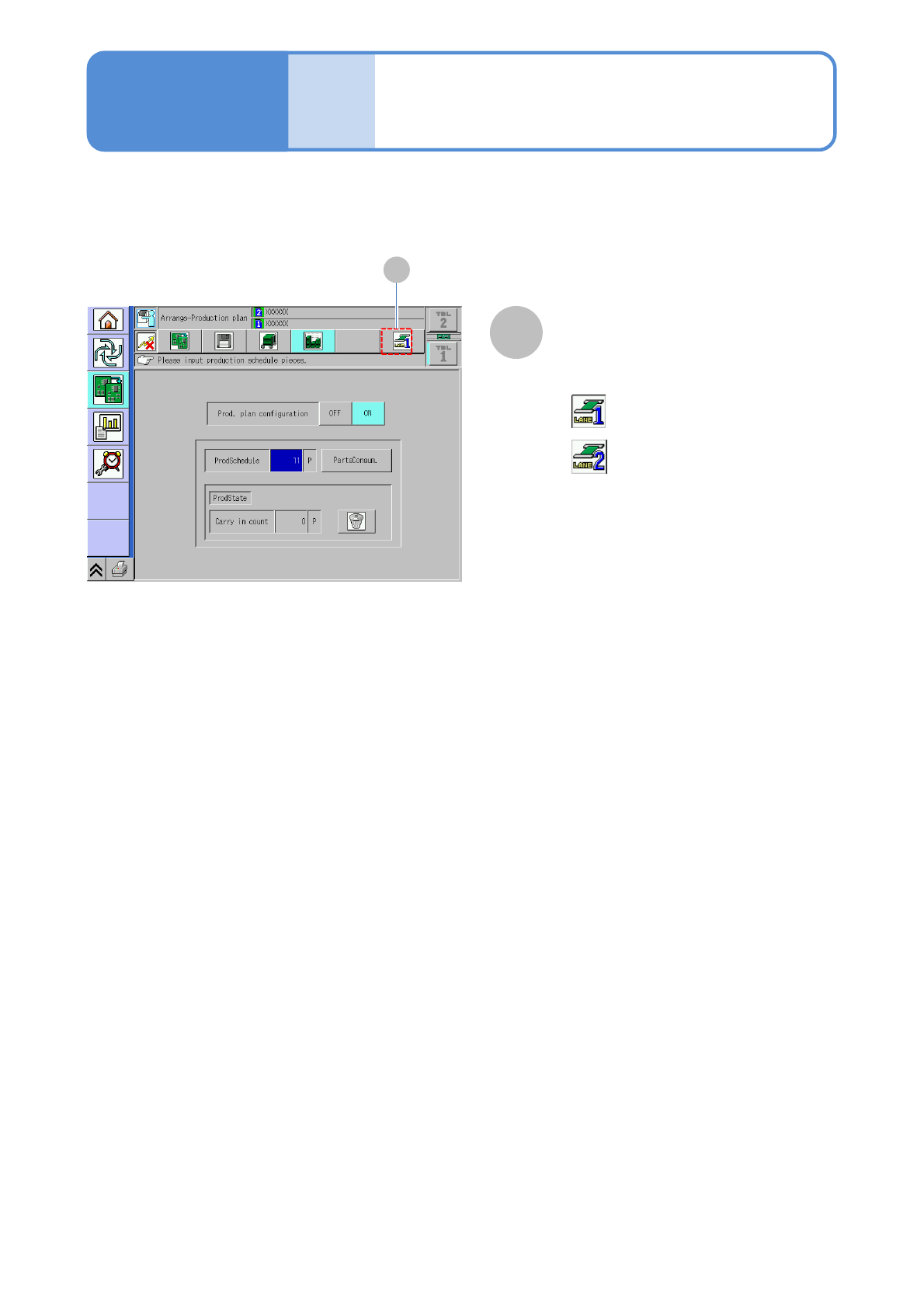
Choosing the dual conveyor enables you to switch the lane between 1 and 2.
Lane switch button
A
A
●Every time you pressed, the mode
switches.
:Lane 1
:Lane 2
●If the button is not activated or the
production data is installed only for one
lane, it does not switch.
Compo-
nent
names
Touchscreen 5
Operating procedure
2-2-1

NPM-W2 EJM7DE-MB-02O-00
2-2-1-10
Preparation